Make it with your AI. Host it on paste page.
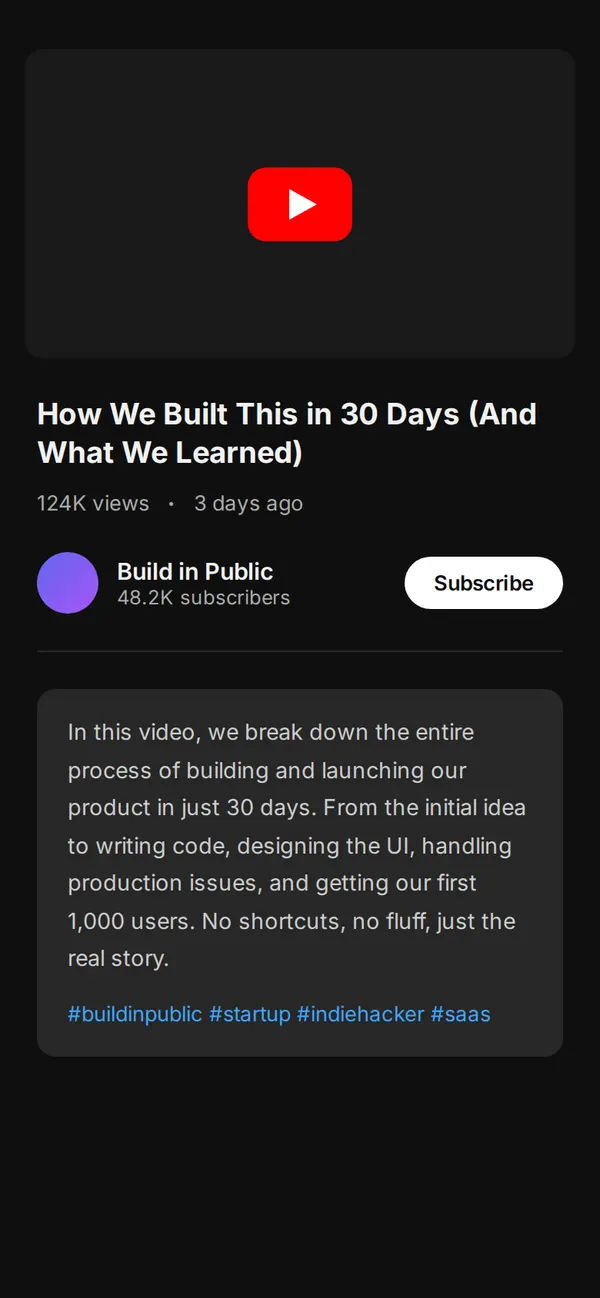
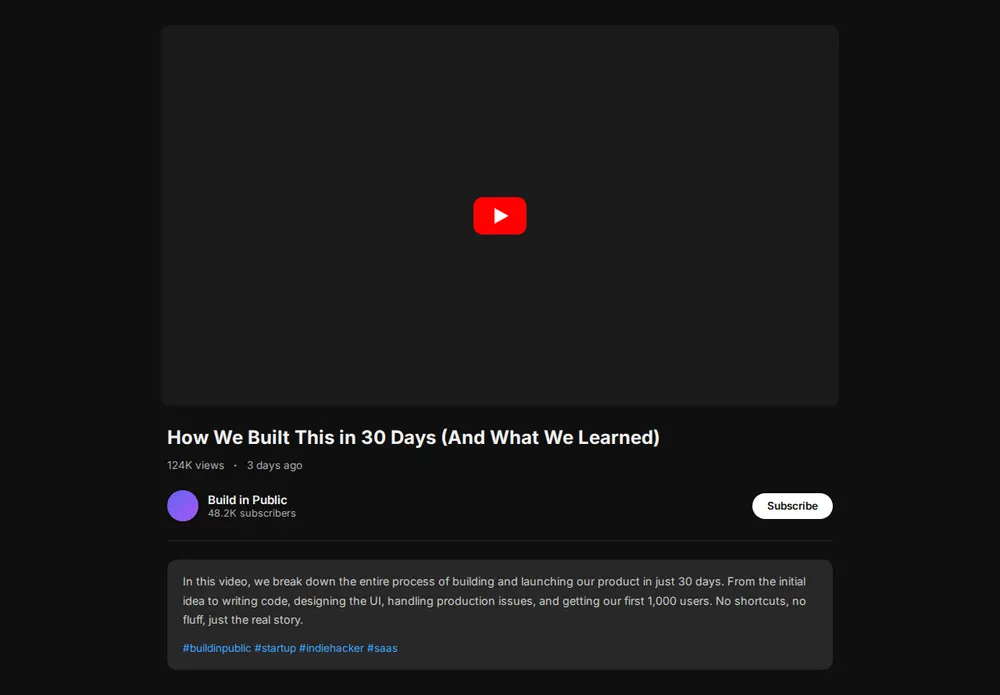
Video landing page for one YouTube video
Ask your AI for a page with your video, its title, your channel and a subscribe button. Paste it into paste page and send the link to viewers.
Copy the prompt paste what your AI writes live at paste.page/built-in-30-days
Works with any AI chat
- ChatGPT
- Claude
- Gemini
- Copilot
- Grok
How it works
From prompt to video page in three steps
Your AI writes the page. paste page puts it online.
Copy the prompt below into ChatGPT, Claude or any AI. It asks for the YouTube link, the video title, a short description, who made it and what you want viewers to do next, then writes the whole page.
Paste the code into paste page and pick a name for your page.
You're live. Pick your link, such as paste.page/built-in-30-days, and publish. Send it to the people you most want to watch, or put it in your launch email.
Your prompt
Copy it into your AI chat
I want to create a YouTube video embed page. Ask me: 1. What's the YouTube video URL? 2. What's the video title? 3. What's a brief description of the video? 4. Who's the creator? 5. Any call-to-action below the video? (subscribe link, website, etc.) Then generate the complete single-file HTML page with inline CSS. Make it beautiful with a clean, distraction-free video player.
Your photos
Add your channel avatar
Upload them in the paste page editor and each one gets its own link. Give those links to your AI and ask it to use them, or swap them in yourself.
Your channel picture for the round avatar, a custom thumbnail to show before the video plays, your logo.
Use this link as my channel avatar in place of the purple circle.
No photos yet? Your AI uses placeholders you can swap after publishing.
Change anything by asking
Keep talking to your AI after it writes the page. Ask for new colours, fonts or sections in plain words and it rewrites the page. Paste the new version in and your link stays the same.
Same video landing page template, two more looks.
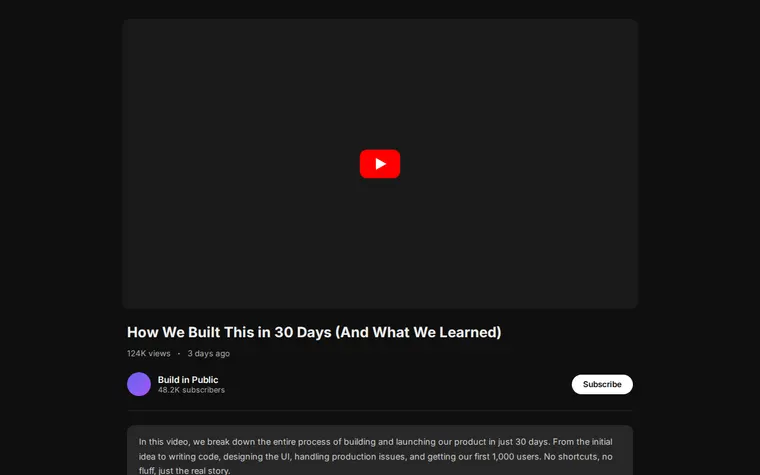
As it comes 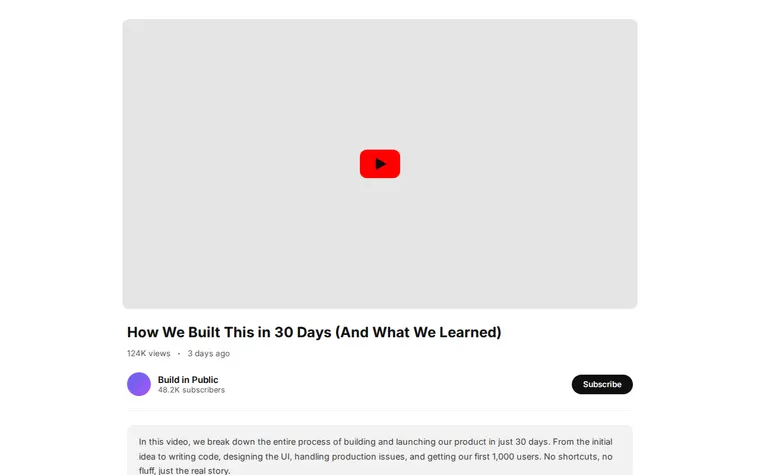
"Light mode" 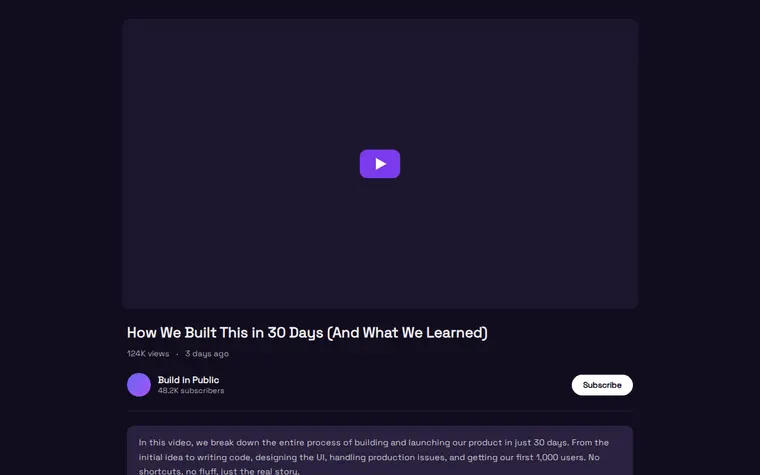
"Purple to match my channel"
More things to ask for
- Add a newsletter box under the description.
- Put a Buy Now button next to Subscribe.
- Add chapter timestamps that jump to each part.
- Show two more videos from my channel below.
- Use my Vimeo link instead of YouTube.
What's on the page
Player
A wide 16:9 frame for your video, at the top of the page.
Title and stats
The video title with its views and when it went up.
Channel
Your avatar, channel name, subscriber count and a Subscribe button.
Description
What the video covers, with your hashtags underneath.
Where you'll share it
Launch emails
One link that opens straight onto the video, without YouTube's comments and suggestions around it.
Client and investor updates
Send a demo or a progress video as a clean page with your name on it.
QR codes
Print one on a poster or a product box so people land on the video.
Two ways to start
Let your AI write it
Copy the prompt, answer the questions, and get a page built around your details.
Start from this design
Open this exact page in the paste page editor, swap in your words and photos, and publish.
Use this templateOr skip the template. Make something weird and put it live the same way.
Questions
- Is the video landing page template free?
- Yes. Copy the prompt or use the template, then sign up free to claim your link.
- How do I embed my YouTube video in the page?
- Paste the video's address when the prompt asks for it. Your AI turns it into a player on the page. It works with Vimeo too, if you say so.
- Will the video page show suggestions from other channels when my video ends?
- Ask your AI to add rel=0 to the embed. YouTube then only suggests videos from your own channel.
- Can I put a newsletter form or a buy button under the video?
- Yes. The prompt asks what you want viewers to do next. Give it your shop, newsletter or booking link and it adds the button.
- Is there a fuller page for a film trailer?
- Yes. The Film / Documentary template adds a poster, synopsis, screenings and press quotes around the trailer.
More creative templates
- Film / DocumentaryTrailer, synopsis, screenings.
- Creator Link in BioContent-focused. YouTube, podcast, newsletter.
- PodcastEpisodes, subscribe, about.
- Game LaunchScreenshots, trailer, download.