Publish a web page
Paste the HTML your AI made, pick an address and press Publish. Your page is live at a link you can send to anyone.
· Live the moment you publish· Opens on any phone or computer· Same link after every edit
The world's easiest way to publish a web page
Paste your code, choose your URL, and it's live.
Step 1
Paste your code
Paste the HTML your AI gave you, or upload the file.
Step 2
Choose your URL
Type the name you want after paste.page/.
Step 3
It's live
Press Publish and send the link to anyone.
What people publish
Anything your AI can make as one HTML file.
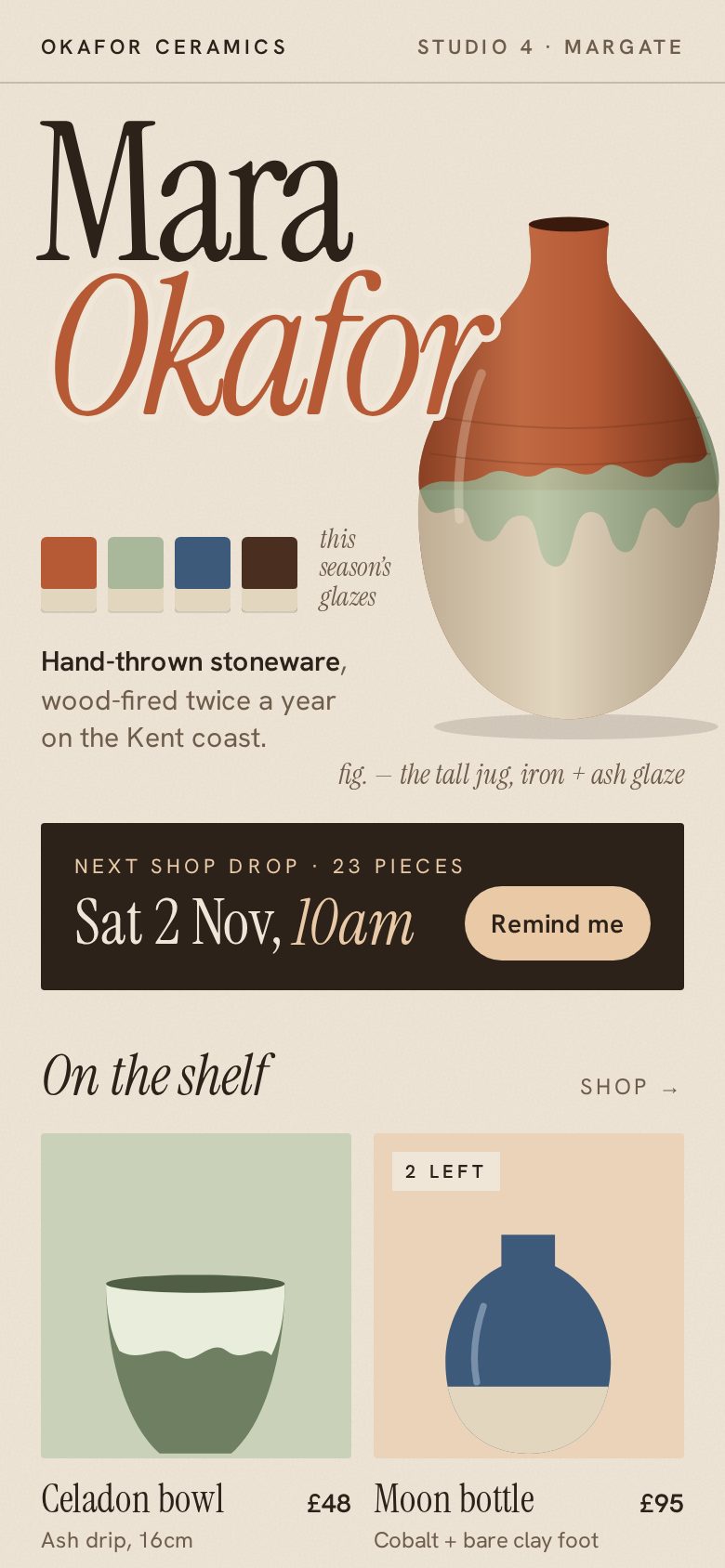
paste.page/mara-ceramics
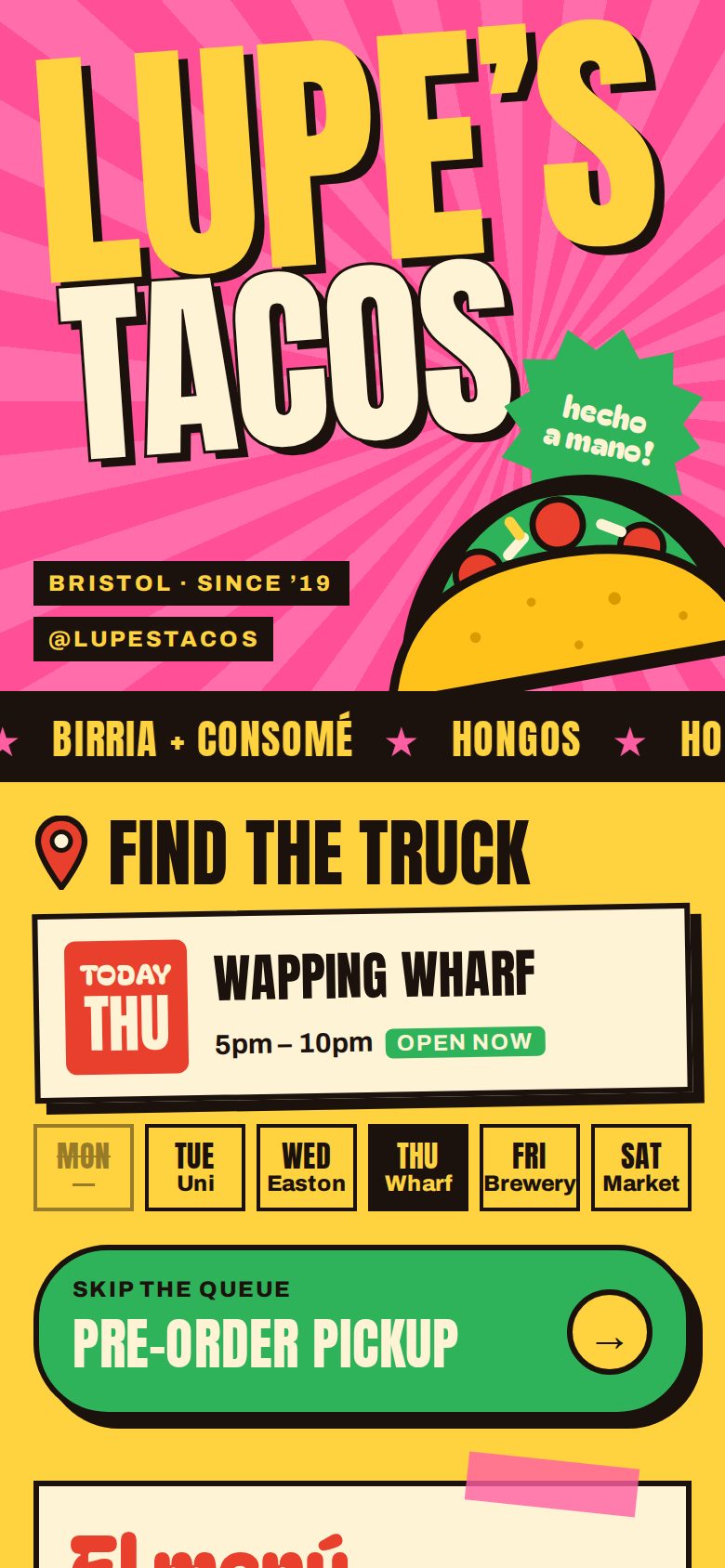
paste.page/lupes-tacos
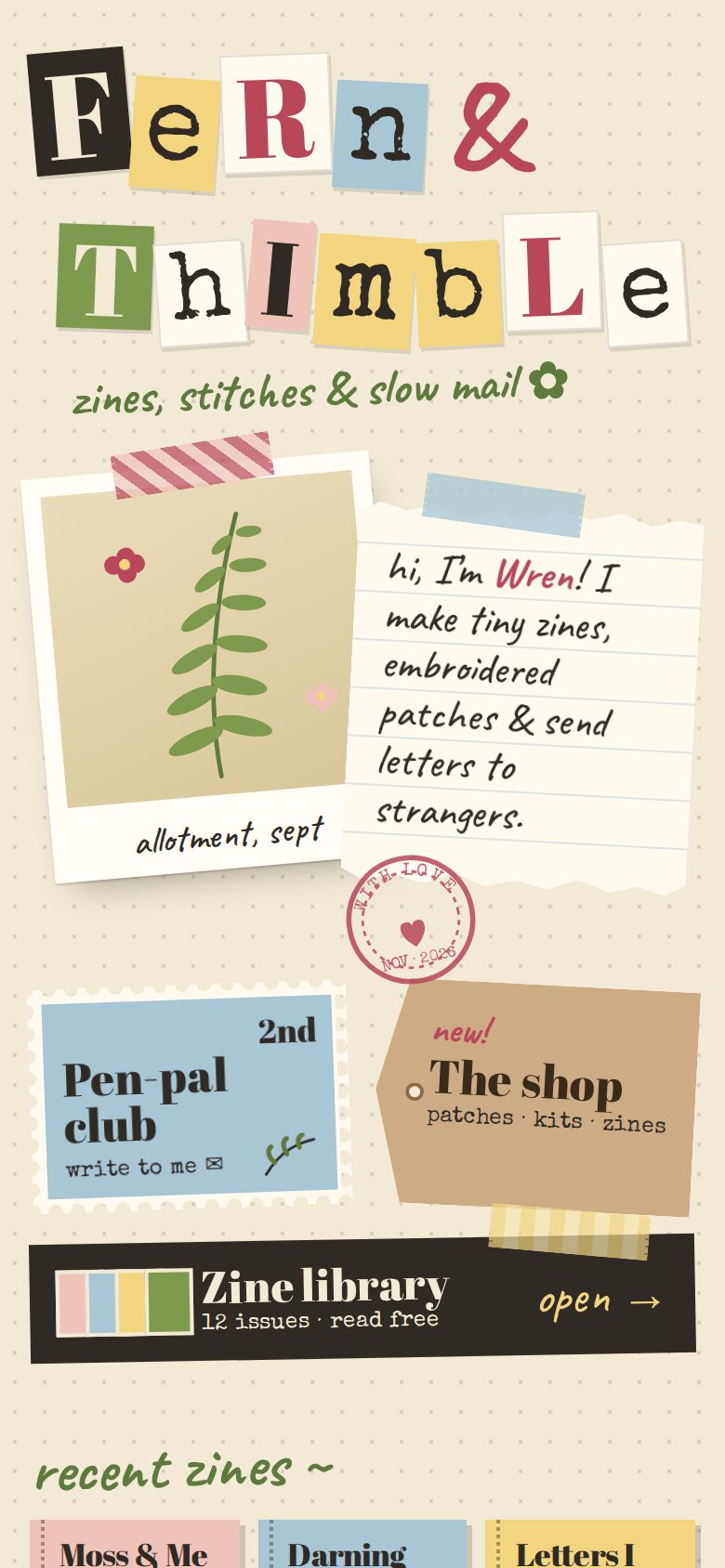
paste.page/fern-and-thimble
- A page for a small business
- An event invite
- A portfolio
- A report or dashboard
- A menu
- A Link in Bio page
Don't have the HTML yet?
Ask ChatGPT or Claude for “a one-page website as a single HTML file”, copy what it gives you and paste it above.
Step-by-step guides for building a website with Claude and with ChatGPT. Already have an HTML file? See how to turn HTML into a website.
Change it whenever you like
Paste a new version and press Publish again. The link stays the same, so everyone you sent it to sees the update.
Questions
- How do I publish a web page for free?
- Paste your HTML or upload the file above, pick an address and press Publish. Sign up free to claim your URL.
- Where does my page live once it's published?
- At paste.page/your-name, served over HTTPS from a global CDN. With Pro you can use your own domain instead.
- Can anyone open my published page?
- Yes. Anyone with the link can open it on any phone or computer, without installing anything.
- Can I publish a page my AI made?
- Yes. Ask for one complete HTML file, copy it and paste it above.
- Can I take my page down?
- Yes. Delete it from your dashboard and the link stops working.