Build a website with ChatGPT, then put it online
ChatGPT can write a whole website for you. Here's the prompt to use, and how to get it live at your own link for free.
Why put your ChatGPT website on paste page
Out of the chat window
Your site stops being a code block in a conversation and becomes a page at paste.page/your-name.
Fine on phones
Send the link in a text or post it in your bio. It opens on any phone.
Edits in canvas
Ask ChatGPT to change the page in canvas, copy it again, and paste over the old version. The link stays put.
Your own domain
Move it to yourname.com later with Pro.
Can ChatGPT build a website?
Yes. ChatGPT can write a whole one-page site, including the layout, colours and text, as a single HTML file. The trick is asking for exactly that, so you get one block of code you can copy. Then paste it into a host like paste page to give it an address.
Step 1
Start with a prompt
Copy one into ChatGPT. It asks you a few questions, then writes your site as code, in the chat or in a canvas beside it. Copy the code from there.
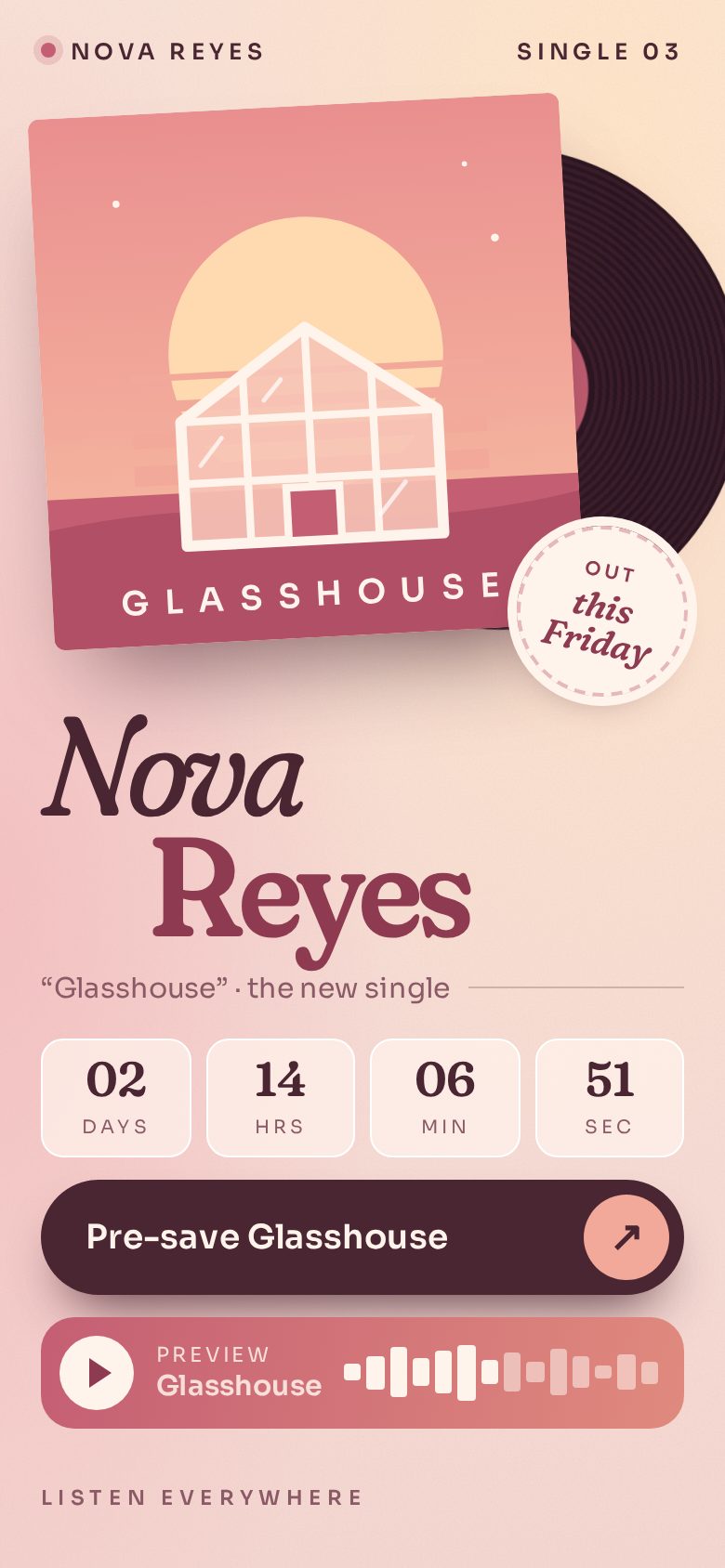
Landing page
One product or idea, a clear headline and a join or buy button.
Write a landing page as one HTML file. First ask me: 1. What are you launching? 2. Who is it for? 3. What's the one thing visitors should do? (buy, join a waitlist, book a call) and the link for it 4. What look do I want? (colours, mood, style) Then generate the complete single-file HTML page with inline CSS, in one code block. Point the button at my link; don't build a form that collects details. Make it beautiful and responsive.
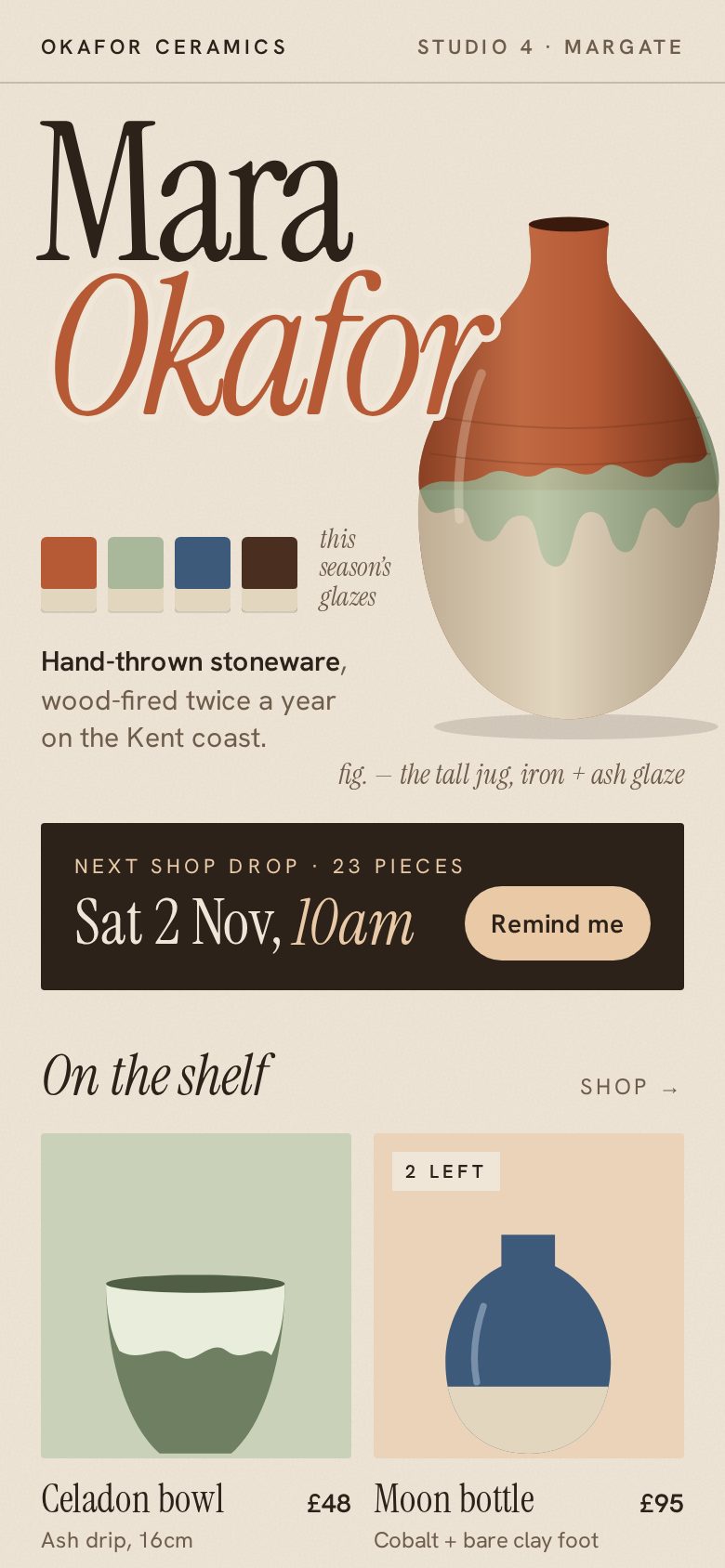
Résumé
Your experience, skills and contact details on one clean page.
Turn my CV into a one-page website in a single HTML file. Ask me to paste my CV first, then ask: 1. What kind of job am I after? 2. Which contact details should it show? 3. What look do I want? (classic, modern, colourful) Then generate the complete single-file HTML page with inline CSS, in one code block. Make it clean, easy to read and responsive.
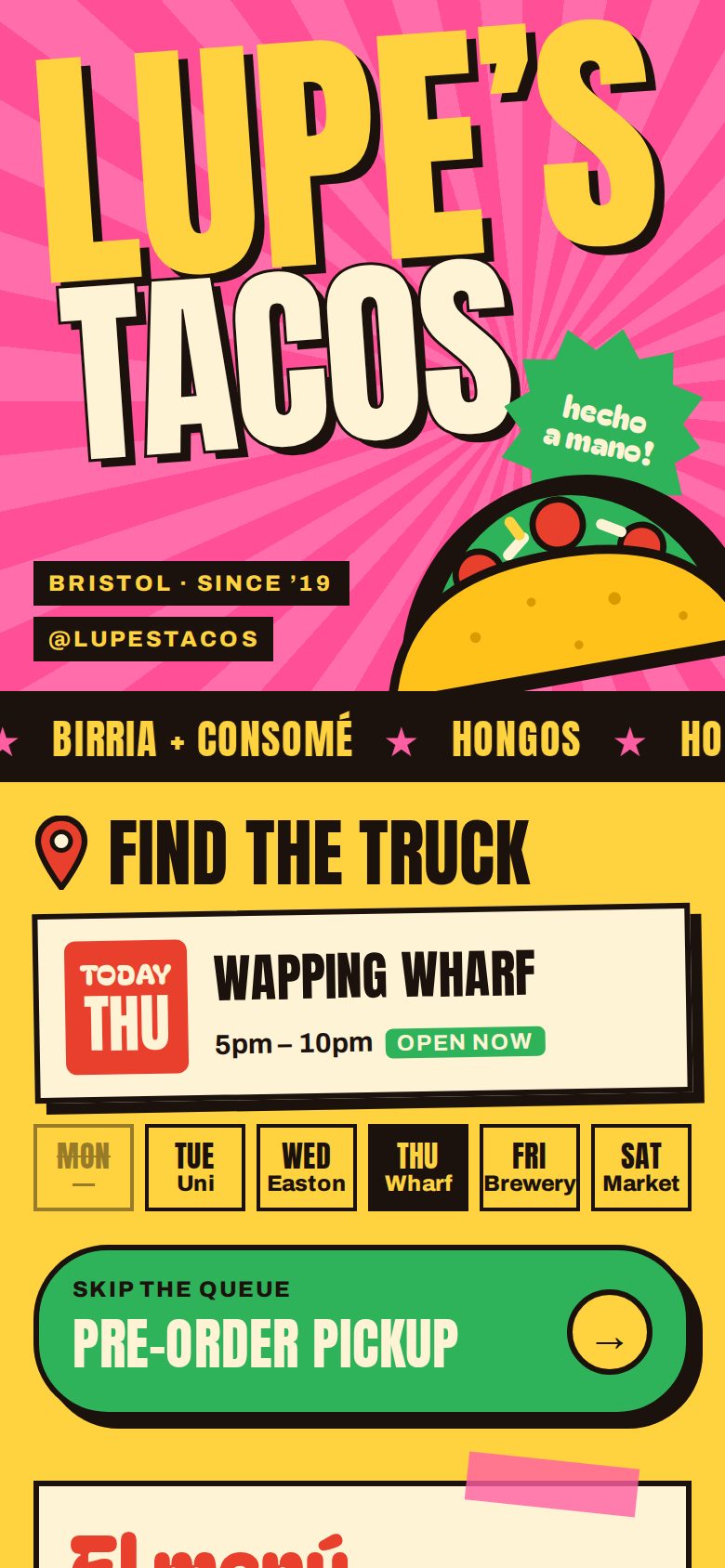
Wedding
The day, the venue, travel and a way to RSVP.
Make a wedding website as one HTML file. Ask me: 1. Your names 2. The date and venue 3. The plan for the day 4. Travel and places to stay 5. Where guests RSVP (a form link or email) 6. What look do I want? (colours, mood, style) Then generate the complete single-file HTML page with inline CSS, in one code block. Link out to where guests RSVP; don't build an RSVP form. Make it beautiful and responsive.
Got your code? Bring it back here
Step 2
Paste it in and pick your URL
Paste the whole code block from ChatGPT or canvas, choose a name, and your site is live at paste.page/your-name.
Questions
- Can ChatGPT build a website for free?
- Yes. ChatGPT's free plan can write a one-page website, and publishing it here is free.
- How do I get the code out of ChatGPT?
- Use the copy button on the code block, or open the canvas and copy everything from there.
- Should I use canvas or the normal chat?
- Either works. Canvas makes longer pages easier to edit; in the chat, use the copy button on the code block.
- ChatGPT gave me several files. What now?
- Ask it to "combine everything into one HTML file with the CSS and JavaScript inside", then paste that. Using Claude instead? See the Claude guide.
- Can I update the site after it's live?
- Ask for the change in the same conversation, copy the full updated code, and paste it over your page. People with the link see the new version.