Make it with your AI. Host it on paste page.
Content creator website for videos and podcasts
Ask your AI for a creator page with your latest episode, channel, podcast and newsletter in one place. Paste it into paste page and add the link to your bio.
Copy the prompt paste what your AI writes live at paste.page/jordan-rivera
Works with any AI chat
- ChatGPT
- Claude
- Gemini
- Copilot
- Grok
How it works
From prompt to creator page in three steps
Your AI writes the page. paste page puts it online.
Copy the prompt below into ChatGPT, Claude or any AI. It asks for your creator name, the kind of content you make, your profile photo, your platform links, your latest or featured piece and your tagline, then writes the whole page.
Paste the code into paste page and pick a name for your page.
You're live. Pick your link, such as paste.page/jordan-rivera, publish, and add it to your YouTube channel links and Instagram bio.
Your prompt
Copy it into your AI chat
I want to create a content creator link-in-bio page. Ask me: 1. What's your creator name? 2. What type of content? (videos, podcasts, writing, etc.) 3. What's your profile photo URL? 4. What platform links? (YouTube, podcast, newsletter, Patreon, etc.) 5. What's your latest or featured content? 6. What's your bio or tagline? Then generate the complete single-file HTML page with inline CSS. Make it beautiful and responsive.
Your photos
Add your face and your latest thumbnail
Upload them in the paste page editor and each one gets its own link. Give those links to your AI and ask it to use them, or swap them in yourself.
Your profile photo, the thumbnail of your newest video, your podcast cover art.
Use this link for my profile photo and put this thumbnail in the Latest Episode card.
No photos yet? Your AI uses placeholders you can swap after publishing.
Change anything by asking
Keep talking to your AI after it writes the page. Ask for new colours, fonts or sections in plain words and it rewrites the page. Paste the new version in and your link stays the same.
Same creator page, two more looks. One sentence each.
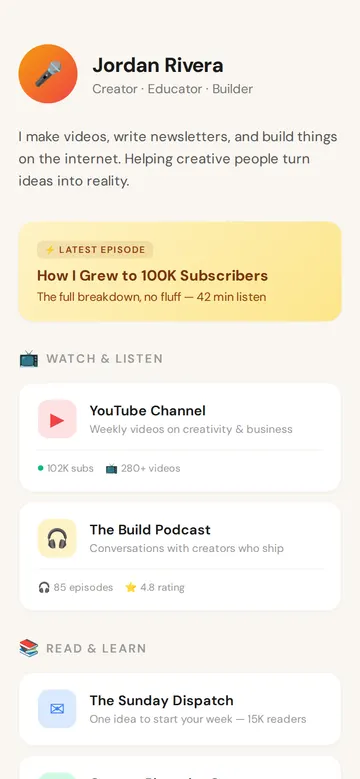
As it comes 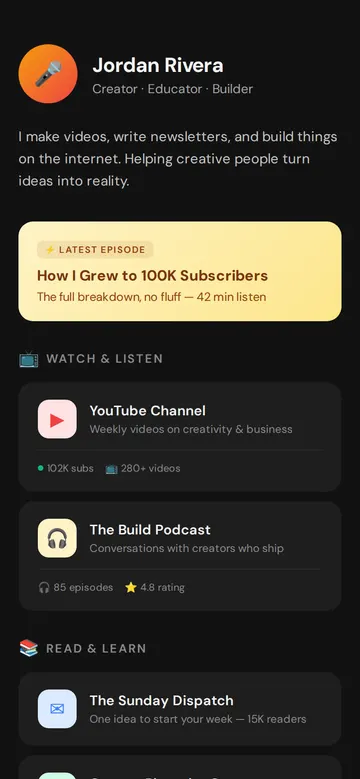
"Dark mode, like my channel" 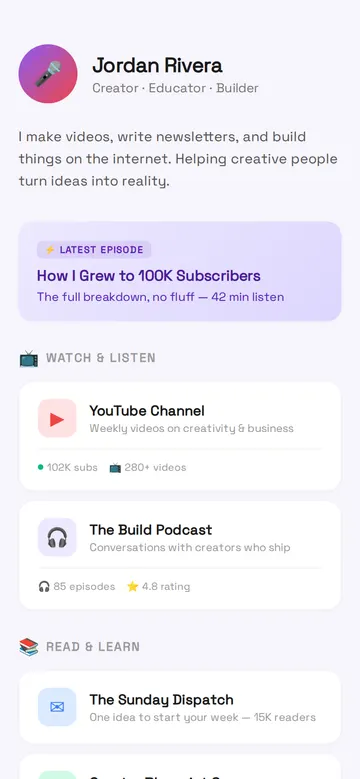
"Purple to match my thumbnails"
More things to ask for
- Embed my newest YouTube video at the top.
- Add a sponsor banner for this month's partner.
- Add an email box for the newsletter.
- Put my Patreon link in the Connect group.
- Add a media kit button for brands.
What's on the page
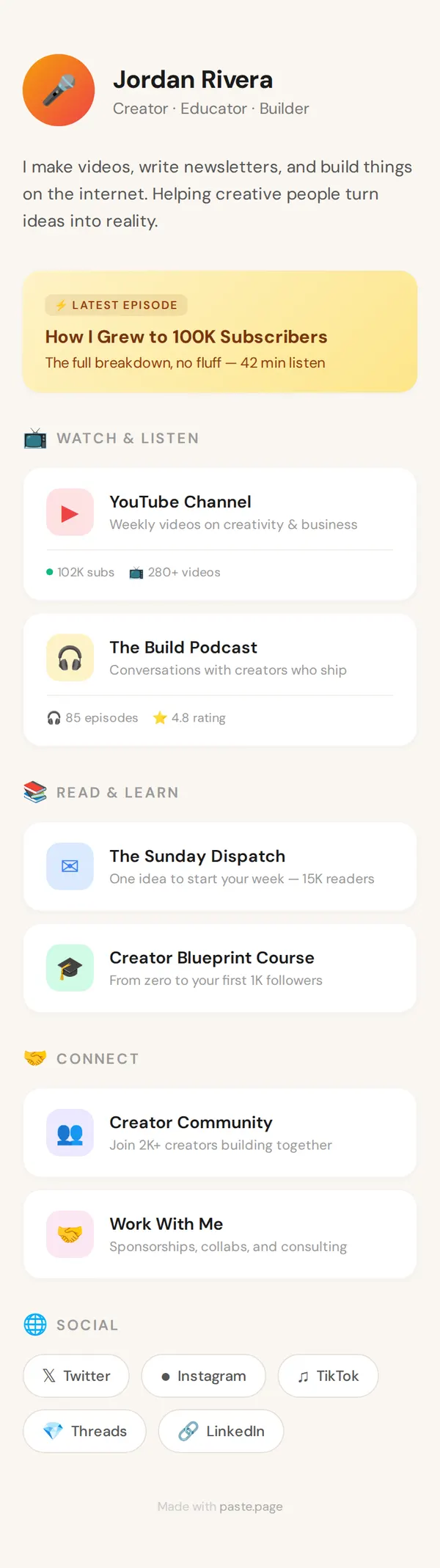
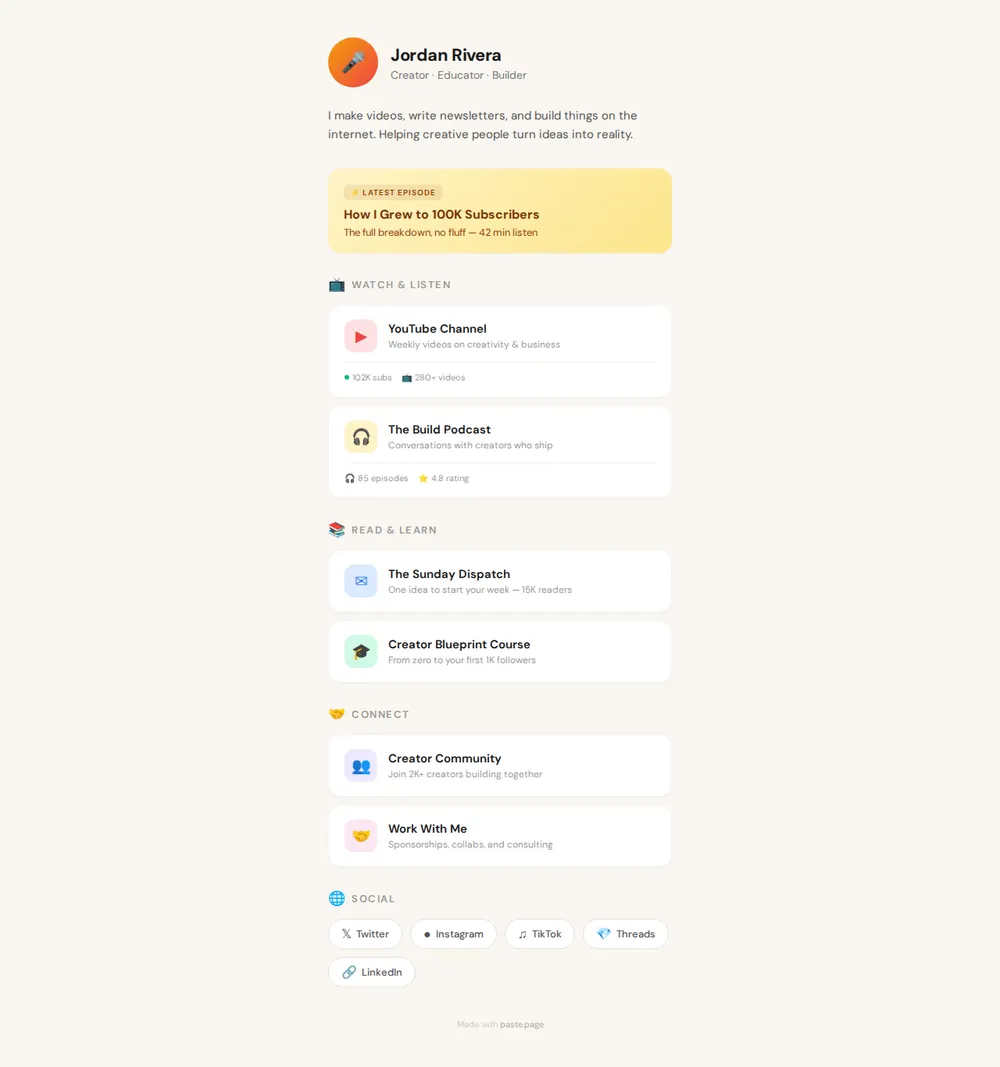
Profile
Your photo, name, what you do and a two-line bio.
Latest episode
A highlighted card for your newest video or episode.
Watch and listen
Your YouTube channel and podcast, with subscriber and episode counts.
Read and learn
Your newsletter and course.
Connect
Your community and a Work With Me link for sponsors, then your socials.
Where you'll share it
Your Instagram and TikTok bio
The one link those apps allow, pointing at all of your channels.
Under every video
Put it in your YouTube descriptions instead of a long list of links.
In sponsor emails
Brands see your channels, audience numbers and how to work with you in one place.
Two ways to start
Let your AI write it
Copy the prompt, answer the questions, and get a page built around your details.
Start from this design
Open this exact page in the paste page editor, swap in your words and photos, and publish.
Use this templateOr skip the template. Make something weird and put it live the same way.
Questions
- Is the creator Link in Bio template free?
- Yes. Copy the prompt or use the template, then sign up free to claim your link.
- Is this a YouTuber website template or just a Link in Bio?
- It can be both. As it comes it's a Link in Bio. Ask your AI to add an about section, embedded videos or a sponsor page and it becomes a fuller content creator website template.
- Can I use it as a Linktree for creators with more than one channel?
- Yes. Links are grouped by type, so a channel, a podcast and a newsletter each get their own section. Tell your AI the groups you want.
- Can I keep my subscriber counts and latest episode up to date?
- Yes. Ask your AI to change the numbers or swap in the new episode, paste the new version in, and your bio link shows it straight away.
- Is there a plainer Link in Bio with just my name and links?
- Yes. The Minimal Link in Bio template keeps it to a photo, one line and your links.
More Link in Bio templates
- Minimal Link in BioStripped back. Just the essentials.
- Influencer Link in BioBold gradients and social presence.
- PodcastEpisodes, subscribe, about.
- Musician Link in BioDark, album art vibe. Perfect for artists and bands.