Make it with your AI. Host it on paste page.
Film website template with trailer and screenings
Describe your film to your AI and it makes a dark, cinematic page with the trailer, synopsis and where to see it. Paste it into paste page and send the link out.
Copy the prompt paste what your AI writes live at paste.page/echoes-of-light
Works with any AI chat
- ChatGPT
- Claude
- Gemini
- Copilot
- Grok
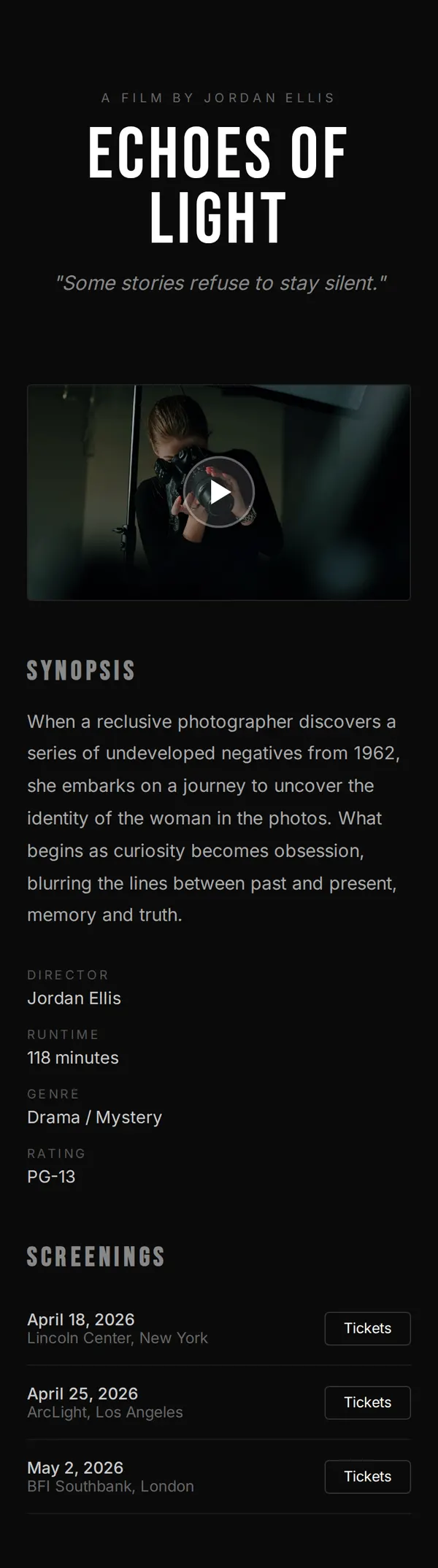
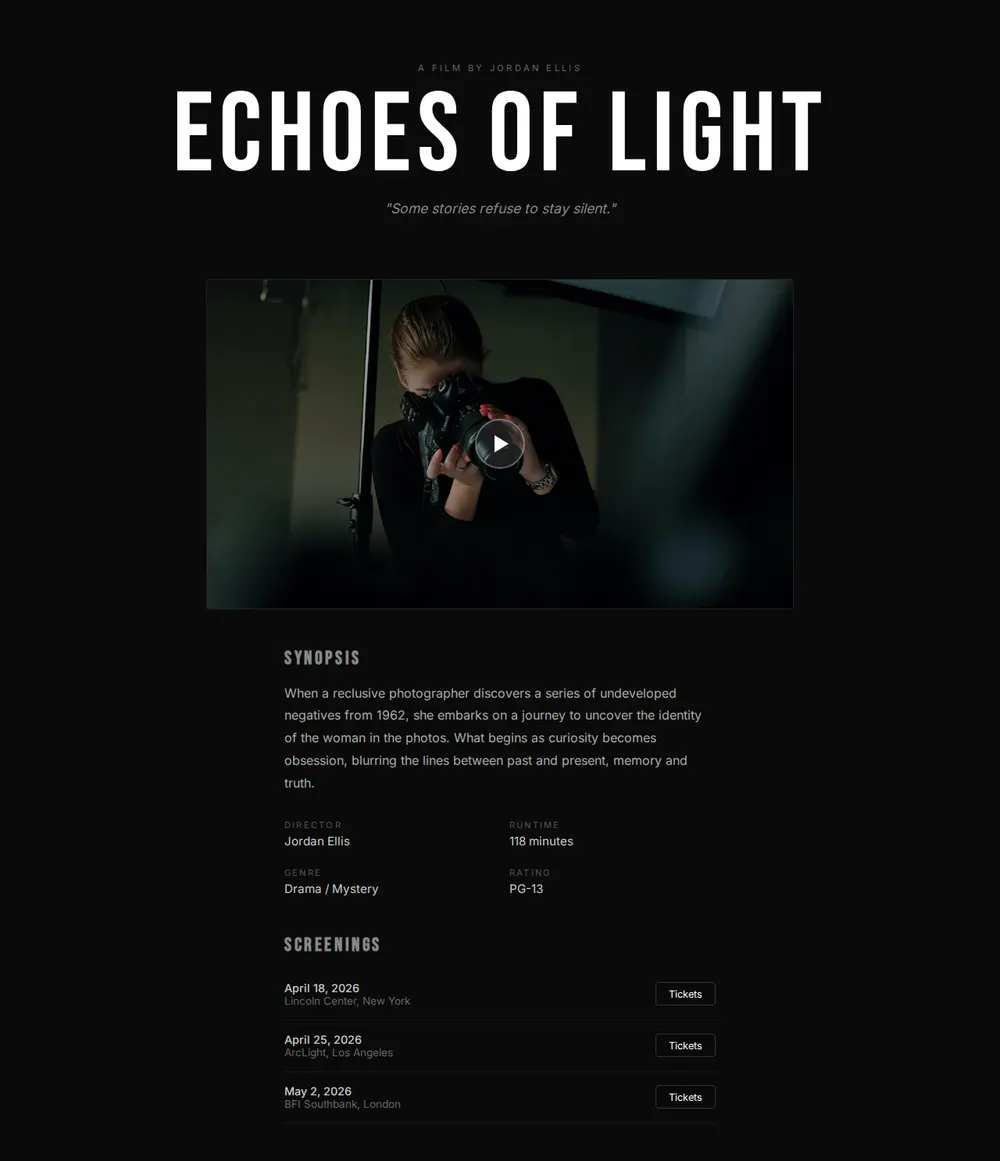
How it works
From prompt to film page in three steps
Your AI writes the page. paste page puts it online.
Copy the prompt below into ChatGPT, Claude or any AI. It asks for the title, a logline or synopsis, the director, the trailer link from YouTube or Vimeo, the poster image, where people can watch it and any awards or press quotes, then writes the whole page.
Paste the code into paste page and pick a name for your page.
You're live. Pick your link, such as paste.page/echoes-of-light, publish, and add it to your festival submissions.
Your prompt
Copy it into your AI chat
I want to create a film or documentary page. Ask me: 1. What's the title? 2. What's the logline or synopsis? 3. Who directed it? 4. What's the trailer URL? (YouTube or Vimeo) 5. What's the poster image URL? 6. Where can people watch it? (streaming, theaters, festival screenings) 7. Any awards or press quotes? Then generate the complete single-file HTML page with inline CSS. Make it beautiful and cinematic.
Your photos
Add your poster and stills
Upload them in the paste page editor and each one gets its own link. Give those links to your AI and ask it to use them, or swap them in yourself.
The poster, two or three stills from the film, a photo of the director or cast at a screening.
Put the poster beside the synopsis and add these three stills in a row under the trailer.
No photos yet? Your AI uses placeholders you can swap after publishing.
Change anything by asking
Keep talking to your AI after it writes the page. Ask for new colours, fonts or sections in plain words and it rewrites the page. Paste the new version in and your link stays the same.
One film page, four genres. Each look is one request to your AI.
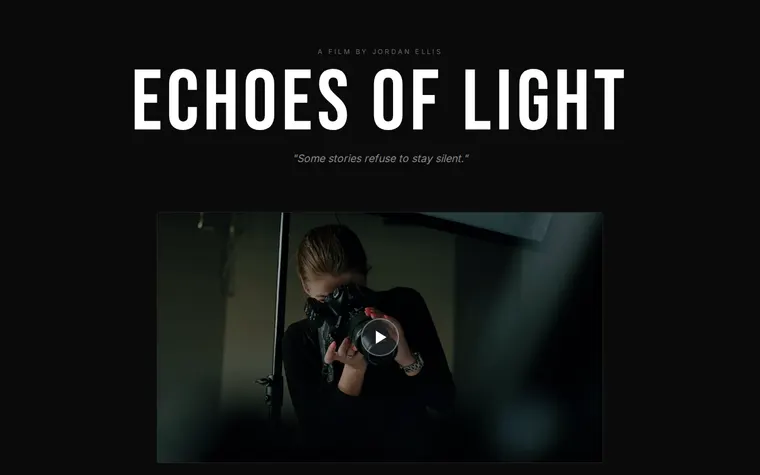
As it comes 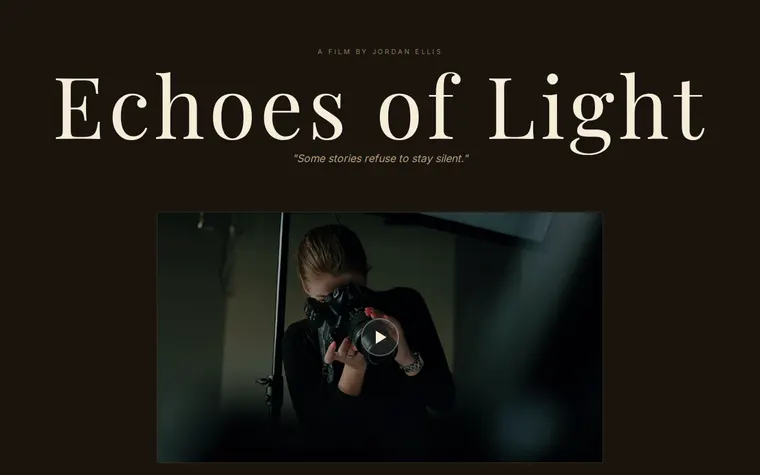
"Sepia and a serif for a period drama" 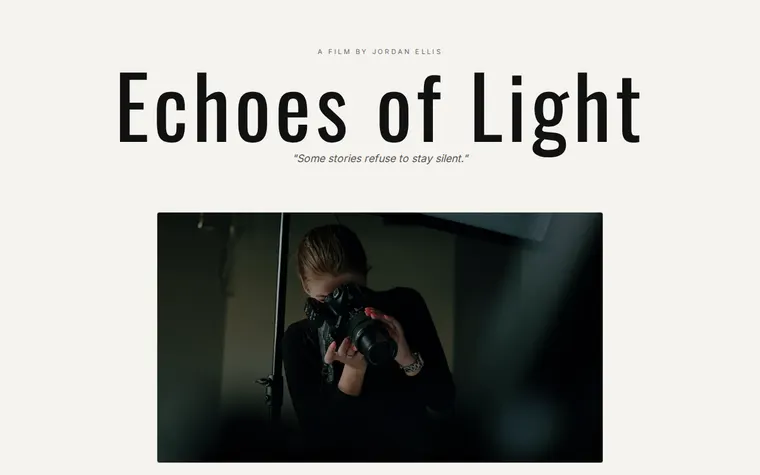
"Light and plain for a documentary" 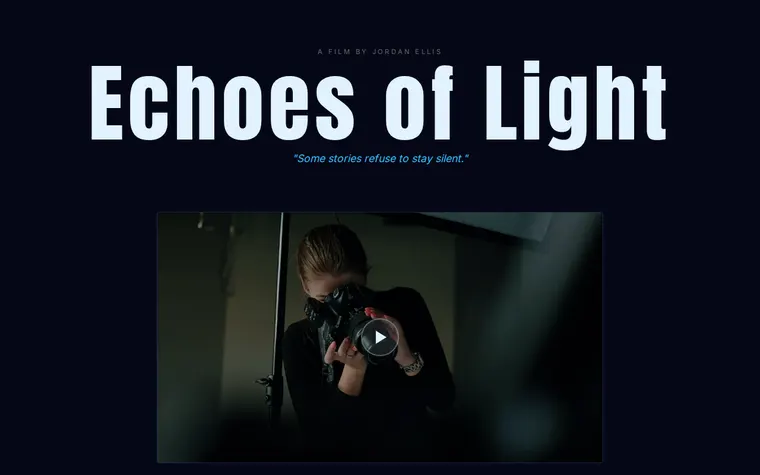
"Cold blue for a thriller"
More things to ask for
- Add a row of festival laurels under the title.
- Add press quotes between the synopsis and screenings.
- List the cast with their roles.
- Add a Watch now button for the streaming release.
- Put a still behind the title, darkened.
What's on the page
Title
"A film by" and the director's name above your title, with the tagline underneath.
Trailer
A wide 16:9 frame for your YouTube or Vimeo trailer.
Synopsis
A paragraph on what the film is about.
Details
Director, runtime, genre and rating in a neat grid.
Screenings
Dates and venues, each with a Tickets button that links to the cinema or festival.
Where you'll share it
In festival submissions
Use it as the website for the film on FilmFreeway and in your press kit.
With the cast and crew
One link they can all post when the screenings are announced.
When it starts streaming
Replace the screenings with a Watch now button and the link people have saved still works.
Two ways to start
Let your AI write it
Copy the prompt, answer the questions, and get a page built around your details.
Start from this design
Open this exact page in the paste page editor, swap in your words and photos, and publish.
Use this templateOr skip the template. Make something weird and put it live the same way.
Questions
- Is the film website template free?
- Yes. Copy the prompt or use the template, then sign up free to claim your link.
- Can I embed my trailer from YouTube or Vimeo on the film page?
- Yes. Give the AI the trailer link when it asks and it puts the player in the trailer frame. Visitors watch it on the page.
- Does the movie website template sell tickets?
- No. Each Tickets button links to wherever tickets are sold, such as the cinema, the festival or Eventbrite.
- Can I add festival laurels and press quotes to my film page?
- Yes. The prompt asks about awards and press. Upload laurel images in the paste page editor and give the links to your AI, or ask it to set them as text.
- Does this work for a short film or one still in production?
- Yes. Leave out the screenings and ask for a "Coming 2027" line or a link to your crowdfunding page, then add dates when you have them.
More creative templates
- YouTube EmbedYour video, no distractions.
- Album / EP ReleaseListen, stream, buy.
- Art ExhibitionGallery, dates, artist statement.
- PodcastEpisodes, subscribe, about.