Make it with your AI. Host it on paste page.
Art exhibition website for your next show
Answer your AI's questions about the show and it writes a page with dates, a grid of pieces, your statement and hours. Paste it into paste page and share it.
Copy the prompt paste what your AI writes live at paste.page/between-light-and-shadow
Works with any AI chat
- ChatGPT
- Claude
- Gemini
- Copilot
- Grok
How it works
From prompt to exhibition page in three steps
Your AI writes the page. paste page puts it online.
Copy the prompt below into ChatGPT, Claude or any AI. It asks for the exhibition title, the artist or artists, the statement or description, dates and hours, the gallery's name and address, links to images of the work and whether there's an opening reception, then writes the whole page.
Paste the code into paste page and pick a name for your page.
You're live. Pick your link, such as paste.page/between-light-and-shadow, publish, and put it on the invitation for the private view.
Your prompt
Copy it into your AI chat
I want to create an art exhibition page. Ask me: 1. What's the exhibition title? 2. Who's the artist (or artists)? 3. What's the artist statement or exhibition description? 4. What are the dates and hours? 5. What's the gallery name and address? 6. What are some artwork image URLs to showcase? 7. Is there an opening reception? Then generate the complete single-file HTML page with inline CSS. Make it beautiful and gallery-worthy.
Your photos
Add the work, photographed well
Upload them in the paste page editor and each one gets its own link. Give those links to your AI and ask it to use them, or swap them in yourself.
One key piece for the large frame, four more for the grid, an installation shot of the room.
Make this painting the large image and put these four in the grid beside it.
No photos yet? Your AI uses placeholders you can swap after publishing.
Change anything by asking
Keep talking to your AI after it writes the page. Ask for new colours, fonts or sections in plain words and it rewrites the page. Paste the new version in and your link stays the same.
White cube, black box or warm plaster. Hang it your way.
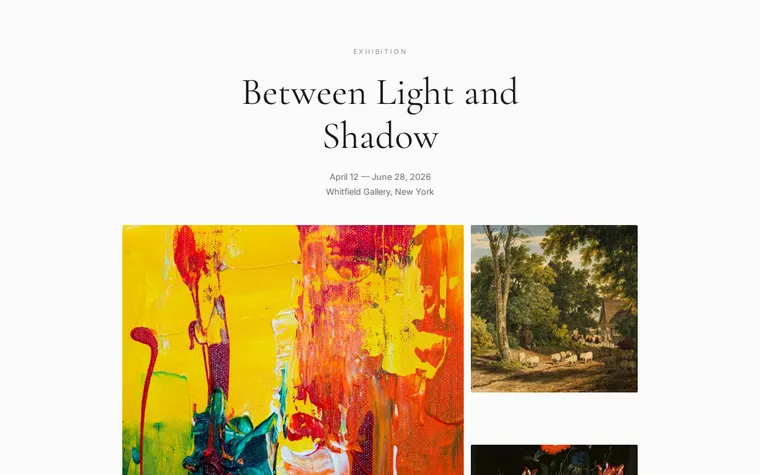
As it comes 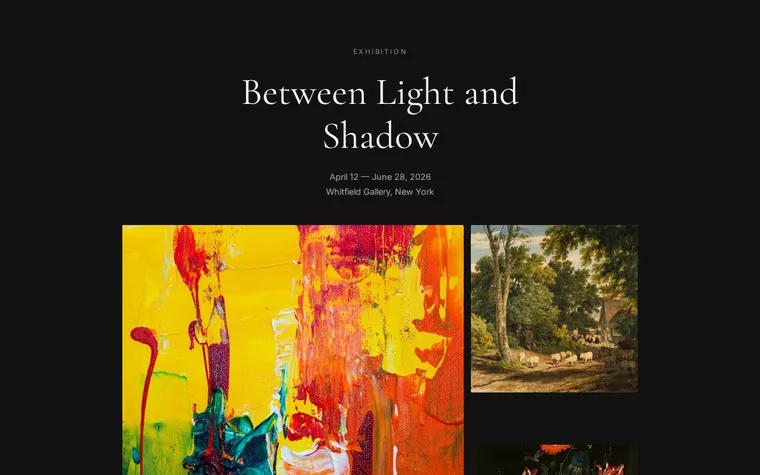
"Black walls for a night-time show" 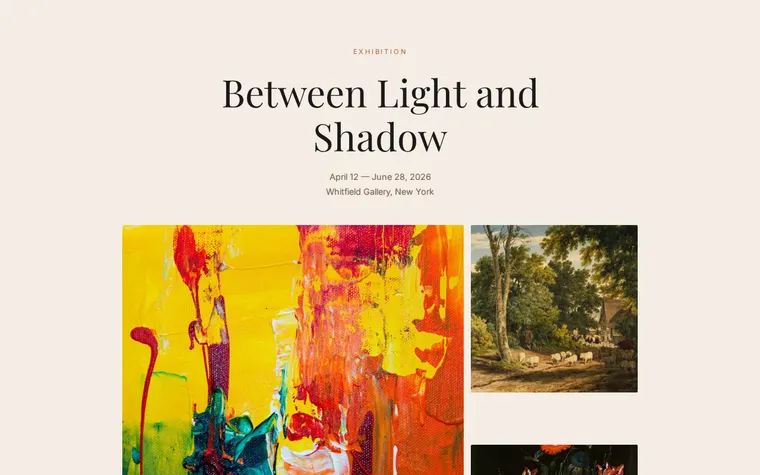
"Warm plaster and terracotta" 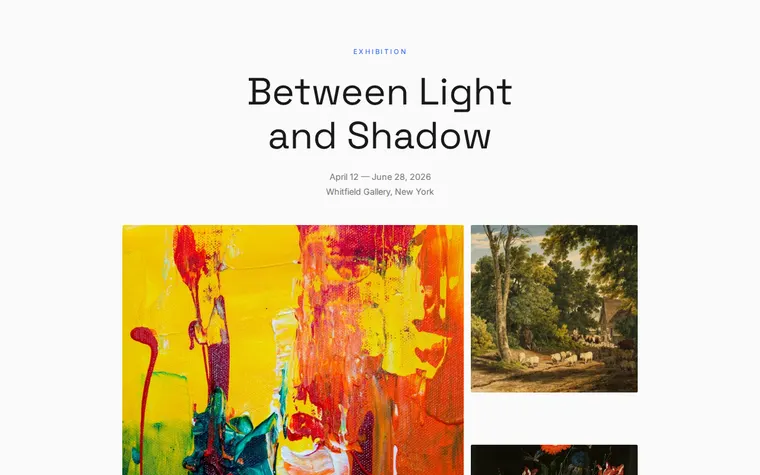
"A modern sans and a blue accent for our degree show"
More things to ask for
- Add the opening night: Thursday 6 to 9 pm.
- Add titles, media and sizes under each piece.
- Add a second artist with their own statement.
- Add a price list link for collectors.
- Add a map under the address.
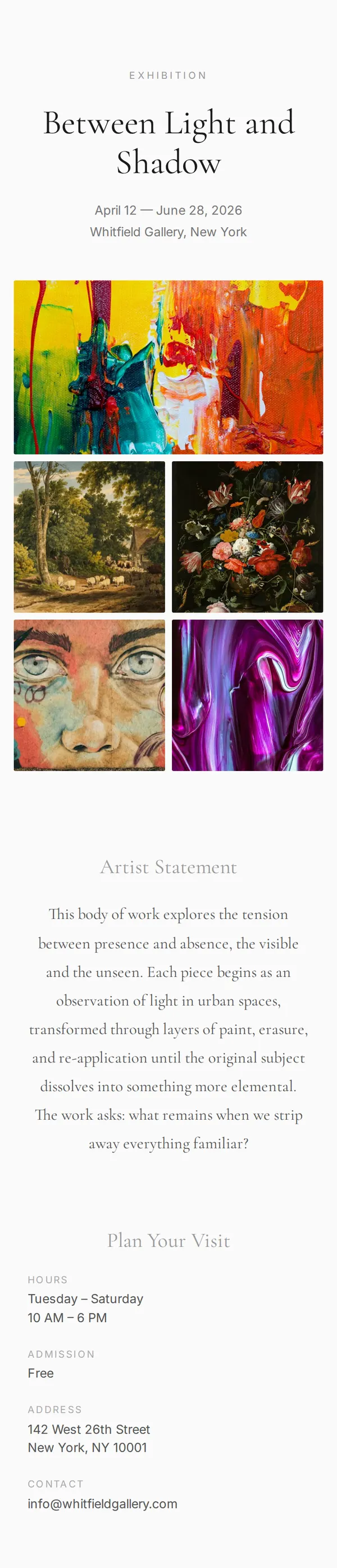
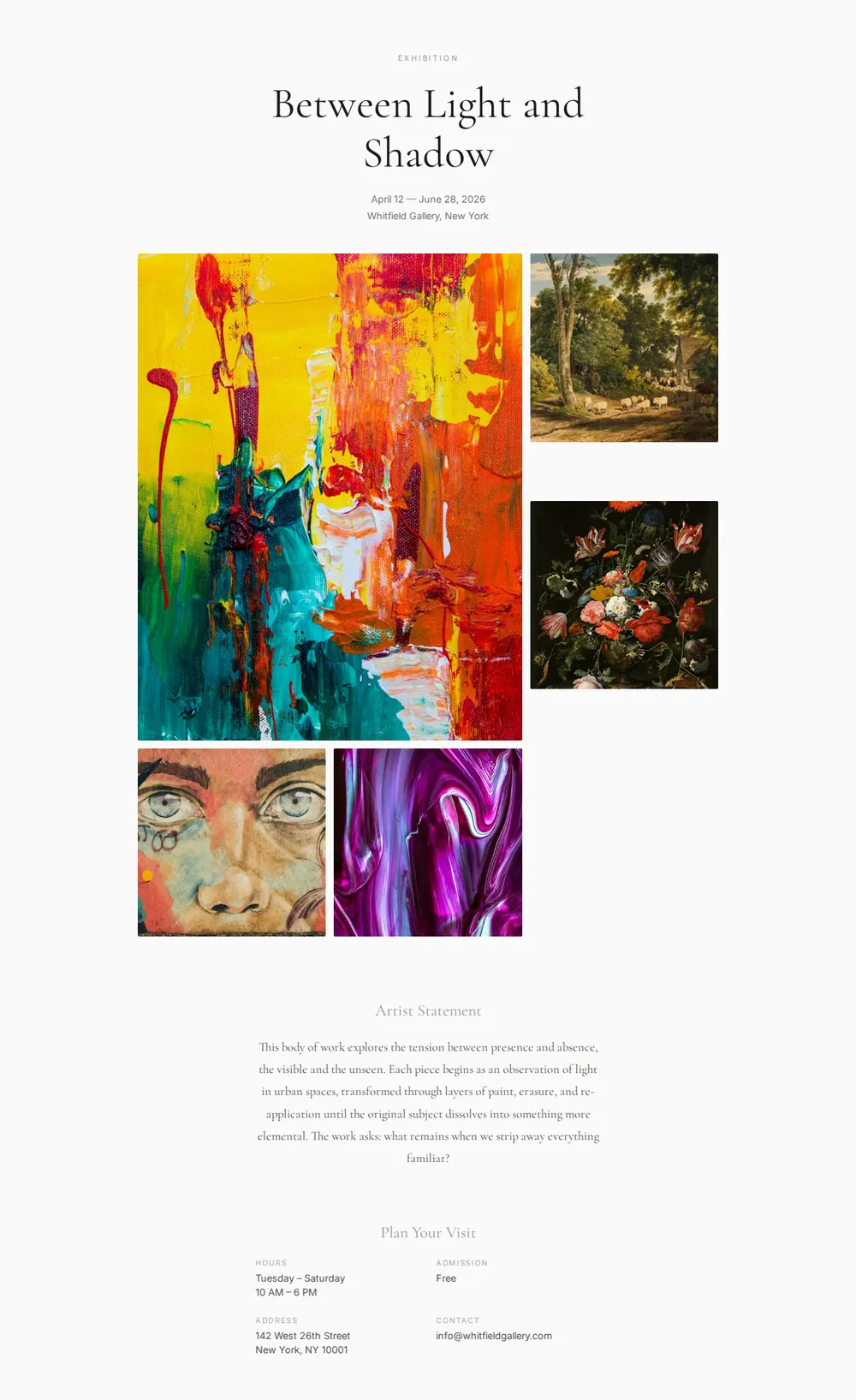
What's on the page
Header
An Exhibition label, the show's title in a large serif, the dates and the gallery.
Gallery
One large piece and four smaller ones in a grid that grows slightly on hover.
Artist statement
Your statement, centred and set in the same serif as the title.
Plan your visit
Hours, admission, address and a contact email, laid out in two columns.
Where you'll share it
Invitations and press releases
One link that gives the dates, address and images in one go.
Instagram
Post a piece from the show and put the link in your bio.
A card at the front desk
A QR code by the visitor book so people can take the statement home.
Two ways to start
Let your AI write it
Copy the prompt, answer the questions, and get a page built around your details.
Start from this design
Open this exact page in the paste page editor, swap in your words and photos, and publish.
Use this templateOr skip the template. Make something weird and put it live the same way.
Questions
- Is the art exhibition template free?
- Yes. Copy the prompt or use the template, then sign up free to claim your link.
- Can the exhibition page work as an online art exhibition?
- Yes. Ask your AI to drop the visiting details and add more works with titles and captions, and the page becomes a show people visit online.
- Can a gallery use this as an art gallery website template?
- It suits one show at a time. For an ongoing gallery, ask your AI to add a section for upcoming exhibitions, or make a page per show and link them.
- Can I add the private view or opening reception to the show's page?
- Yes. The prompt asks about it, and the AI adds the date, time and an RSVP link if you give one.
- Can I show prices for the work in the exhibition?
- Yes. Give your AI a price for each piece and it adds them under the images, or ask for a separate list collectors can request.
More creative templates
- Photography ProjectVisual story in full-bleed images.
- Illustrator PortfolioPlayful and colorful. Showcase your art.
- Designer PortfolioClean grid layout for visual work.
- Artist Link in BioGallery-inspired. Let your work speak.