Make it with your AI. Host it on paste page.
Make your own Linktree for artists with your AI
Describe your medium and statement and your AI makes a page with a small gallery and your links. Paste it into paste page and point your bio at it.
Copy the prompt paste what your AI writes live at paste.page/elara-stone
Works with any AI chat
- ChatGPT
- Claude
- Gemini
- Copilot
- Grok
How it works
From prompt to artist Link in Bio in three steps
Your AI writes the page. paste page puts it online.
Copy the prompt below into ChatGPT, Claude or any AI. It asks for your artist name, your medium or style, a profile photo, the links you want, any featured work and your statement or tagline, then writes the whole page.
Paste the code into paste page and pick a name for your page.
You're live. Pick your link, such as paste.page/elara-stone, publish, and add it to your Instagram bio. When a new show opens, swap the exhibition line and the link stays put.
Your prompt
Copy it into your AI chat
I want to create an artist link-in-bio page. Ask me: 1. What's your artist name? 2. What medium or style? (painting, sculpture, digital art, etc.) 3. What's your profile photo URL? 4. What links to include? (portfolio, shop, Instagram, gallery representation) 5. Any featured work image URLs? 6. What's your artist statement or tagline? Then generate the complete single-file HTML page with inline CSS. Make it beautiful and responsive.
Your photos
Put your own work on the wall
Upload them in the paste page editor and each one gets its own link. Give those links to your AI and ask it to use them, or swap them in yourself.
One wide piece across the top of the gallery, two square details below it, and a studio portrait if you want one.
Use my three new paintings in the gallery, with the landscape one across the top.
No photos yet? Your AI uses placeholders you can swap after publishing.
Change anything by asking
Keep talking to your AI after it writes the page. Ask for new colours, fonts or sections in plain words and it rewrites the page. Paste the new version in and your link stays the same.
Same page, hung differently. One sentence each.
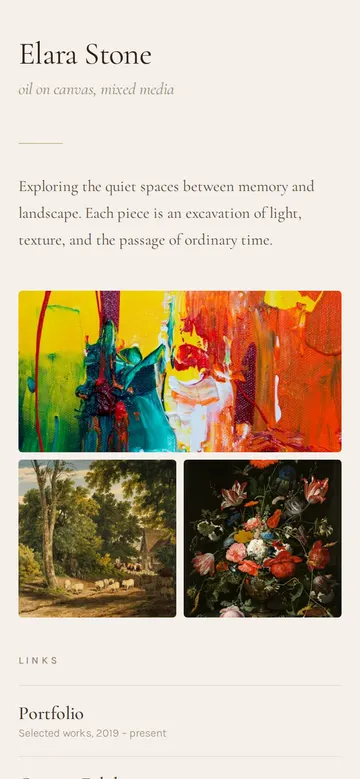
As it comes 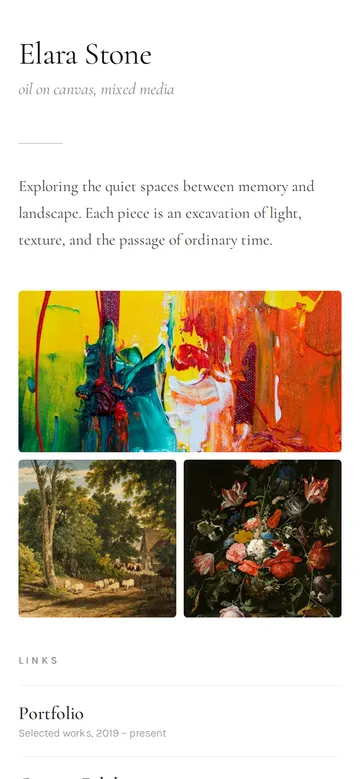
"White walls, like a gallery" 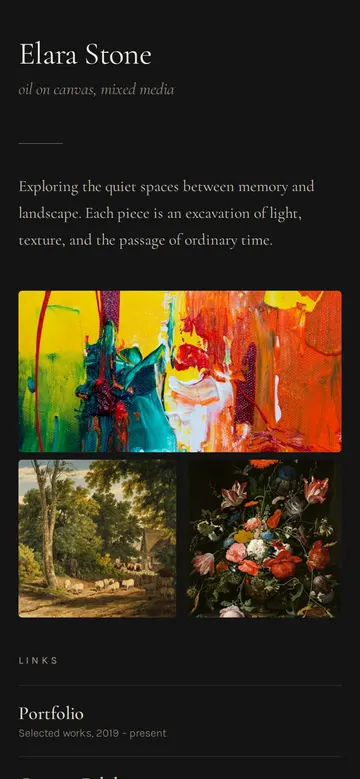
"Dark, so my colours stand out" 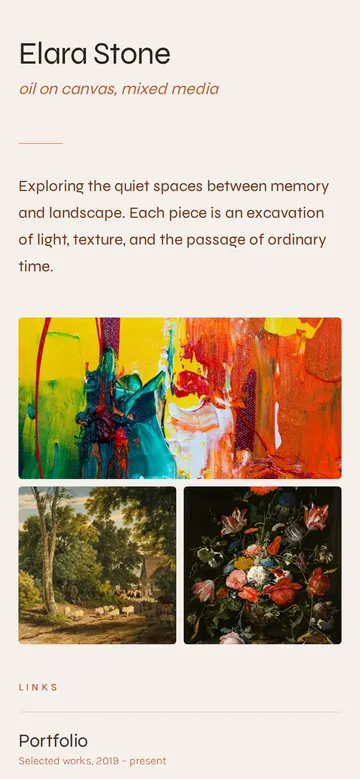
"Terracotta, with a modern font for my name"
More things to ask for
- Add a link to my Etsy shop for originals.
- Show the dates of my next open studio.
- Add my gallery's logo under Commissions.
- Make the gallery four images instead of three.
- Translate my statement into French underneath.
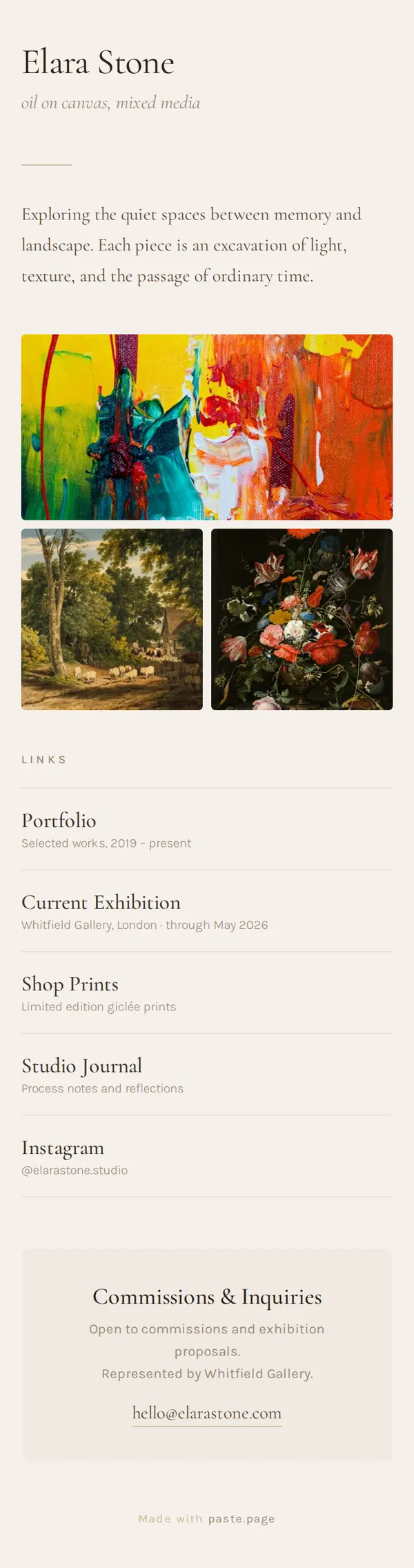
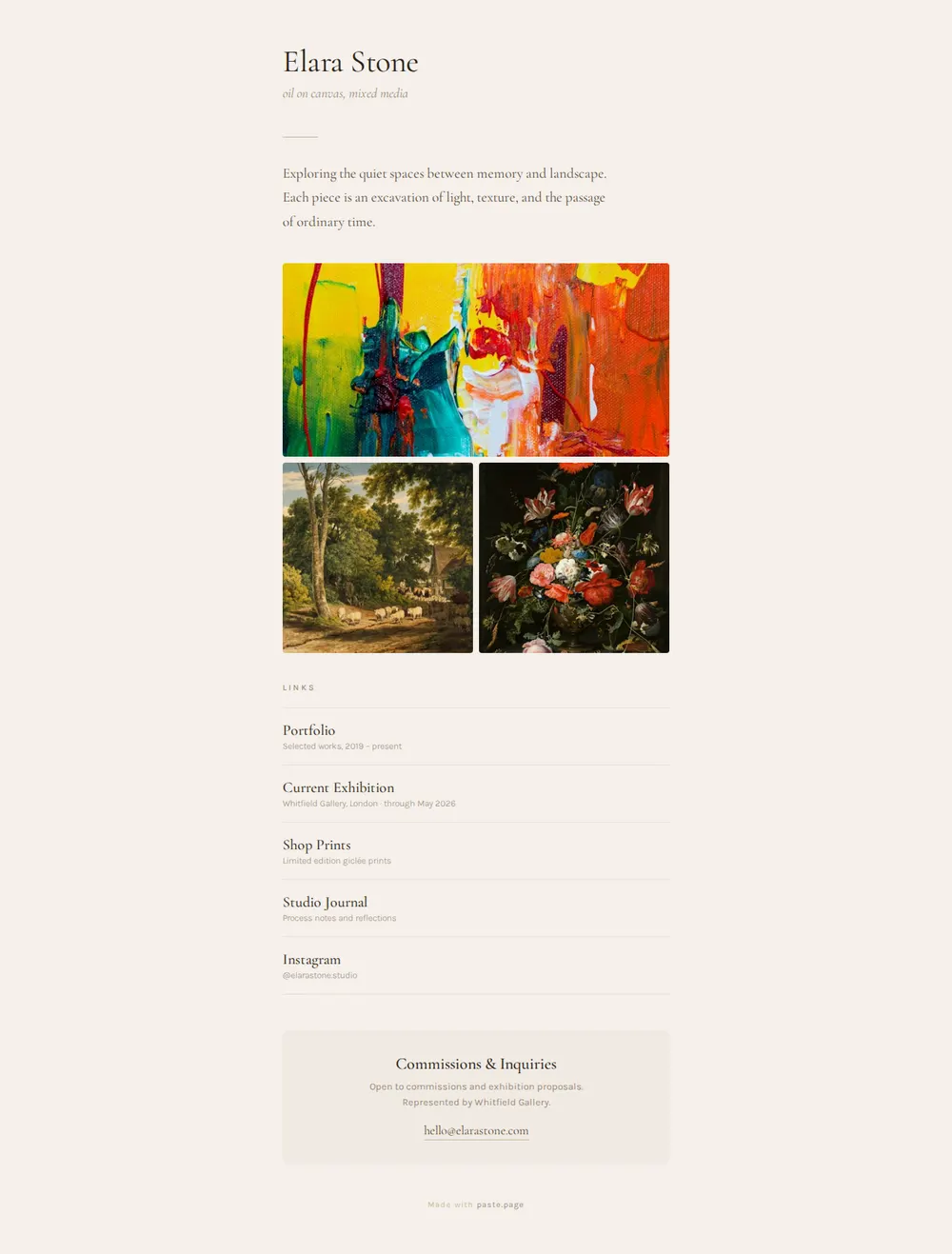
What's on the page
Name and medium
Your name in a large serif with your medium in italics underneath.
Statement
A few lines on what your work is about.
Gallery
One wide image and two square ones, so people see the work before the links.
Links
Portfolio, current exhibition, print shop, studio journal and Instagram, each with a short note.
Commissions
A box for enquiries with your representation and an email link.
Where you'll share it
Instagram bio
The one link people tap after they've seen a piece in their feed.
Labels and price cards
Print it under your name at a fair or open studio so buyers can find you later.
Applications and open calls
A tidy artist landing page to put in the website field.
Two ways to start
Let your AI write it
Copy the prompt, answer the questions, and get a page built around your details.
Start from this design
Open this exact page in the paste page editor, swap in your words and photos, and publish.
Use this templateOr skip the template. Make something weird and put it live the same way.
Questions
- Is the artist Link in Bio template free?
- Yes. Copy the prompt or use the template, then sign up free to claim your link.
- Why build an artist page with my AI instead of using Linktree?
- Linktree fills a fixed layout with your buttons. Here your AI writes the whole page, so the colours, type and gallery can follow your own work, and you can add anything you describe.
- Can I show my paintings on the artist Link in Bio?
- Yes. Upload the images in the paste page editor, then give your AI the links for the gallery or swap them in yourself.
- Does the Commissions box on the artist page send me a message?
- It opens an email to the address you give your AI. If you'd rather use a form you already have, ask for a button to that instead.
- I need a full artist website template, not a link page. What should I use?
- The Illustrator Portfolio template gives your work more room: a grid of pieces, an about section, client names and a commission button.
More Link in Bio templates
- Illustrator PortfolioPlayful and colorful. Showcase your art.
- Musician Link in BioDark, album art vibe. Perfect for artists and bands.
- Art ExhibitionGallery, dates, artist statement.
- Minimal Link in BioStripped back. Just the essentials.