Make it with your AI. Host it on paste page.
Game website template for your indie launch
Tell your AI about your game and it makes a page with the trailer, screenshots, platforms and pre-order buttons. Paste it into paste page and share it before launch.
Copy the prompt paste what your AI writes live at paste.page/void-runners
Works with any AI chat
- ChatGPT
- Claude
- Gemini
- Copilot
- Grok

How it works
From prompt to game website in three steps
Your AI writes the page. paste page puts it online.
Copy the prompt below into ChatGPT, Claude or any AI. It asks for the title, genre and pitch, the platforms, your trailer link, a few screenshots, the store or download link and PC system requirements, then writes the whole page.
Paste the code into paste page and pick a name for your page.
You're live. Pick your link, such as paste.page/void-runners, publish, and pin it in your Discord announcements channel.
Your prompt
Copy it into your AI chat
I want to create a game launch page. Ask me: 1. What's the game title? 2. What's the genre and description? 3. What platforms is it on? (PC, console, mobile) 4. What's the trailer URL? 5. What are some screenshot image URLs? (3-5) 6. What's the download or purchase link? 7. What are the system requirements? (if PC) Then generate the complete single-file HTML page with inline CSS. Make it beautiful and responsive.
Your photos
Add your screenshots and key art
Upload them in the paste page editor and each one gets its own link. Give those links to your AI and ask it to use them, or swap them in yourself.
Three to five in-game screenshots, your logo, key art behind the title, a GIF of the best moment.
Put these four screenshots in the grid and use the key art as the background behind the title.
No photos yet? Your AI uses placeholders you can swap after publishing.
Change anything by asking
Keep talking to your AI after it writes the page. Ask for new colours, fonts or sections in plain words and it rewrites the page. Paste the new version in and your link stays the same.
Same launch page, one sentence to your AI.
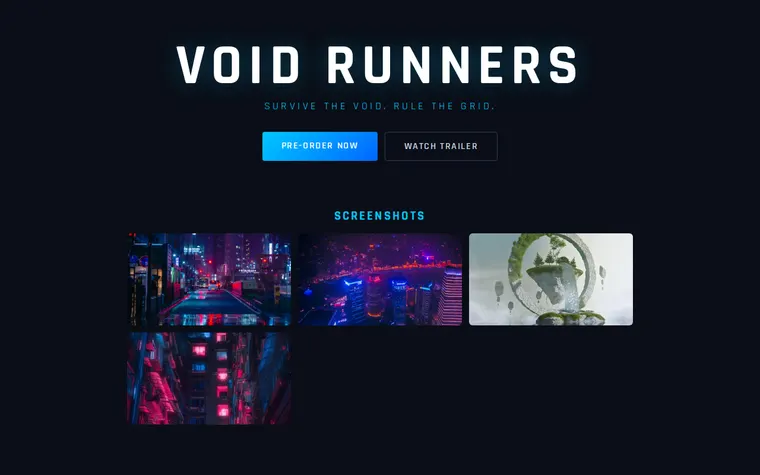
As it comes 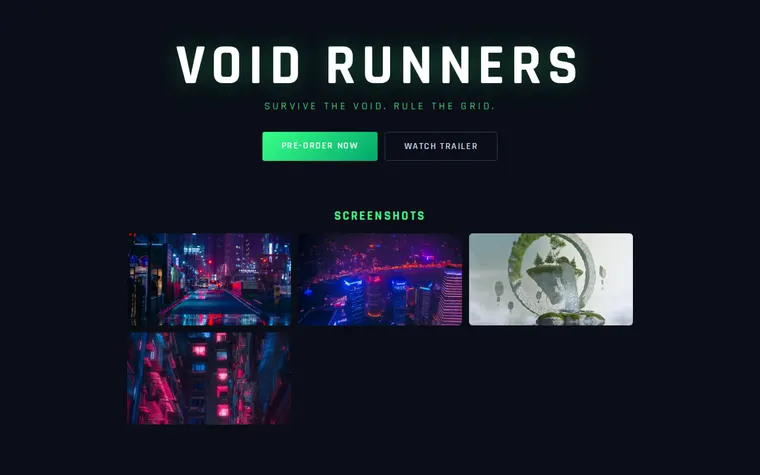
"Toxic green glow" 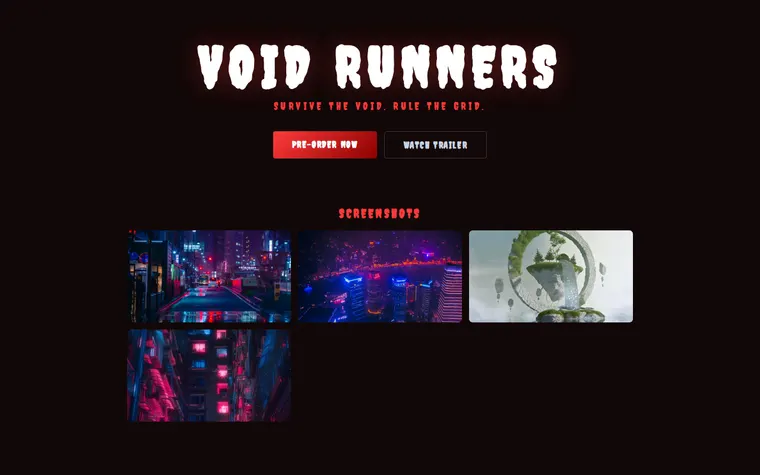
"Make it feel like a horror game" 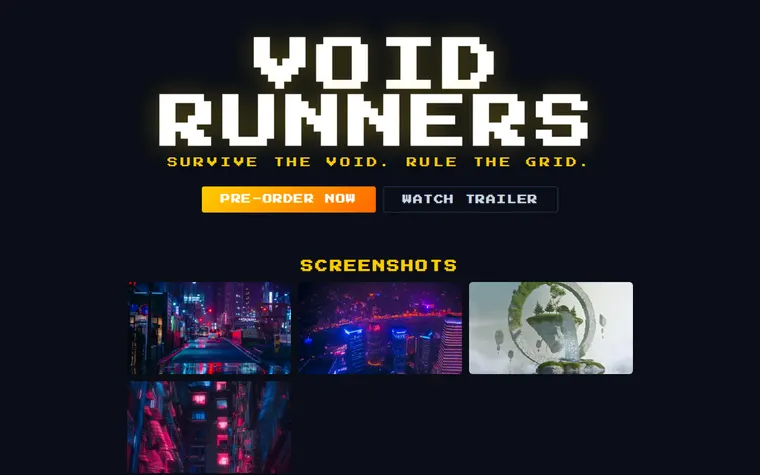
"Retro arcade, pixel font"
More things to ask for
- Embed the YouTube trailer under the title.
- Add a Wishlist on Steam button.
- Add a system requirements table for PC.
- Add a box for emails so fans hear about launch day.
- Add a section for review quotes and awards.
What's on the page
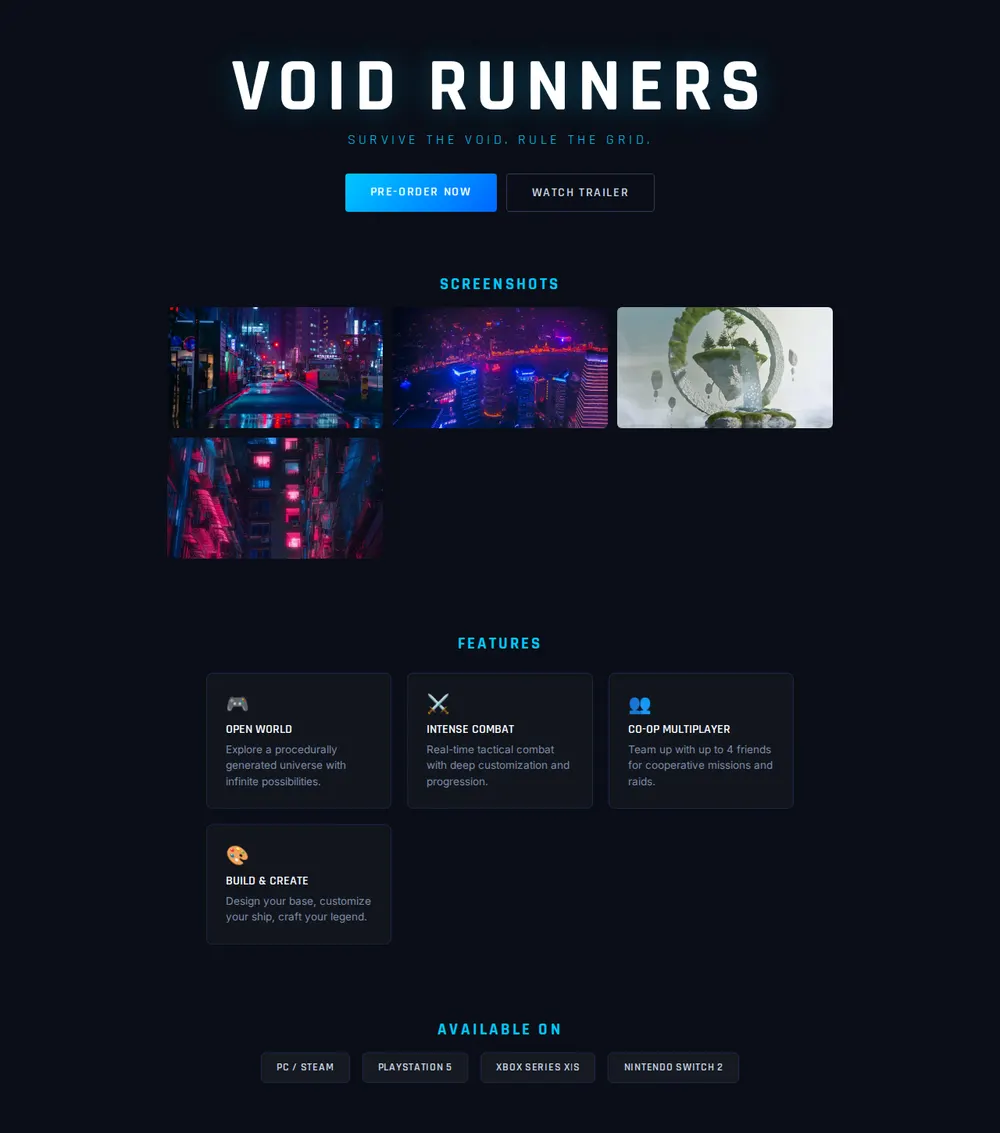
Title and tagline
Your game's name in a glowing display font, with a one-line hook.
Buttons
Pre-Order Now and Watch Trailer, side by side.
Screenshots
A grid of four, ready for your in-game shots.
Features
Four cards, such as open world, combat, co-op and building, each with an icon.
Available on
Badges for PC, PlayStation, Xbox and Switch.
Where you'll share it
Your Steam page and itch.io
Link it as the official website so players and press find everything in one place.
Emails to press and streamers
One link with the trailer, screenshots and platforms, so nobody has to ask for them.
On launch day
Ask your AI to change Pre-Order to Buy Now, paste it in, and the link stays the same.
Two ways to start
Let your AI write it
Copy the prompt, answer the questions, and get a page built around your details.
Start from this design
Open this exact page in the paste page editor, swap in your words and photos, and publish.
Use this templateOr skip the template. Make something weird and put it live the same way.
Questions
- Is the game website template free?
- Yes. Copy the prompt or use the template, then sign up free to claim your link.
- Can the game launch page work as a game press kit?
- Yes. Ask your AI to add a press section with a fact sheet, a short description, logo and screenshot downloads, and a contact email.
- Can I put my YouTube trailer on the game page?
- Yes. Give your AI the trailer link and it embeds the player, or keeps the Watch Trailer button and opens the video from there.
- Can the game page send players to Steam, the App Store and consoles?
- Yes. Give your AI each store link and it turns the platform badges into buttons.
- My game isn't announced yet. Is there a page that just collects emails?
- Yes. The Waitlist template has a single email box. Switch to this page once you have a trailer and screenshots.
More creative templates
- WaitlistJoin the queue. Get early access.
- App DownloadApp store links and screenshots.
- YouTube EmbedYour video, no distractions.
- Coming SoonBuild anticipation. Collect interest.