Make it with your AI. Host it on paste page.
Waitlist template to start your list before launch
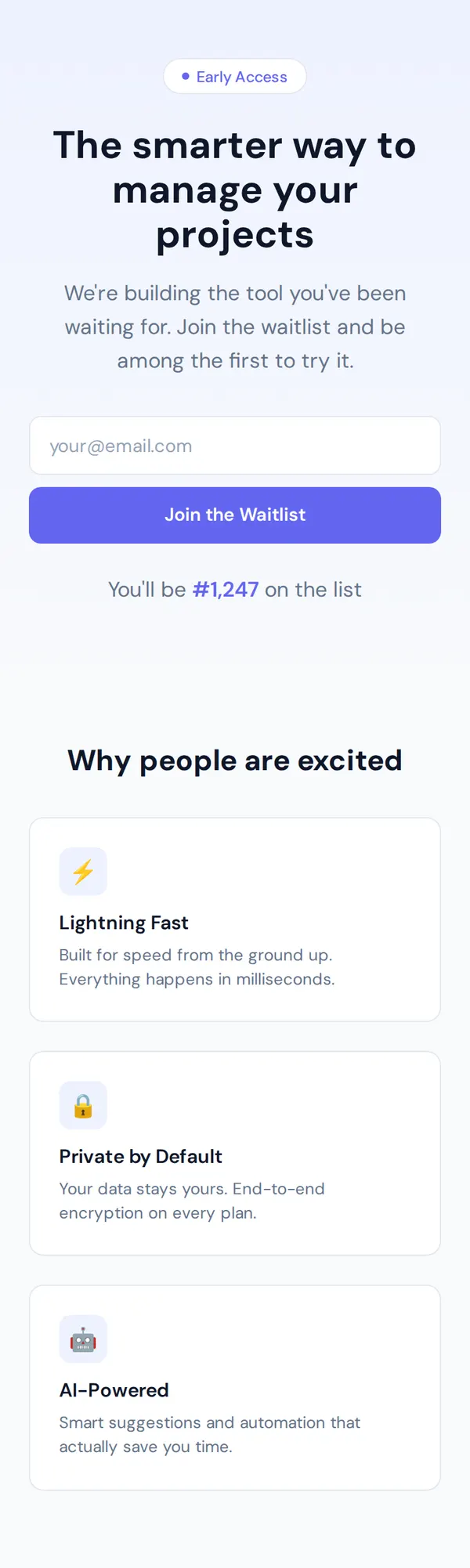
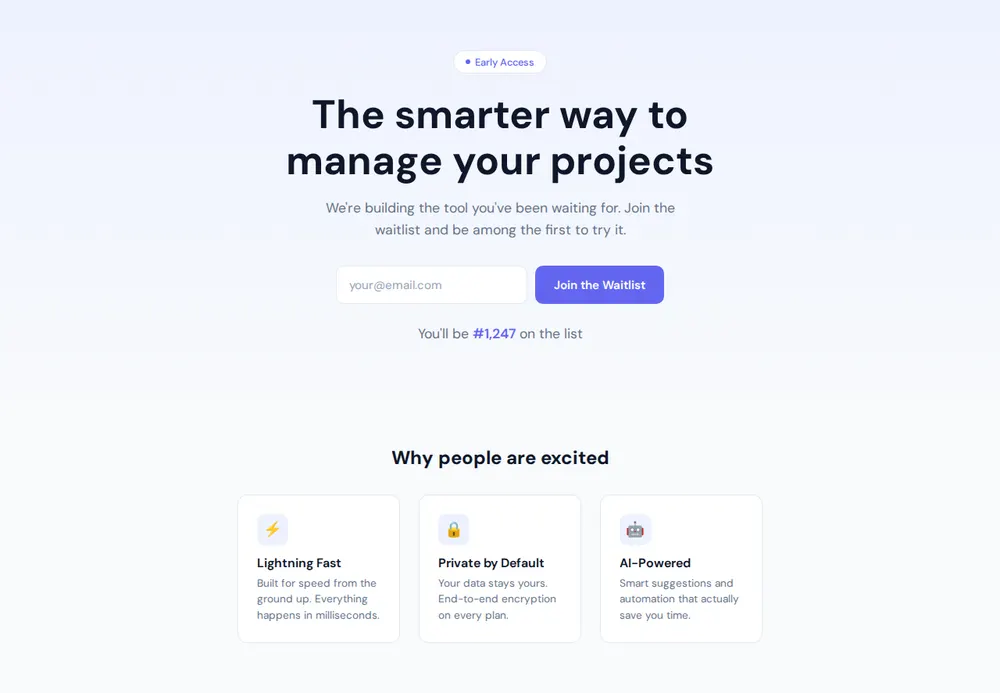
Describe your product to your AI and it makes a page with one headline, an email box and three reasons to join. Paste it into paste page and start your list.
Copy the prompt paste what your AI writes live at paste.page/taskline-early-access
Works with any AI chat
- ChatGPT
- Claude
- Gemini
- Copilot
- Grok
How it works
From prompt to waitlist page in three steps
Your AI writes the page. paste page puts it online.
Copy the prompt below into ChatGPT, Claude or any AI. It asks for your product name, why people should join, the form address for collecting emails, any early-bird perks and how many people are already on the list, then writes the whole page.
Paste the code into paste page and pick a name for your page.
You're live. Pick your link, such as paste.page/taskline-early-access, and publish. Then send a test email to check it reaches your list.
Your prompt
Copy it into your AI chat
I want to create a waitlist page. Ask me: 1. What's the product name? 2. What's the value proposition? (why should people join?) 3. What's the email signup form action URL? 4. Any perks for early signups? 5. How many people are already on the list? (or skip if new) Then generate the complete single-file HTML page with inline CSS. Make it beautiful and responsive.
Your photos
Add a logo or a product preview
Upload them in the paste page editor and each one gets its own link. Give those links to your AI and ask it to use them, or swap them in yourself.
Your logo above the headline, a screenshot or mock-up of the product, a short screen recording as a GIF.
Put this logo above the headline and this screenshot of the app under the email box.
No photos yet? Your AI uses placeholders you can swap after publishing.
Change anything by asking
Keep talking to your AI after it writes the page. Ask for new colours, fonts or sections in plain words and it rewrites the page. Paste the new version in and your link stays the same.
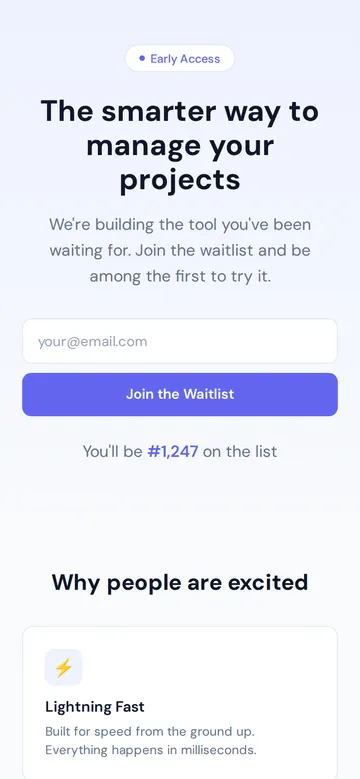
Same waitlist, one sentence to your AI.
As it comes 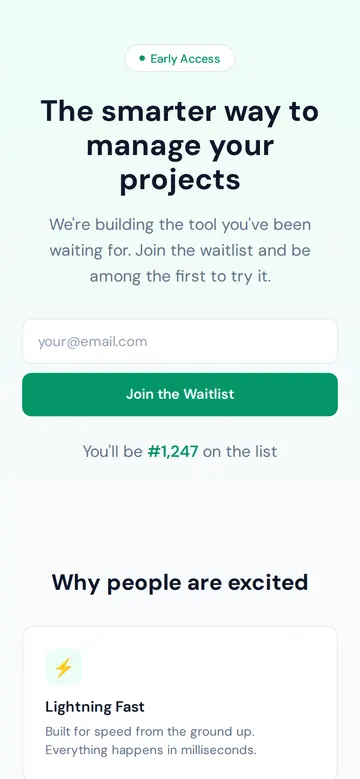
"Green, for our climate app" 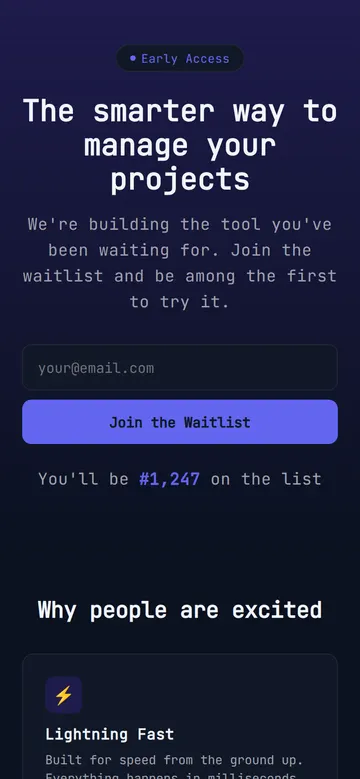
"Dark mode, it's a developer tool" 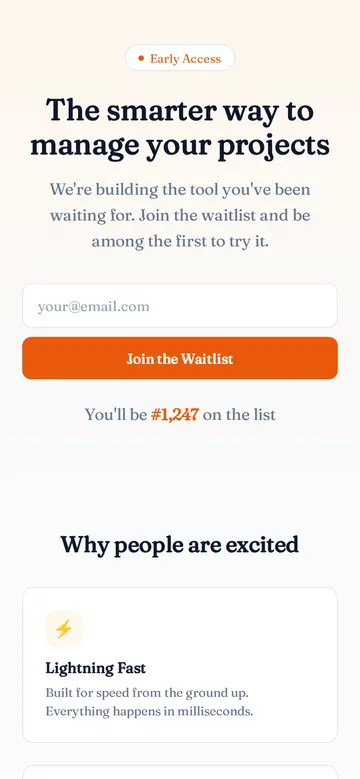
"Warm orange and a friendlier font"
More things to ask for
- Add a launch date under the headline.
- Ask for a first name as well as the email.
- Add a short FAQ under the benefits.
- Swap the emoji icons for simple line icons.
- Add a line thanking people once they've joined.
What's on the page
Early Access tag
A small badge above the headline that tells visitors it isn't out yet.
Headline and pitch
What you're building in one line, and why it's worth the wait.
Email box
One field and a Join the Waitlist button, stacked on phones.
Place in line
A line such as "You'll be #1,247 on the list", using the number you give your AI.
Why people are excited
Three cards for your best reasons to join, each with an icon.
Where you'll share it
In your launch posts
Put the link in posts on X, LinkedIn or Product Hunt while you build.
In communities you belong to
Share it on Reddit, Discord or Slack groups where your users talk.
When the date is set
Add the launch date to the page and the link people saved shows it.
Two ways to start
Let your AI write it
Copy the prompt, answer the questions, and get a page built around your details.
Start from this design
Open this exact page in the paste page editor, swap in your words and photos, and publish.
Use this templateOr skip the template. Make something weird and put it live the same way.
Questions
- Is the waitlist template free?
- Yes. Copy the prompt or use the template, then sign up free to claim your link.
- Who keeps the email addresses from my waitlist page?
- Your own email tool. The AI asks for a form address from Mailchimp, Kit, MailerLite, Tally or Formspree, and each new email goes straight there. Until you give it one, the box doesn't send anywhere.
- Does the "You'll be #1,247" line count up by itself?
- No. It shows the number you give your AI. Change it whenever your list grows, or ask your AI to leave it out while you're starting.
- Can I offer early-bird perks on the waitlist landing page?
- Yes. Tell your AI the perks, such as a founder discount or first access, and it adds them to the cards or under the email box.
- Should I use the waitlist or a coming soon page?
- Use the waitlist to sell the product and its benefits. The coming soon templates are lighter, with a teaser and a countdown to the launch date.
More marketing templates
- Coming SoonBuild anticipation. Collect interest.
- Coming Soon (Minimal)Countdown and email capture.
- SaaS ProductHero, features, pricing. Ship it.
- Lead CaptureEmail collection with a hook.