Make it with your AI. Host it on paste page.
Lead generation landing page for your guide
Ask your AI for a page with your guide's cover, what's inside and a name and email form. Paste it into paste page and start collecting emails.
Copy the prompt paste what your AI writes live at paste.page/growth-playbook
Works with any AI chat
- ChatGPT
- Claude
- Gemini
- Copilot
- Grok
How it works
From prompt to lead capture page in three steps
Your AI writes the page. paste page puts it online.
Copy the prompt below into ChatGPT, Claude or any AI. It asks what you're giving away, the headline, three or four things people get, the form address from your email tool and any testimonials or credentials, then writes the whole page.
Paste the code into paste page and pick a name for your page.
You're live. Pick your link, such as paste.page/growth-playbook, publish, and put it under your posts and in your email signature.
Your prompt
Copy it into your AI chat
I want to create a lead capture page. Ask me: 1. What's the offer? (free guide, webinar, discount, etc.) 2. What's the headline? 3. What will people get? (3-4 bullet points) 4. What's the form action URL for email collection? 5. Any trust signals? (testimonials, credentials, "as seen in") Then generate the complete single-file HTML page with inline CSS. Make it beautiful and responsive.
Your photos
Show the thing they're getting
Upload them in the paste page editor and each one gets its own link. Give those links to your AI and ask it to use them, or swap them in yourself.
The cover of your ebook, a page from inside the guide, a photo of you for the trust line.
Replace the book icon with this cover image, and add my photo next to a one-line bio under the form.
No photos yet? Your AI uses placeholders you can swap after publishing.
Change anything by asking
Keep talking to your AI after it writes the page. Ask for new colours, fonts or sections in plain words and it rewrites the page. Paste the new version in and your link stays the same.
One lead magnet page, four moods. Each one is a single request.
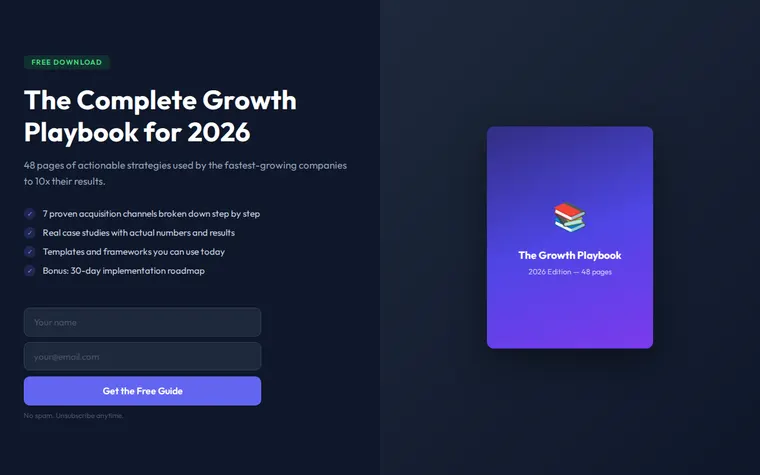
As it comes 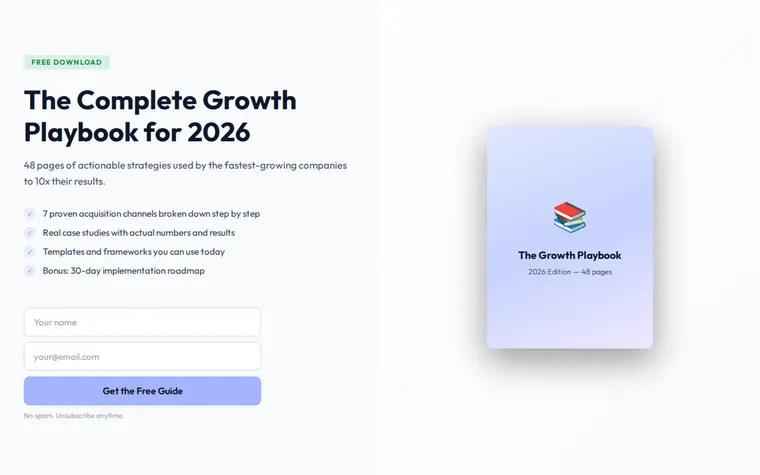
"Light background, please" 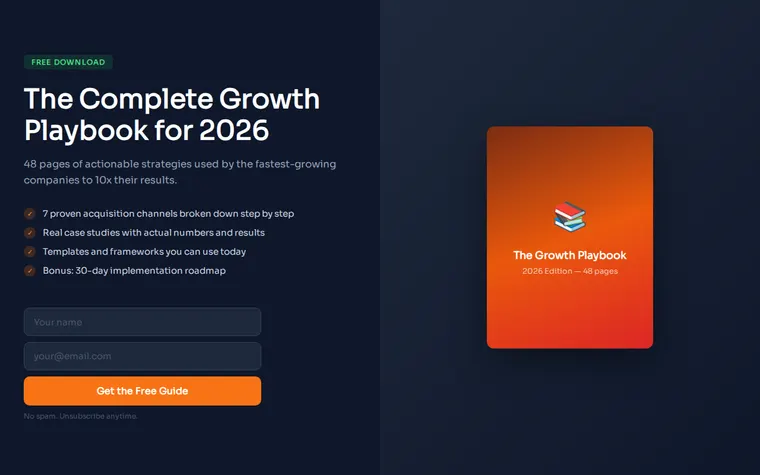
"Orange for our webinar" 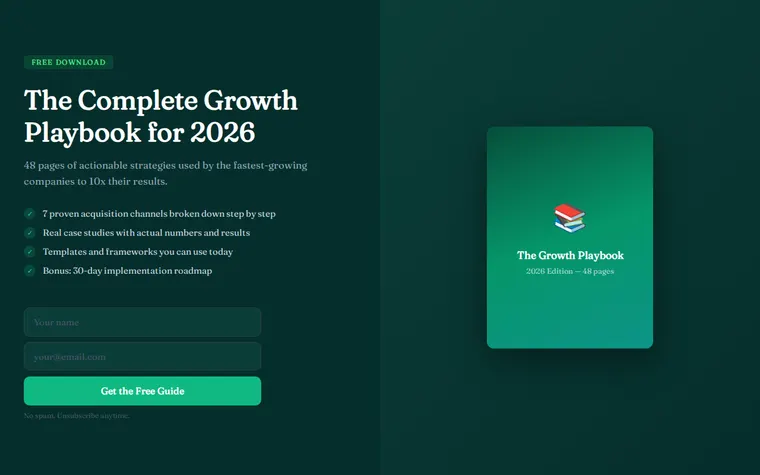
"Forest green with a serif, for my coaching guide"
More things to ask for
- Add a short testimonial from someone who read the guide.
- Ask for first name only, then email.
- Add a countdown to the webinar start time.
- Put "As seen in" logos under the form.
- Add three questions and answers below the checklist.
What's on the page
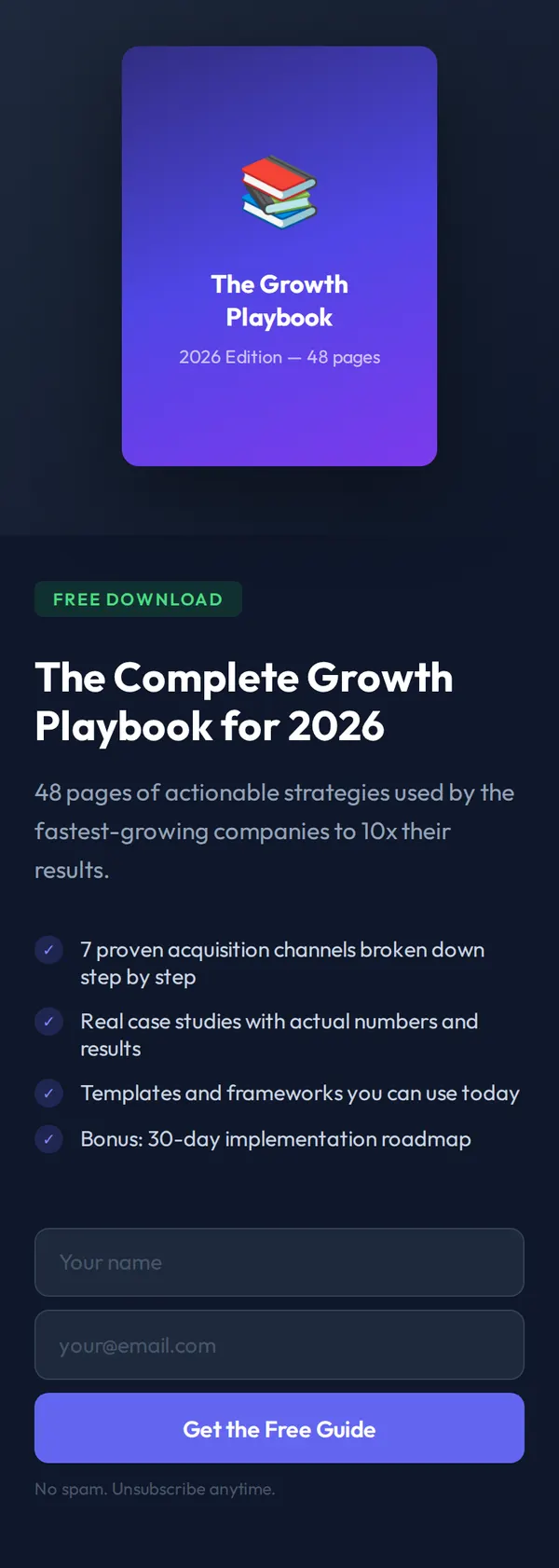
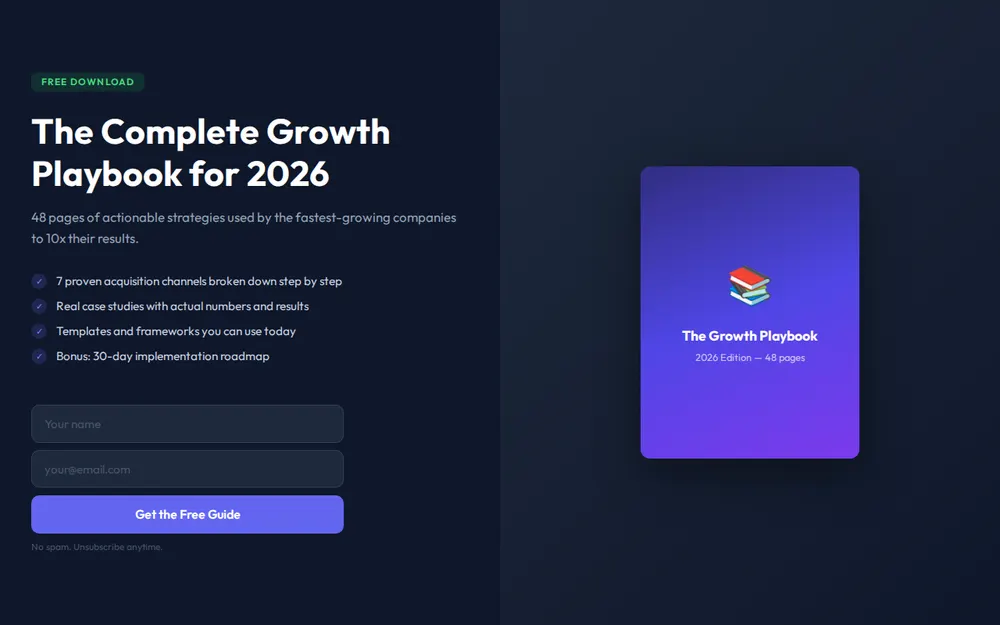
Free badge and headline
A Free Download label, the title of your offer and a line on why it's worth having.
What's inside
A ticked list of four things people get.
Email form
Name, email and one button, with a no-spam note underneath.
Cover preview
A mock cover of your guide beside the form, or above it on phones.
Where you'll share it
Under your posts
Offer the guide on LinkedIn or Instagram and put the link in the comments or your bio.
In your email signature
Every email you send becomes a small ad for the download.
As the destination for an ad
Send paid traffic straight to the form instead of your home page.
Two ways to start
Let your AI write it
Copy the prompt, answer the questions, and get a page built around your details.
Start from this design
Open this exact page in the paste page editor, swap in your words and photos, and publish.
Use this templateOr skip the template. Make something weird and put it live the same way.
Questions
- Is the lead capture template free?
- Yes. Copy the prompt or use the template, then sign up free to claim your link.
- Where do the emails from my lead generation landing page go?
- To the email tool you already use. When the AI asks for a form address, paste the one from Mailchimp, Kit, MailerLite or Formspree and new subscribers land there.
- What's the difference between a lead capture page and a squeeze page?
- Mostly the name. A squeeze page is a lead capture page with nothing else on it but the offer and the form, which is how this template is laid out.
- Can the lead capture page send people the PDF automatically?
- Your email tool does that part. Set up a welcome email with the download link, and everyone who fills in the form gets it.
- Can I use the lead capture template for a webinar or a discount code?
- Yes. Tell your AI the offer is a webinar seat or a discount and it rewrites the badge, checklist and button to suit.
More marketing templates
- Ad Landing PageFocused conversion from paid traffic.
- WebinarRegister for the online event.
- WaitlistJoin the queue. Get early access.
- Giveaway / ContestEnter to win. Build buzz.