Make it with your AI. Host it on paste page.
Giveaway landing page for your next prize
Tell your AI what you're giving away and it makes a page with the prize, a countdown and the rules. Paste it into paste page and post the link.
Copy the prompt paste what your AI writes live at paste.page/win-tech-bundle
Works with any AI chat
- ChatGPT
- Claude
- Gemini
- Copilot
- Grok
How it works
From prompt to giveaway page in three steps
Your AI writes the page. paste page puts it online.
Copy the prompt below into ChatGPT, Claude or any AI. It asks for the prize, a prize photo, how people enter, the closing date, the rules and who can take part, and the form address from the form service that will hold your entries, then writes the whole page.
Paste the code into paste page and pick a name for your page.
You're live. Pick your link, such as paste.page/win-tech-bundle, publish, and pin it to the top of your profile while the giveaway runs.
Your prompt
Copy it into your AI chat
I want to create a giveaway or contest page. Ask me: 1. What's the prize? 2. What's the prize image URL? 3. How do people enter? (email, follow, share, etc.) 4. What's the deadline? 5. What are the rules or eligibility? 6. What's the entry form action URL? Then generate the complete single-file HTML page with inline CSS. Make it beautiful and responsive.
Your photos
Add a photo of the prize
Upload them in the paste page editor and each one gets its own link. Give those links to your AI and ask it to use them, or swap them in yourself.
A clean product shot of the prize, the full bundle laid out together, your logo for the top of the page.
Use this photo of the bundle for the prize image and crop it a little tighter.
No photos yet? Your AI uses placeholders you can swap after publishing.
Change anything by asking
Keep talking to your AI after it writes the page. Ask for new colours, fonts or sections in plain words and it rewrites the page. Paste the new version in and your link stays the same.
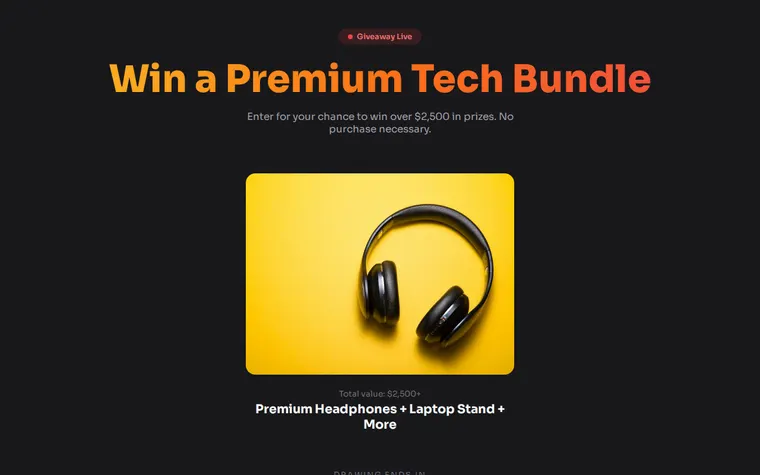
One giveaway page for four kinds of prize. Each look is one request.
As it comes 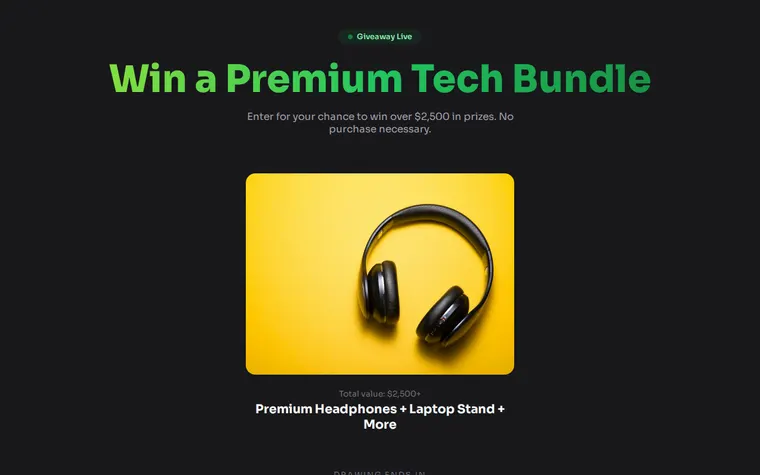
"Fresh greens for a plant giveaway" 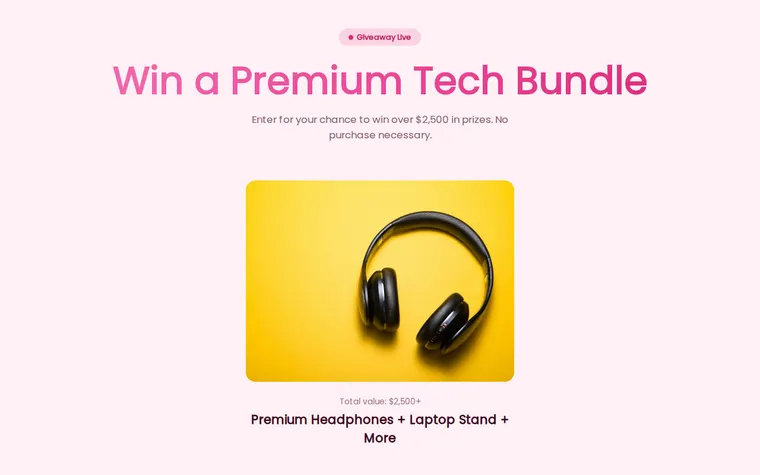
"Light and pink for a beauty brand" 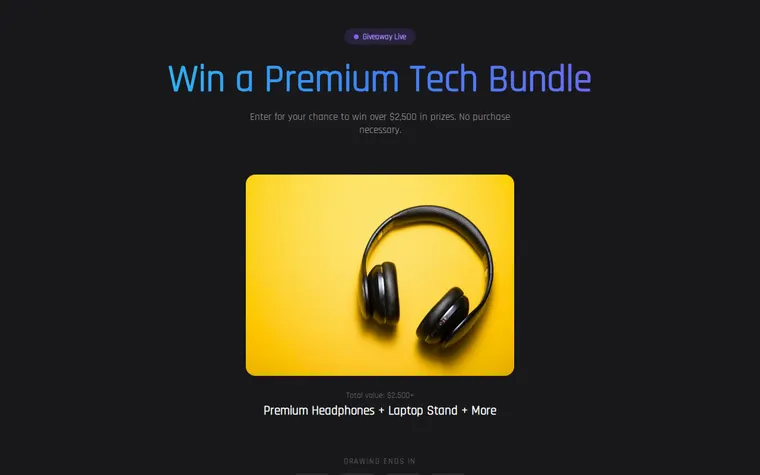
"Electric blue for a gaming giveaway"
More things to ask for
- Add a field asking which colour they'd like.
- Add a second and third prize under the main one.
- Add buttons to follow us on Instagram and TikTok as extra ways to enter.
- Change the badge from Giveaway Live to Ends Friday.
- Add our sponsor's logo under the prize.
What's on the page
Headline
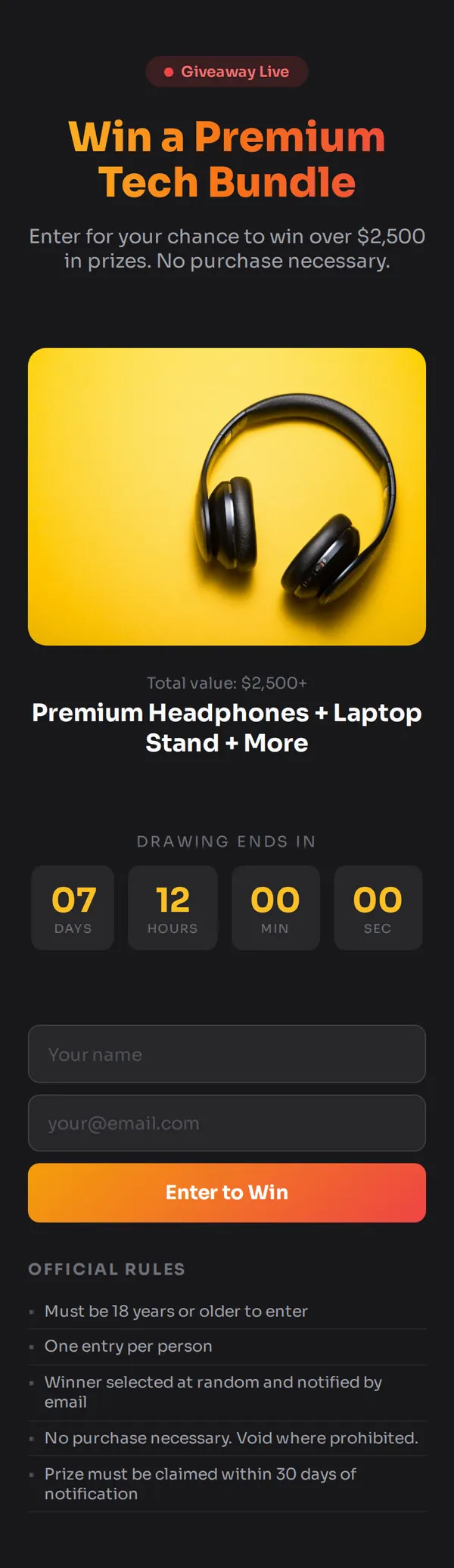
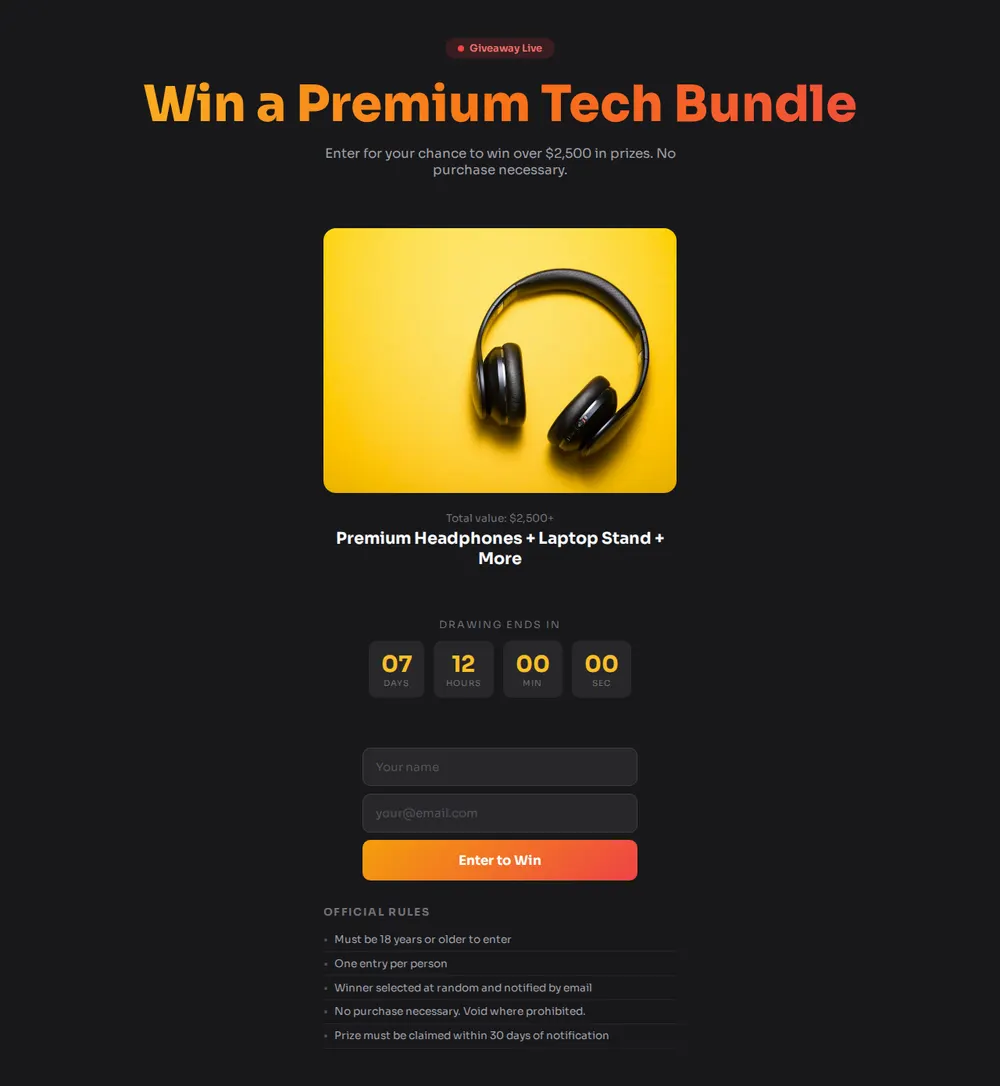
A pulsing Giveaway Live badge, the prize in a gradient headline and a line on what it's worth.
The prize
A large photo of the prize with its total value and name.
Countdown
Days, hours, minutes and seconds to the closing date you give your AI.
Entry form
Name, email and an Enter to Win button. Entries go to the form service you name in the prompt.
Official rules
A short list covering age, one entry per person, how the winner is picked and how long they have to claim.
Where you'll share it
In your Instagram or TikTok bio
Every post about the giveaway points to the same page, so there is one place to enter.
In your newsletter
Subscribers are the people most likely to enter and forward it on.
With a partner brand
Both of you post the same link, so entries from both audiences land in one form.
Two ways to start
Let your AI write it
Copy the prompt, answer the questions, and get a page built around your details.
Start from this design
Open this exact page in the paste page editor, swap in your words and photos, and publish.
Use this templateOr skip the template. Make something weird and put it live the same way.
Questions
- Is the giveaway landing page template free?
- Yes. Copy the prompt or use the template, then sign up free to claim your link.
- Where do the entries from my giveaway page go?
- To the form service you use, such as Formspree or Tally. The AI asks for that form address and connects the entry form to it. Until it has one, the form doesn't send anywhere.
- Does paste page pick the giveaway winner?
- No. paste page only hosts the page. You choose the winner from the entries in your form service, in the way your rules describe.
- Can people enter my giveaway by following or sharing instead of an email?
- Yes. Tell the AI how people enter and it can swap the form for steps with buttons to your profiles. Checking who followed or shared is up to you.
- What should go in the rules on a sweepstakes landing page?
- Your own terms: who can enter, the closing date, how the winner is chosen and contacted, and how to claim. Rules for prize draws differ between countries, so check what applies where you are.
More marketing templates
- Referral PageShare and earn. Affiliate-ready.
- Lead CaptureEmail collection with a hook.
- Countdown TimerCounting down to something big.
- AnnouncementBig news. One page.