Make it with your AI. Host it on paste page.
An announcement website for your big news
Tell your AI the news and it writes a page with one large headline, a few lines and one button. Paste it into paste page and post the link when it breaks.
Copy the prompt paste what your AI writes live at paste.page/series-a
Works with any AI chat
- ChatGPT
- Claude
- Gemini
- Copilot
- Grok
How it works
From prompt to announcement page in three steps
Your AI writes the page. paste page puts it online.
Copy the prompt below into ChatGPT, Claude or any AI. It asks what the news is, the key details, when it takes effect, what the button should do and who it's from, then writes the whole page.
Paste the code into paste page and pick a name for your page.
You're live. Pick your link, such as paste.page/series-a, and publish. Post it at the moment the news goes out, so everyone reads the same version.
Your prompt
Copy it into your AI chat
I want to create an announcement page. Ask me: 1. What's the big news? 2. What are the key details people need to know? 3. When does this take effect? 4. What's the call-to-action? (learn more link, sign up, etc.) 5. Who is this announcement from? (company or person) Then generate the complete single-file HTML page with inline CSS. Make it beautiful and responsive.
Your photos
A photo if the news needs one
Upload them in the paste page editor and each one gets its own link. Give those links to your AI and ask it to use them, or swap them in yourself.
The team, the new product, the new shop front, your logo. Plenty of announcements need no picture at all.
Add this team photo under the headline, full width, with a little space above the text.
No photos yet? Your AI uses placeholders you can swap after publishing.
Change anything by asking
Keep talking to your AI after it writes the page. Ask for new colours, fonts or sections in plain words and it rewrites the page. Paste the new version in and your link stays the same.
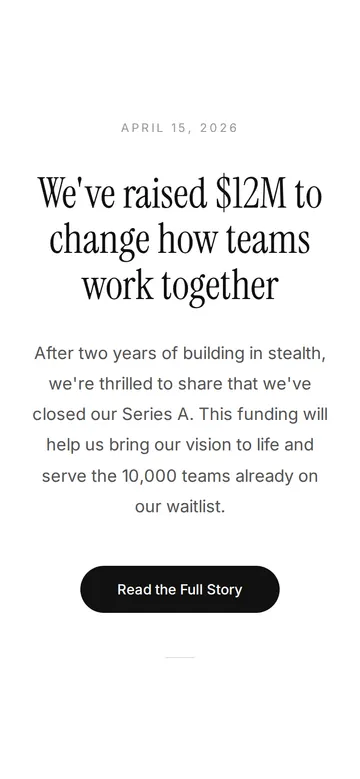
Same news, one sentence to your AI.
As it comes 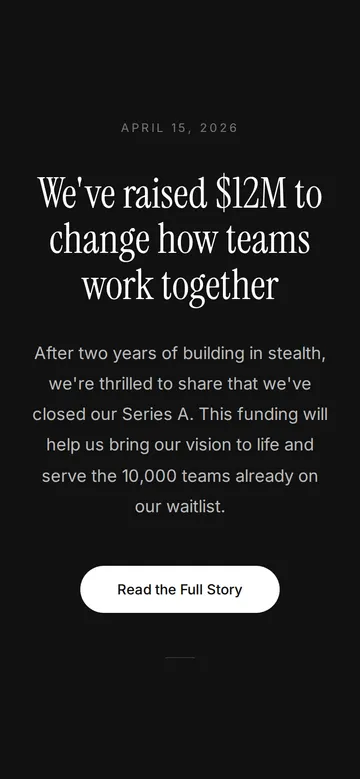
"White text on black, for the launch night" 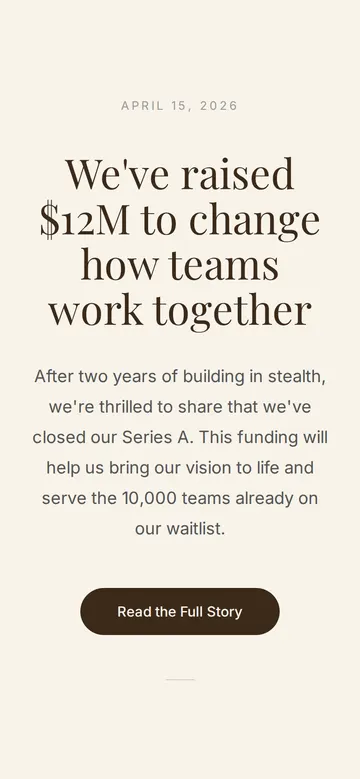
"Softer, on cream, with a different serif"
More things to ask for
- Change the date to the day we go live.
- Add a quote from our founder under the details.
- Make the button go to our press kit.
- Add a second, quieter button to join our mailing list.
- Put our logo above the date.
What's on the page
Date
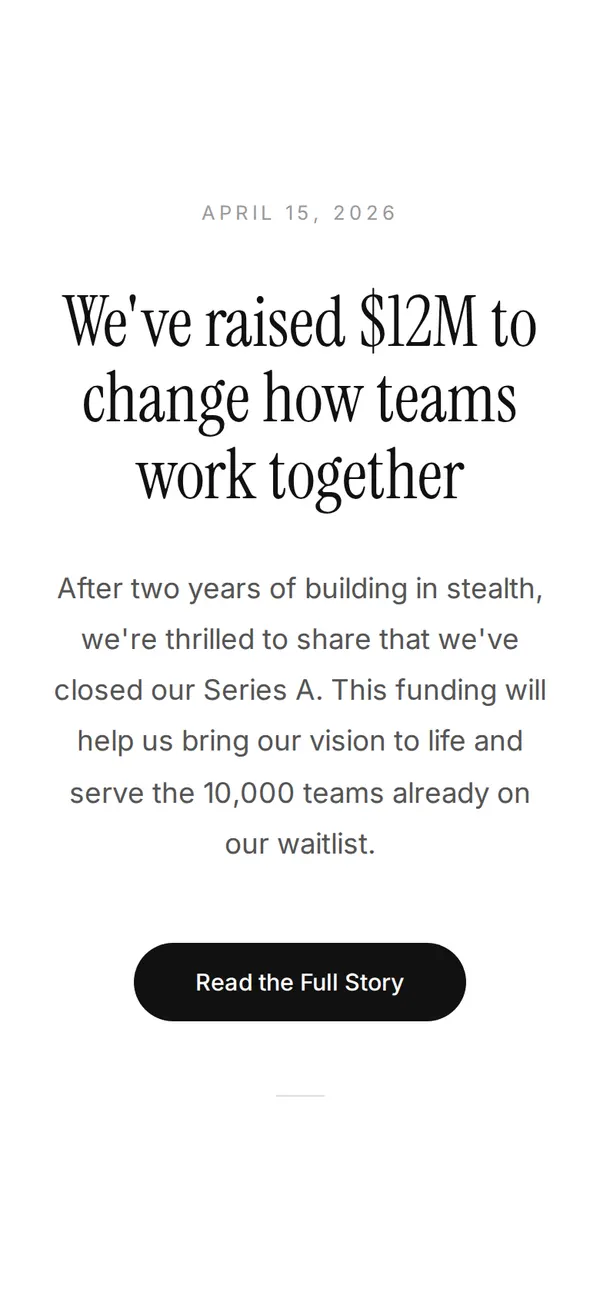
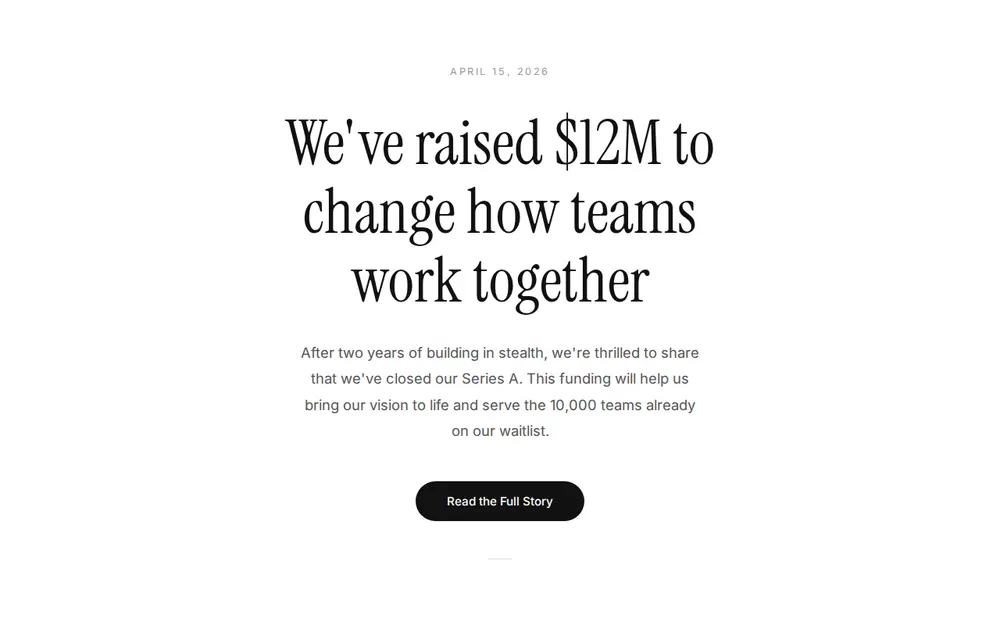
A small, spaced-out date at the top so people know when it happened.
Headline
The news in one sentence, in a large serif font.
Details
A short paragraph with what people need to know.
Button
One rounded button for the next step: read the full story, join the waitlist, buy tickets.
Where you'll share it
LinkedIn and X
Post the link with the news, and the page carries the details.
An email to customers
Link to the page instead of writing it all in the email.
Pinned in your community
Pin it in Slack, Discord or WhatsApp so newcomers see it.
Two ways to start
Let your AI write it
Copy the prompt, answer the questions, and get a page built around your details.
Start from this design
Open this exact page in the paste page editor, swap in your words and photos, and publish.
Use this templateOr skip the template. Make something weird and put it live the same way.
Questions
- Is the announcement website template free?
- Yes. Copy the prompt or use the template, then sign up free to claim your link.
- What kind of news suits an announcement page?
- Anything you can say in one sentence: funding, a launch, a rebrand, an opening, an engagement. The page works best when there's one main point.
- Can I update the announcement after it's published?
- Yes. Ask your AI to change the details, paste the new version in, and the link stays the same.
- Where does the button on the announcement page go?
- To whatever link you give your AI, such as your blog post, a waitlist form or a ticket page.
- Can I time the announcement page to go out with the news?
- Make and check the page beforehand, then publish when you're ready. The link works from that moment, so post it once the page is live.
More marketing templates
- Coming SoonBuild anticipation. Collect interest.
- WaitlistJoin the queue. Get early access.
- Thank You PagePost-purchase or post-signup gratitude.
- SaaS ProductHero, features, pricing. Ship it.