Make it with your AI. Host it on paste page.
Thank you page template for orders and bookings
Tell your AI what people are thanked for and it makes a page with a confirmation, order details and next steps. Paste it into paste page and point your checkout at it.
Copy the prompt paste what your AI writes live at paste.page/order-confirmed
Works with any AI chat
- ChatGPT
- Claude
- Gemini
- Copilot
- Grok
How it works
From prompt to thank you page in three steps
Your AI writes the page. paste page puts it online.
Copy the prompt below into ChatGPT, Claude or any AI. It asks what you're thanking people for, the confirmation message, the next steps, any follow-up links and your brand name, then writes the whole page.
Paste the code into paste page and pick a name for your page.
You're live. Pick your link, such as paste.page/order-confirmed, and publish. Then paste that link into your checkout or form tool's redirect setting.
Your prompt
Copy it into your AI chat
I want to create a thank you page. Ask me: 1. What are you thanking them for? (purchase, signup, donation, etc.) 2. What's the confirmation message? 3. What are the next steps? (check email, download, etc.) 4. Any follow-up links? (social media, support, dashboard) 5. What's the brand or company name? Then generate the complete single-file HTML page with inline CSS. Make it beautiful and responsive.
Your photos
Add your logo or the thing they bought
Upload them in the paste page editor and each one gets its own link. Give those links to your AI and ask it to use them, or swap them in yourself.
Your logo above the tick, a photo of the product, the cover of the download they're waiting for.
Put our logo above the tick and add a small photo of the candle set next to the order summary.
No photos yet? Your AI uses placeholders you can swap after publishing.
Change anything by asking
Keep talking to your AI after it writes the page. Ask for new colours, fonts or sections in plain words and it rewrites the page. Paste the new version in and your link stays the same.
Four brands, one card. Each is a sentence to your AI.
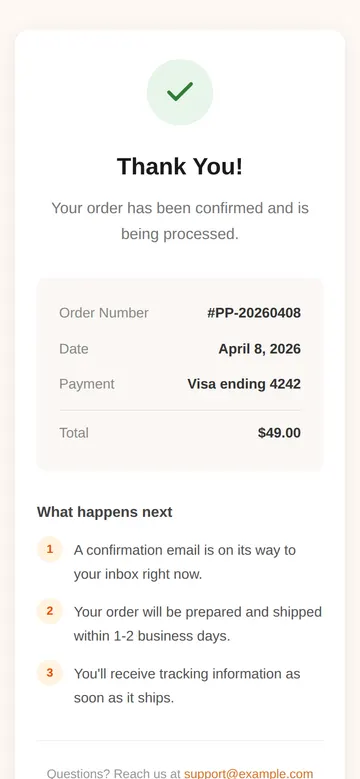
As it comes 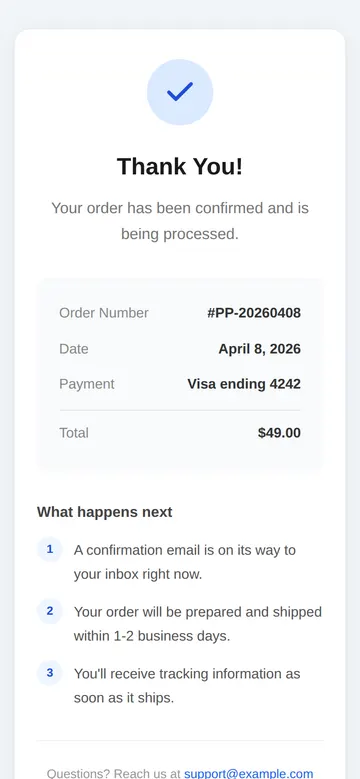
"Use our brand blue" 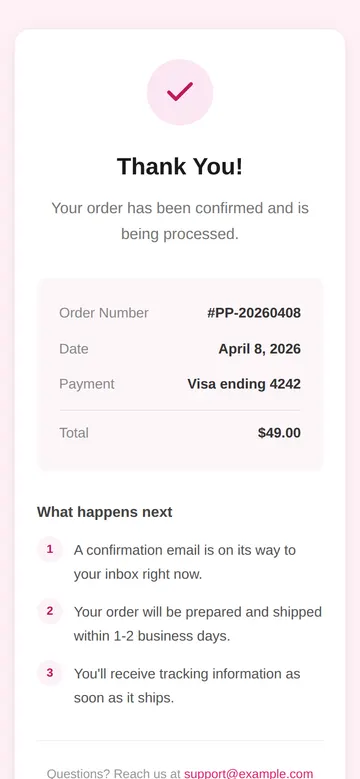
"Pink, for our bakery" 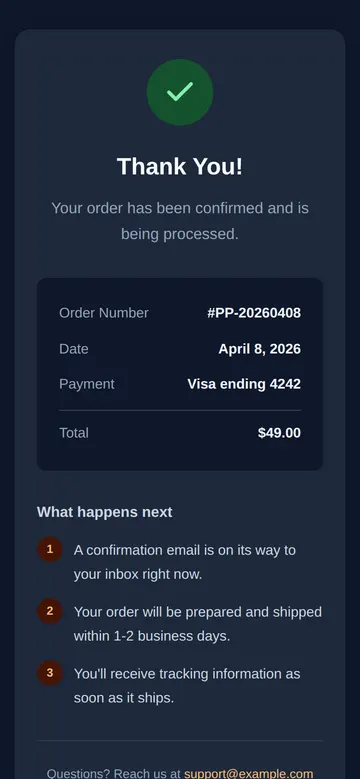
"Dark mode to match our app"
More things to ask for
- Add a button to download the PDF.
- Replace the order summary with a booking time and address.
- Add links to our Instagram and newsletter.
- Offer a discount code for the next order.
- Change the steps for a donation: receipt, how the money is used, how to share.
What's on the page
Confirmation
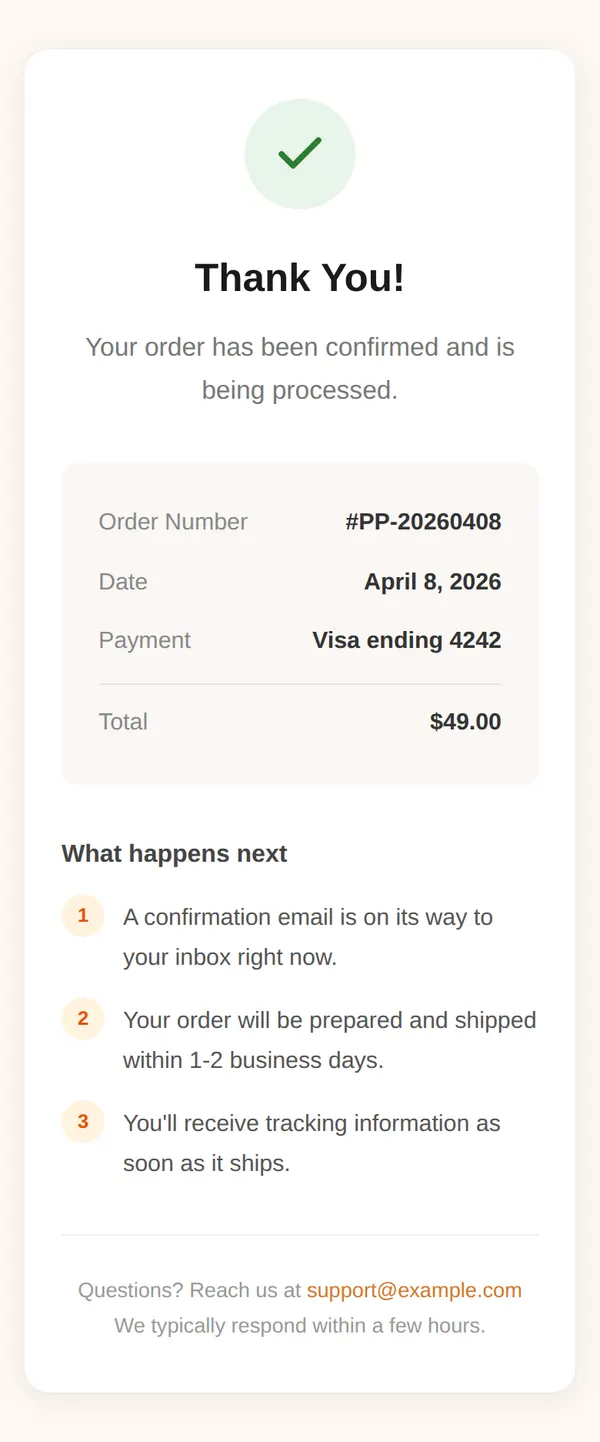
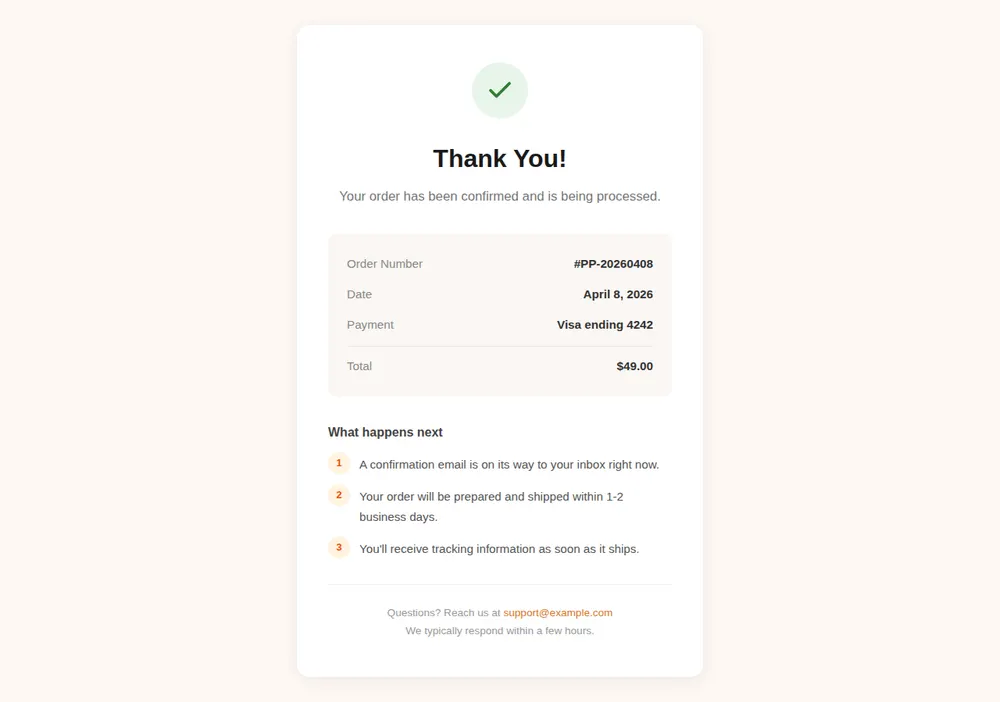
An animated green tick, a big Thank You and one line saying the order went through.
Order summary
Order number, date, payment method and total, in a shaded box.
What happens next
Three numbered steps, such as the confirmation email, shipping and tracking.
Support
An email address for questions and how quickly you reply.
Where you'll share it
After checkout
Stripe payment links and many shop tools let you send customers to a page of your choice once they've paid.
After a form
Tally and similar form tools can redirect to your link when someone presses submit.
In the confirmation email
Link to the same page so people can find the next steps again later.
Two ways to start
Let your AI write it
Copy the prompt, answer the questions, and get a page built around your details.
Start from this design
Open this exact page in the paste page editor, swap in your words and photos, and publish.
Use this templateOr skip the template. Make something weird and put it live the same way.
Questions
- Is the thank you page template free?
- Yes. Copy the prompt or use the template, then sign up free to claim your link.
- Can the thank you page show each customer's real order number?
- No. It's one page that everyone sees, so the order box in the example is placeholder text. Ask your AI to swap it for something that's true for everyone, like delivery times or a download button.
- How do I send people to my thank you page after they pay?
- Look for a redirect or confirmation page setting in your checkout or form tool, such as Stripe payment links or Tally, and paste your paste page link there.
- Where can I see thank you page examples for other situations?
- Ask your AI for the version you need: a donation receipt, a booking confirmation, a welcome after someone joins your mailing list or a download page. Each is one sentence to change.
- Can the thank you page match my shop's colours and fonts?
- Yes. Tell your AI your brand colours or paste your website address, and it rewrites the page to match.
More utility templates
- Single ProductOne product, one page. Hero and buy button.
- Lead CaptureEmail collection with a hook.
- WaitlistJoin the queue. Get early access.
- FundraiserCause, goal, donate.