Make it with your AI. Host it on paste page.
Referral page that explains your offer
Tell your AI what each side gets and it makes a page with the reward, the code and a one tap copy button. Paste it into paste page and share the link.
Copy the prompt paste what your AI writes live at paste.page/share-and-earn
Works with any AI chat
- ChatGPT
- Claude
- Gemini
- Copilot
- Grok
How it works
From prompt to referral page in three steps
Your AI writes the page. paste page puts it online.
Copy the prompt below into ChatGPT, Claude or any AI. It asks for your product or service name, what the person sharing gets and what their friend gets, the steps to refer someone, the link where friends join and any terms to highlight, then writes the whole page.
Paste the code into paste page and pick a name for your page.
You're live. Pick your link, such as paste.page/share-and-earn, publish, and add it to your order confirmation emails.
Your prompt
Copy it into your AI chat
I want to create a referral page. Ask me: 1. What's the product or service name? 2. What's the referral reward? (for referrer and referee) 3. How does it work? (steps to refer) 4. What's the referral signup link? 5. Any terms or conditions to highlight? Then generate the complete single-file HTML page with inline CSS. Make it beautiful and responsive.
Your photos
Add your product or logo
Upload them in the paste page editor and each one gets its own link. Give those links to your AI and ask it to use them, or swap them in yourself.
Your logo in place of the gift icon, a photo of the product people are recommending, a picture of the reward itself.
Swap the gift emoji for our logo and add a photo of the box above the steps.
No photos yet? Your AI uses placeholders you can swap after publishing.
Change anything by asking
Keep talking to your AI after it writes the page. Ask for new colours, fonts or sections in plain words and it rewrites the page. Paste the new version in and your link stays the same.
Your referral offer in three brand looks. Each one took one sentence.
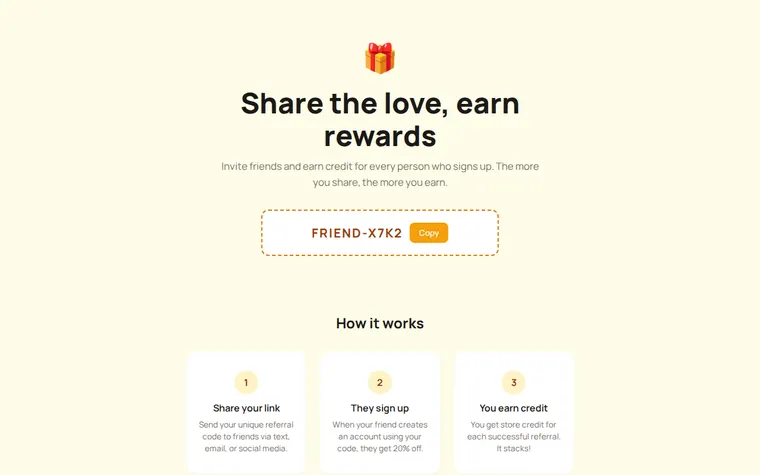
As it comes 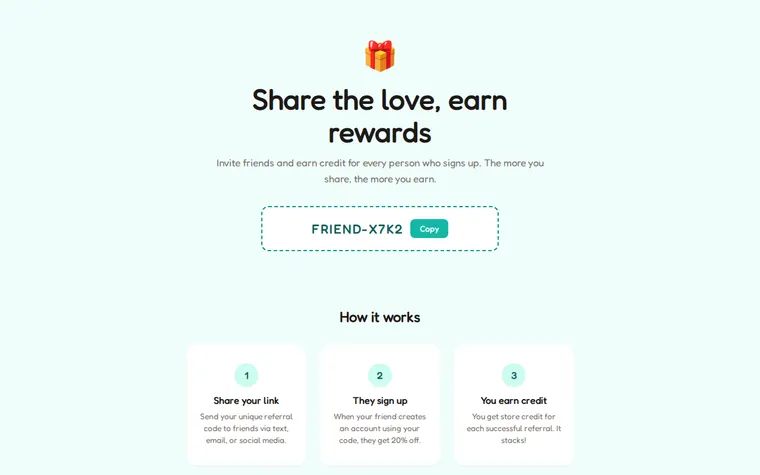
"Teal to match our app, friendlier font" 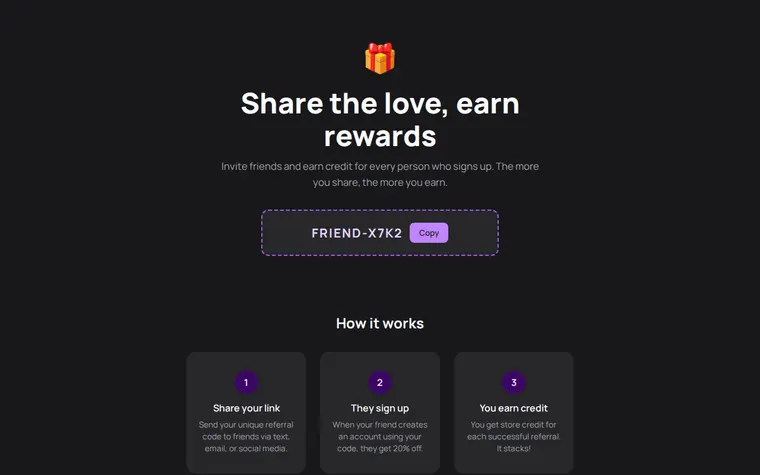
"Dark mode with a purple accent"
More things to ask for
- Change the rewards to £10 for both people.
- Add a short terms section at the bottom.
- Add a button that opens the page where friends join.
- Replace the tiers with a single flat reward.
- Add a few common questions about how credit is paid.
What's on the page
Headline and code
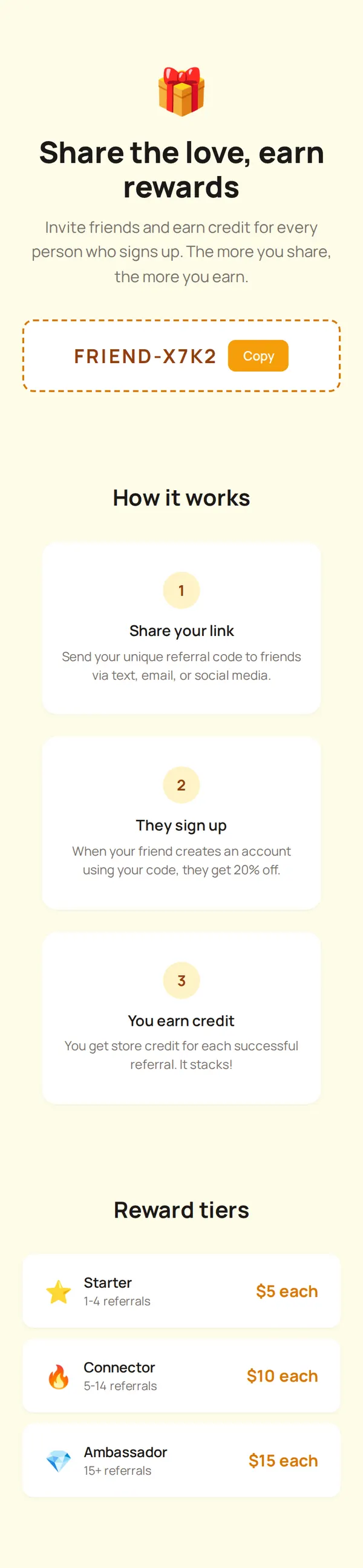
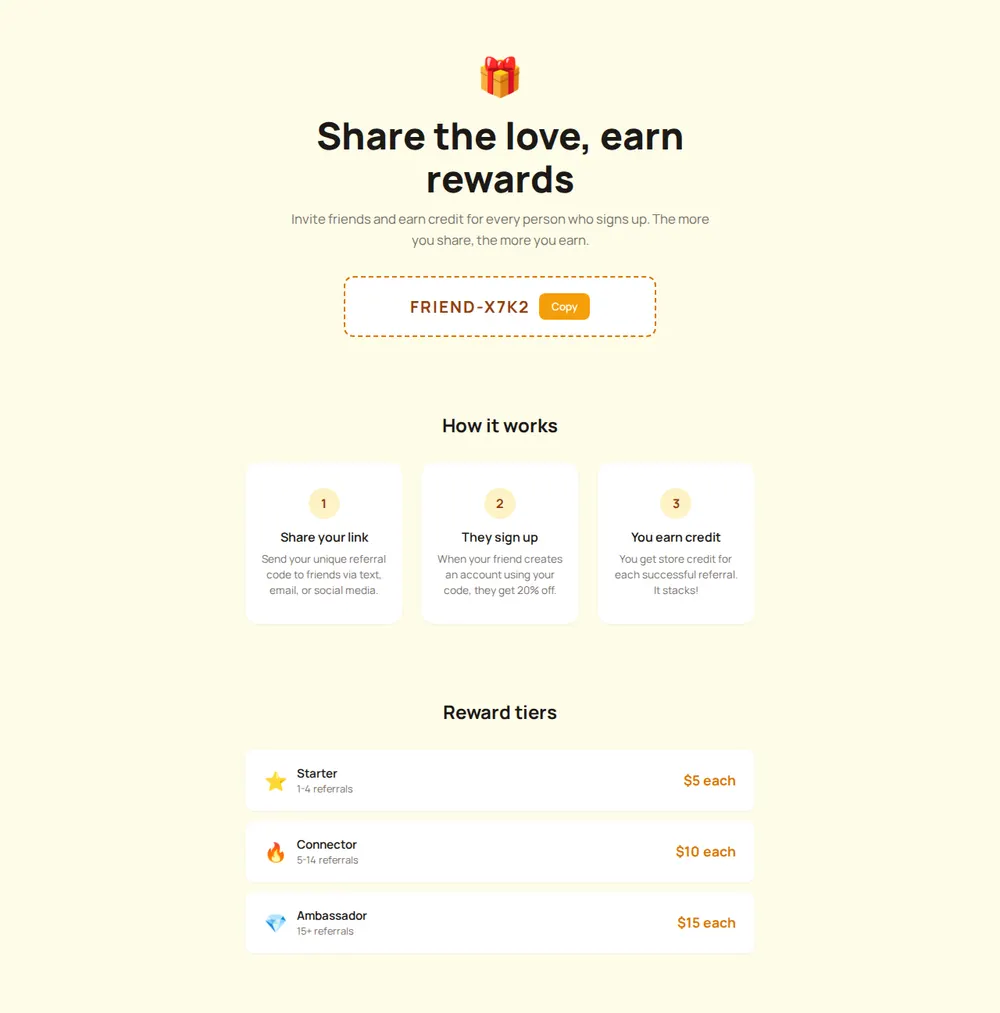
A gift icon, your offer in one line and the referral code in a dashed box.
Copy button
Copies the code to the visitor's clipboard so they can paste it into a message.
How it works
Three numbered cards: share your code, a friend joins, you earn credit.
Reward tiers
Starter, Connector and Ambassador levels, with what each referral is worth.
Where you'll share it
After someone buys
Put the link in your thank-you email, when customers are most likely to tell a friend.
In your newsletter
A short reminder with the link once a month keeps the offer in mind.
On a card in the parcel
Print a QR code that opens the page, for shops that post their orders.
Two ways to start
Let your AI write it
Copy the prompt, answer the questions, and get a page built around your details.
Start from this design
Open this exact page in the paste page editor, swap in your words and photos, and publish.
Use this templateOr skip the template. Make something weird and put it live the same way.
Questions
- Is the referral page template free?
- Yes. Copy the prompt or use the template, then sign up free to claim your link.
- Does the referral page keep track of who referred whom?
- No. The page explains your programme and shows the code. Tracking referrals and paying out credit is done by your shop, booking system or referral tool.
- Can every customer get their own code on my referral page?
- The page shows one code that you choose. If your referral tool gives each customer a personal code, ask your AI to tell visitors where to find theirs instead.
- Is this referral program template only for online shops?
- No. It works for a salon, gym, dentist or local service too. Tell the AI what you offer and how people book, and it adjusts the steps and wording.
- Can I add terms and conditions to the referral offer?
- Yes. The prompt asks for any terms to highlight, and the AI can add a short terms section at the foot of the page.
More marketing templates
- Giveaway / ContestEnter to win. Build buzz.
- Lead CaptureEmail collection with a hook.
- WaitlistJoin the queue. Get early access.
- Pricing PagePlans, features, comparison.