Make it with your AI. Host it on paste page.
Pricing page with every plan side by side
Ask your AI for a pricing page with your plans side by side and a feature comparison table. Paste it into paste page and link to it from anywhere.
Copy the prompt paste what your AI writes live at paste.page/tidyflow-pricing
Works with any AI chat
- ChatGPT
- Claude
- Gemini
- Copilot
- Grok
How it works
From prompt to pricing page in three steps
Your AI writes the page. paste page puts it online.
Copy the prompt below into ChatGPT, Claude or any AI. It asks for your product name, each plan with its price and billing period, what's included in each, which plan you recommend, whether there's a free tier or trial and where each plan's button should go, then writes the whole page.
Paste the code into paste page and pick a name for your page.
You're live. Pick your link, such as paste.page/tidyflow-pricing, publish, and point the Pricing link on your site or app at it.
Your prompt
Copy it into your AI chat
I want to create a pricing page. Ask me: 1. What's the product or service name? 2. What are the pricing plans? (name, price, billing period for each) 3. What features are included in each plan? 4. Which plan is recommended? 5. Is there a free tier or trial? 6. What's the sign-up link? Then generate the complete single-file HTML page with inline CSS. Make it beautiful and responsive.
Your photos
Mostly words and numbers
Upload them in the paste page editor and each one gets its own link. Give those links to your AI and ask it to use them, or swap them in yourself.
A pricing page is text, prices and ticks. At most, add your logo at the top or a small icon above each plan.
Put our logo above the heading and a small icon over each plan name.
No photos yet? Your AI uses placeholders you can swap after publishing.
Change anything by asking
Keep talking to your AI after it writes the page. Ask for new colours, fonts or sections in plain words and it rewrites the page. Paste the new version in and your link stays the same.
One price table, four brands. Each is a single request.
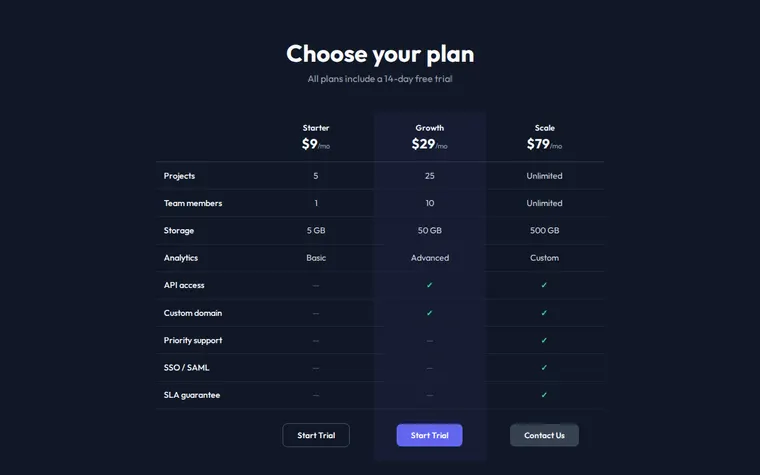
As it comes 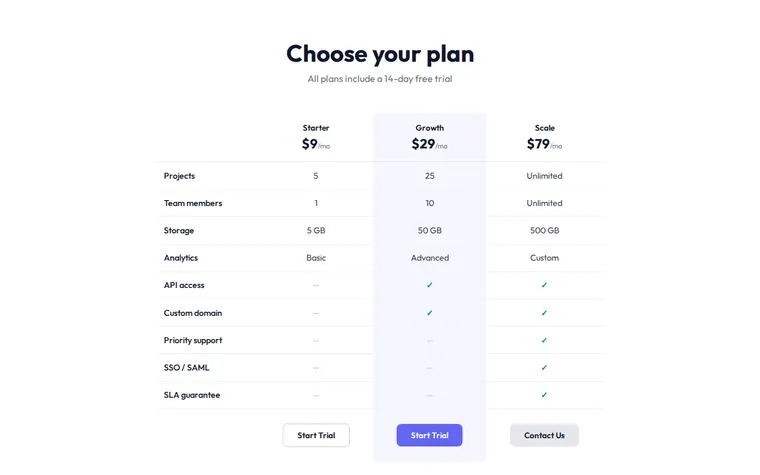
"Light background, please" 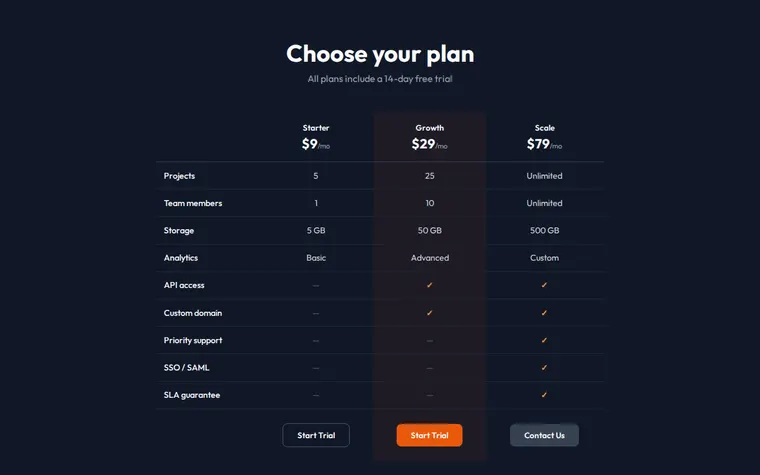
"Orange buttons to match our logo" 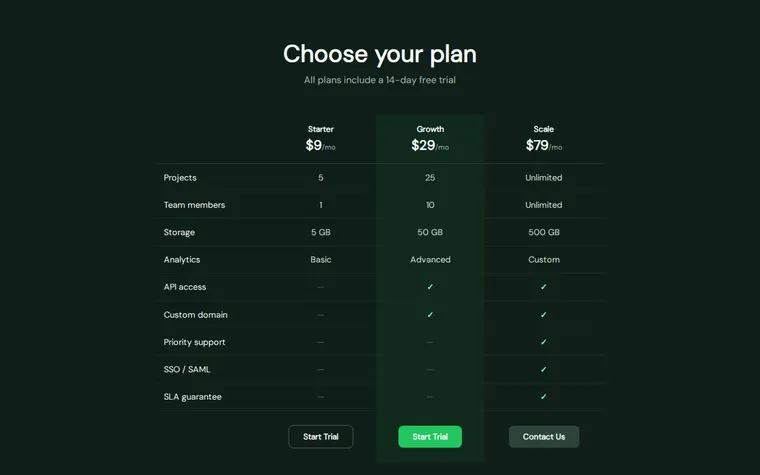
"Deep green and a softer font, we're an eco brand"
More things to ask for
- Add a monthly and yearly switch with two months free on yearly.
- Put a Most popular badge on the middle plan.
- Add a short FAQ about refunds under the table.
- Show prices in pounds and euros as well.
- Turn the table into cards on phones.
What's on the page
Heading
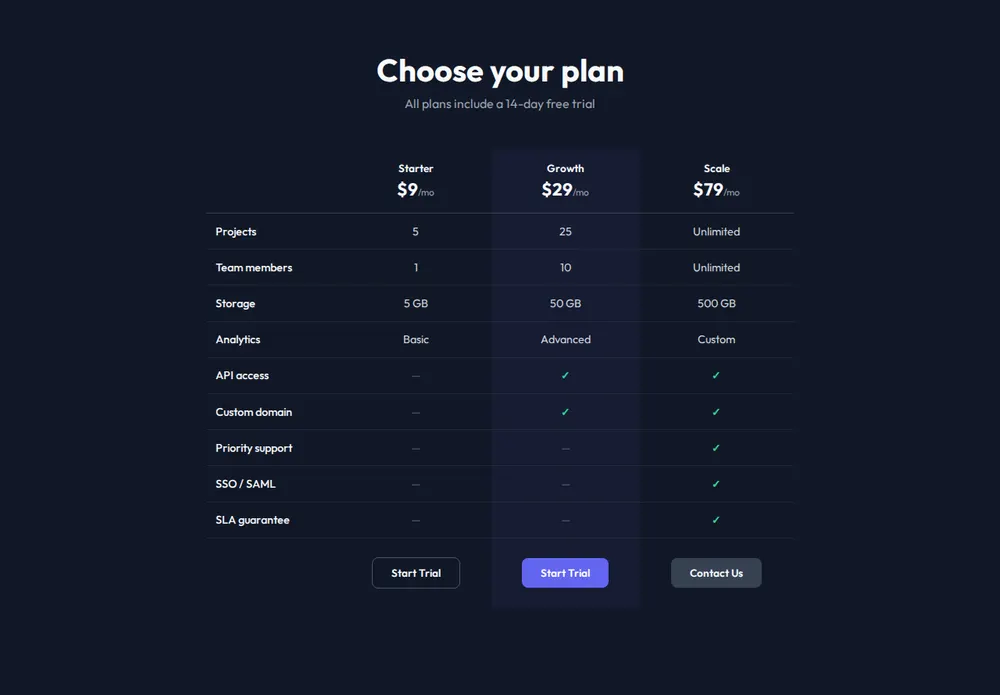
"Choose your plan" and a line underneath, such as your free trial offer.
Plans and prices
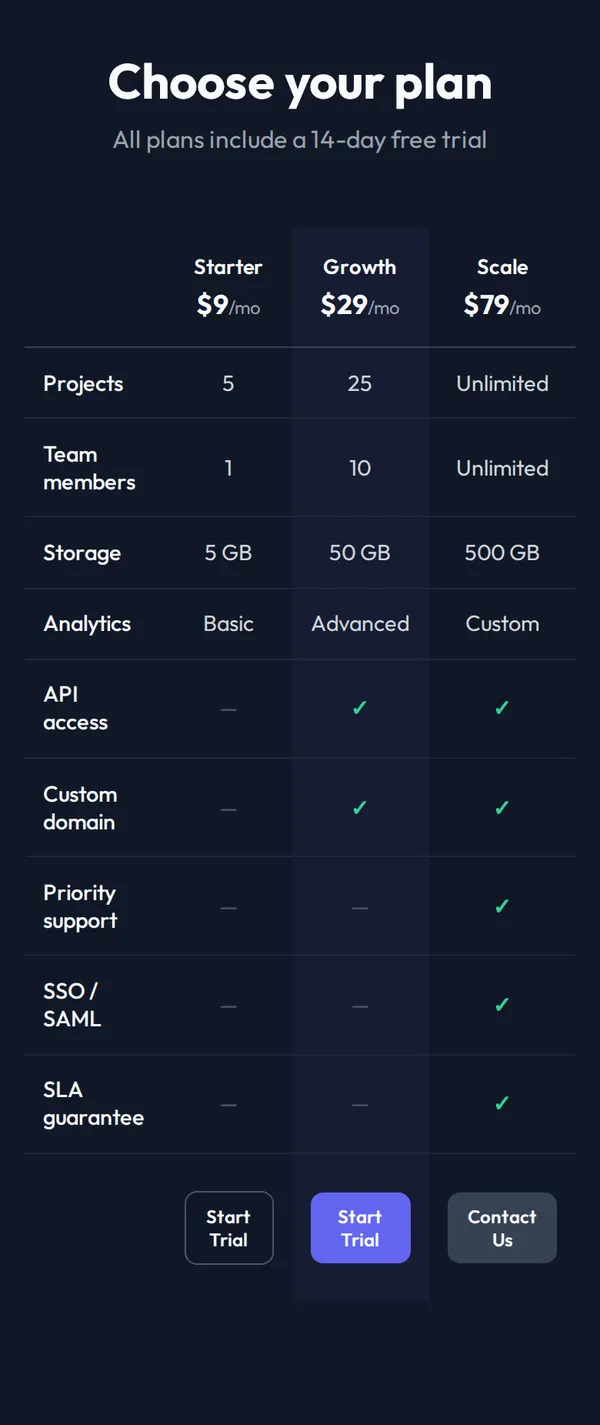
Three columns, here Starter, Growth and Scale, with the monthly price under each name.
Feature comparison
One row per feature, from team members and storage to API access and SSO, with ticks and dashes.
Recommended plan
A softly highlighted column so the plan you want most people on stands out.
Buttons
Start Trial under the self-serve plans and Contact Us under the biggest one.
Where you'll share it
Linked from your website
Point the Pricing link in your menu here, even if the rest of your site lives somewhere else.
In sales emails
Send prospects the link so they can compare plans before the call.
When prices change
Ask your AI for the new numbers, paste it in, and every link to your pricing shows them.
Two ways to start
Let your AI write it
Copy the prompt, answer the questions, and get a page built around your details.
Start from this design
Open this exact page in the paste page editor, swap in your words and photos, and publish.
Use this templateOr skip the template. Make something weird and put it live the same way.
Questions
- Is the pricing page template free?
- Yes. Copy the prompt or use the template, then sign up free to claim your link.
- Can I have two plans or five instead of three on the pricing table?
- Yes. Tell your AI how many plans you have and it adds or removes columns to match.
- Can the buttons on my pricing page take payments?
- Yes. Give your AI a Stripe Payment Link, a Gumroad page or the page where customers start for each plan and it wires up the buttons.
- Where can I see pricing page examples made from this template?
- The colour versions above are the same page after one request each. Ask your AI for cards instead of a table, a yearly toggle or a FAQ and you'll get a different layout again.
- Can I put the pricing table inside a full product landing page?
- Yes. The SaaS Product template already has a hero and features; ask your AI to add this table to it as a pricing section.
More products templates
- SaaS ProductHero, features, pricing. Ship it.
- Subscription ServiceRecurring value, clear tiers.
- Single ProductOne product, one page. Hero and buy button.
- Freelancer ProfileServices, rates, and contact.