Make it with your AI. Host it on paste page.
Subscription website template with clear tiers
Tell your AI what each plan costs and includes and it writes a page with three tiers and a short FAQ. Paste it into paste page and share the link.
Copy the prompt paste what your AI writes live at paste.page/pricing-plans
Works with any AI chat
- ChatGPT
- Claude
- Gemini
- Copilot
- Grok

How it works
From prompt to subscription page in three steps
Your AI writes the page. paste page puts it online.
Copy the prompt below into ChatGPT, Claude or any AI. It asks for the service name, the value it gives, each tier with its monthly price and what's included, the link people join through, any testimonials and whether there's a free trial, then writes the whole page.
Paste the code into paste page and pick a name for your page.
You're live. Pick your link, such as paste.page/pricing-plans, and publish. When you change a price, ask your AI for the new table and paste it in so old links show the current numbers.
Your prompt
Copy it into your AI chat
I want to create a subscription service page. Ask me: 1. What's the service name? 2. What value does it provide? 3. What are the subscription tiers? (name, price/month, and what's included for each) 4. What's the sign-up link? 5. Any testimonials or social proof? 6. Is there a free trial? Then generate the complete single-file HTML page with inline CSS. Make it beautiful and responsive.
Your photos
Show what subscribers get
Upload them in the paste page editor and each one gets its own link. Give those links to your AI and ask it to use them, or swap them in yourself.
A photo of this month's box, a screenshot of the members' area, or your logo above the plans.
Add this photo of our coffee box above the plans, and put our logo top left.
No photos yet? Your AI uses placeholders you can swap after publishing.
Change anything by asking
Keep talking to your AI after it writes the page. Ask for new colours, fonts or sections in plain words and it rewrites the page. Paste the new version in and your link stays the same.
Same plans, different brand. One sentence each.
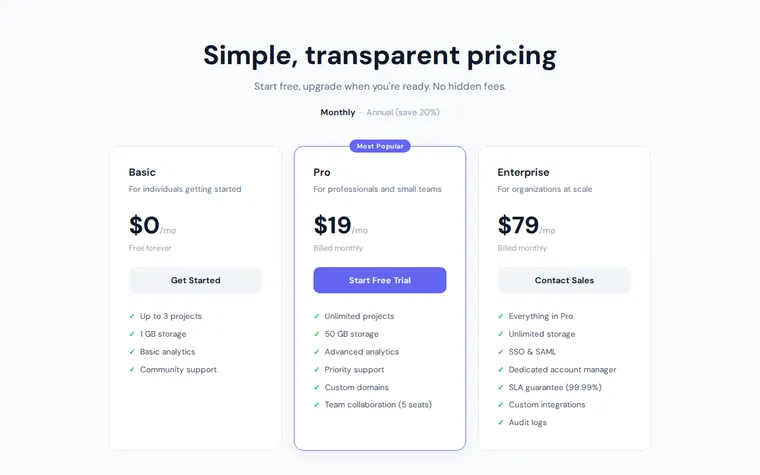
As it comes 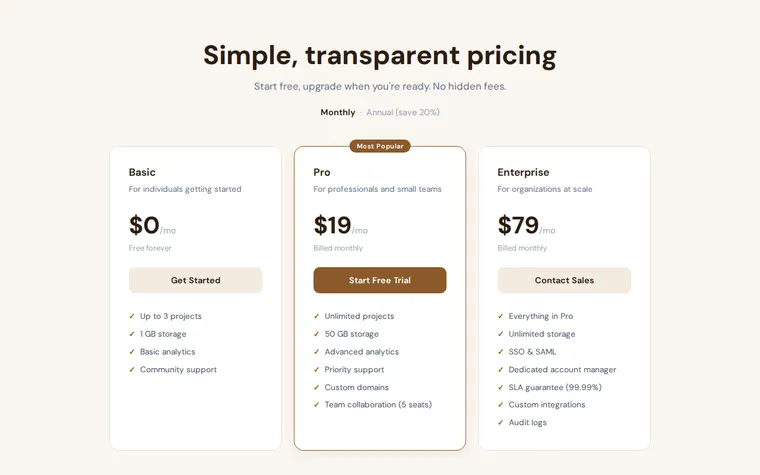
"Coffee colours for our bean club" 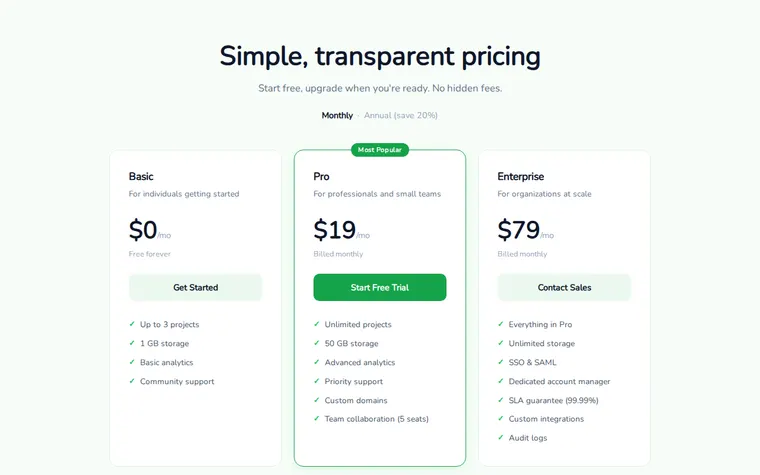
"Fresh green, like a veg box" 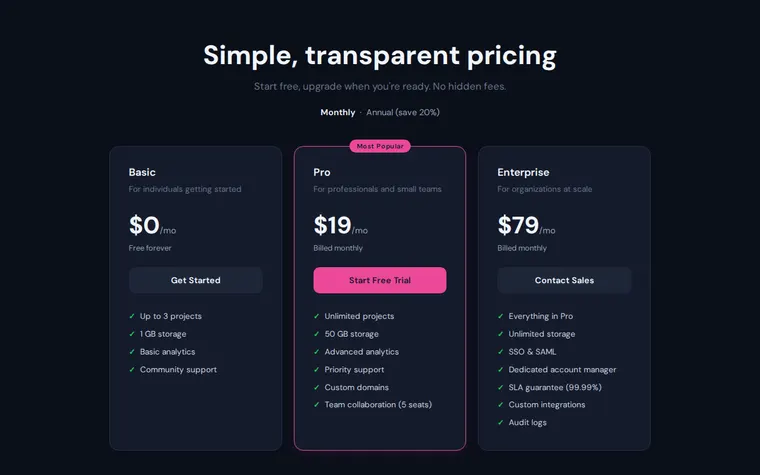
"Dark mode, with a pink featured plan"
More things to ask for
- Make the annual toggle work and show yearly prices.
- Add a testimonials row under the plans.
- Show prices in euros.
- Add a fourth plan for teams.
- Add a comparison table of every feature below the cards.
What's on the page
Header
A short promise about your pricing and a monthly or annual label.
Plans
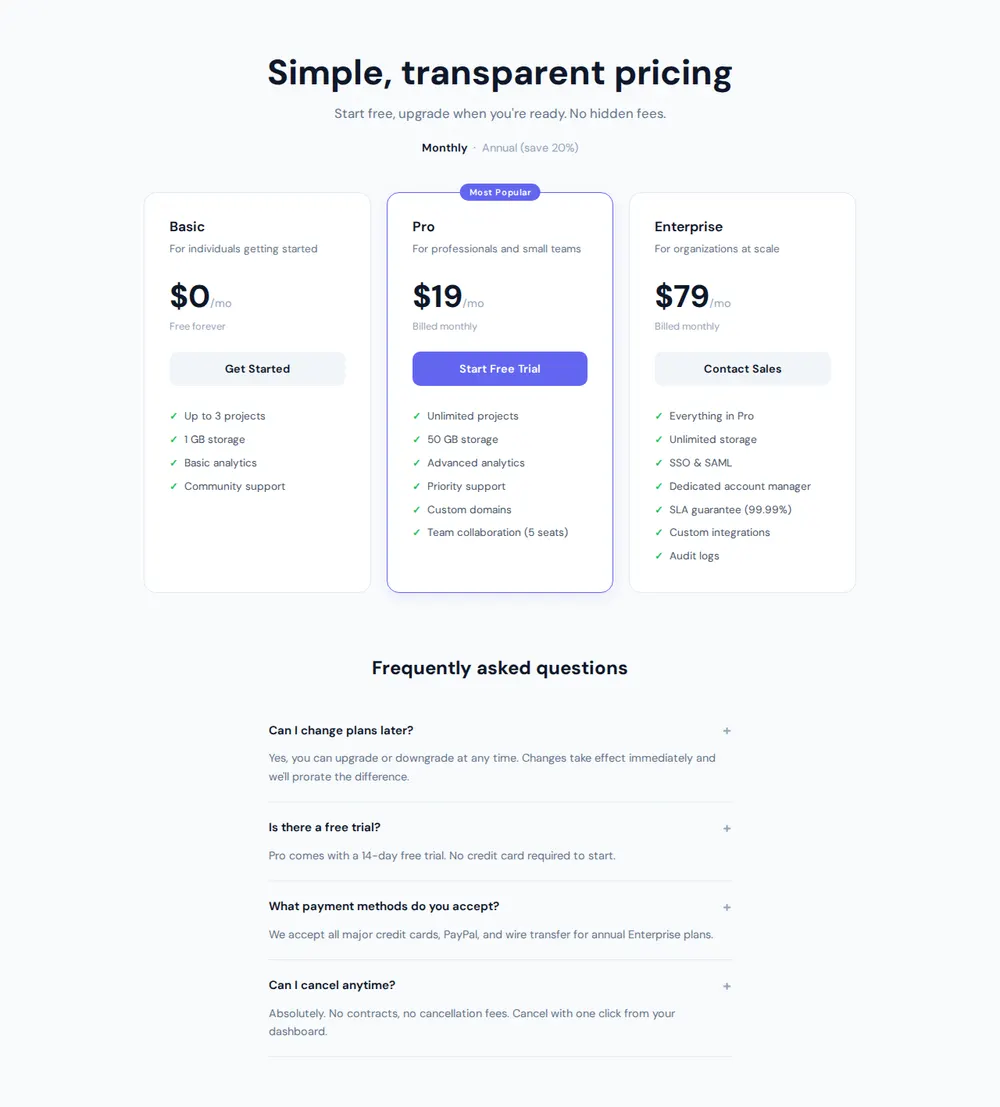
Three cards with name, who it's for, monthly price and a button each, with the middle one highlighted.
What's included
A ticked feature list under every plan, so the differences are easy to spot.
Questions
Four common questions about changing plans, trials, payment and cancelling.
Where you'll share it
Your launch email
One link that answers "how much is it?" for everyone on your list.
Instagram and TikTok bio
Send followers straight to the plans instead of a DM thread.
Printed inserts
Put the link on a card in each box so gift recipients can start their own subscription.
Two ways to start
Let your AI write it
Copy the prompt, answer the questions, and get a page built around your details.
Start from this design
Open this exact page in the paste page editor, swap in your words and photos, and publish.
Use this templateOr skip the template. Make something weird and put it live the same way.
Questions
- Is the subscription website template free?
- Yes. Copy the prompt or use the template, then sign up free to claim your link.
- Do the plan buttons on the subscription page take recurring payments?
- No. Each button links to wherever people subscribe, such as a Stripe payment link, Gumroad, Patreon or Shopify. Give your AI those links when it asks.
- Can I offer a free trial on one subscription tier?
- Yes. Tell your AI which plan has the trial and how long it lasts, and it adds that to the card and the FAQ.
- Does the template suit a physical subscription box?
- Yes. Ask for box sizes instead of software plans, with what's inside and how often it ships.
- Is there a general pricing page template as well as this one?
- Yes. The Pricing Page template lays out plans and features for any product, whether it bills monthly or not.
More products templates
- Pricing PagePlans, features, comparison.
- SaaS ProductHero, features, pricing. Ship it.
- Single ProductOne product, one page. Hero and buy button.
- WaitlistJoin the queue. Get early access.