Make it with your AI. Host it on paste page.
Make an app landing page with your AI
Ask your AI for an app landing page with your icon, a one-line pitch, store buttons, screenshots and reviews. Paste it into paste page and share it.
Copy the prompt paste what your AI writes live at paste.page/simplify-app
Works with any AI chat
- ChatGPT
- Claude
- Gemini
- Copilot
- Grok

How it works
From prompt to app landing page in three steps
Your AI writes the page. paste page puts it online.
Copy the prompt below into ChatGPT, Claude or any AI. It asks for your app's name, what it does in one line, which platforms it's on, your App Store and Google Play links, three to five features and your screenshots, then writes the whole page.
Paste the code into paste page and pick a name for your page.
You're live. Pick your link, such as paste.page/simplify-app, publish, and add it to your app's store listing as the website.
Your prompt
Copy it into your AI chat
I want to create an app download page. Ask me: 1. What's the app name? 2. What does it do? (one-line description) 3. What platforms? (iOS, Android, web) 4. What are the app store links? 5. What are 3-5 key features? 6. What screenshot or mockup image URLs do you have? Then generate the complete single-file HTML page with inline CSS. Make it beautiful and responsive.
Your photos
Add your screenshots and app icon
Upload them in the paste page editor and each one gets its own link. Give those links to your AI and ask it to use them, or swap them in yourself.
Three or four phone screenshots, your app icon, a mockup of the app on a phone.
Here are three screenshots from the App Store listing. Put them in the phone frames in this order.
No photos yet? Your AI uses placeholders you can swap after publishing.
Change anything by asking
Keep talking to your AI after it writes the page. Ask for new colours, fonts or sections in plain words and it rewrites the page. Paste the new version in and your link stays the same.
Same app page, matched to your icon. One sentence each.
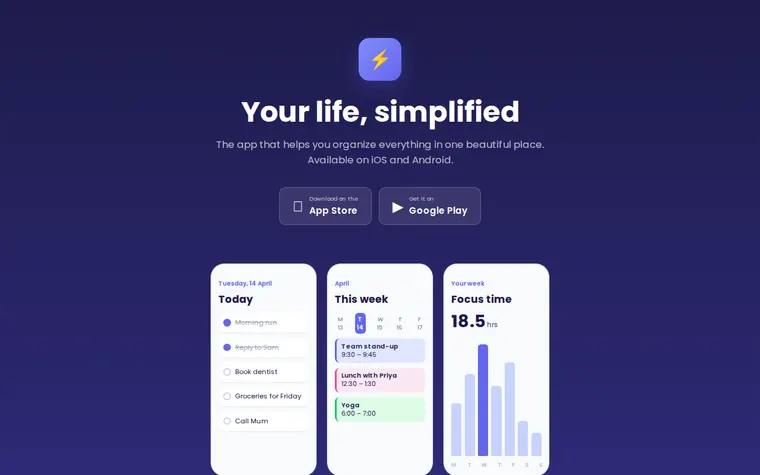
As it comes 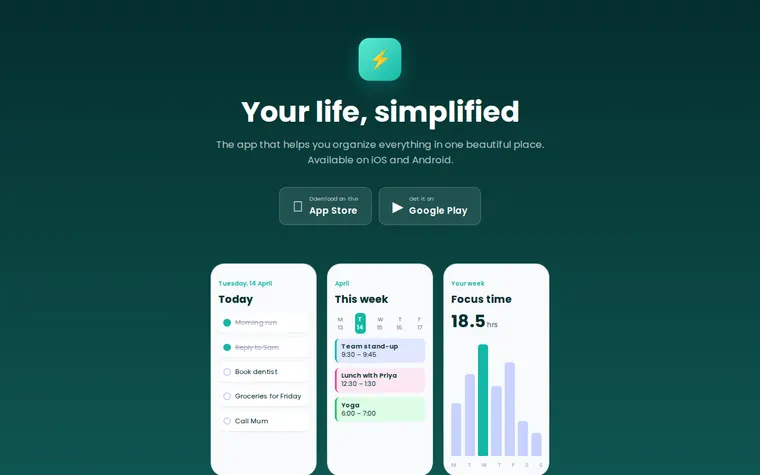
"Teal, to match our icon" 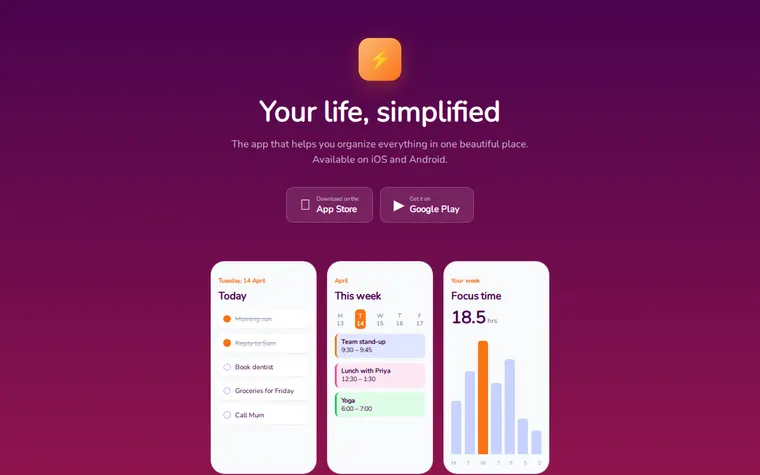
"Sunset orange and pink" 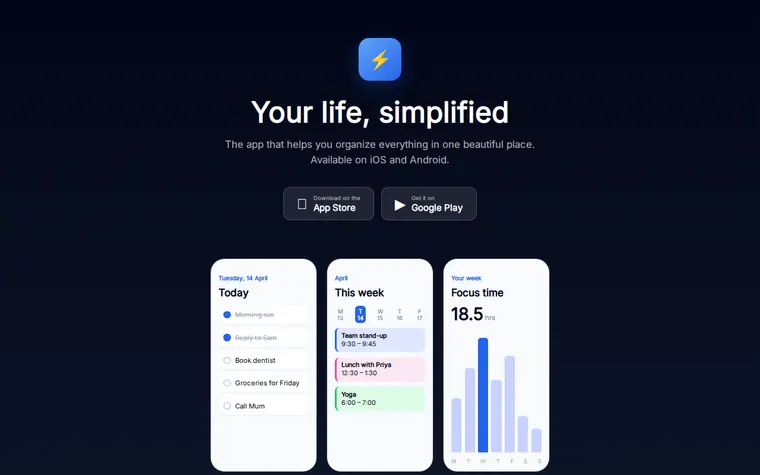
"Darker, almost black"
More things to ask for
- Add a TestFlight link for beta testers.
- Show only the Google Play button for now.
- Add a QR code that opens the right store.
- Put real reviews from our store page in.
- Add a privacy policy link in the footer.
What's on the page
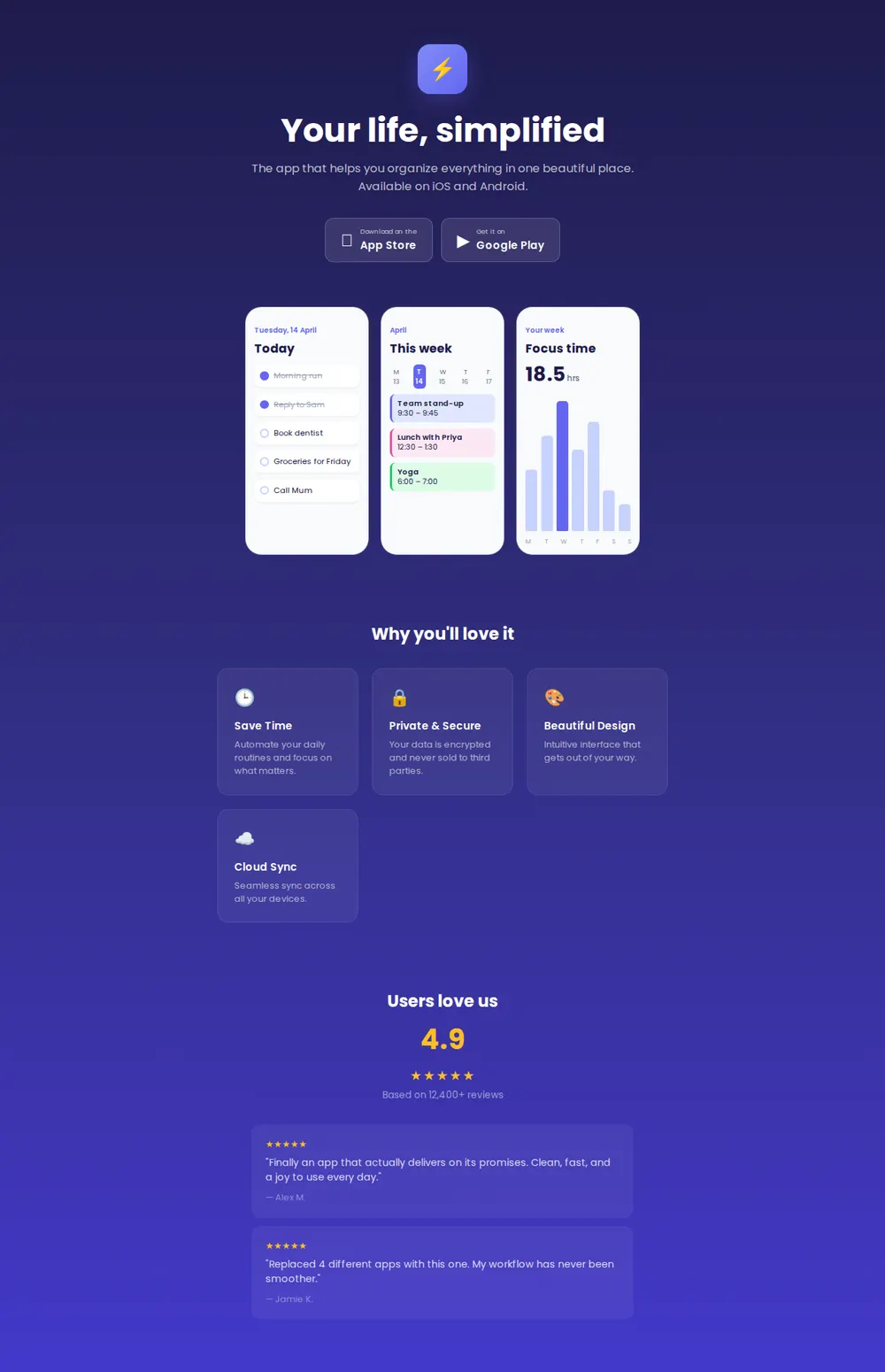
App icon and headline
Your icon, a short headline and one line on what the app does.
Store buttons
Download on the App Store and Get it on Google Play.
Screenshots
Three phone-shaped frames for screens from the app.
Why you'll love it
Four feature cards with an icon and a sentence each.
Reviews
Your average rating, the review count and two quotes.
Where you'll share it
Your store listing
Put it in the website field on the App Store and Google Play.
Social bios and posts
One link that works for iPhone and Android people alike.
Press and launch emails
Somewhere for journalists to see screenshots without installing anything.
Two ways to start
Let your AI write it
Copy the prompt, answer the questions, and get a page built around your details.
Start from this design
Open this exact page in the paste page editor, swap in your words and photos, and publish.
Use this templateOr skip the template. Make something weird and put it live the same way.
Questions
- Is the app landing page template free?
- Yes. Copy the prompt or use the template, then sign up free to claim your link.
- Can the app page send iPhone and Android visitors to the right store?
- Yes. Ask your AI to detect the phone and highlight the right button, or to open the store straight away.
- My app isn't out yet. Can the app landing page take sign-ups?
- Yes. Ask your AI to swap the store buttons for an email box linked to your form, then put the buttons back on launch day.
- Can I put my App Store screenshots in the phone frames?
- Yes. Upload them in the paste page editor, then give the links to your AI or swap them in yourself.
- Can I use this as an app website template for a web app too?
- Yes. Tell your AI it runs in the browser and it adds an Open the app button next to, or instead of, the store buttons.
More products templates
- SaaS Product (Dark)Dark mode product page.
- Single ProductOne product, one page. Hero and buy button.
- Coming SoonBuild anticipation. Collect interest.
- SaaS ProductHero, features, pricing. Ship it.