Make it with your AI. Host it on paste page.
Workshop landing page with price and dates
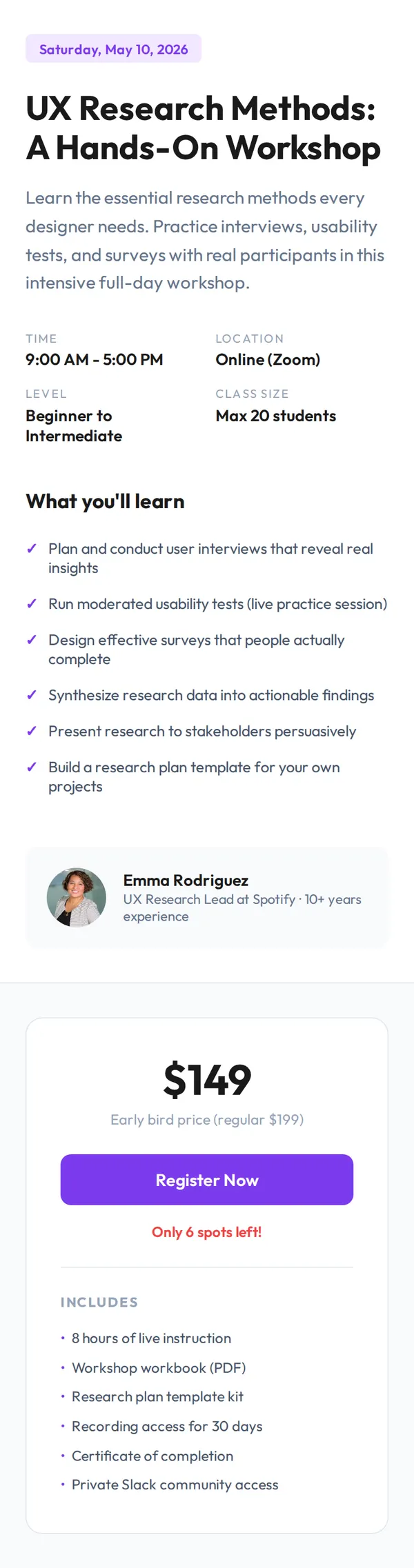
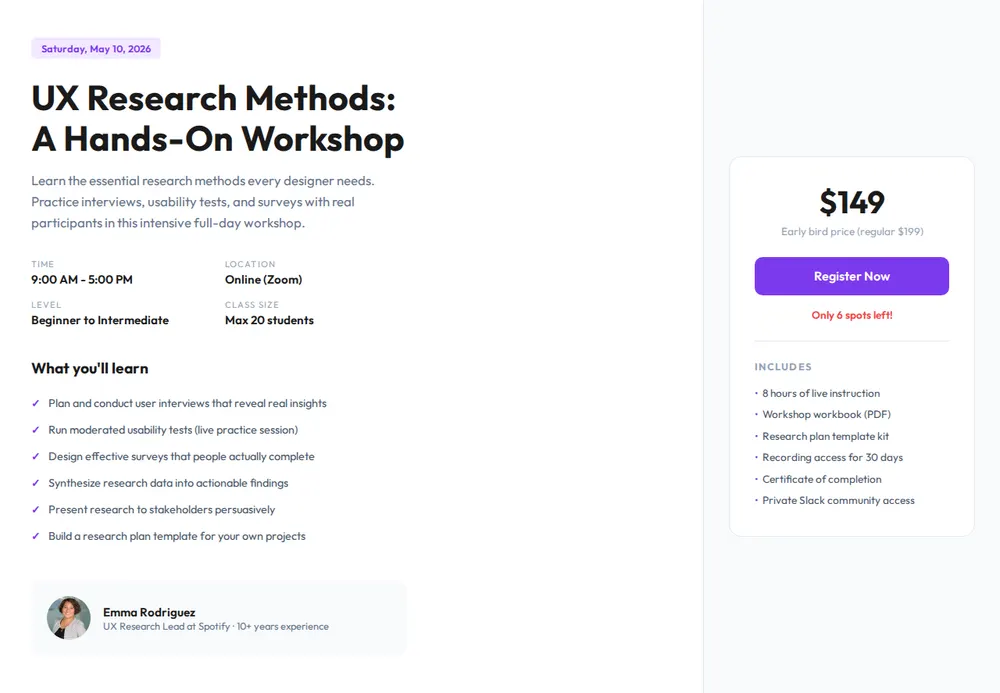
Tell your AI about the course and it writes a page with the date, place, what people learn, who teaches and a price card. Paste it into paste page and send the link.
Copy the prompt paste what your AI writes live at paste.page/ux-research-workshop
Works with any AI chat
- ChatGPT
- Claude
- Gemini
- Copilot
- Grok
How it works
From prompt to workshop page in three steps
Your AI writes the page. paste page puts it online.
Copy the prompt below into ChatGPT, Claude or any AI. It asks for the workshop title, what people will learn, the dates and length, whether it's in person or online, the price, your booking link and who's teaching, then writes the whole page.
Paste the code into paste page and pick a name for your page.
You're live. Pick your link, such as paste.page/ux-research-workshop, publish, and lower the spots-left number as people book.
Your prompt
Copy it into your AI chat
I want to create a workshop or bootcamp page. Ask me: 1. What's the workshop title? 2. What will participants learn? 3. What are the dates and duration? 4. Is it in-person or online? (location or platform) 5. What's the price? 6. What's the registration link? 7. Who's teaching? Then generate the complete single-file HTML page with inline CSS. Make it beautiful and responsive.
Your photos
Add the instructor and the room
Upload them in the paste page editor and each one gets its own link. Give those links to your AI and ask it to use them, or swap them in yourself.
A headshot of whoever's teaching, a photo from a past session, the venue or your teaching setup on camera.
Use this photo for Emma in the instructor row and add this class photo above What you'll learn.
No photos yet? Your AI uses placeholders you can swap after publishing.
Change anything by asking
Keep talking to your AI after it writes the page. Ask for new colours, fonts or sections in plain words and it rewrites the page. Paste the new version in and your link stays the same.
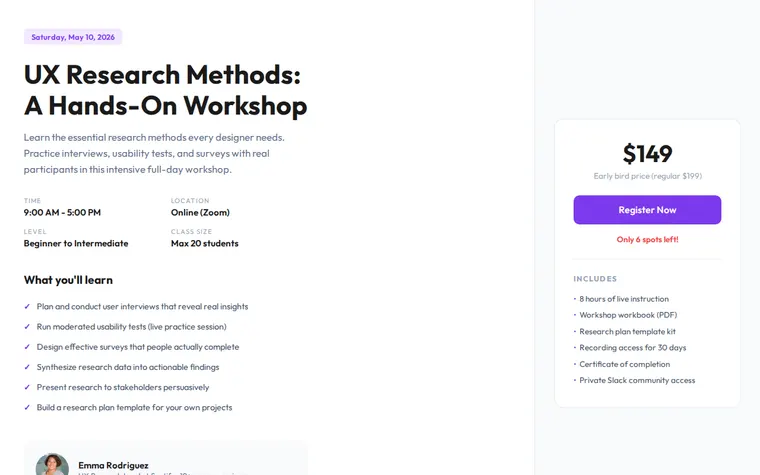
Same workshop page, other subjects. Each one is a single sentence.
As it comes 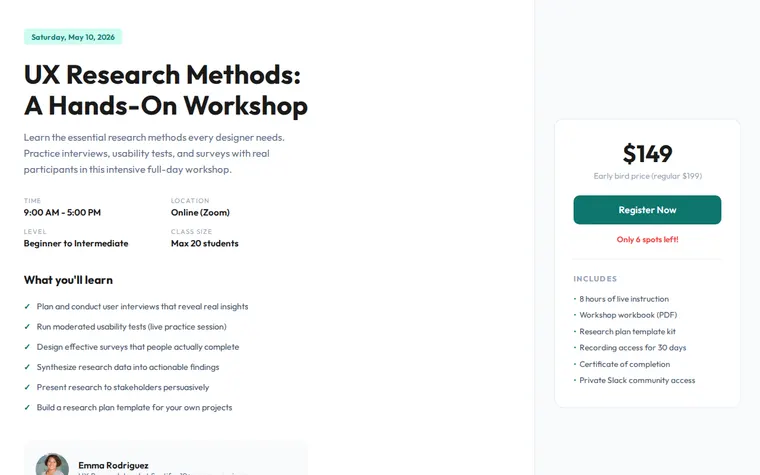
"Teal for our design school" 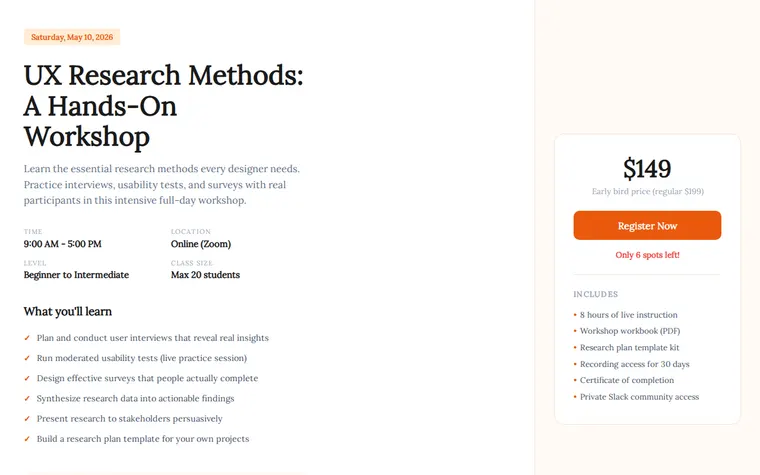
"Warm orange and a serif for a cooking class" 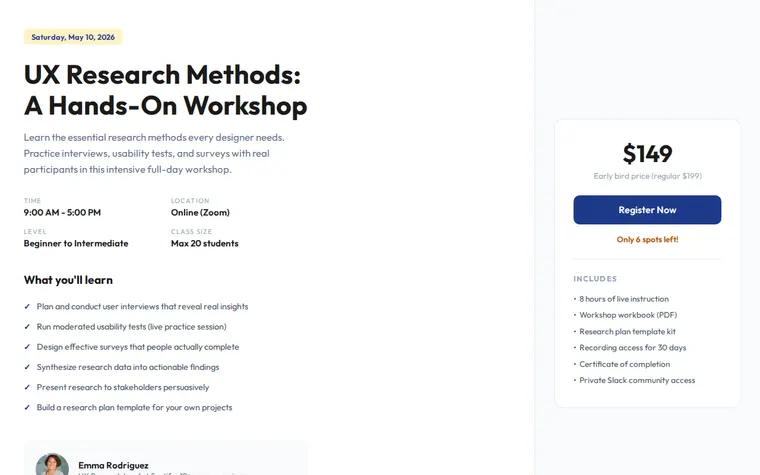
"Navy and gold for a company training day"
More things to ask for
- Add a schedule for the day, hour by hour.
- Add three quotes from past students.
- Show the early-bird deadline under the price.
- Add a short FAQ about refunds.
- Make it a four-week bootcamp with a week-by-week plan.
What's on the page
Title and date
A date badge, the workshop name and a line on what the day covers.
Details
Time, location or platform, level and class size in one row.
What you'll learn
A ticked list of the skills people leave with.
Instructor
A photo, name and a line on their experience.
Price card
Early-bird and regular price, a Register Now button and how many spots are left.
What's included
Workbook, recordings, certificate and anything else in the price.
Where you'll share it
LinkedIn and your newsletter
Post the link with the date and price, and readers go straight to the details.
Someone approving a training budget
Price, length and what's included are on one page they can forward.
Once it's full
Change the button to a waiting list or the next date, and the link keeps working.
Two ways to start
Let your AI write it
Copy the prompt, answer the questions, and get a page built around your details.
Start from this design
Open this exact page in the paste page editor, swap in your words and photos, and publish.
Use this templateOr skip the template. Make something weird and put it live the same way.
Questions
- Is the workshop landing page template free?
- Yes. Copy the prompt or use the template, then sign up free to claim your link.
- Where does the Register Now button on the workshop page go?
- Wherever you take bookings. Give your AI your Eventbrite, Gumroad, Stripe payment link or Google Form when it asks and it points the button there. People pay on that service, not on paste page.
- Can I use it as a bootcamp website for a course that runs several weeks?
- Yes. Tell your AI how many weeks and what each covers and it adds a week-by-week plan. For a self-paced course with recorded lessons, the Online Course template fits better.
- Does the workshop page work for an in-person class?
- Yes. Give your AI the venue address instead of a Zoom link and it goes in the details row. Ask for a map if you'd like one.
- Can I change the spots-left number on the workshop page?
- Yes. Edit it in the paste page editor as people book. The link you've already shared stays the same.
More education templates
- Online CourseCurriculum, enroll, learn.
- WebinarRegister for the online event.
- Tutoring ServiceSubjects, rates, book a session.
- Book / CourseSell your knowledge.