Make it with your AI. Host it on paste page.
Tutoring website template for subjects and rates
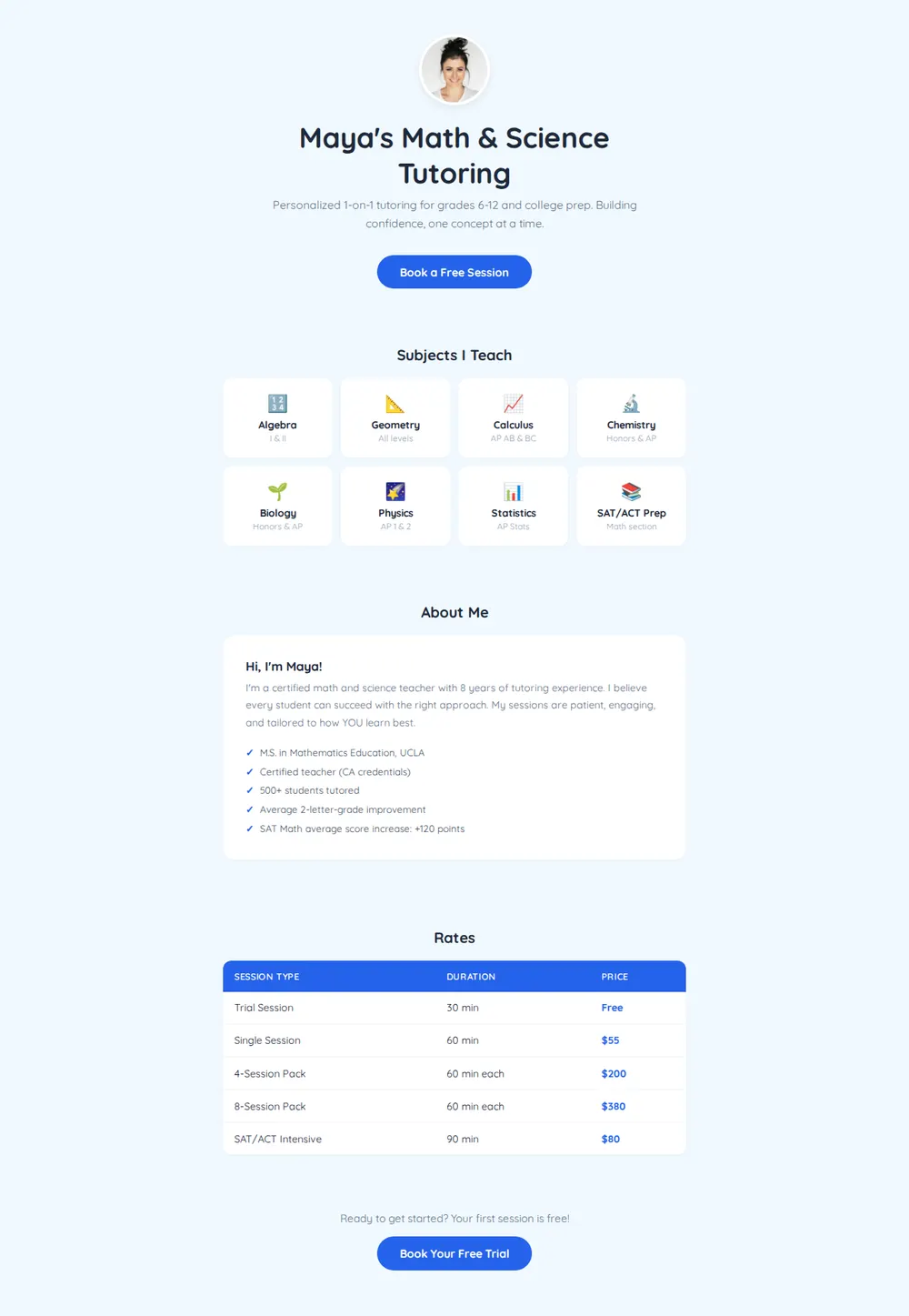
Ask your AI for a tutoring page with your subjects, credentials, rates and a button to book a first session. Paste it into paste page and send parents the link.
Copy the prompt paste what your AI writes live at paste.page/maya-tutoring
Works with any AI chat
- ChatGPT
- Claude
- Gemini
- Copilot
- Grok

How it works
From prompt to tutoring website in three steps
Your AI writes the page. paste page puts it online.
Copy the prompt below into ChatGPT, Claude or any AI. It asks for your name, each subject you tutor, your rates, the levels you teach, your experience and how students book, then writes the whole page.
Paste the code into paste page and pick a name for your page.
You're live. Pick your link, such as paste.page/maya-tutoring, and publish. Then put it in your email signature so every parent who writes to you can see your rates.
Your prompt
Copy it into your AI chat
I want to create a tutoring service page. Ask me: 1. What's your name? 2. What subjects do you tutor? (list each) 3. What are your rates? (per hour or per session) 4. What levels? (elementary, high school, college, etc.) 5. What's your experience or credentials? 6. How can students book? (booking link or contact) Then generate the complete single-file HTML page with inline CSS. Make it beautiful and responsive.
Your photos
Add a friendly photo of yourself
Upload them in the paste page editor and each one gets its own link. Give those links to your AI and ask it to use them, or swap them in yourself.
A clear headshot for the circle at the top, or a picture of you at the whiteboard.
Use this photo of me in the round frame at the top instead of the placeholder.
No photos yet? Your AI uses placeholders you can swap after publishing.
Change anything by asking
Keep talking to your AI after it writes the page. Ask for new colours, fonts or sections in plain words and it rewrites the page. Paste the new version in and your link stays the same.
Same tutoring page, one sentence each.
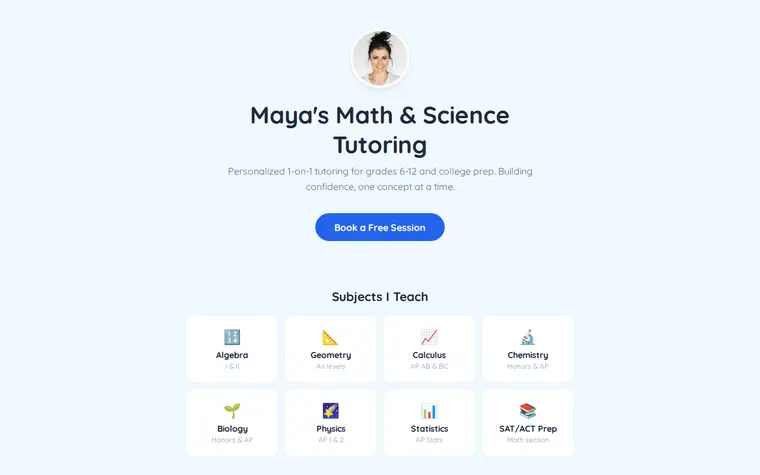
As it comes 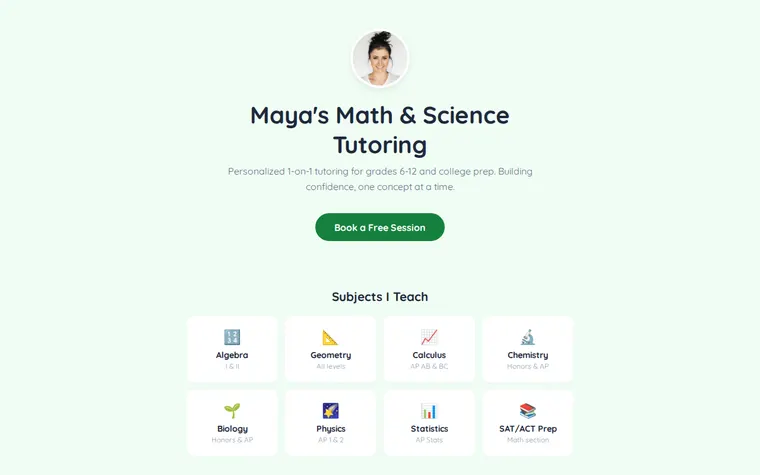
"Green, like a school chalkboard" 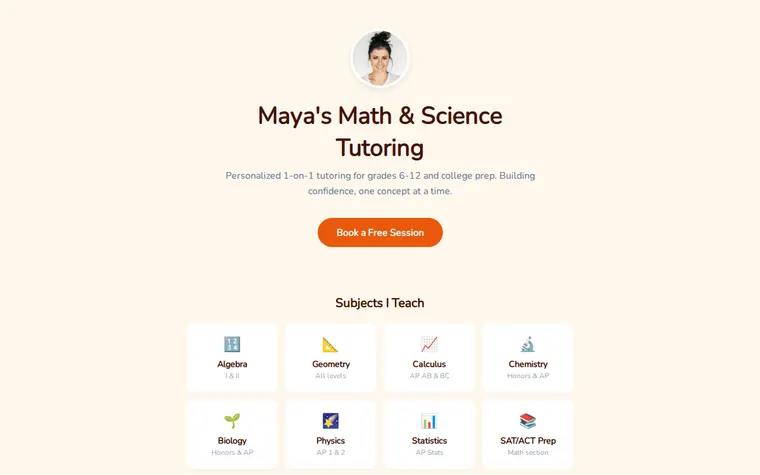
"Warmer, with a rounder font for younger kids" 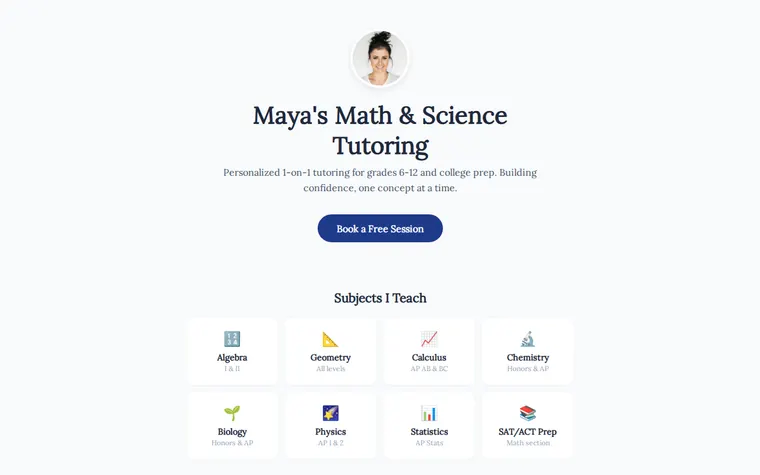
"More serious, for university applicants"
More things to ask for
- Add French and Spanish to the subjects.
- Show prices in pounds and add a sibling discount.
- Add a short quote from a parent under About Me.
- Say which evenings and weekends I'm free.
- Mention that I tutor online over Zoom as well as in person.
What's on the page
Introduction
Your photo, your name and one line on who you help, with a button to book a free session.
Subjects
A grid of cards, one per subject, each with the level or exam it covers.
About me
A short welcome and a ticked list of your qualifications and results.
Rates
A table of session types, how long each lasts and what it costs, including packs.
Booking
A closing line and a second button that goes to your booking link or contact details.
Where you'll share it
Parents' WhatsApp groups
One link answers "what do you charge and what do you teach?" before anyone asks.
Tutoring directories
Put it in the website field on the profiles you already have.
Before exam season
Ask your AI to add a revision pack to the rates, paste it in, and the same link shows it.
Two ways to start
Let your AI write it
Copy the prompt, answer the questions, and get a page built around your details.
Start from this design
Open this exact page in the paste page editor, swap in your words and photos, and publish.
Use this templateOr skip the template. Make something weird and put it live the same way.
Questions
- Is the tutoring website template free?
- Yes. Copy the prompt or use the template, then sign up free to claim your link.
- Where does the Book a Free Session button on the tutoring page go?
- Wherever you tell your AI: a Calendly or Google Calendar booking link, a form you already use, or simply your email address.
- Can I list different prices for GCSE, A level and university students?
- Yes. Tell your AI your levels and prices and it builds the rates table to match, with as many rows as you need.
- Will the tutor website work for a small tutoring business with several tutors?
- Yes. Ask your AI to swap About Me for a short section on each tutor, with their subjects next to their name.
- Can I teach music or languages with this template instead of maths?
- Yes. The subject cards hold whatever you teach. Give your AI the list and it picks fitting icons too.
More education templates
- Online CourseCurriculum, enroll, learn.
- Workshop / BootcampIntensive learning. Sign up.
- Freelancer ProfileServices, rates, and contact.
- Resource HubCurated links and materials.