Make it with your AI. Host it on paste page.
Make a book landing page that sells your book
Ask your AI for a sales page with your cover, what is inside, the price and a buy button. Paste it into paste page and add the link to your newsletter.
Copy the prompt paste what your AI writes live at paste.page/master-modern-design
Works with any AI chat
- ChatGPT
- Claude
- Gemini
- Copilot
- Grok

How it works
From prompt to sales page in three steps
Your AI writes the page. paste page puts it online.
Copy the prompt below into ChatGPT, Claude or any AI. It asks for the title, your name, the chapters or topics, the price, a cover image, your buy link and any reviews, then writes the whole page.
Paste the code into paste page and pick a name for your page.
You're live. Pick your link, such as paste.page/master-modern-design, publish, and put it at the end of your newsletter and in your email signature.
Your prompt
Copy it into your AI chat
I want to create a book or course sales page. Ask me: 1. What's the title? 2. Who's the author or instructor? 3. What will people learn? (key topics or chapters) 4. What's the price? 5. What's the cover image or promo image URL? 6. What's the purchase or enrollment link? 7. Any testimonials or reviews? Then generate the complete single-file HTML page with inline CSS. Make it beautiful and responsive.
Your photos
Add your cover and an author photo
Upload them in the paste page editor and each one gets its own link. Give those links to your AI and ask it to use them, or swap them in yourself.
The book cover or course thumbnail, a headshot for the author section, a page or two from inside.
Use this image as the cover on the left and this headshot next to my bio.
No photos yet? Your AI uses placeholders you can swap after publishing.
Change anything by asking
Keep talking to your AI after it writes the page. Ask for new colours, fonts or sections in plain words and it rewrites the page. Paste the new version in and your link stays the same.
Same sales page, one sentence to your AI.
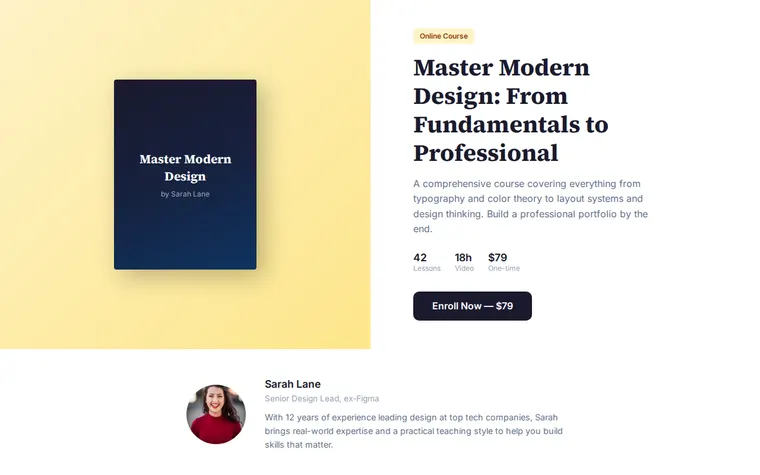
As it comes 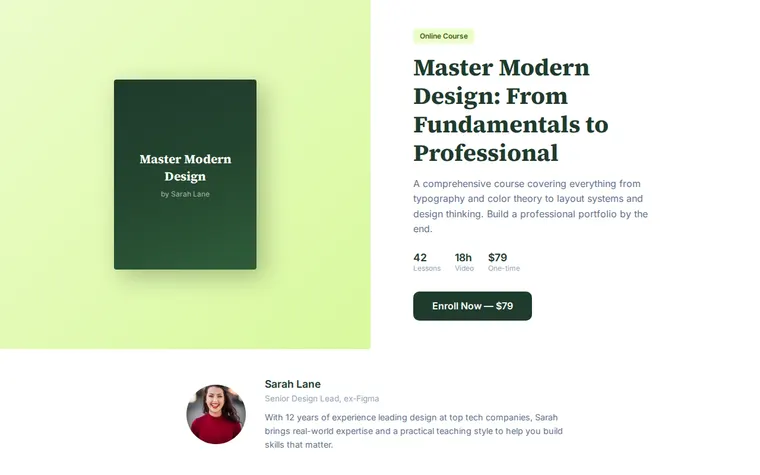
"Forest green for my gardening guide" 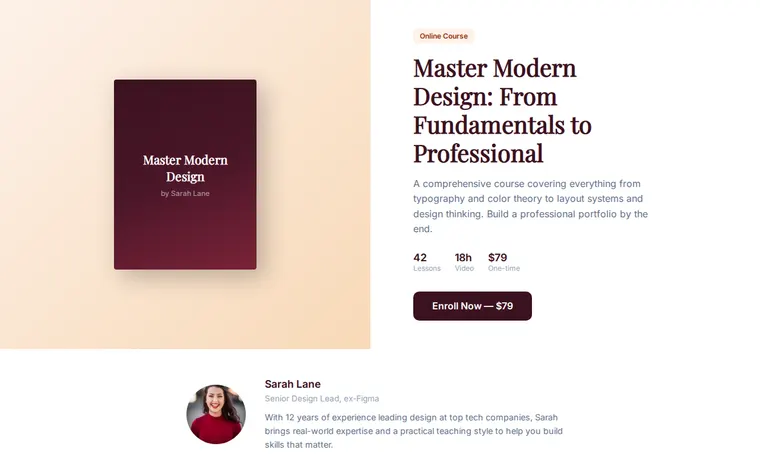
"Warmer, like a cookbook cover"
More things to ask for
- Show the price crossed out with a launch discount.
- List the chapters instead of course modules.
- Add a free sample chapter download.
- Put a money-back guarantee under the buy button.
- Add a short FAQ for buyers at the bottom.
What's on the page
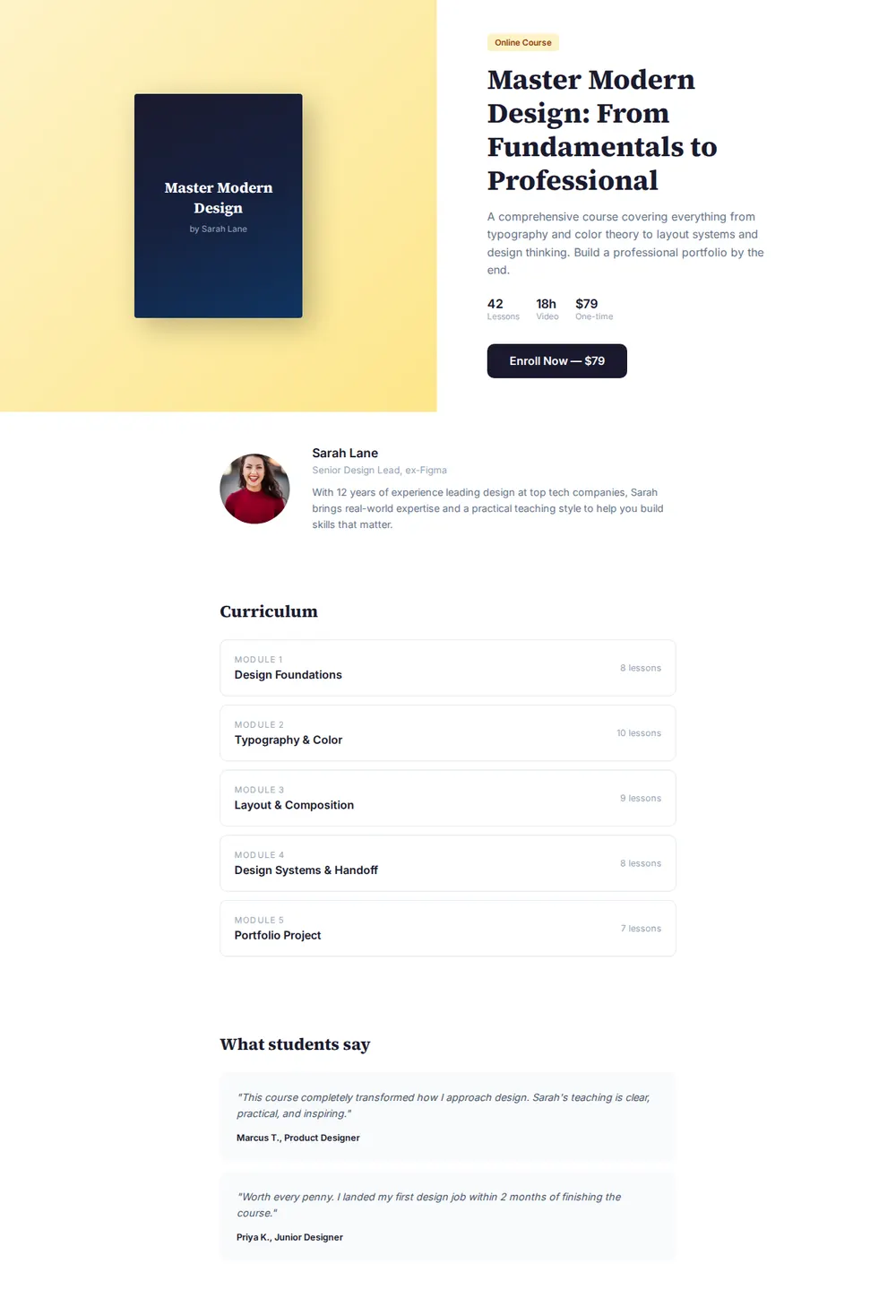
Cover and title
A cover mockup beside the title, the author's name and a one-line pitch.
Quick facts
Three numbers at a glance, such as lessons, hours of video and the price. Swap them for pages and chapters for a book.
Buy button
A big button with the price on it, linked to wherever you sell.
About the author
A photo, a title and a short bio, so readers know who they're buying from.
What's inside
Numbered modules or chapters with a lesson count for each.
Reviews
Quotes from readers or students, with their names.
Where you'll share it
Your newsletter
One link at the bottom of every issue, pointing straight at the buy button.
Podcast and video show notes
When you mention the book on air, the link in the notes takes people to the page.
When reviews come in
Paste the new quotes into your AI chat, copy the updated page in, and the link stays the same.
Two ways to start
Let your AI write it
Copy the prompt, answer the questions, and get a page built around your details.
Start from this design
Open this exact page in the paste page editor, swap in your words and photos, and publish.
Use this templateOr skip the template. Make something weird and put it live the same way.
Questions
- Is the book landing page template free?
- Yes. Copy the prompt or use the template, then sign up free to claim your link.
- Can the buy button on my book page take payment?
- The button links to the checkout you already use, such as Gumroad, Payhip, a Stripe payment link or Amazon. Give your AI the link when it asks.
- Does it work as an ebook landing page for a PDF?
- Yes. Tell your AI it's an ebook and it swaps lessons and video hours for pages, chapters and formats.
- Can I use this sales page template for something that isn't a book?
- Yes. A template pack, a workshop recording or a paid guide all fit the same shape: what it is, what's in it, the price and a button.
- I've written several books. Is there a page for all of them?
- Yes. The Author Page template is a book website with your full list, your bio and press quotes.
More products templates
- Author PageBooks, bio, and press.
- Online CourseCurriculum, enroll, learn.
- Physical ProductTangible goods, beautiful photos.
- Workshop / BootcampIntensive learning. Sign up.