Make it with your AI. Host it on paste page.
Author website template for books, bio and press
Ask your AI for an author page with your books and where to buy them, review quotes, a bio and a newsletter box. Paste it into paste page and share the link.
Copy the prompt paste what your AI writes live at paste.page/nora-whitfield
Works with any AI chat
- ChatGPT
- Claude
- Gemini
- Copilot
- Grok

How it works
From prompt to author website in three steps
Your AI writes the page. paste page puts it online.
Copy the prompt below into ChatGPT, Claude or any AI. It asks for your author name, your genre, each book with its cover and buy link, your bio, any press quotes and how readers or your agent can reach you, then writes the whole page.
Paste the code into paste page and pick a name for your page.
You're live. Pick your link, such as paste.page/nora-whitfield, and publish. Then add it to your Goodreads profile and the back matter of your next book.
Your prompt
Copy it into your AI chat
I want to create an author page. Ask me: 1. What's your author name? 2. What genre do you write in? 3. What are your published books? (title, cover image URL, and purchase link for each) 4. What's your author bio? 5. Any press quotes or reviews? 6. How can readers or publishers contact you? Then generate the complete single-file HTML page with inline CSS. Make it beautiful and responsive.
Your photos
Add your covers and an author photo
Upload them in the paste page editor and each one gets its own link. Give those links to your AI and ask it to use them, or swap them in yourself.
The cover of each book, an author photo beside your bio, a picture from a reading or launch night.
Here are links to my three covers. Use them in place of the coloured blocks and put my author photo next to the bio.
No photos yet? Your AI uses placeholders you can swap after publishing.
Change anything by asking
Keep talking to your AI after it writes the page. Ask for new colours, fonts or sections in plain words and it rewrites the page. Paste the new version in and your link stays the same.
Four author website examples from one template. Each is one sentence to your AI.
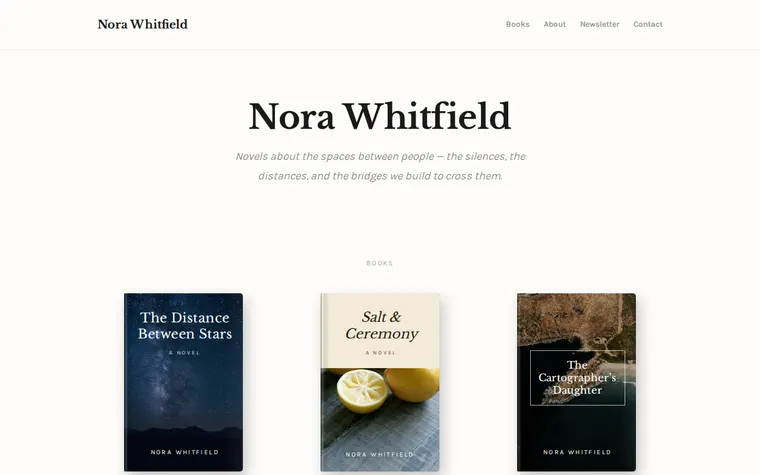
As it comes 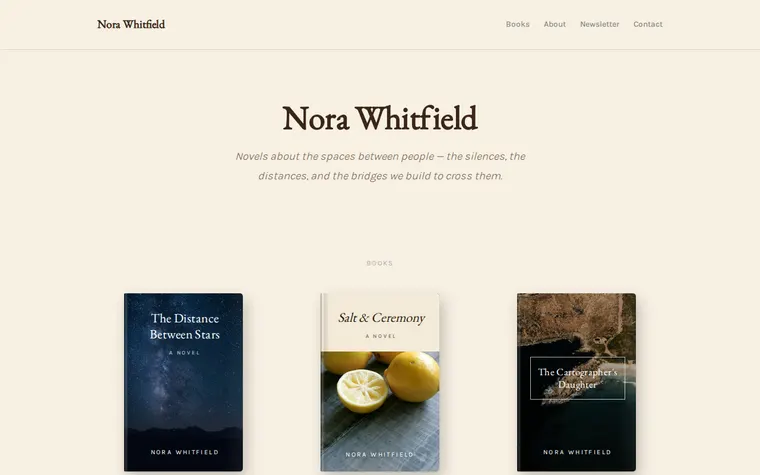
"Warmer, like an old bookshop" 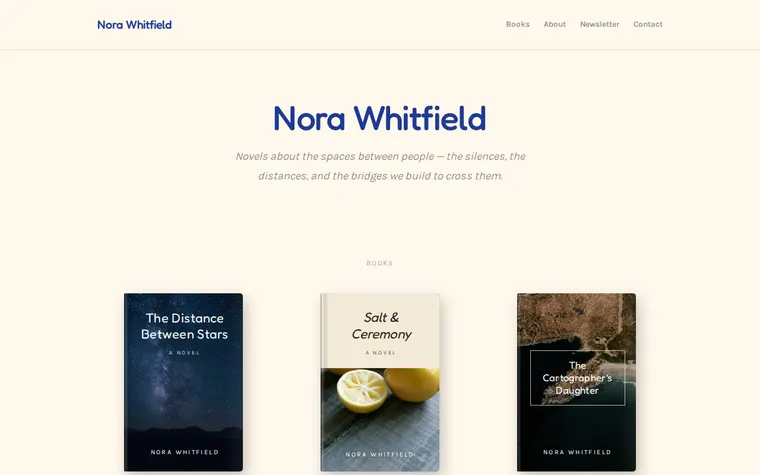
"Brighter, for my children's books" 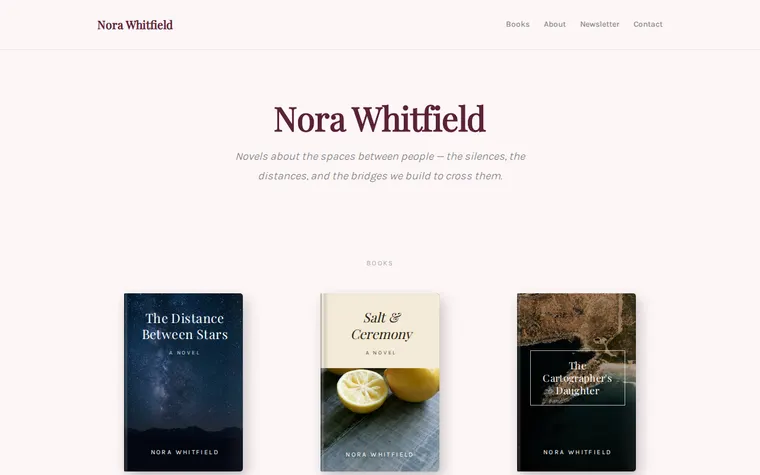
"Soft pink for my romance series"
More things to ask for
- Add a page-turner quote from my new book under the title.
- Put my upcoming events and signings above the newsletter.
- Add a Book Club Guide download for each novel.
- Mark the new book as available for preorder.
- Add links to my Substack and Bluesky in the footer.
What's on the page
Header
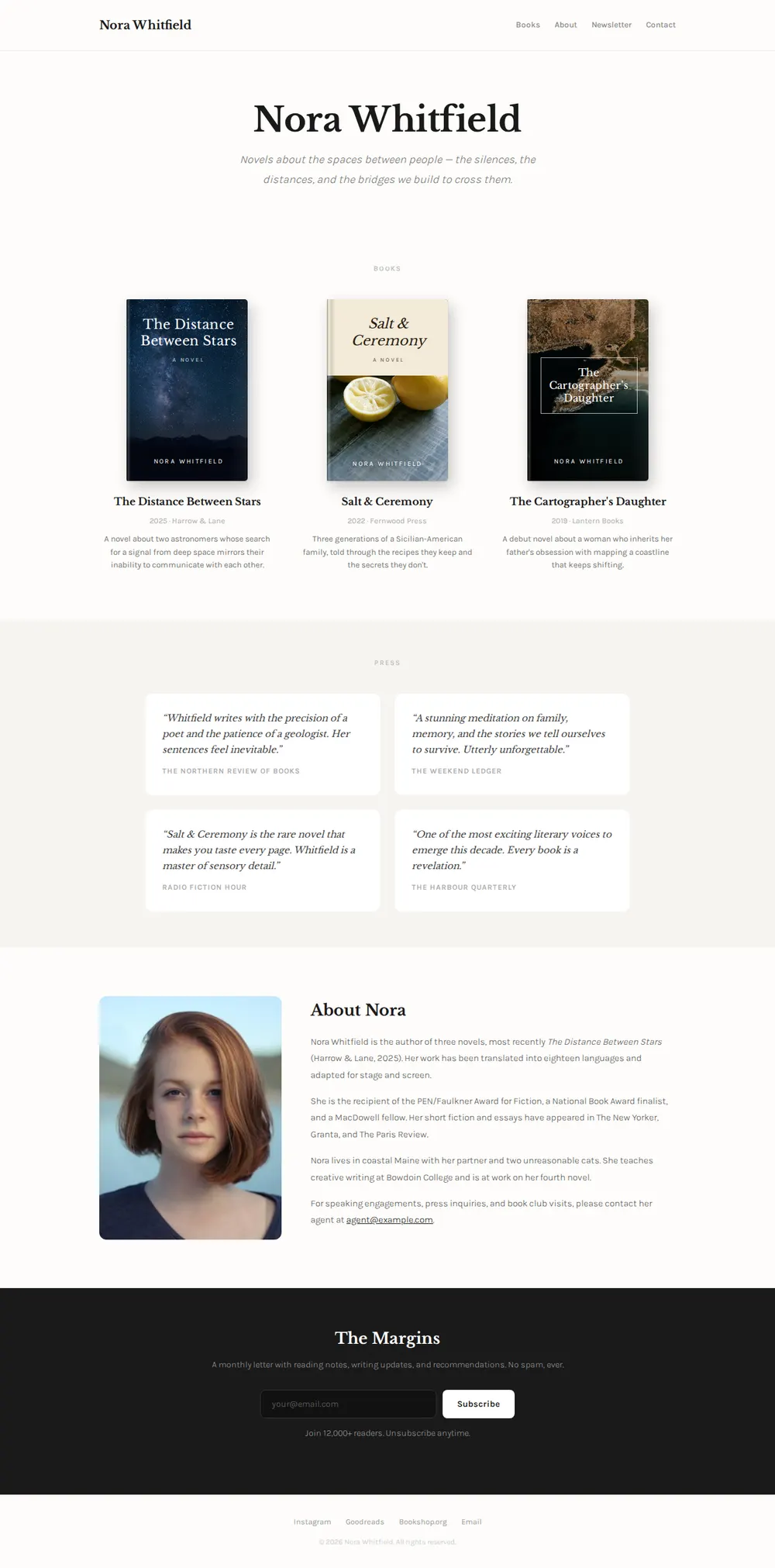
Your name with links to Books, About, Newsletter and Contact.
Name and tagline
One line on what your novels are about.
Books
A card per title with its cover, year, publisher and a short blurb.
Press
Quotes from reviews, each with the paper or site it came from.
About
Your photo, your bio, awards, and an email for your agent.
Newsletter
A box where readers join your mailing list, with Instagram, Goodreads and Bookshop.org in the footer.
Where you'll share it
Inside your books
Print the address on the author page at the back, where finished readers look for what's next.
Pitches to agents and editors
One link under your signature shows your books, press and bio at a glance.
Publication day
Ask your AI to move the new cover to the front and paste it in. The address doesn't change.
Two ways to start
Let your AI write it
Copy the prompt, answer the questions, and get a page built around your details.
Start from this design
Open this exact page in the paste page editor, swap in your words and photos, and publish.
Use this templateOr skip the template. Make something weird and put it live the same way.
Questions
- Is the author website template free?
- Yes. Copy the prompt or use the template, then sign up free to claim your link.
- Can I use it as a book website template for a single title?
- Yes. Tell your AI the page is for one book and it gives that cover the whole hero, with the blurb, reviews and buy links underneath. To sell a book or course at a price, the Book / Course template is closer.
- Can readers buy my books from the author page?
- Each book links to wherever it's sold, such as Bookshop.org, Amazon or your publisher, and readers pay there.
- Where do emails from the author newsletter box go?
- The box is a placeholder until you connect it. Give your AI the subscribe form link from Mailchimp, Substack or Buttondown and it wires the box to that, or swaps it for a button.
- I haven't published a book yet. Does the writer website template still fit?
- Yes. Ask your AI to turn the Books section into short stories, essays or a work in progress, and leave Press out until you have some.
More personal templates
- Book / CourseSell your knowledge.
- Speaker PageTalks, topics, and booking.
- Bio PageEditorial longform personal page.
- PodcastEpisodes, subscribe, about.