Make it with your AI. Host it on paste page.
Product landing page for the thing you make
Tell your AI what you make, what it costs and where to buy it, and it writes a page with photos, features and specs. Paste it into paste page and it's live.
Copy the prompt paste what your AI writes live at paste.page/everyday-bag
Works with any AI chat
- ChatGPT
- Claude
- Gemini
- Copilot
- Grok
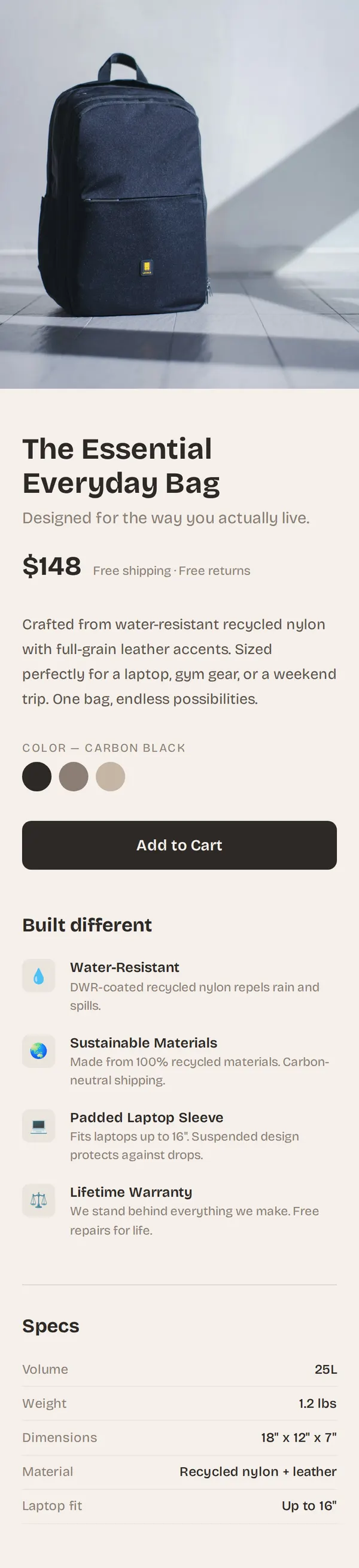
How it works
From prompt to product page in three steps
Your AI writes the page. paste page puts it online.
Copy the prompt below into ChatGPT, Claude or any AI. It asks for the product name, a short description, the price, two to four photos, the main features or specs, your buy link and any shipping details, then writes the whole page.
Paste the code into paste page and pick a name for your page.
You're live. Pick your link, such as paste.page/everyday-bag, and publish. Point the buy button at your Shopify, Etsy or Stripe checkout.
Your prompt
Copy it into your AI chat
I want to create a physical product page. Ask me: 1. What's the product name? 2. What is it? (brief description) 3. What's the price? 4. What are the product image URLs? (2-4 angles) 5. What are the key features or specs? 6. What's the buy link or where to purchase? 7. Any shipping info? Then generate the complete single-file HTML page with inline CSS. Make it beautiful and responsive.
Your photos
Add photos of the product from every side
Upload them in the paste page editor and each one gets its own link. Give those links to your AI and ask it to use them, or swap them in yourself.
A lifestyle shot for the top of the page, a clean shot on a plain background, a close-up of the material or a detail.
Use the first photo full width at the top, and put the other three in a row under the price.
No photos yet? Your AI uses placeholders you can swap after publishing.
Change anything by asking
Keep talking to your AI after it writes the page. Ask for new colours, fonts or sections in plain words and it rewrites the page. Paste the new version in and your link stays the same.
One product page, three new looks, one sentence each.
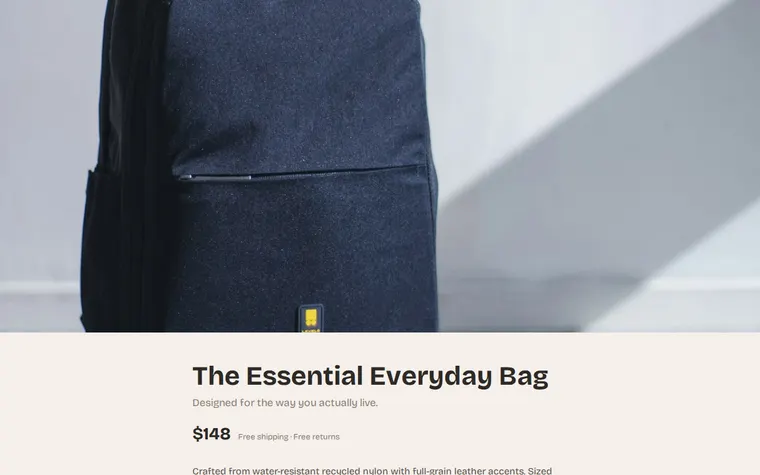
As it comes 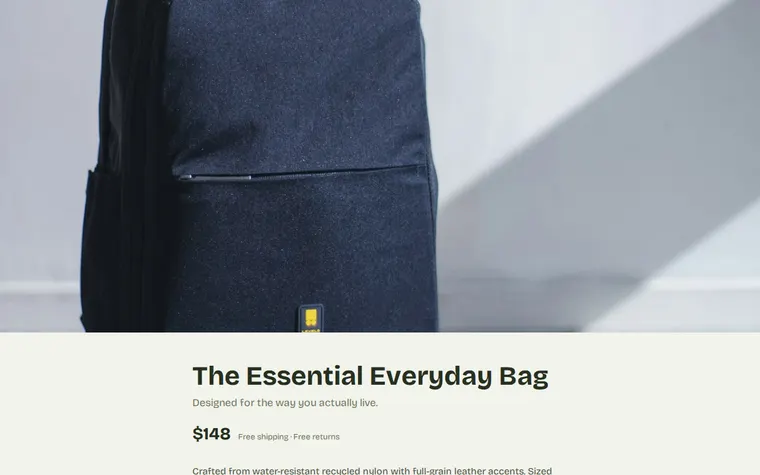
"Olive green, to match the new colourway" 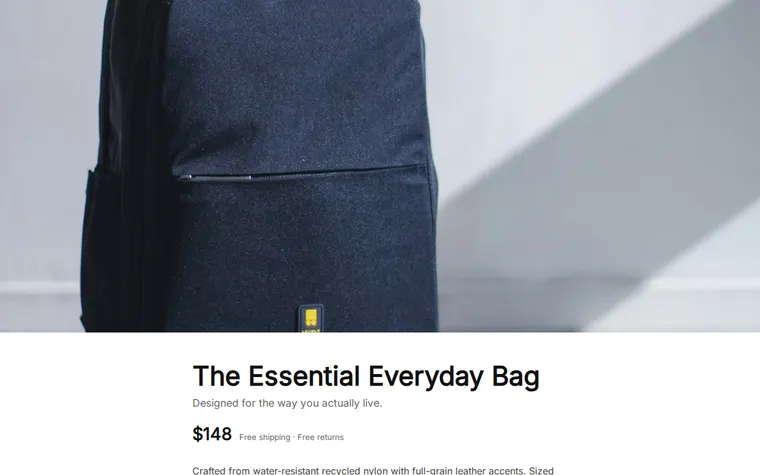
"Clean white, like a tech shop" 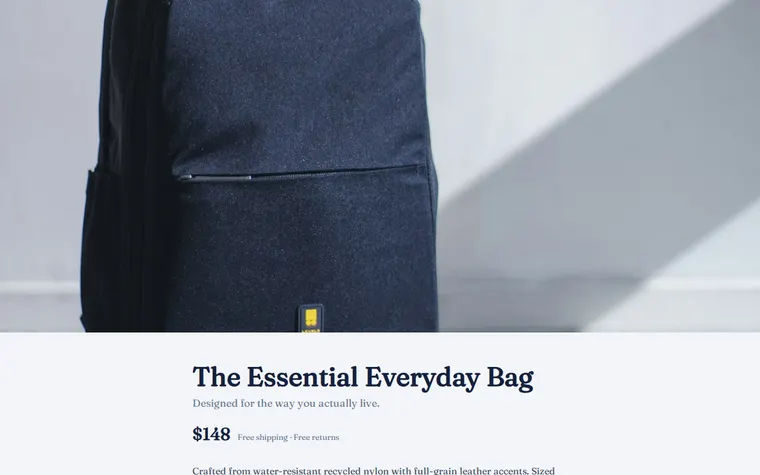
"Navy and a serif, more heritage brand"
More things to ask for
- Add a size guide under the specs.
- Show the price in pounds and euros.
- Add three customer reviews with star ratings.
- Make each colour swatch switch the main photo.
- Add a line saying it ships within two days.
What's on the page
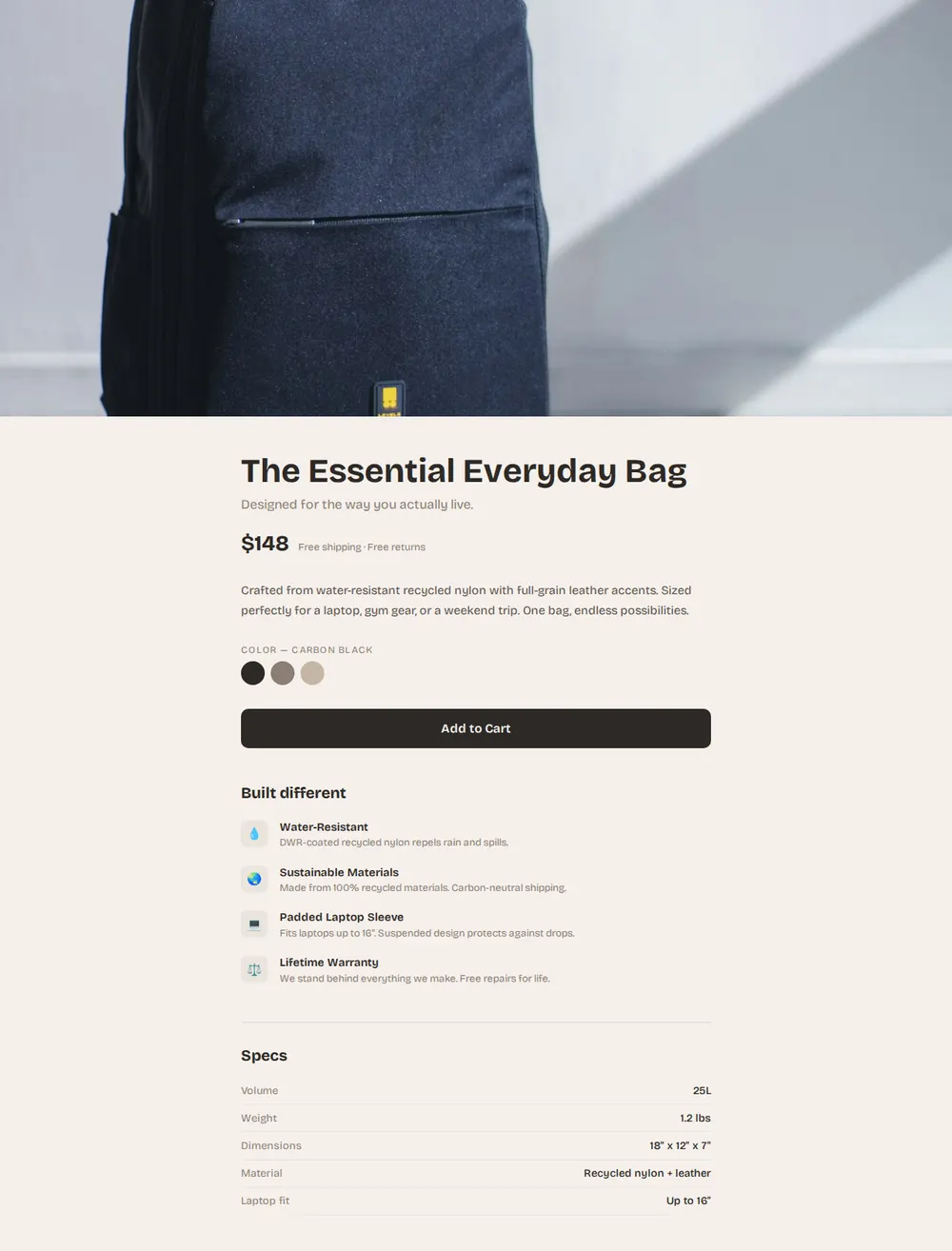
Hero photo
One large image of the product in use, across the full width.
Name, price and shipping
The product name, a one-line tagline, the price and a note such as free returns.
Description and colours
A short paragraph on what it's made of and what it fits, with colour swatches.
Buy button
A full-width Add to Cart button you link to your checkout.
Features
Four reasons to buy, each with an icon and a line of detail.
Specs
A table of size, weight, materials and anything else people compare.
Where you'll share it
In your Instagram or TikTok bio
Followers who see the product in a post tap through to the price and the buy button.
On the packaging
Print the link or a QR code on the box or swing tag so people can reorder or tell a friend.
When stock or price changes
Ask your AI for the update, paste it in, and the link you've shared stays the same.
Two ways to start
Let your AI write it
Copy the prompt, answer the questions, and get a page built around your details.
Start from this design
Open this exact page in the paste page editor, swap in your words and photos, and publish.
Use this templateOr skip the template. Make something weird and put it live the same way.
Questions
- Is the product landing page template free?
- Yes. Copy the prompt or use the template, then sign up free to claim your link.
- Can the Add to Cart button on my product page take payment?
- It links to whatever checkout you already have. Paste a Stripe payment link, a Shopify buy button or your Etsy listing when the AI asks where people buy.
- Can I list more than one product on this page?
- Yes. Ask your AI to add a second product under the first, or a row of related items. For a page built around one item, the Single Product template fits better.
- Where do I put my product photos so the AI can use them?
- Upload them in the paste page editor and give the links to your AI, or paste links from your shop if they're already online.
- Can I get a different product page design without starting again?
- Yes. Describe the look you want, such as darker, more minimal or more playful, and your AI rewrites the page in that style with the same details.
More products templates
- Single ProductOne product, one page. Hero and buy button.
- Pop-up ShopLimited time. Don't miss it.
- Small BusinessSimple presence for local businesses.
- Subscription ServiceRecurring value, clear tiers.