Make it with your AI. Host it on paste page.
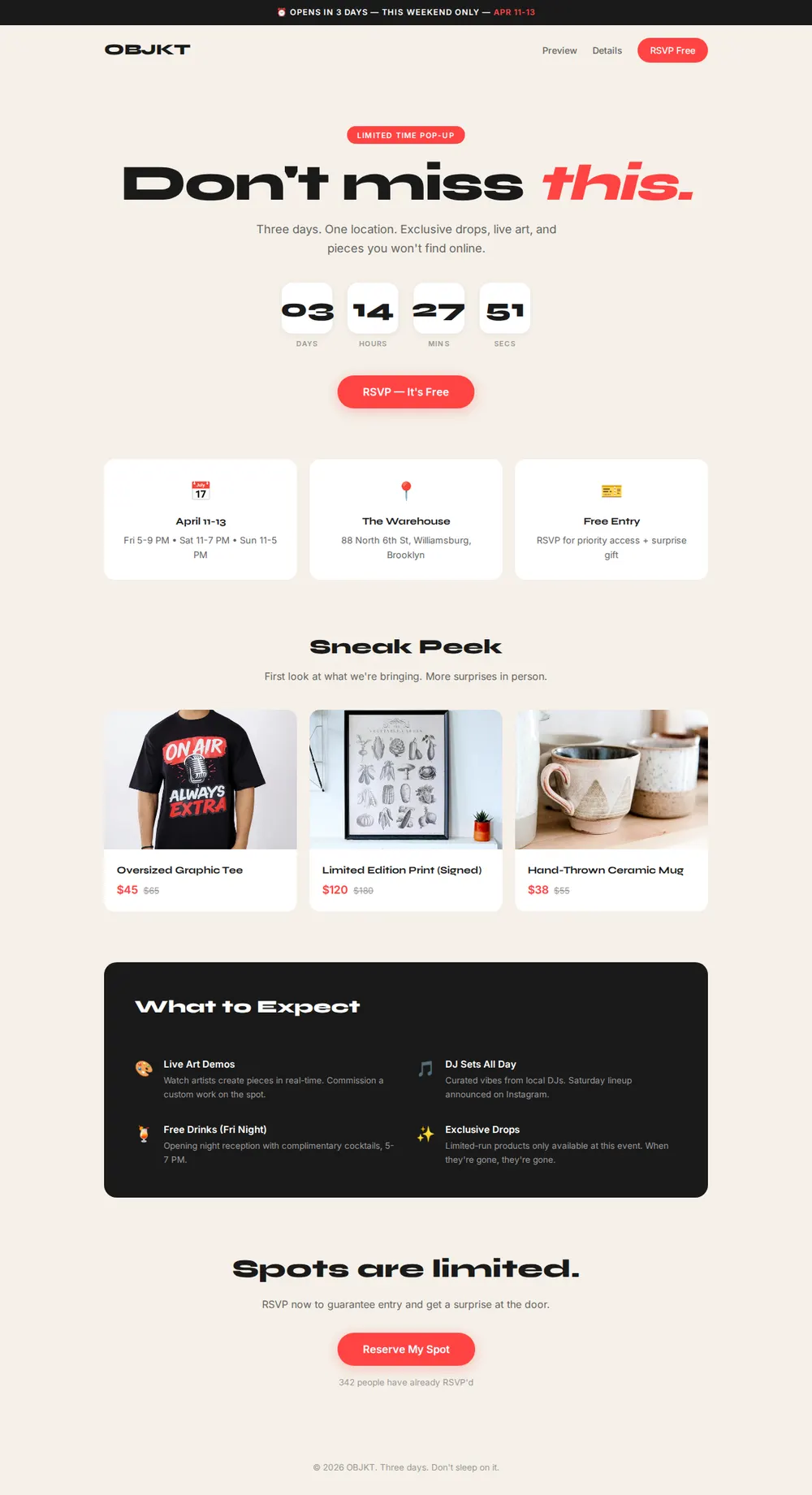
Pop up shop template with dates and location
Tell your AI what you're selling and it writes a page with a countdown, dates, location and sale prices. Paste it into paste page and post the link.
Copy the prompt paste what your AI writes live at paste.page/objkt-popup
Works with any AI chat
- ChatGPT
- Claude
- Gemini
- Copilot
- Grok

How it works
From prompt to pop-up page in three steps
Your AI writes the page. paste page puts it online.
Copy the prompt below into ChatGPT, Claude or any AI. It asks for your shop or brand name, what you're selling, the dates and hours, the location, any deals or exclusives and the social accounts to follow, then writes the whole page.
Paste the code into paste page and pick a name for your page.
You're live. Pick your link, such as paste.page/objkt-popup, publish, and put it in your Instagram bio for the week of the event.
Your prompt
Copy it into your AI chat
I want to create a pop-up shop page. Ask me: 1. What's the shop or brand name? 2. What are you selling? 3. What are the dates and hours? 4. What's the location? 5. Any special deals or exclusives? 6. What social media links to follow for updates? Then generate the complete single-file HTML page with inline CSS. Make it beautiful and responsive.
Your photos
Show what you're bringing
Upload them in the paste page editor and each one gets its own link. Give those links to your AI and ask it to use them, or swap them in yourself.
Product shots for the sneak peek, the space you're taking over, the queue from last time, your logo.
Swap the three sneak peek photos for these shots of my products and put the warehouse photo at the top.
No photos yet? Your AI uses placeholders you can swap after publishing.
Change anything by asking
Keep talking to your AI after it writes the page. Ask for new colours, fonts or sections in plain words and it rewrites the page. Paste the new version in and your link stays the same.
One pop-up page, four brands. Each from a single sentence.
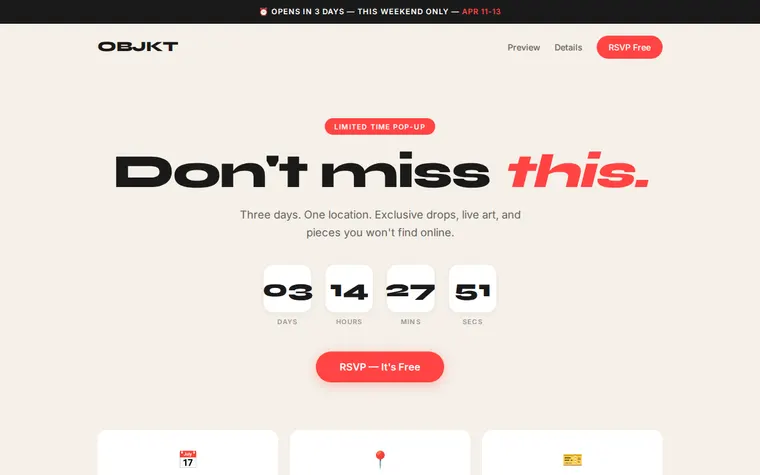
As it comes 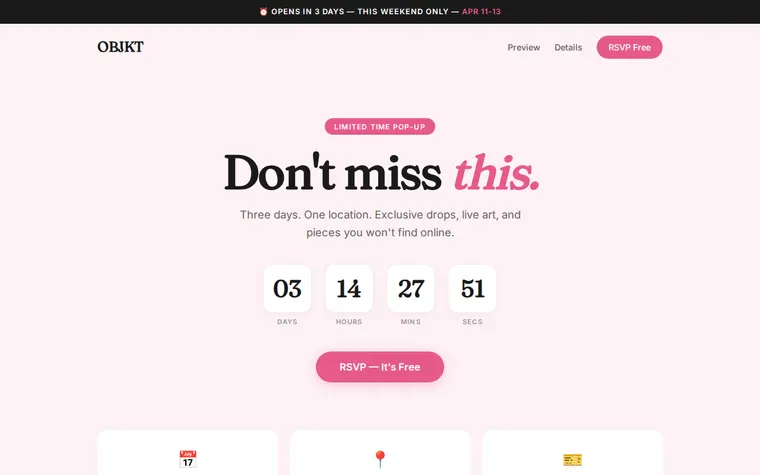
"Soft pink for a vintage clothing pop-up" 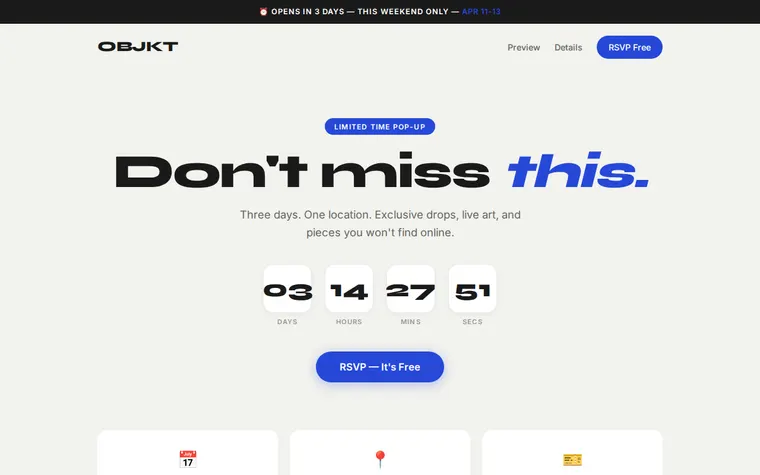
"Cobalt blue for our ceramics brand" 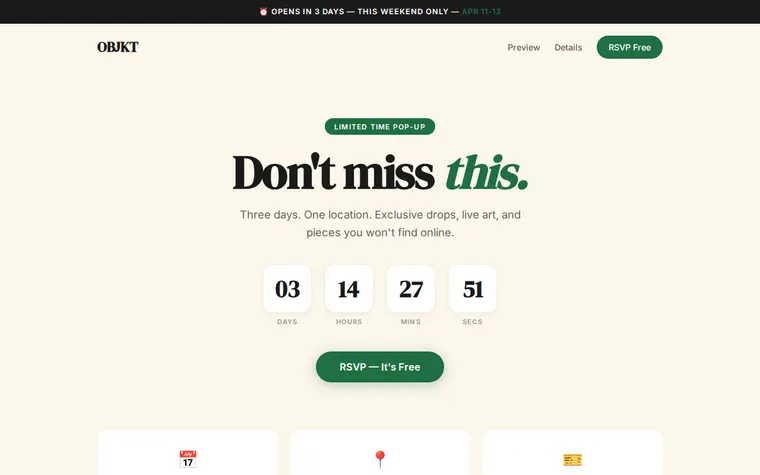
"Forest green and gold for a winter market"
More things to ask for
- Make the countdown tick down to Friday at 5 PM.
- Point the RSVP buttons at our Eventbrite page.
- Add a map under the address.
- Add a fourth product to the sneak peek.
- List the Saturday DJ lineup.
What's on the page
Urgency bar
A strip across the top with when you open and the dates.
Hero and countdown
Your headline, a line about the event, days-hours-minutes boxes and an RSVP button.
Details
Dates and opening hours, the address, and what entry costs.
Sneak peek
Three products with the event price beside the usual one.
What to expect
Four things happening on the day, such as live art, DJ sets and limited drops.
Last call
A reminder that space is limited, a Reserve My Spot button and how many have said yes.
Where you'll share it
Instagram stories
Add the link sticker every day in the run-up, so the address and hours are one tap away.
Posters near the venue
A QR code on the poster takes people to the hours and the map.
Your customer list
Email one link with everything, and point it at the next pop-up when this one ends.
Two ways to start
Let your AI write it
Copy the prompt, answer the questions, and get a page built around your details.
Start from this design
Open this exact page in the paste page editor, swap in your words and photos, and publish.
Use this templateOr skip the template. Make something weird and put it live the same way.
Questions
- Is the pop up shop template free?
- Yes. Copy the prompt or use the template, then sign up free to claim your link.
- What happens when someone presses RSVP on the pop-up page?
- As it comes, nothing: the RSVP buttons are placeholders. Give your AI the link where you collect RSVPs, such as Eventbrite, Luma or a Google Form, and it points every button there.
- Does the countdown on the pop-up shop page count down by itself?
- Not as it comes. The numbers are fixed. Ask your AI to make it count down live to your opening time and it adds the few lines of code that do it.
- Can I sell products from the pop up store website?
- The sneak peek shows products and prices, but there's no checkout. If you sell online too, ask your AI to link each item to its Shopify, Etsy or Square page.
- Can I reuse the pop-up page for our next event?
- Yes. Ask your AI to change the dates, place and products, paste the new version in, and keep the same link so your followers know where to look.
More business templates
- Small BusinessSimple presence for local businesses.
- Single ProductOne product, one page. Hero and buy button.
- Countdown TimerCounting down to something big.
- Food TruckWhere to find us today.