Make it with your AI. Host it on paste page.
Food truck website template with today's spot
Ask your AI for a food truck page with today's location and hours, your menu and prices and the week's schedule. Paste it into paste page and post the link.
Copy the prompt paste what your AI writes live at paste.page/el-fuego-tacos
Works with any AI chat
- ChatGPT
- Claude
- Gemini
- Copilot
- Grok

How it works
From prompt to food truck website in three steps
Your AI writes the page. paste page puts it online.
Copy the prompt below into ChatGPT, Claude or any AI. It asks for the truck's name, the food you serve, menu items with prices, your weekly schedule or usual spots, your social links and how people can order, then writes the whole page.
Paste the code into paste page and pick a name for your page.
You're live. Pick your link, such as paste.page/el-fuego-tacos, publish, and print it on the side of the truck.
Your prompt
Copy it into your AI chat
I want to create a food truck page. Ask me: 1. What's the food truck name? 2. What type of food do you serve? 3. What are the menu items with prices? 4. What's your weekly schedule or location? 5. What social media links? (Instagram, etc.) 6. How can people place orders? (phone, app, walk-up) Then generate the complete single-file HTML page with inline CSS. Make it beautiful and responsive.
Your photos
Add photos of the food and the truck
Upload them in the paste page editor and each one gets its own link. Give those links to your AI and ask it to use them, or swap them in yourself.
Your best seller up close, the truck at a busy market, the hatch with the team serving.
Use this photo of our birria tacos behind the headline, and these three for the strip under the schedule.
No photos yet? Your AI uses placeholders you can swap after publishing.
Change anything by asking
Keep talking to your AI after it writes the page. Ask for new colours, fonts or sections in plain words and it rewrites the page. Paste the new version in and your link stays the same.
Tacos, barbecue, ice cream or coffee. One sentence changes the look.
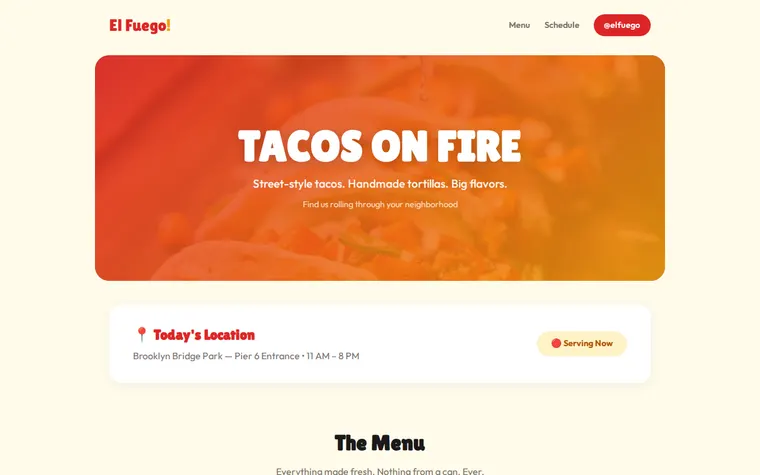
As it comes 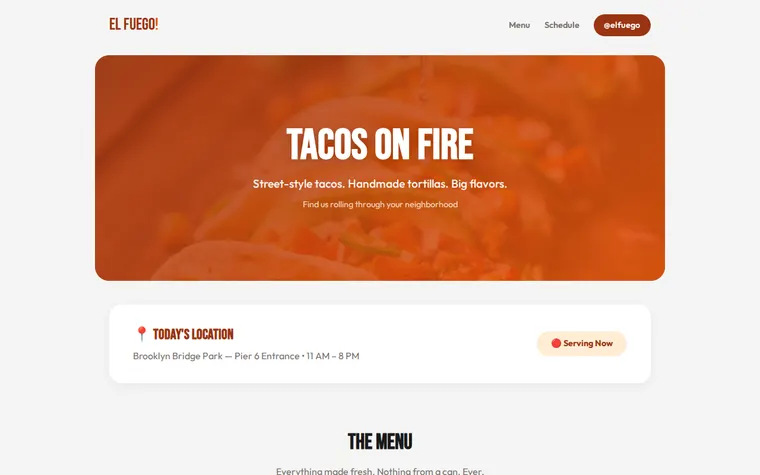
"Smoky rust and orange for our barbecue truck" 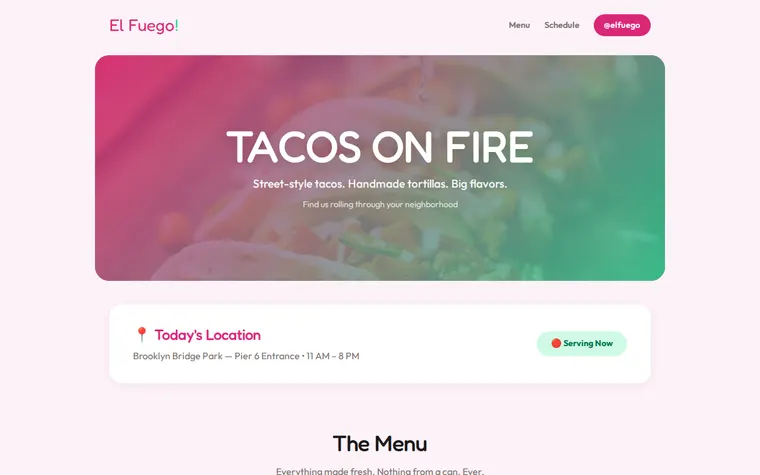
"Pink and mint for our ice cream van" 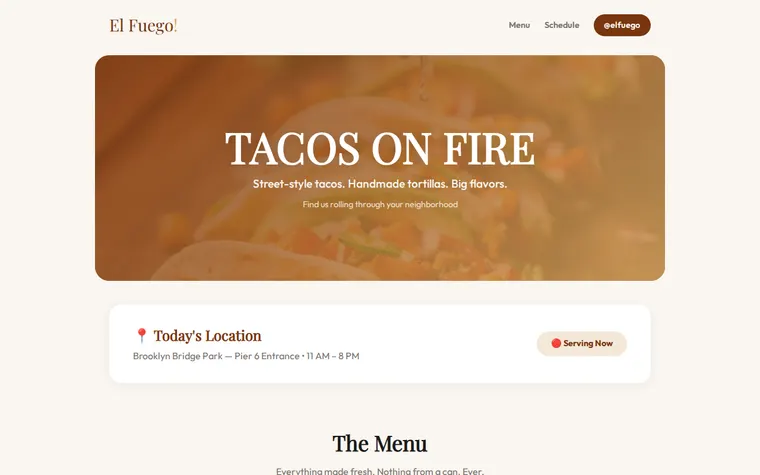
"Coffee browns for our espresso cart"
More things to ask for
- Change today's location to Victoria Park, 12 to 7.
- Add a vegan section to the menu.
- Mark the spicy dishes with a chilli.
- Add a button to order ahead on WhatsApp.
- Put a sold-out badge on the churros.
What's on the page
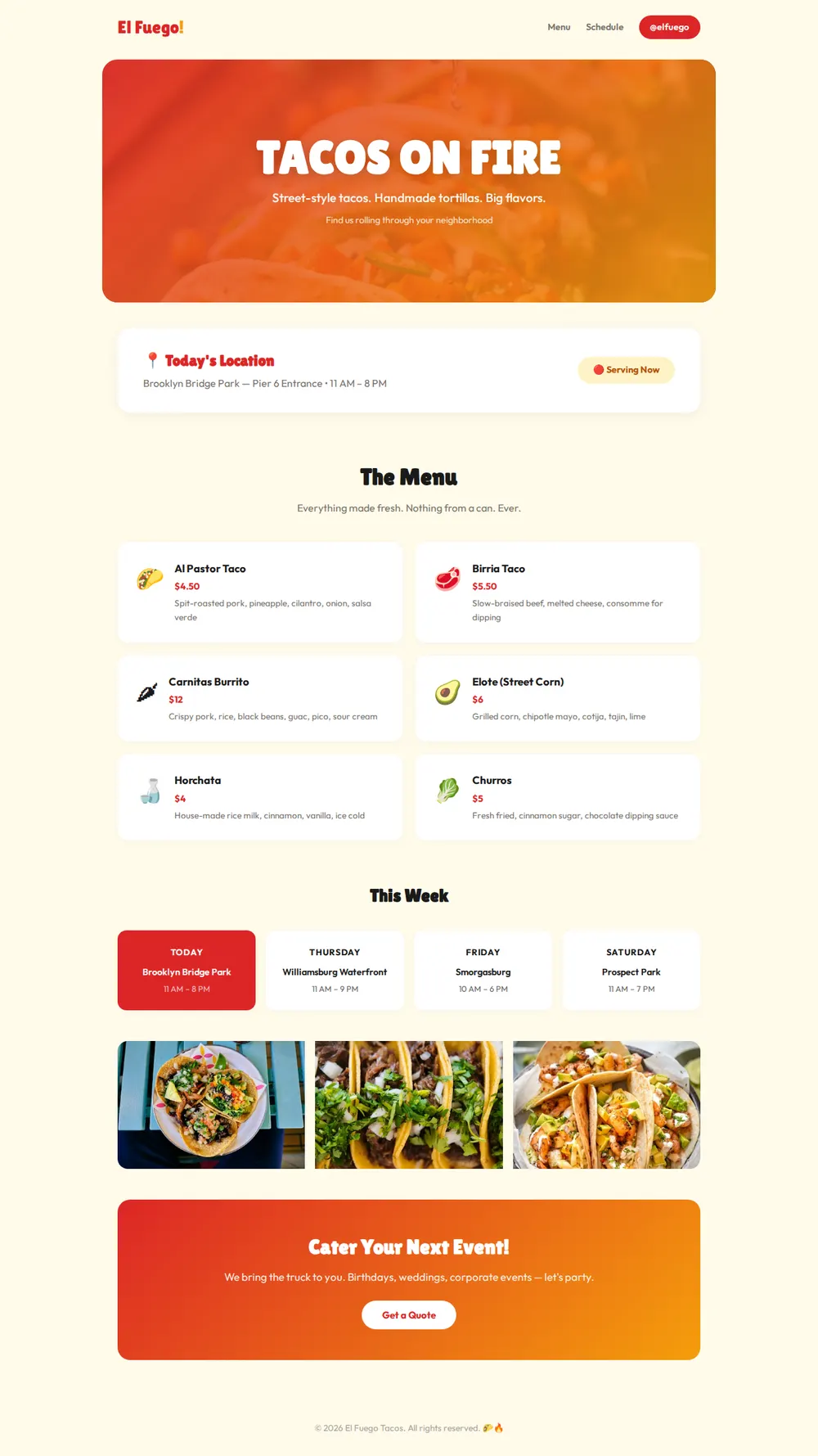
Hero
The truck's name and a one-line pitch over a big food photo.
Today's location
Where you're parked, your hours today and a Serving Now badge.
Menu
Six cards with a name, price and short description, like a food truck menu board.
This week
Four days, each with the spot and the hours, with today picked out in colour.
Photos and catering
A strip of three photos, then a box with a button for event quotes.
Where you'll share it
Instagram and TikTok bio
Followers check one link to see where you are before they set off.
A sticker on the hatch
A QR code by the menu board, so people in the queue can read the menu on their phones.
Every morning
Tell your AI where you're parked today, paste the update in, and the link stays the same.
Two ways to start
Let your AI write it
Copy the prompt, answer the questions, and get a page built around your details.
Start from this design
Open this exact page in the paste page editor, swap in your words and photos, and publish.
Use this templateOr skip the template. Make something weird and put it live the same way.
Questions
- Is the food truck website template free?
- Yes. Copy the prompt or use the template, then sign up free to claim your link.
- How do I change the food truck's location each day?
- Tell your AI where you'll be and the hours, paste the new version into paste page, and anyone who opens the same link sees it.
- Can I print the food truck menu from this page?
- The menu is made for phones and screens. If you want a printable menu sheet as well, ask your AI for one and it can lay it out for A4.
- Can people order from the truck's page?
- The page can link to however you take orders, such as a phone number, WhatsApp or your ordering app. Orders and payments happen there.
- We have a sit-down restaurant as well as the truck. Which template fits?
- The Restaurant template suits a fixed address, with opening hours and a booking button. You can link the two pages to each other.
More business templates
- Restaurant / CafeMenu, hours, and atmosphere.
- Bar / BreweryTaps, events, and vibes.
- Pop-up ShopLimited time. Don't miss it.
- Small BusinessSimple presence for local businesses.