Make it with your AI. Host it on paste page.
Bar website template for taps and opening hours
Tell your AI what's pouring and when you're open and it writes a bar page with the taps, prices and hours. Paste it into paste page so regulars can check first.
Copy the prompt paste what your AI writes live at paste.page/iron-oak-brewing
Works with any AI chat
- ChatGPT
- Claude
- Gemini
- Copilot
- Grok

How it works
From prompt to bar website in three steps
Your AI writes the page. paste page puts it online.
Copy the prompt below into ChatGPT, Claude or any AI. It asks for your name, your specialty, what's on tap or on the menu, your hours, upcoming events and your address and phone number, then writes the whole page.
Paste the code into paste page and pick a name for your page.
You're live. Pick your link, such as paste.page/iron-oak-brewing, and publish. When a keg runs out, ask your AI to swap the beer and paste the new tap list in.
Your prompt
Copy it into your AI chat
I want to create a bar or brewery page. Ask me: 1. What's the name? 2. What's your specialty? (craft beer, cocktails, wine, etc.) 3. What's on tap or on the menu? (drinks and food) 4. What are your hours? 5. Any upcoming events? (trivia, live music, tastings) 6. What's the address and phone number? Then generate the complete single-file HTML page with inline CSS. Make it beautiful and responsive.
Your photos
Show the bar and what's in the glass
Upload them in the paste page editor and each one gets its own link. Give those links to your AI and ask it to use them, or swap them in yourself.
Your taps or back bar behind the headline, the room on a busy night, a flight on the counter.
Use this photo of our bar for the big header and this one of the beer garden for the wide strip.
No photos yet? Your AI uses placeholders you can swap after publishing.
Change anything by asking
Keep talking to your AI after it writes the page. Ask for new colours, fonts or sections in plain words and it rewrites the page. Paste the new version in and your link stays the same.
Same bar, a different room. One sentence each.
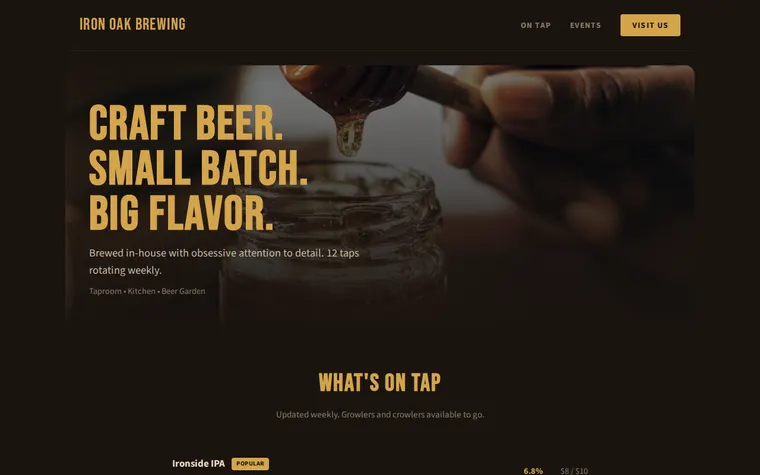
As it comes 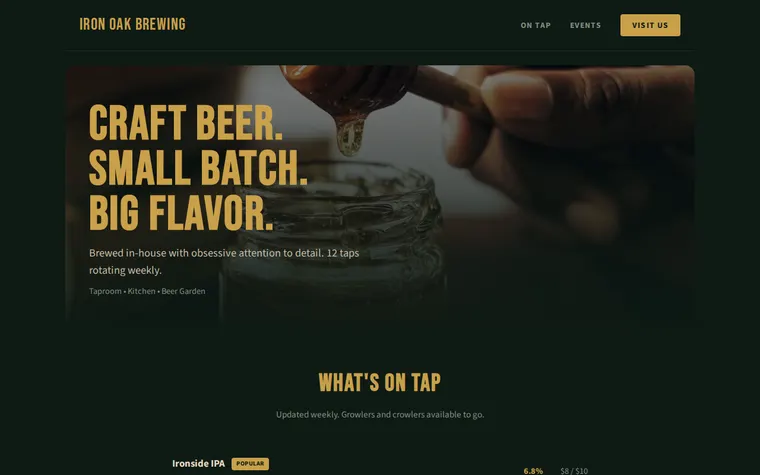
"Bottle green and brass for our pub" 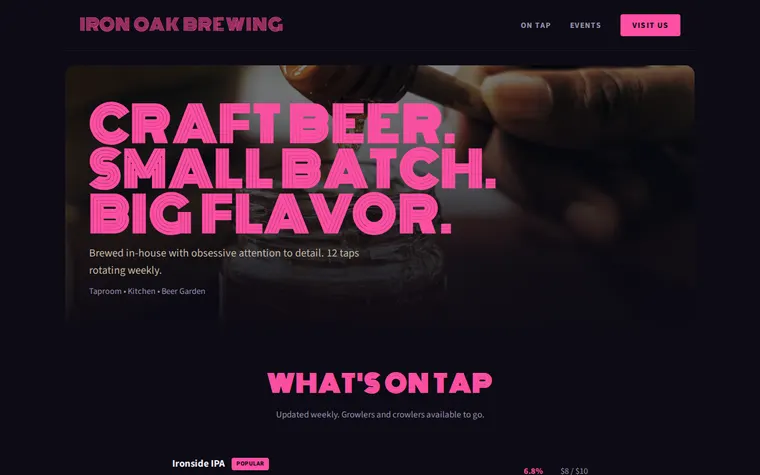
"Neon pink for a cocktail bar" 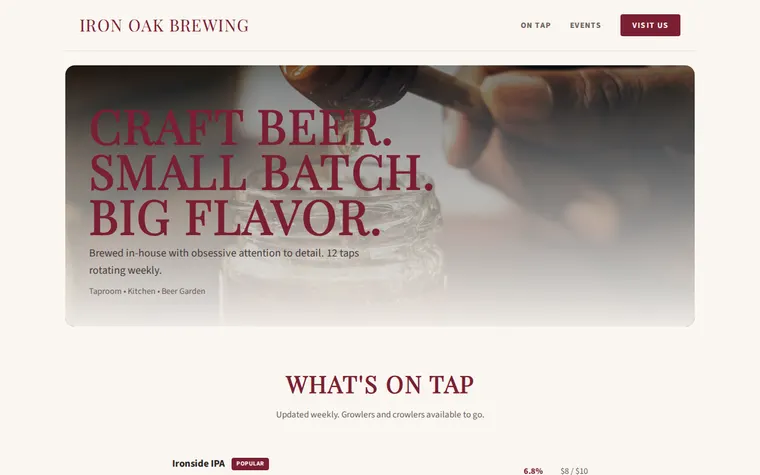
"Light and calm, for a wine bar"
More things to ask for
- Add a food menu under the taps.
- Add a happy hour line to the hours.
- Show prices in pounds by the pint and half.
- Add a map under Find Us.
- Add a quiz night every Tuesday to the events.
What's on the page
Header
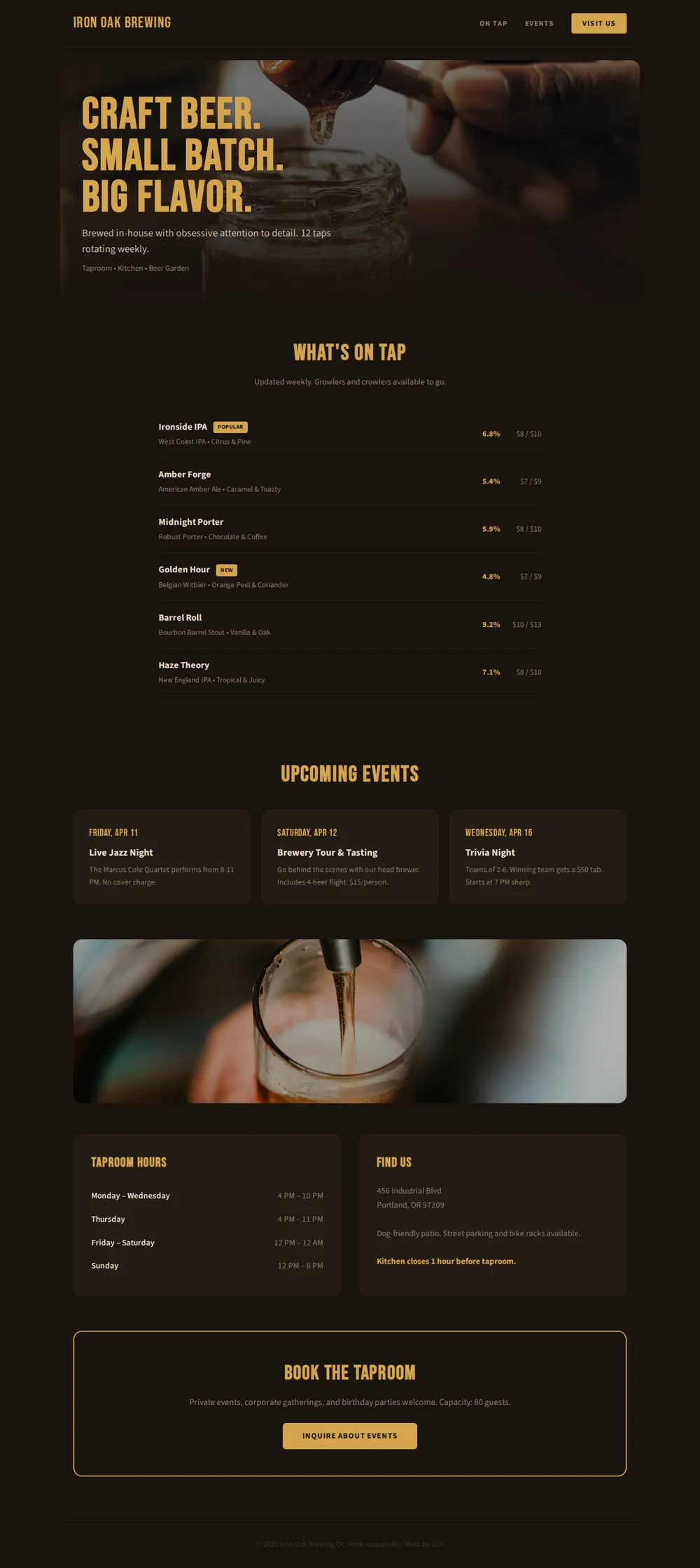
Your name and links to the taps, events and directions.
Hero
A big photo, a three-line headline and what you are: taproom, kitchen, beer garden.
On tap
Each beer with its style, tasting notes, strength and two prices, plus New and Popular tags.
Events
Cards for live music, tours and quiz nights, each with a date and a line of detail.
Hours and find us
Opening times by day, the address, parking and any house rules.
Private hire
A box about booking the room, with a button to enquire.
Where you'll share it
Google Maps and Untappd
Put the link in your listing so people see what's pouring before they walk in.
A QR code on the bar
Customers scan it to read the tap list and this month's events.
Your events posts
Link the page instead of retyping the week's line-up on every app.
Two ways to start
Let your AI write it
Copy the prompt, answer the questions, and get a page built around your details.
Start from this design
Open this exact page in the paste page editor, swap in your words and photos, and publish.
Use this templateOr skip the template. Make something weird and put it live the same way.
Questions
- Is the bar website template free?
- Yes. Copy the prompt or use the template, then sign up free to claim your link.
- Can I change the tap list every week without starting over?
- Yes. Paste this week's beers into the chat, ask your AI to update the list, and paste the new page in. Your link stays the same.
- Does the brewery website template suit a pub that doesn't brew its own beer?
- Yes. Tell your AI you're a pub and it turns the tap list into ales, lagers and guest beers, and can add a food menu too.
- What does the Inquire About Events button on the bar page do?
- As it comes it does nothing. Tell your AI where enquiries should go, such as your email or a booking form, and it links the button there.
- Is there a template for a bar that's mainly a restaurant?
- Yes. The Restaurant template puts the food menu, opening hours and table booking first.
More business templates
- Restaurant / CafeMenu, hours, and atmosphere.
- Food TruckWhere to find us today.
- Small BusinessSimple presence for local businesses.
- Concert / GigDate, venue, tickets.