Make it with your AI. Host it on paste page.
Concert website template for one night only
Ask your AI for a gig page with the headliner, date, doors, running order and ticket tiers. Paste it into paste page and share the link before the posters go up.
Copy the prompt paste what your AI writes live at paste.page/neon-pulse-warehouse
Works with any AI chat
- ChatGPT
- Claude
- Gemini
- Copilot
- Grok

How it works
From prompt to gig page in three steps
Your AI writes the page. paste page puts it online.
Copy the prompt below into ChatGPT, Claude or any AI. It asks who's playing, the date and time, the venue and its address, ticket prices, where to buy tickets and any support acts, then writes the whole page.
Paste the code into paste page and pick a name for your page.
You're live. Pick your link, such as paste.page/neon-pulse-warehouse, and publish. Put it on the poster and in the event on Instagram.
Your prompt
Copy it into your AI chat
I want to create a concert or gig page. Ask me: 1. Who's performing? (artist or band name) 2. What's the date and time? 3. What's the venue name and address? 4. What's the ticket price? 5. Where can people buy tickets? (link) 6. Any supporting acts or special guests? Then generate the complete single-file HTML page with inline CSS. Make it beautiful and responsive.
Your photos
Add a crowd shot or your poster art
Upload them in the paste page editor and each one gets its own link. Give those links to your AI and ask it to use them, or swap them in yourself.
A photo from a past show behind the band name, the official poster, photos of each support act.
Use this photo from our last show behind the name, and add the support acts' photos to the lineup.
No photos yet? Your AI uses placeholders you can swap after publishing.
Change anything by asking
Keep talking to your AI after it writes the page. Ask for new colours, fonts or sections in plain words and it rewrites the page. Paste the new version in and your link stays the same.
Same gig page, different crowd. One sentence each.
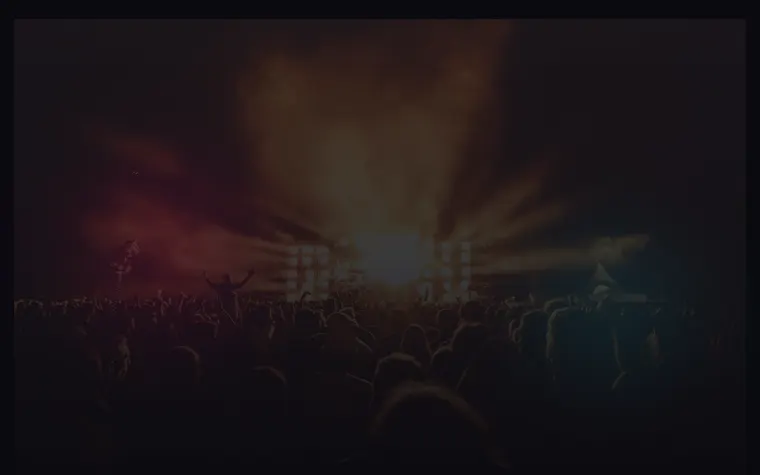
As it comes 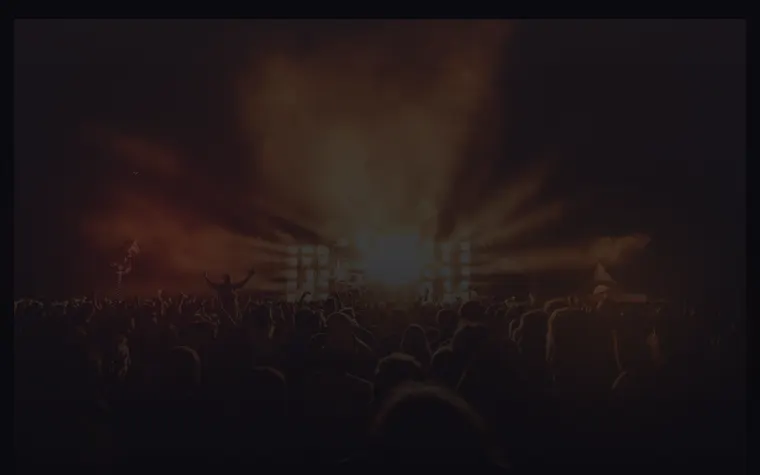
"Red and black for a metal show" 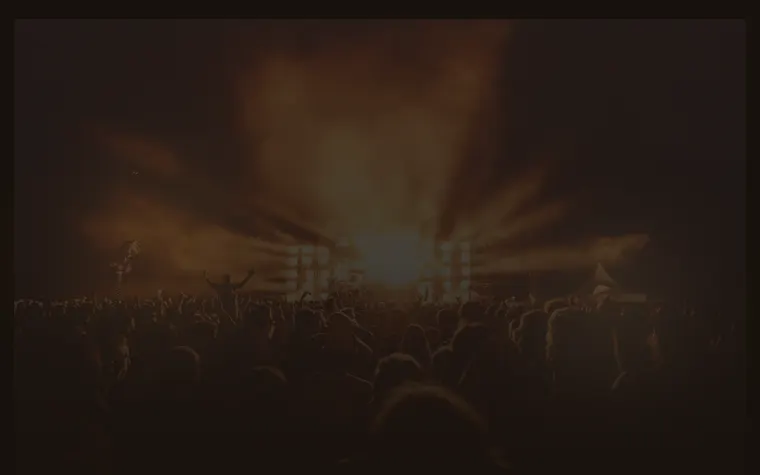
"Warm and smoky, like a jazz club" 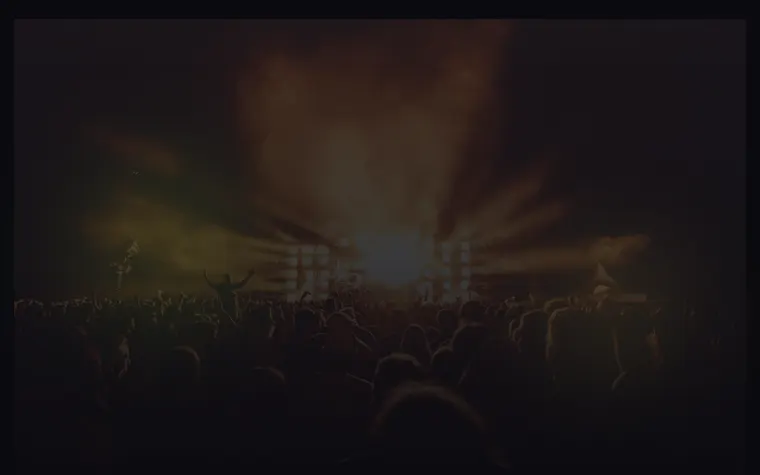
"Acid green and yellow for the rave"
More things to ask for
- Add a countdown to doors opening.
- Put a map of the venue under the address.
- Add a second date at the same venue.
- Change the VIP tier to say sold out.
- Add a playlist of the headliner's songs.
What's on the page
Headliner
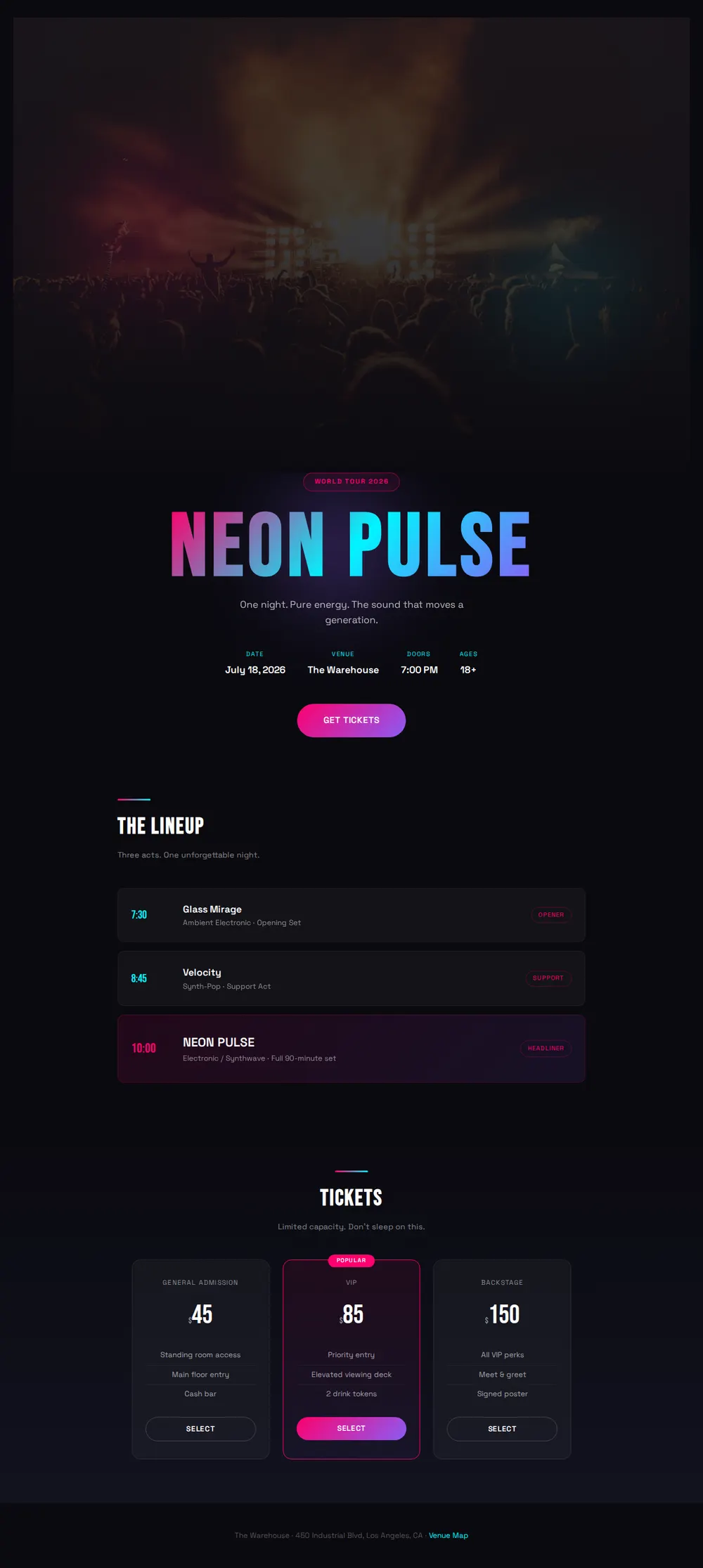
The act's name in a big gradient, a tour badge and a one-line tagline over a crowd photo.
Show details
Date, venue, door time and age limit at a glance, with a Get Tickets button.
The lineup
Opener, support and headliner with set times and a line about each act's sound.
Tickets
Price tiers side by side, such as general admission, VIP and backstage, with what each one includes.
Venue footer
The address and a link to a map.
Where you'll share it
On the poster
A short link or QR code so people can check the time and buy tickets on the spot.
In the band's stories
Post the link on the week of the show and again on the day.
When set times change
Fix the running order, paste it in, and everyone sees the update.
Two ways to start
Let your AI write it
Copy the prompt, answer the questions, and get a page built around your details.
Start from this design
Open this exact page in the paste page editor, swap in your words and photos, and publish.
Use this templateOr skip the template. Make something weird and put it live the same way.
Questions
- Is the concert website template free?
- Yes. Copy the prompt or use the template, then sign up free to claim your link.
- Can people buy gig tickets on the concert page?
- The buttons send them to your ticket seller, such as Eventbrite, Dice or the venue's box office. When the AI asks where to buy tickets, give it that link.
- Can the lineup show set times for each act?
- Yes, that's how it comes. Give your AI each act and their start time, and add as many acts as the night has.
- Does the gig page work for a club night or a small festival?
- Yes. Tell your AI it's a club night or a weekend festival and it lays out DJs, stages or days to match.
- We play lots of shows. Is there a band website with all our tour dates?
- Yes. The Musician / Band template lists every date with a ticket button, next to your music and merch.
More events templates
- Musician / BandMusic, tour dates, merch.
- Album / EP ReleaseListen, stream, buy.
- MeetupCommunity gathering. Come hang.
- Conference / SummitSpeakers, schedule, tickets.