Make it with your AI. Host it on paste page.
Event website template for monthly meetups
Ask your AI for a meetup page with the next date, venue, this month's topic and an RSVP button. Paste it into paste page and pin the link in your group chat.
Copy the prompt paste what your AI writes live at paste.page/portland-creative-collective
Works with any AI chat
- ChatGPT
- Claude
- Gemini
- Copilot
- Grok

How it works
From prompt to meetup page in three steps
Your AI writes the page. paste page puts it online.
Copy the prompt below into ChatGPT, Claude or any AI. It asks for your group's name, the topic or theme, the date, time and venue, who's speaking or leading, your RSVP link and whether there's food or drink or anything to bring, then writes the whole page.
Paste the code into paste page and pick a name for your page.
You're live. Pick your link, such as paste.page/portland-creative-collective, and publish. Then pin it in your Discord or WhatsApp group.
Your prompt
Copy it into your AI chat
I want to create a meetup page. Ask me: 1. What's the meetup name or group? 2. What's the topic or theme? 3. What's the date, time, and location? 4. Who's speaking or leading? (if applicable) 5. What's the RSVP link? 6. Is there food, drinks, or anything to bring? Then generate the complete single-file HTML page with inline CSS. Make it beautiful and responsive.
Your photos
Show people what a night looks like
Upload them in the paste page editor and each one gets its own link. Give those links to your AI and ask it to use them, or swap them in yourself.
Candid photos from past meetups, the venue, a speaker mid-talk, the crowd at the bar afterwards.
Here are six photos from our last three meetups. Put three in the hero collage and use the rest in Past Meetups with the month underneath.
No photos yet? Your AI uses placeholders you can swap after publishing.
Change anything by asking
Keep talking to your AI after it writes the page. Ask for new colours, fonts or sections in plain words and it rewrites the page. Paste the new version in and your link stays the same.
Same meetup page, a different crowd.
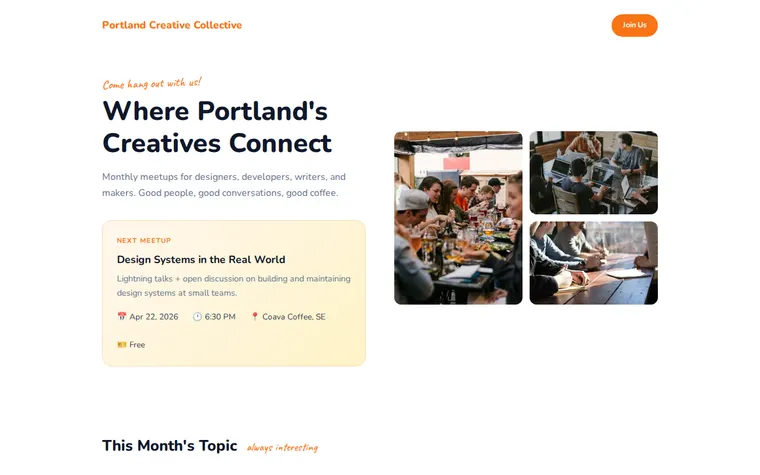
As it comes 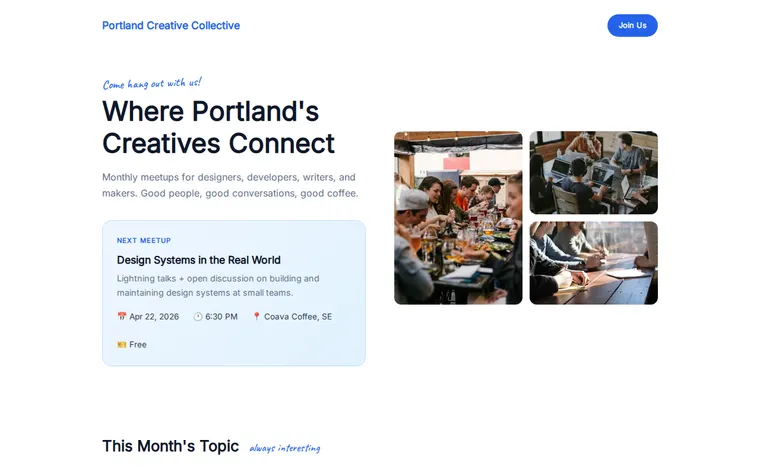
"Blue, for our tech meetup" 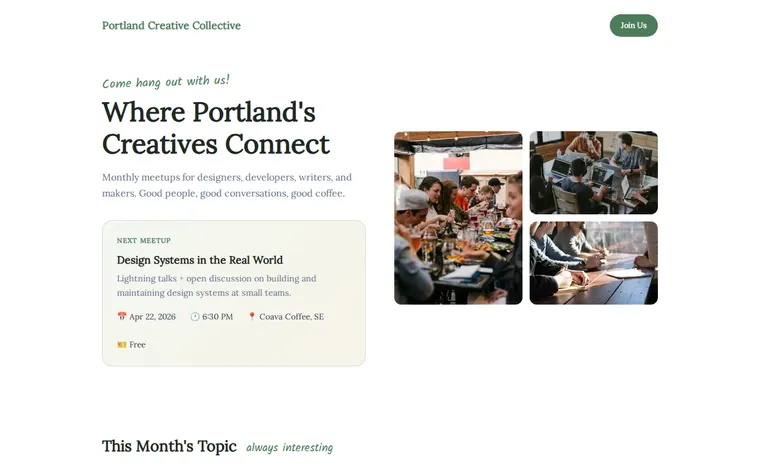
"Calmer, it's a book club"
More things to ask for
- Change the next meetup to 20 May with a new topic.
- Add the three lightning talk speakers with their topics.
- Add a line saying pizza is on us.
- Add a code of conduct link at the bottom.
- Change the stats to 500 members and 40 meetups.
What's on the page
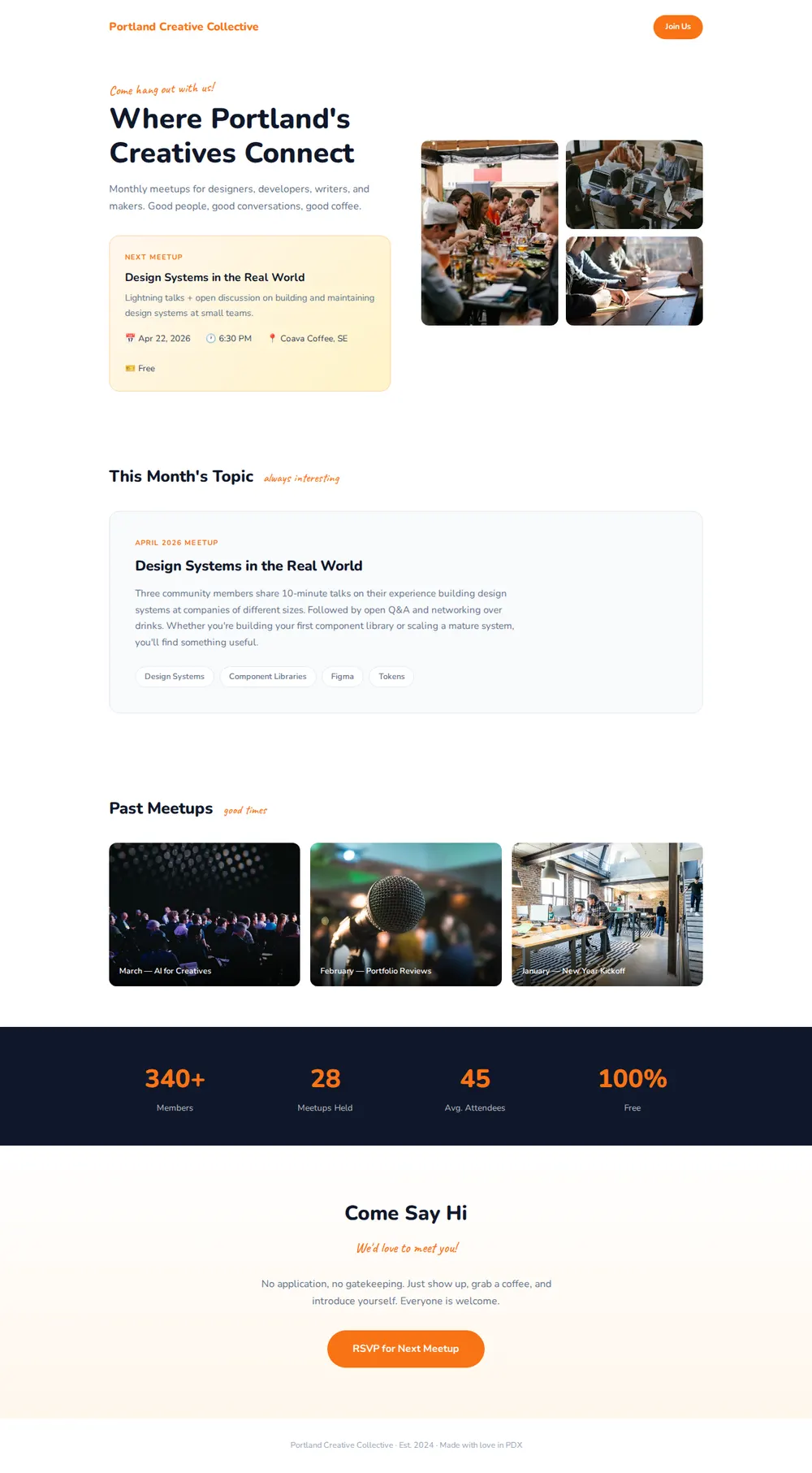
Hero
A handwritten welcome, your group's name and who it's for, beside a collage of meetup photos.
Next meetup
A card with the title, a line about it, the date, time, venue and price.
This month's topic
What the session covers, how it runs and a few topic tags.
Past meetups
Three photos, each captioned with the month and theme.
Stats and RSVP
Members, meetups held and average turnout, then a friendly call to come along and an RSVP button.
Where you'll share it
Pinned in the group chat
One link with the next date, so nobody asks when it is again.
Your Meetup.com or Luma listing
Link to it for the photos and history that listings don't show.
Every month
Ask your AI to change the date and topic, paste it in, and the link stays the same.
Two ways to start
Let your AI write it
Copy the prompt, answer the questions, and get a page built around your details.
Start from this design
Open this exact page in the paste page editor, swap in your words and photos, and publish.
Use this templateOr skip the template. Make something weird and put it live the same way.
Questions
- Is the meetup template free?
- Yes. Copy the prompt or use the template, then sign up free to claim your link.
- Where do RSVPs on the meetup page go?
- The button opens whatever you already use, such as Luma, Meetup.com, Eventbrite or a Google Form. Give your AI the link when it asks.
- Can I keep one meetup page and change the date each month?
- Yes. Ask your AI for the new date and topic, paste the new version in, and move last month into Past Meetups. The link everyone has stays the same.
- Does the meetup template suit a book club, run club or hobby group?
- Yes. Tell your AI what the group does and it rewrites the topic, the stats and the welcome. The book club variation above is one sentence away.
- Is there a template for a bigger event with tickets and speakers?
- Yes. The Conference template has a speaker line-up, a full schedule, the venue and a ticket button.
More events templates
- Conference / SummitSpeakers, schedule, tickets.
- Community / ClubJoin, meet, belong.
- Workshop / BootcampIntensive learning. Sign up.
- HackathonBuild something amazing in 48 hours.