Make it with your AI. Host it on paste page.
Club website for your book club or society
Ask your AI for a club page with the current book or project, upcoming meetings and a way to join. Paste it into paste page and share the link with members.
Copy the prompt paste what your AI writes live at paste.page/eastside-book-club
Works with any AI chat
- ChatGPT
- Claude
- Gemini
- Copilot
- Grok
How it works
From prompt to club website in three steps
Your AI writes the page. paste page puts it online.
Copy the prompt below into ChatGPT, Claude or any AI. It asks for your group's name and what it's about, when and where you meet, how people join, what members get and any events coming up, then writes the whole page.
Paste the code into paste page and pick a name for your page.
You're live. Pick your link, such as paste.page/eastside-book-club, and publish. Then put it on the poster in the library or the café noticeboard.
Your prompt
Copy it into your AI chat
I want to create a community or club page. Ask me: 1. What's the group name? 2. What's the purpose or focus? 3. When and where do you meet? 4. How can people join? (signup link or contact) 5. What are the membership benefits? 6. Any upcoming events? Then generate the complete single-file HTML page with inline CSS. Make it beautiful and responsive.
Your photos
Show who turns up
Upload them in the paste page editor and each one gets its own link. Give those links to your AI and ask it to use them, or swap them in yourself.
The cover of this month's book, a photo from your last meeting, your club logo or crest.
Use this link for the book cover and put this group photo at the top of Join Us.
No photos yet? Your AI uses placeholders you can swap after publishing.
Change anything by asking
Keep talking to your AI after it writes the page. Ask for new colours, fonts or sections in plain words and it rewrites the page. Paste the new version in and your link stays the same.
Same club page, another group's colours. Each one is a sentence to your AI.
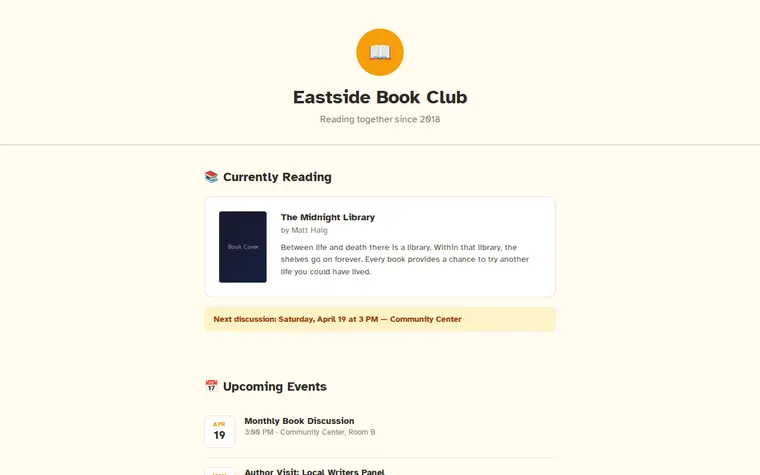
As it comes 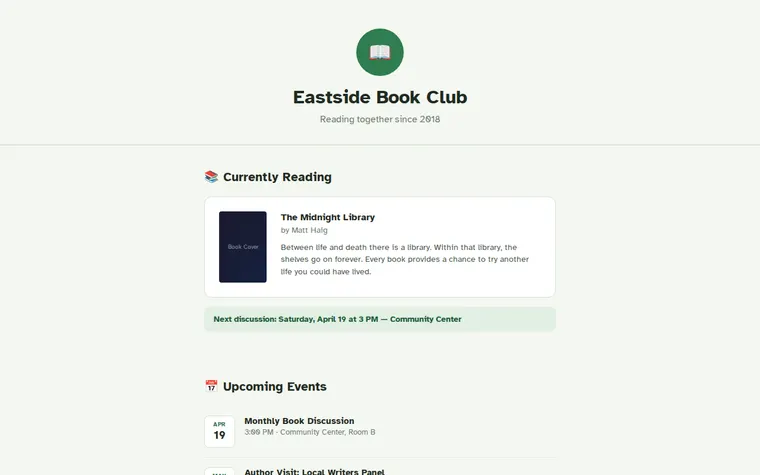
"Forest green for our walking club" 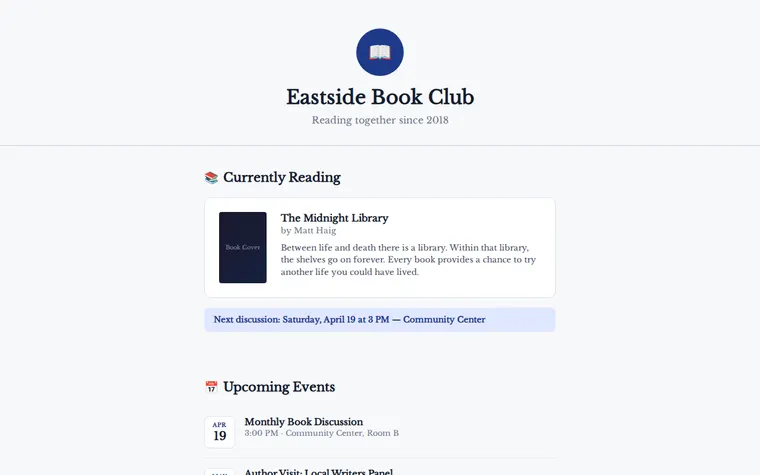
"Navy and white for the chess society" 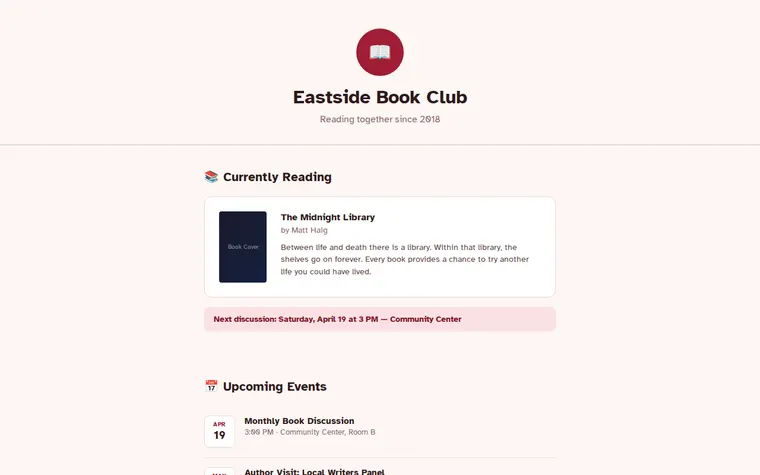
"Deep red, for a supper club"
More things to ask for
- Swap the book for this month's pick.
- Add a section with books we've already read.
- Put the joining fee next to the button.
- Add a map to the community centre.
- Add a line saying online members can join on Zoom.
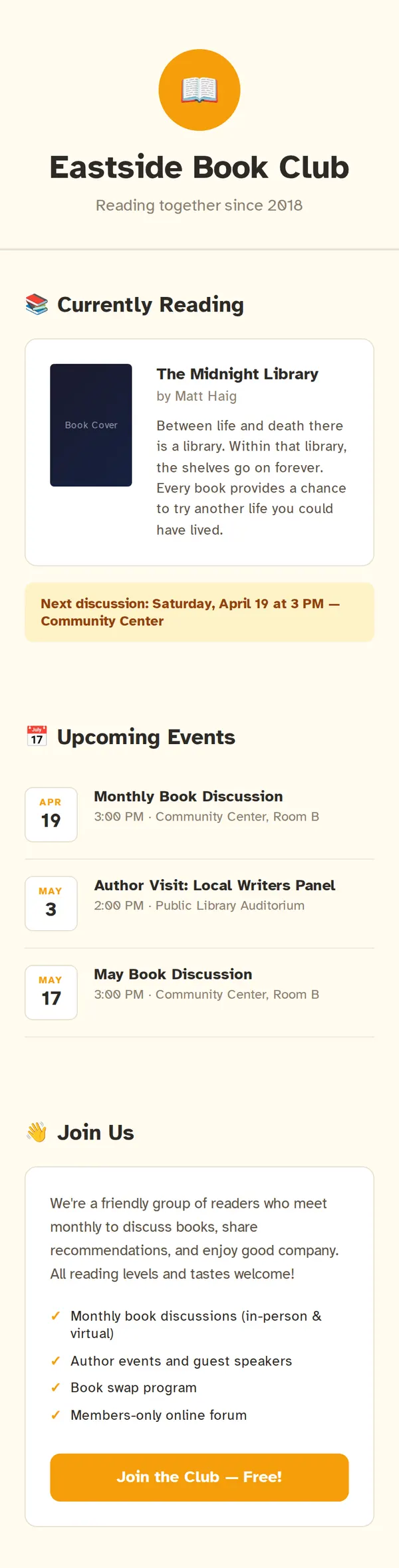
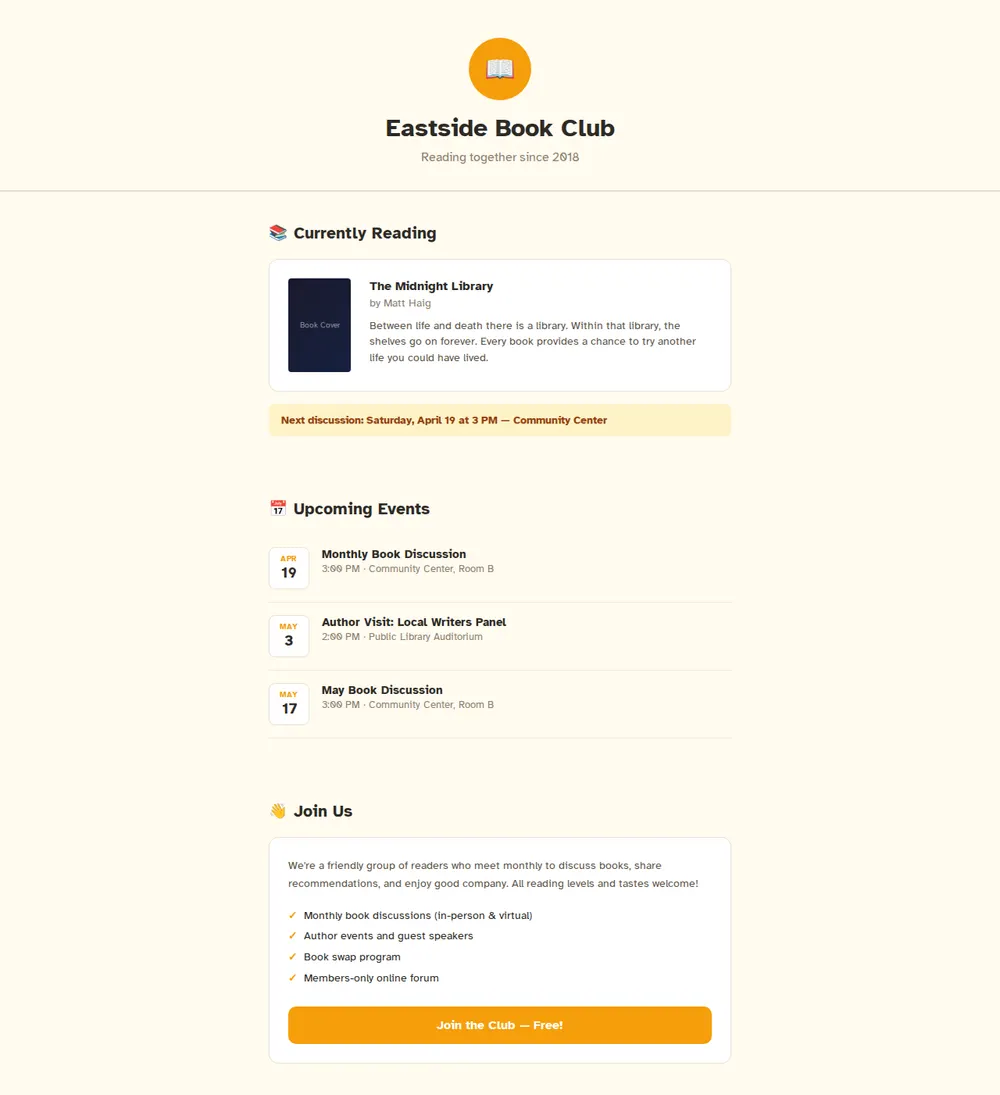
What's on the page
Header
Your club's name, a logo and a short line about who you are.
Currently reading
This month's book with its cover, author and a short blurb, plus the next meeting.
Upcoming events
Dates, times and places for the next few get-togethers.
Join us
A paragraph about the group, what members get, and a big button to join.
Where you'll share it
On the noticeboard
Print a QR code on the poster so people can read about the club before they come along.
In your group chat
Pin the link so nobody has to ask where next month's meeting is.
On your club's social pages
Put it in your Facebook or Instagram bio: one address that always has the current details.
Two ways to start
Let your AI write it
Copy the prompt, answer the questions, and get a page built around your details.
Start from this design
Open this exact page in the paste page editor, swap in your words and photos, and publish.
Use this templateOr skip the template. Make something weird and put it live the same way.
Questions
- Is the club website template free?
- Yes. Copy the prompt or use the template, then sign up free to claim your link.
- How do new members join from the club page?
- The Join button can open a Google Form, an email to you, or your WhatsApp or Discord invite. Tell your AI which one when it asks how people join.
- Can I change the book and meeting date on the club page every month?
- Yes. Ask your AI to swap in the new book and date, paste the new version in, and the link everyone has stays the same.
- Does the club template work for a running club, choir or sports club?
- Yes. Tell your AI what your group does and it swaps Currently Reading for your next race, concert or fixture.
- What's the difference between the club page and the meetup page?
- The club page is about the group itself: what you do, what members get and how to join. The Meetup template is about the next event, with a date, venue and RSVP button up front.
More community templates
- MeetupCommunity gathering. Come hang.
- Neighbourhood GroupLocal news and events.
- Church / Faith GroupWelcome, service times, connect.
- Non-profit / CharityMission, impact, donate.