Make it with your AI. Host it on paste page.
Neighborhood website template for local news
Tell your AI about your area and it writes a page with a notice, events, board contacts and local services. Paste it into paste page and share it with neighbours.
Copy the prompt paste what your AI writes live at paste.page/maplewood-heights
Works with any AI chat
- ChatGPT
- Claude
- Gemini
- Copilot
- Grok
How it works
From prompt to community page in three steps
Your AI writes the page. paste page puts it online.
Copy the prompt below into ChatGPT, Claude or any AI. It asks for your area's name, what the group is for, upcoming events and meetings, how residents can get involved, the local contacts and services worth listing, and any recent news, then writes the whole page.
Paste the code into paste page and pick a name for your page.
You're live. Pick your link, such as paste.page/maplewood-heights, and publish. Print it on the next newsletter and pin it to the community centre board.
Your prompt
Copy it into your AI chat
I want to create a neighbourhood group page. Ask me: 1. What's the neighbourhood or area name? 2. What's the group's purpose? 3. What are any upcoming events or meetings? 4. How can residents join or get involved? 5. What are important local contacts or resources? 6. Any recent news or announcements? Then generate the complete single-file HTML page with inline CSS. Make it beautiful and responsive.
Your photos
Add photos of the area
Upload them in the paste page editor and each one gets its own link. Give those links to your AI and ask it to use them, or swap them in yourself.
The park or high street, last spring's clean-up crew, the community centre, a map of the streets you cover.
Put this photo of Oak Park behind the Maplewood Heights header and add the clean-up photo beside that event.
No photos yet? Your AI uses placeholders you can swap after publishing.
Change anything by asking
Keep talking to your AI after it writes the page. Ask for new colours, fonts or sections in plain words and it rewrites the page. Paste the new version in and your link stays the same.
The same community board in other colours. One sentence each.
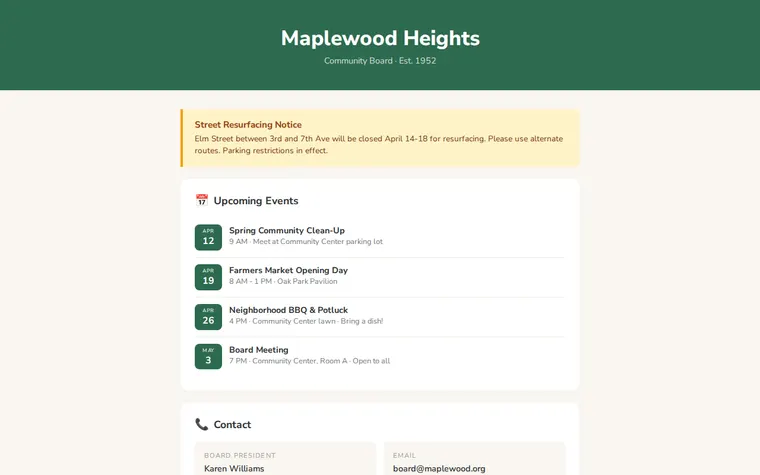
As it comes 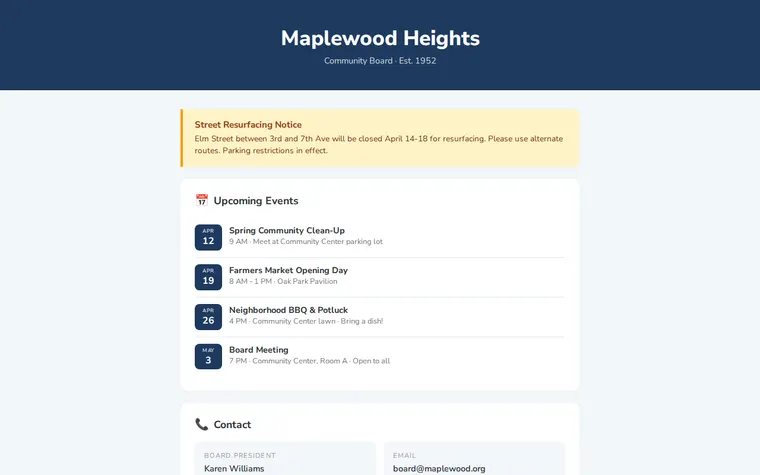
"Navy blue, like our town sign" 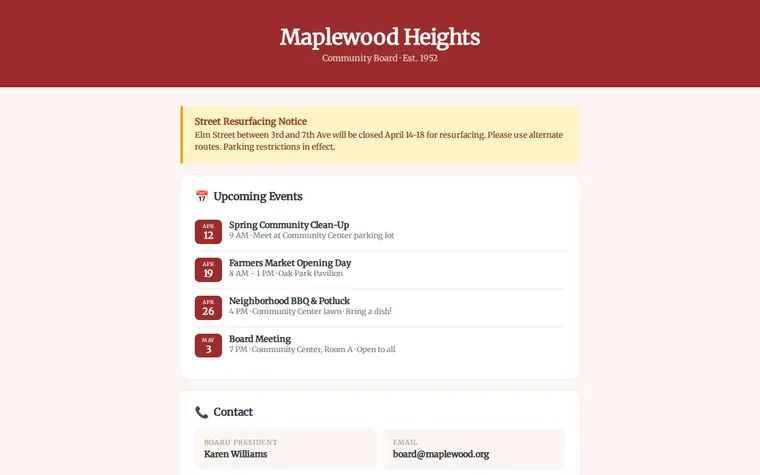
"Brick red with a classic serif" 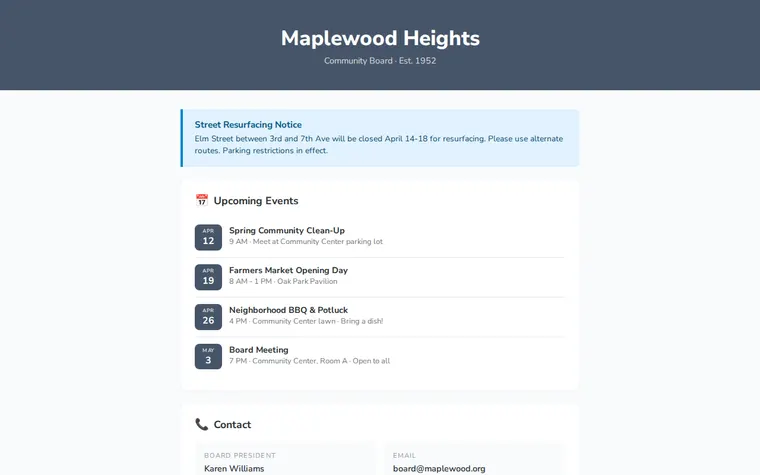
"Calm greys and blue for the HOA"
More things to ask for
- Add a lost and found section.
- Show the board members with their roles.
- Add a button to join our WhatsApp group.
- Add a map of the streets we cover.
- Put the bin collection days under the contacts.
What's on the page
Header
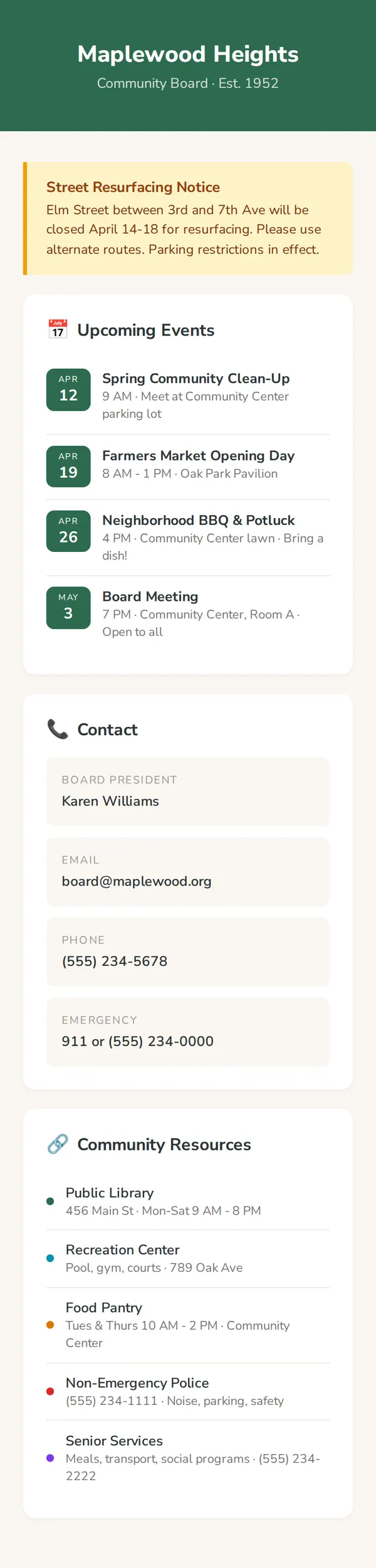
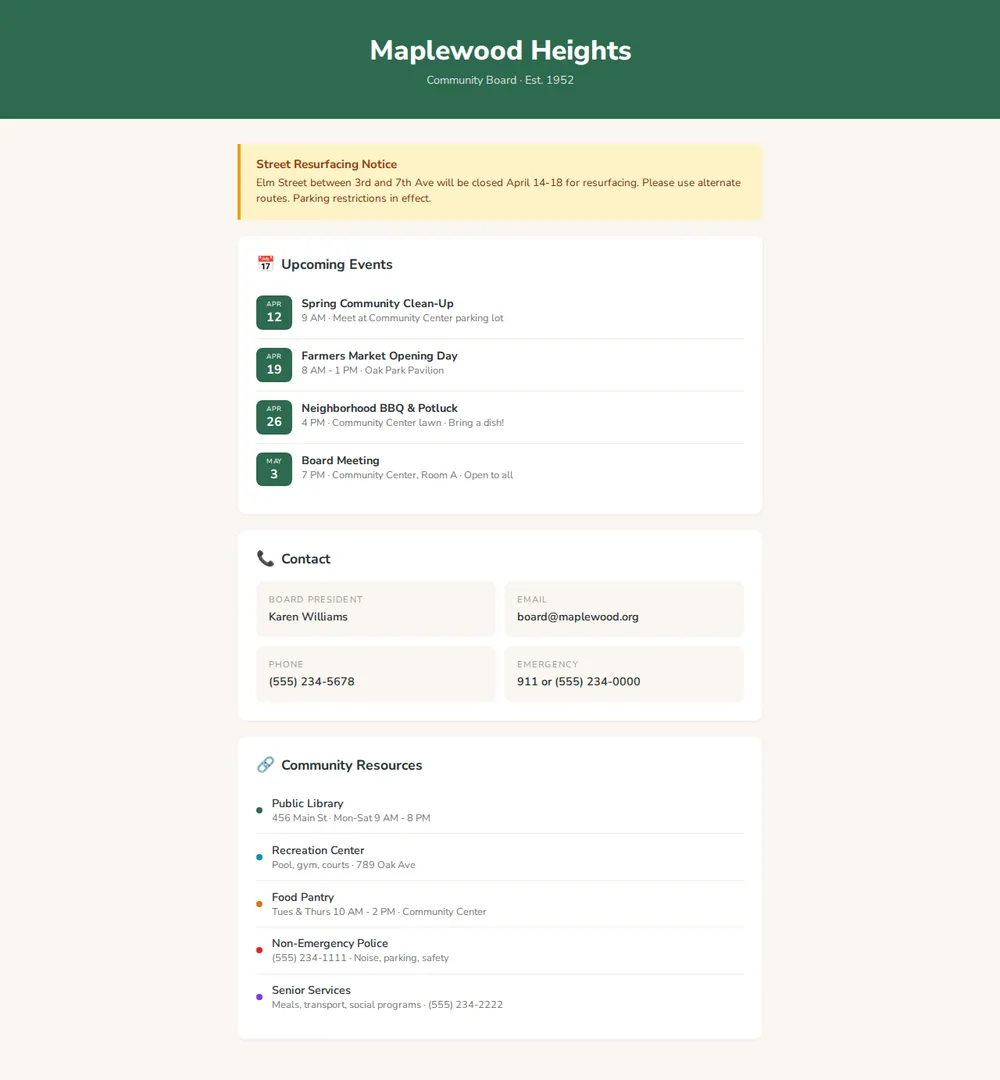
Your area's name and a short line underneath, such as when the group started.
Notice
One highlighted announcement, like a road closure or a change to bin day.
Upcoming events
Date badges with the event, time and place, from clean-ups to board meetings.
Contact
The board president, email, phone and an emergency number in a small grid.
Community resources
Library, rec centre, food pantry, non-emergency police and senior services, with hours or numbers.
Where you'll share it
Newsletters and flyers
Print the short link or a QR code so new residents find the page.
Facebook groups and Nextdoor
Pin it, and the contacts and dates stop getting lost in old posts.
When plans change
Meeting moved or road reopened? Update the notice and the same link shows it.
Two ways to start
Let your AI write it
Copy the prompt, answer the questions, and get a page built around your details.
Start from this design
Open this exact page in the paste page editor, swap in your words and photos, and publish.
Use this templateOr skip the template. Make something weird and put it live the same way.
Questions
- Is the neighborhood website template free?
- Yes. Copy the prompt or use the template, then sign up free to claim your link.
- Can I use the neighborhood template for an HOA?
- Yes. Tell your AI it's a homeowners' association and it can add dues dates, meeting minutes, rules and the management company's contact. It's a page people read; it doesn't collect dues or manage owner accounts.
- Can residents join our group from the community page?
- As it comes, the page lists contacts rather than a join button. Ask your AI for a button that links to your WhatsApp group, mailing list or a Google Form and it adds one.
- How do I post a new notice on our community page?
- Paste the notice into the chat and ask your AI to replace the old one, then paste the new page into paste page. For a quick fix, edit the text yourself in the paste page editor.
- Will the community board page work on residents' phones?
- Yes. It works on phones and computers. If some of your neighbours prefer bigger text, ask your AI to make it larger.
More community templates
- Community / ClubJoin, meet, belong.
- Church / Faith GroupWelcome, service times, connect.
- Non-profit / CharityMission, impact, donate.
- PetitionSign for change.