Make it with your AI. Host it on paste page.
Nonprofit website template with a donate button
Ask your AI for a charity page with your mission, impact numbers, team and a donate button. Paste it into paste page and share the link with supporters.
Copy the prompt paste what your AI writes live at paste.page/bright-futures-foundation
Works with any AI chat
- ChatGPT
- Claude
- Gemini
- Copilot
- Grok

How it works
From prompt to charity website in three steps
Your AI writes the page. paste page puts it online.
Copy the prompt below into ChatGPT, Claude or any AI. It asks for your organisation's name and mission, the impact you've made so far, your donation link, how people can volunteer and how to contact you, then writes the whole page.
Paste the code into paste page and pick a name for your page.
You're live. Pick your link, such as paste.page/bright-futures-foundation, and publish. Then add it to your email signature and your next newsletter.
Your prompt
Copy it into your AI chat
I want to create a non-profit or charity page. Ask me: 1. What's the organization name? 2. What's the mission? 3. What impact have you made? (key stats or stories) 4. How can people donate? (donation link) 5. How can people volunteer or get involved? 6. What's the contact info? Then generate the complete single-file HTML page with inline CSS. Make it beautiful and responsive.
Your photos
Show the work and the people doing it
Upload them in the paste page editor and each one gets its own link. Give those links to your AI and ask it to use them, or swap them in yourself.
Photos from your programmes, headshots of the team, a picture from your last event or volunteer day.
Here are three photos from our programmes and four team headshots. Put them in Our Programs and Our Team in that order.
No photos yet? Your AI uses placeholders you can swap after publishing.
Change anything by asking
Keep talking to your AI after it writes the page. Ask for new colours, fonts or sections in plain words and it rewrites the page. Paste the new version in and your link stays the same.
One template, four charities. Each look is one sentence to your AI.
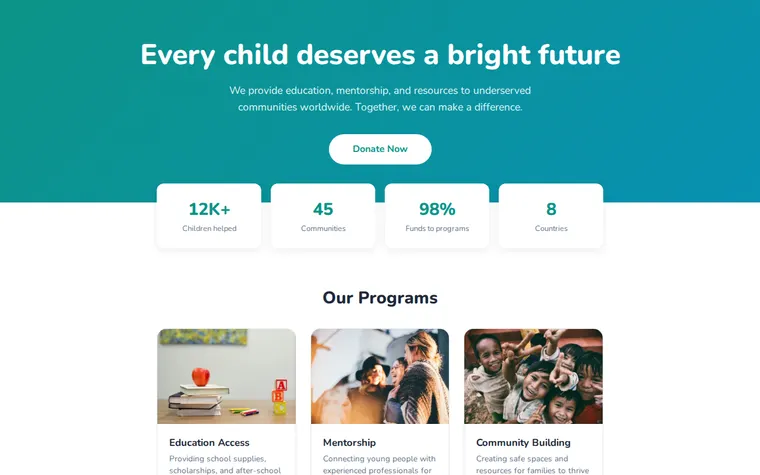
As it comes 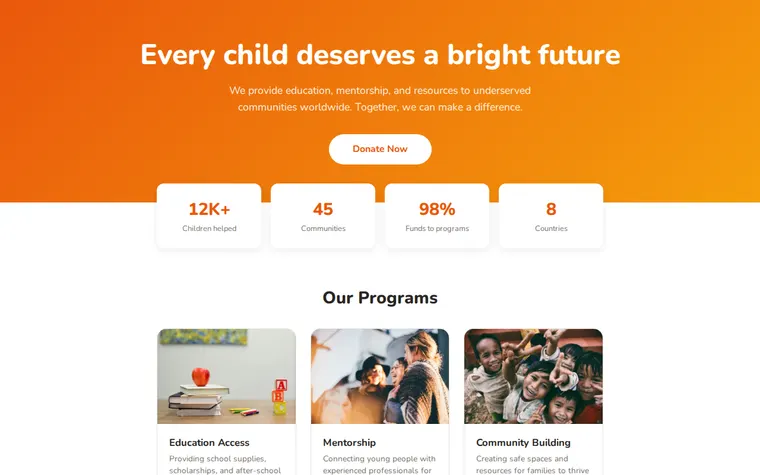
"Warm orange for our food bank" 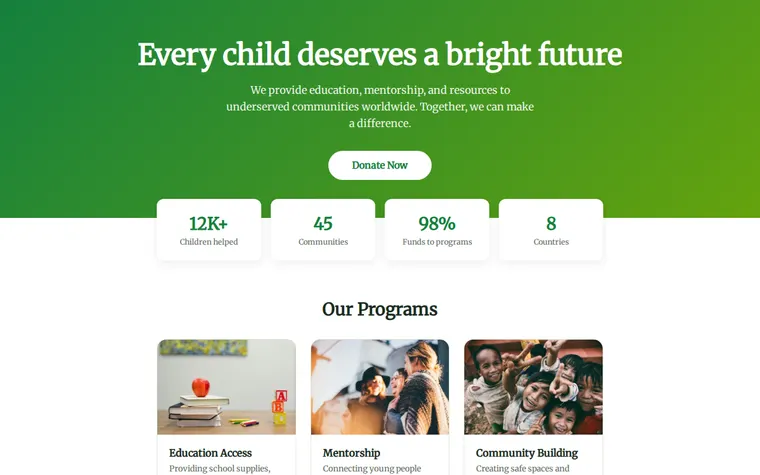
"Leaf green for a tree-planting charity" 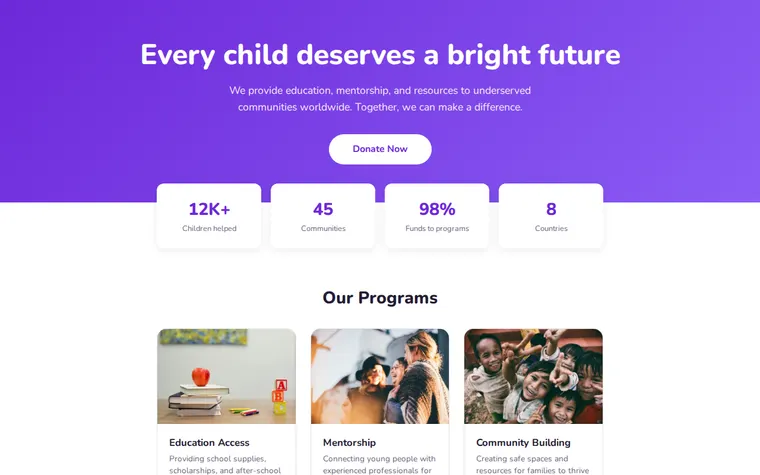
"Calm purple for our hospice appeal"
More things to ask for
- Add a section on how to volunteer.
- Put our charity number in the footer.
- Add a quote from a family we've helped.
- Change the stats to this year's figures.
- Add a button for monthly giving next to Donate Now.
What's on the page
Mission
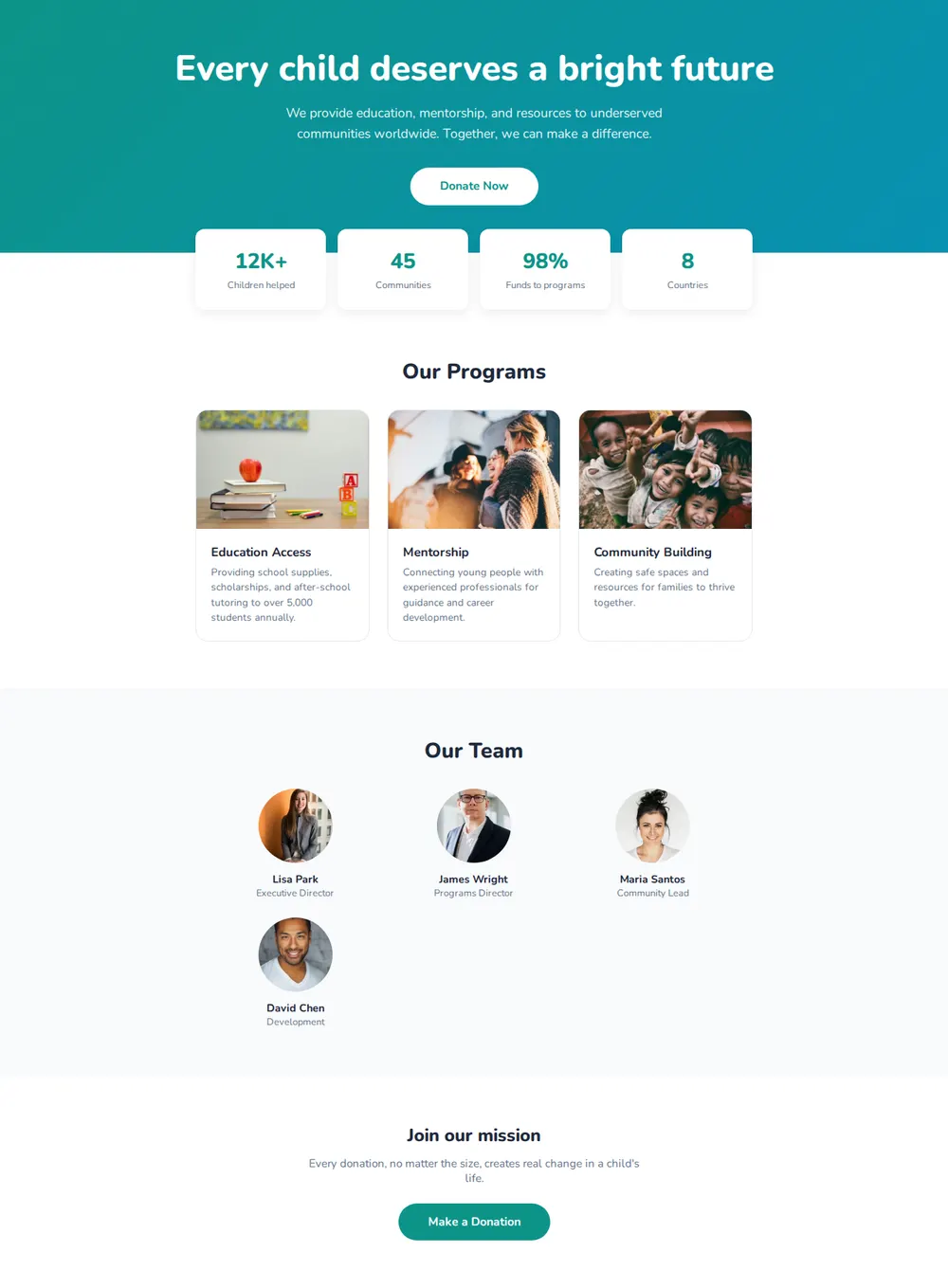
One headline about why you exist, a sentence on what you do, and a Donate Now button.
Impact numbers
Four cards with the figures that matter, such as people helped or the share of money that reaches programmes.
Programmes
A card with a photo and a short description for each thing you run.
Team
Photos, names and roles for the people behind it.
Donate
A closing appeal with a second button to give.
Where you'll share it
On your appeal letters
Print the link or a QR code so supporters can give in a few taps.
In grant applications
Funders look you up. Give them a page with your mission and numbers.
When the numbers change
Ask your AI to update the stats, paste it in, and every link you've shared shows the new figures.
Two ways to start
Let your AI write it
Copy the prompt, answer the questions, and get a page built around your details.
Start from this design
Open this exact page in the paste page editor, swap in your words and photos, and publish.
Use this templateOr skip the template. Make something weird and put it live the same way.
Questions
- Is the nonprofit website template free?
- Yes. Copy the prompt or use the template, then sign up free to claim your link.
- Can the donate button on the charity page take payments?
- It links to a donation page you already have, such as JustGiving, PayPal, Stripe or GoFundMe. Paste that link when your AI asks how people donate.
- Is the charity website template enough for a small local charity?
- For most small charities, yes. One page covers who you are, what you do, who runs it and how to give. Ask your AI for extra sections like volunteering or annual reports.
- Where can I see nonprofit website examples made from this template?
- The pictures on this page are the same template with different colours and fonts. Your AI can also change the layout, so describe a site you like and it gets close to it.
- We're raising money for one appeal. Is there a page just for that?
- Yes. The Fundraiser template has a goal, a progress bar and one donate button, for a single campaign rather than the whole organisation.
More community templates
- FundraiserCause, goal, donate.
- PetitionSign for change.
- Awareness CampaignSpread the word. Take action.
- Community / ClubJoin, meet, belong.