Make it with your AI. Host it on paste page.
Minimal website template with nothing to strip out
Tell your AI what to say and it makes a narrow page with a heading, some text and a few links. Paste it into paste page for a link you can share.
Copy the prompt paste what your AI writes live at paste.page/hello-world
Works with any AI chat
- ChatGPT
- Claude
- Gemini
- Copilot
- Grok
How it works
From prompt to minimal page in three steps
Your AI writes the page. paste page puts it online.
Copy the prompt below into ChatGPT, Claude or any AI. It asks for your heading, the paragraph or two you want to say, any links, and whether you'd like it light, dark or in particular colours, then writes the whole page.
Paste the code into paste page and pick a name for your page.
You're live. Pick your link, such as paste.page/hello-world, publish, and send it wherever a long message would have gone.
Your prompt
Copy it into your AI chat
I want to create a minimal webpage. Ask me: 1. What's the page title or heading? 2. What's the main content? (a paragraph or two) 3. Any links to include? 4. What's the color scheme? (light, dark, or specific colors) Then generate the complete single-file HTML page with inline CSS. Make it clean, minimal, and responsive.
Your photos
Photos are optional here
Upload them in the paste page editor and each one gets its own link. Give those links to your AI and ask it to use them, or swap them in yourself.
Most minimal pages have none. If you want one, a single portrait or a small logo above the heading is plenty.
Add this photo, small and round, above my name.
No photos yet? Your AI uses placeholders you can swap after publishing.
Change anything by asking
Keep talking to your AI after it writes the page. Ask for new colours, fonts or sections in plain words and it rewrites the page. Paste the new version in and your link stays the same.
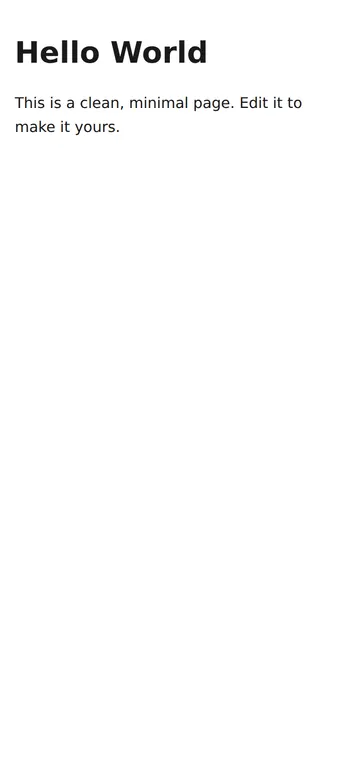
Same minimal page, one sentence to your AI.
As it comes 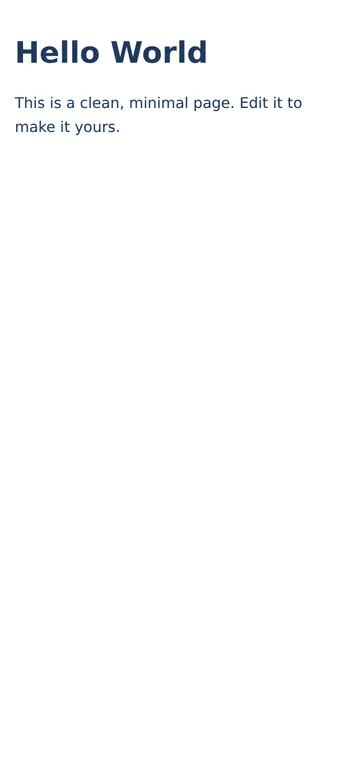
"Navy text instead of black" 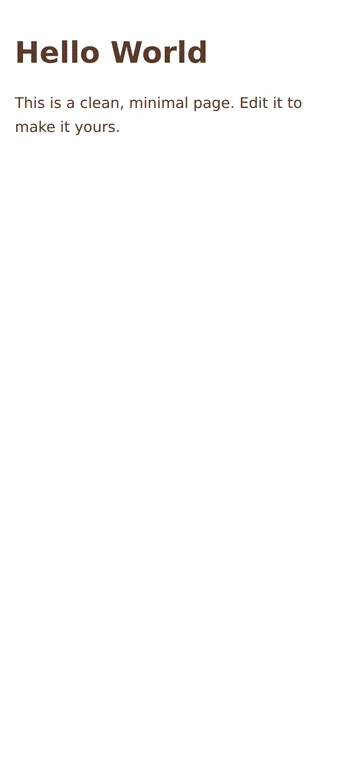
"Softer, a warm brown"
More things to ask for
- Make it dark with light grey text.
- Add my email as a link at the bottom.
- Use a serif font for the heading.
- Add a short list of three things I'm working on.
- Centre everything on the page.
What's on the page
Heading
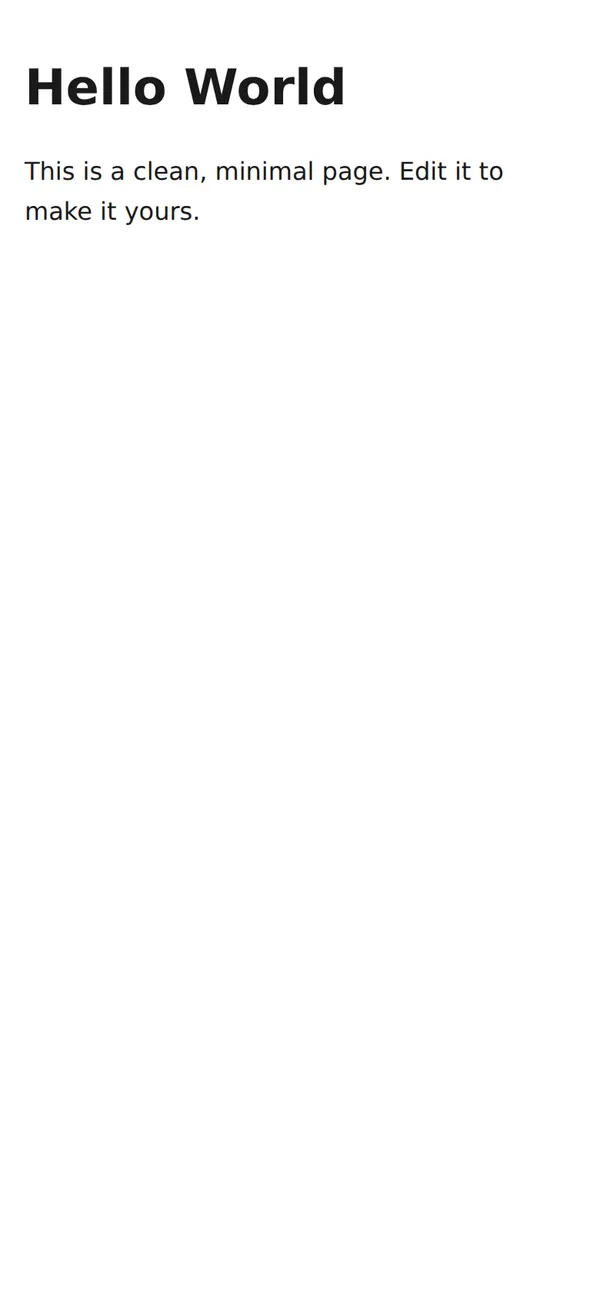
One large line at the top. Your name, a title, or the thing you need to say.
Text
A paragraph or two, set at a comfortable line height.
Narrow column
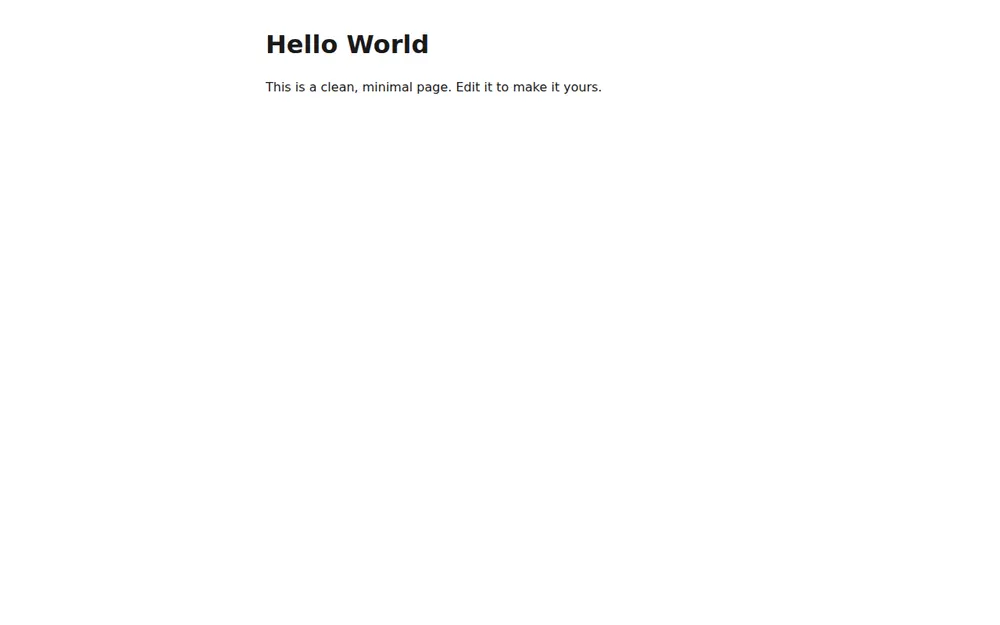
Text stays within about 600 pixels, so lines never run too long on a wide screen.
System font
It uses the font your device already has, so there's nothing extra to load.
Where you'll share it
Instead of a long message
Put the announcement, the instructions or the apology on a page and send one link.
As a minimal landing page
A heading, a line about what you're making and one link out is enough for an early project.
When the words change
Edit the text on paste page, or ask your AI for a new version, and the link stays the same.
Two ways to start
Let your AI write it
Copy the prompt, answer the questions, and get a page built around your details.
Start from this design
Open this exact page in the paste page editor, swap in your words and photos, and publish.
Use this templateOr skip the template. Make something weird and put it live the same way.
Questions
- Is the minimal website template free?
- Yes. Copy the prompt or use the template, then sign up free to claim your link.
- Does the minimal template load any fonts or scripts?
- No. It's a few lines of CSS and your device's own font, so it opens almost instantly.
- Can I edit the minimal page by hand without an AI?
- Yes. The HTML is short enough to read, so change the heading and paragraph in the paste page editor and save.
- Can a minimal page grow into something bigger later?
- Yes. Ask your AI to add sections, photos or a contact form, paste the new version in, and the link stays the same.
More starter templates
- Minimal Link in BioStripped back. Just the essentials.
- Coming Soon (Minimal)Countdown and email capture.
- Bio PageEditorial longform personal page.
- Resume / CVProfessional and structured.