Make it with your AI. Host it on paste page.
Resume website template you can send as a link
Ask your AI for a resume page with your work history, education and skills. Paste it into paste page and send the link instead of a file.
Copy the prompt paste what your AI writes live at paste.page/jordan-mitchell
Works with any AI chat
- ChatGPT
- Claude
- Gemini
- Copilot
- Grok

How it works
From prompt to online resume in three steps
Your AI writes the page. paste page puts it online.
Copy the prompt below into ChatGPT, Claude or any AI. It asks for your name, your headline, your contact details and LinkedIn, each job with dates and achievements, your education and your key skills, then writes the whole page. Got a CV already? Paste it in and it works from that.
Paste the code into paste page and pick a name for your page.
You're live. Pick your link, such as paste.page/jordan-mitchell, and publish. Add it to your LinkedIn profile and your next cover letter.
Your prompt
Copy it into your AI chat
I want to create a resume / CV page. Ask me: 1. What's your full name? 2. What's your job title or professional headline? 3. What's your contact info? (email, phone, location, LinkedIn) 4. What's your work experience? (company, role, dates, and key achievements for each) 5. What's your education? (school, degree, year) 6. What are your key skills? Then generate the complete single-file HTML page with inline CSS. Make it beautiful and responsive.
Your photos
A headshot, if you want one
Upload them in the paste page editor and each one gets its own link. Give those links to your AI and ask it to use them, or swap them in yourself.
Most resumes work fine with none. If you'd like a face on it, a plain headshot beside your name, or a company logo next to each job.
Add this headshot as a small circle to the left of my name.
No photos yet? Your AI uses placeholders you can swap after publishing.
Change anything by asking
Keep talking to your AI after it writes the page. Ask for new colours, fonts or sections in plain words and it rewrites the page. Paste the new version in and your link stays the same.
Same resume, a different tone, one sentence each.
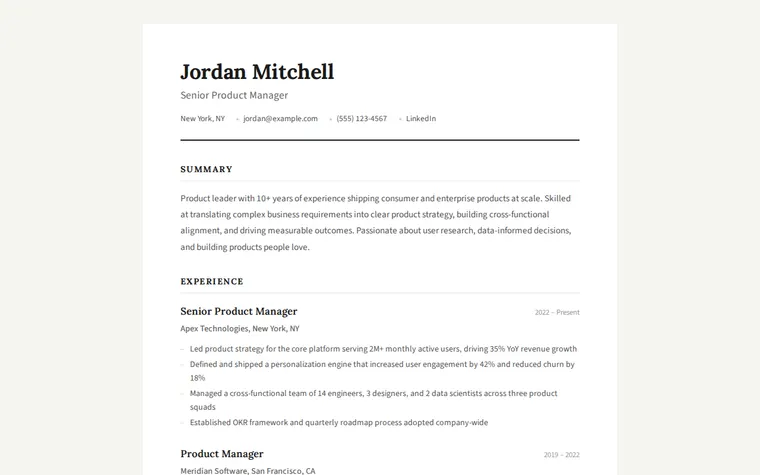
As it comes 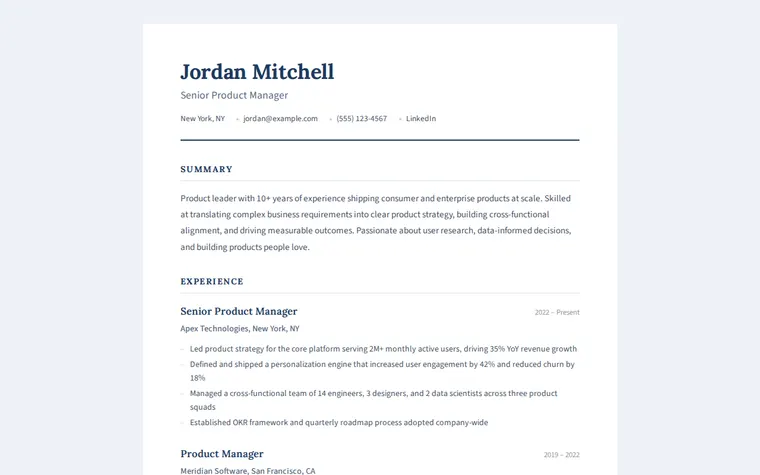
"Navy instead of black" 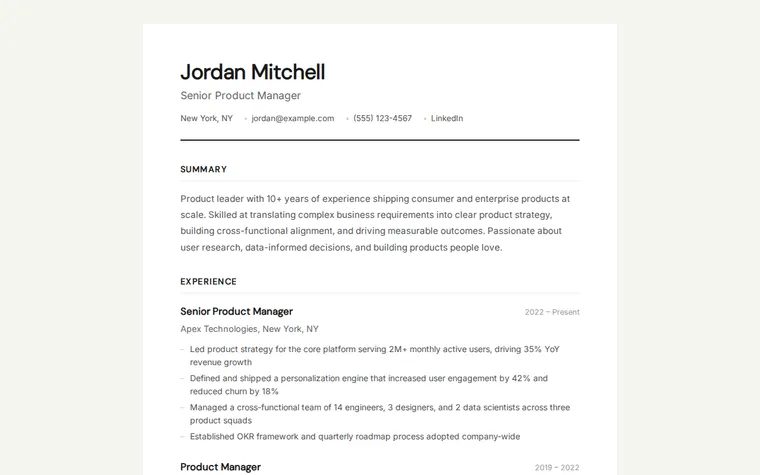
"More modern, no serif" 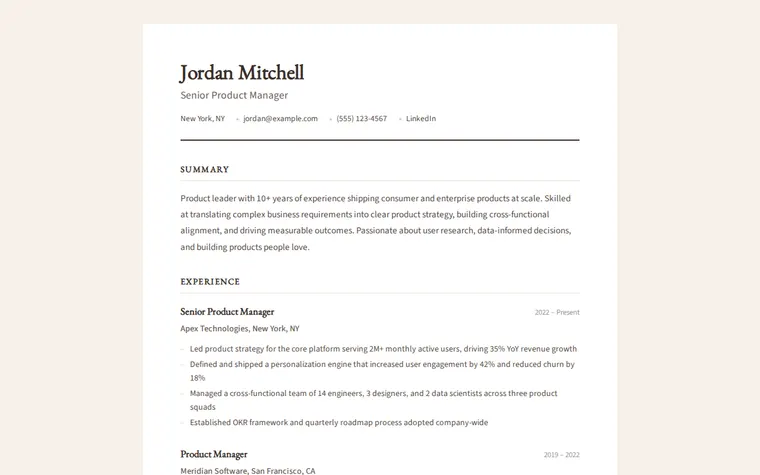
"Warmer and a bit more classic"
More things to ask for
- Add a Projects section under Experience.
- Put my skills before my experience.
- Add a Download PDF button at the top.
- Cut it down to fit on one printed page.
- Add the languages I speak with my level in each.
What's on the page
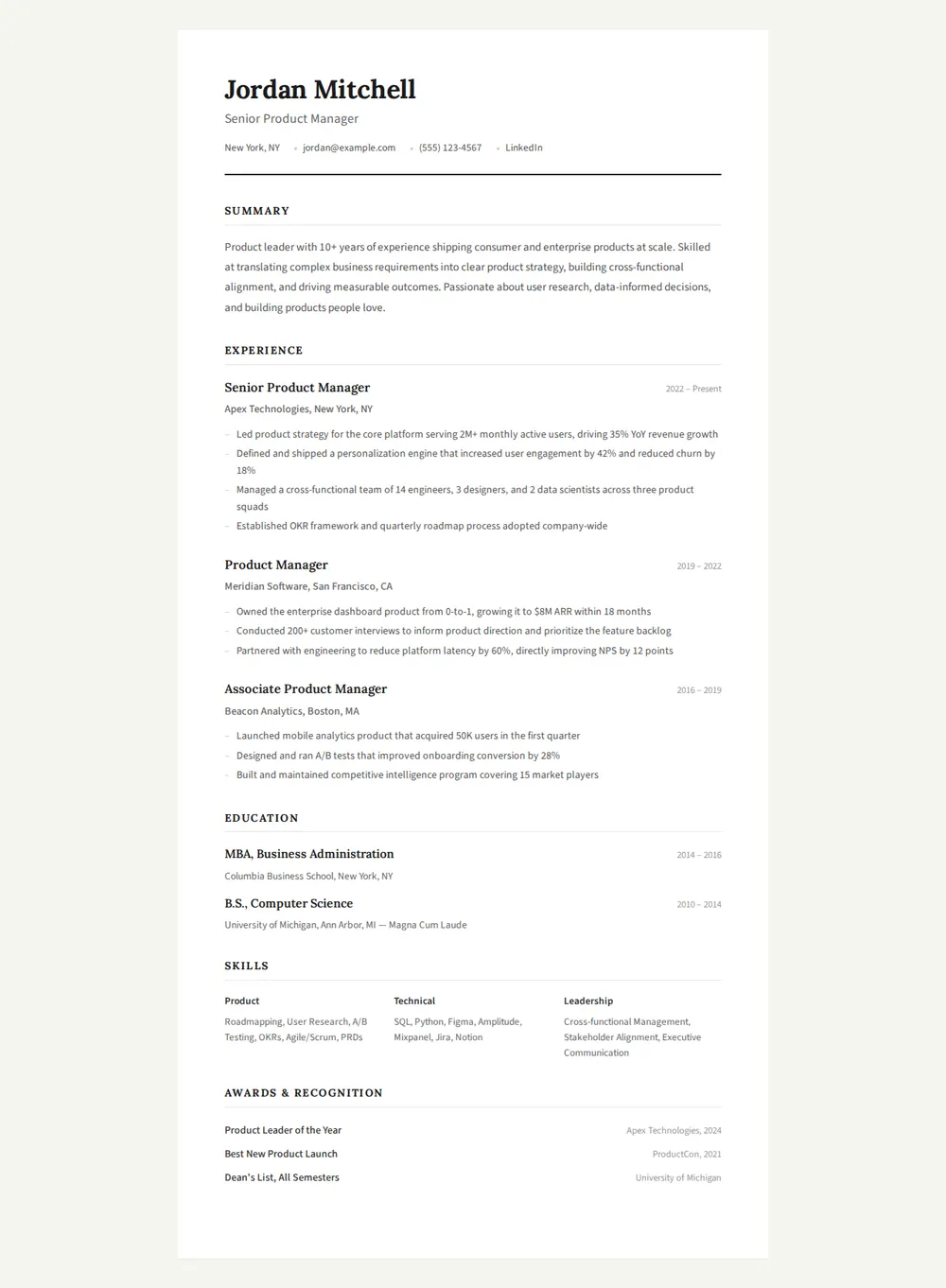
Header
Your name, your job title, and a row with your city, email, phone and LinkedIn.
Summary
A short paragraph on who you are and what you're good at.
Experience
Each role with the company, dates and three or four achievements as bullet points.
Education
Degrees, schools and years, with honours if you have them.
Skills
Grouped into columns, such as product, technical and leadership.
Awards
Recognition and prizes, each with who gave it and when.
Where you'll share it
In job applications
Paste the link in the website field, or under your name on a cover letter.
On LinkedIn and in your email signature
Recruiters who click see your full history without downloading anything.
Each time you change jobs
Ask your AI to add the new role, paste it in, and every link you've sent shows the latest version.
Two ways to start
Let your AI write it
Copy the prompt, answer the questions, and get a page built around your details.
Start from this design
Open this exact page in the paste page editor, swap in your words and photos, and publish.
Use this templateOr skip the template. Make something weird and put it live the same way.
Questions
- Is the resume website template free?
- Yes. Copy the prompt or use the template, then sign up free to claim your link.
- Is this an HTML resume template I can edit myself?
- Yes. The page is one HTML file, so you can open it in the paste page editor and change any line. Most people just ask their AI instead.
- Can I turn my existing CV into a CV website?
- Yes. Paste the text of your CV into the chat and the AI lays it out as this page, keeping your wording.
- Will my online resume print properly?
- Yes. The template has print styles built in, so it prints on a plain white page without the background or shadow.
- Is there a resume template with a visual career timeline?
- Yes. The Interactive Resume template shows each role as a card on a timeline, which suits a long or varied career.
More personal templates
- Interactive ResumeTimeline-style career journey.
- Bio PageEditorial longform personal page.
- Freelancer ProfileServices, rates, and contact.
- Developer PortfolioDark terminal aesthetic. Code-forward.