Make it with your AI. Host it on paste page.
Interactive resume with your career on a timeline
Tell your AI your career milestones and it makes a resume with every role on a vertical timeline. Paste it into paste page and send the link to recruiters.
Copy the prompt paste what your AI writes live at paste.page/priya-sharma
Works with any AI chat
- ChatGPT
- Claude
- Gemini
- Copilot
- Grok

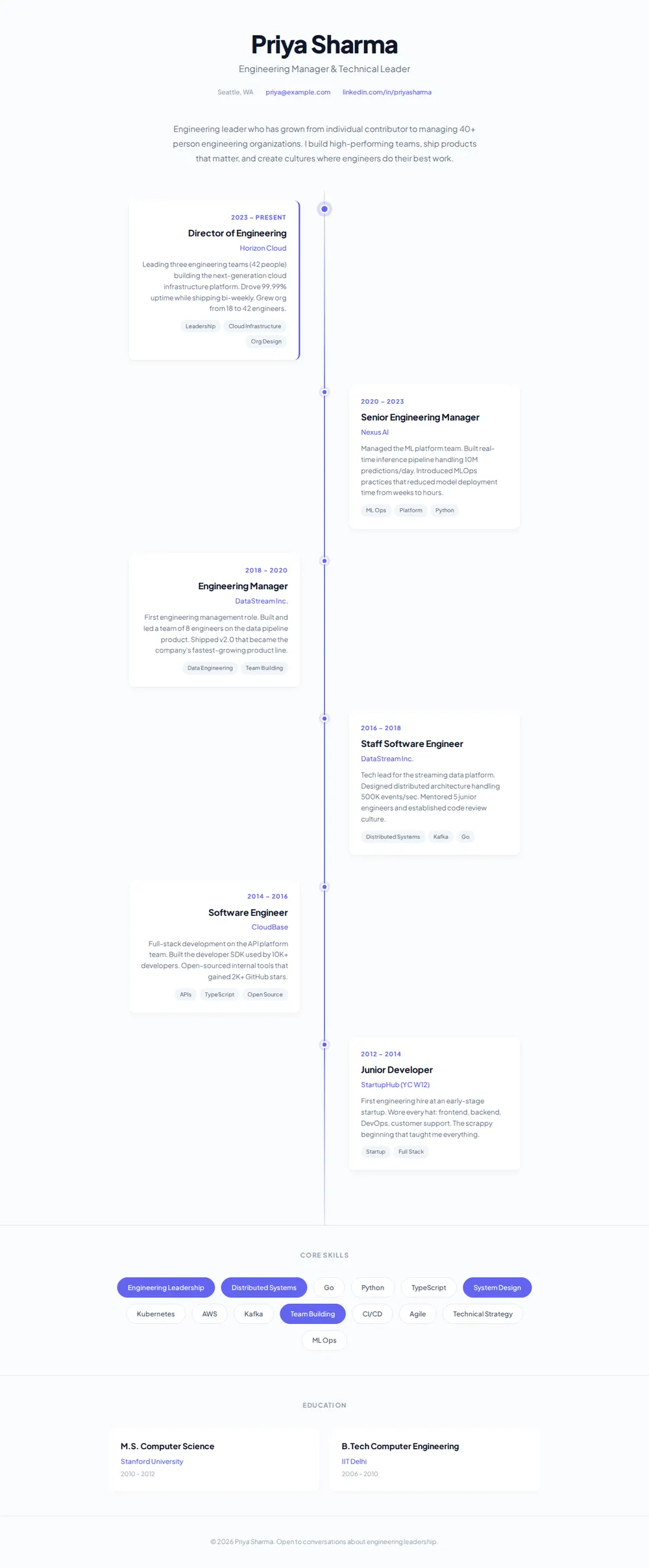
How it works
From prompt to timeline resume in three steps
Your AI writes the page. paste page puts it online.
Copy the prompt below into ChatGPT, Claude or any AI. It asks for your name and current title, your career milestones in order with the year, role, company and one highlight each, your education, your top skills and your email and LinkedIn, then writes the whole page with an animated timeline.
Paste the code into paste page and pick a name for your page.
You're live. Pick your link, such as paste.page/priya-sharma, and publish. Send it to the recruiter along with your usual CV.
Your prompt
Copy it into your AI chat
I want to create an interactive timeline resume page. Ask me: 1. What's your full name and current title? 2. What are your career milestones in chronological order? (year, role, company, and one highlight each) 3. What's your education history? 4. What are your top skills? 5. What's your contact email and LinkedIn? Then generate the complete single-file HTML page with inline CSS and JavaScript. Make it beautiful and responsive with an animated timeline.
Your photos
Logos and a headshot, if you like
Upload them in the paste page editor and each one gets its own link. Give those links to your AI and ask it to use them, or swap them in yourself.
The page works on type alone. You could add a headshot in the header or a small company logo on each card.
Put each company's logo in the top corner of its card. Here are the links.
No photos yet? Your AI uses placeholders you can swap after publishing.
Change anything by asking
Keep talking to your AI after it writes the page. Ask for new colours, fonts or sections in plain words and it rewrites the page. Paste the new version in and your link stays the same.
Same timeline, a new accent, one sentence each.
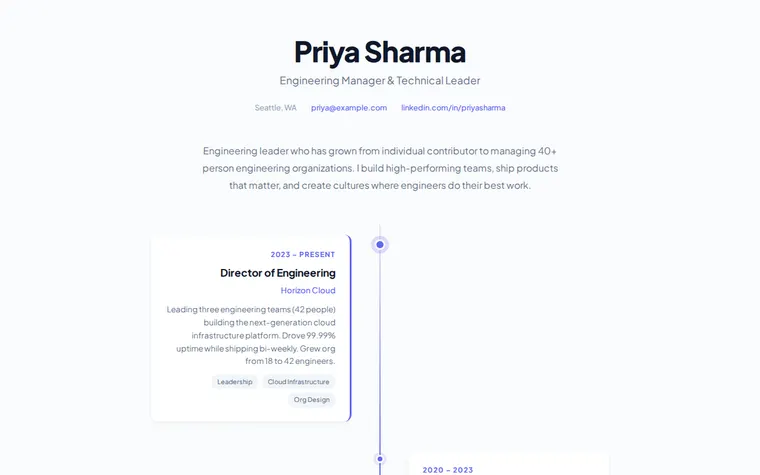
As it comes 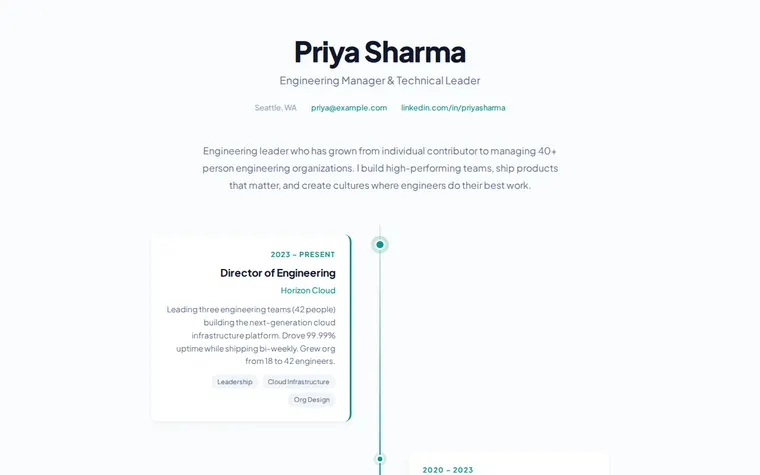
"Teal instead of purple" 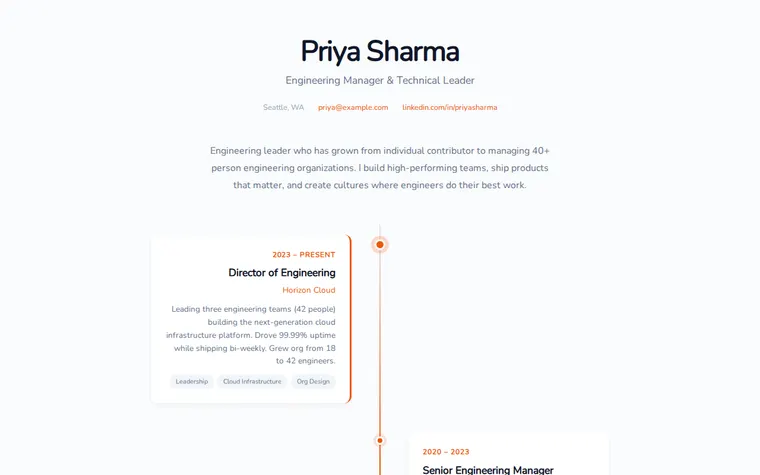
"Warm orange and a rounder font" 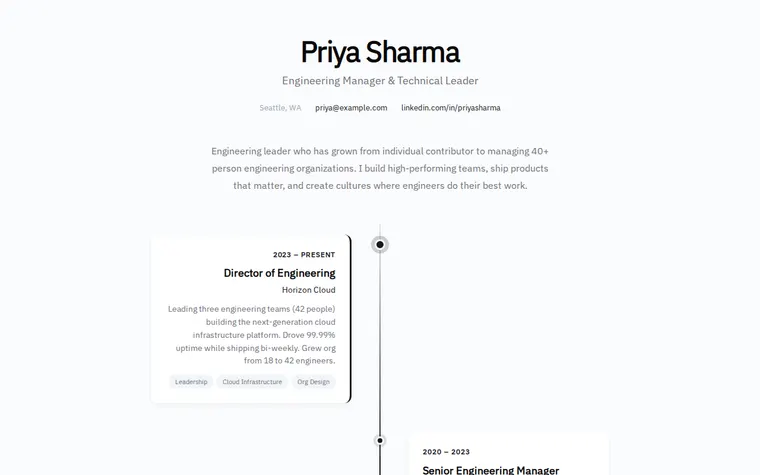
"Black and grey, very understated"
More things to ask for
- Make each card fade in as I scroll down.
- Add a gap year card between 2016 and 2018.
- Let people click a card to read more about the role.
- Add a Download CV button in the header.
- Put my side projects on the timeline in a different colour.
What's on the page
Header
Your name, your title, your city, email and LinkedIn.
Summary
A few lines on the kind of work you do and how you got here.
Timeline
Each role as a card on alternating sides of a centre line, with dates, company, a highlight and skill tags. The current role stands out.
Core skills
Your skills as pills, with the main ones filled in.
Education
Degrees and schools as cards side by side.
Footer
A closing line, such as what kind of conversations you're open to.
Where you'll share it
With a job application
Use it alongside a standard CV when you want to stand out for a design-minded or senior role.
In your LinkedIn featured section
Visitors get the whole arc of your career in one scroll.
When you move on
Ask your AI to add the new card at the top, paste it in, and the same link shows it.
Two ways to start
Let your AI write it
Copy the prompt, answer the questions, and get a page built around your details.
Start from this design
Open this exact page in the paste page editor, swap in your words and photos, and publish.
Use this templateOr skip the template. Make something weird and put it live the same way.
Questions
- Is the interactive resume template free?
- Yes. Copy the prompt or use the template, then sign up free to claim your link.
- Can I make it an animated resume, with cards that move?
- Yes. The prompt asks your AI for an animated timeline, and you can ask for more, such as cards that slide in as you scroll or a line that draws itself.
- Does the timeline resume work on a phone?
- Yes. On small screens the cards stack down one side of the line so every role is still easy to read.
- Can I use it as a career timeline template for something other than a CV?
- Yes. Ask your AI to fill the cards with any milestones, such as a company history or a project's story, and it keeps the same layout.
- I need a plain, printable CV as well. Is there a template for that?
- Yes. The Resume / CV template is a classic one-page layout that prints cleanly. Many people keep both.
More personal templates
- Resume / CVProfessional and structured.
- Developer PortfolioDark terminal aesthetic. Code-forward.
- Bio PageEditorial longform personal page.
- Speaker PageTalks, topics, and booking.