Make it with your AI. Host it on paste page.
Digital zine page for your next issue
Ask your AI for a zine page with a masthead, your manifesto and a box to order the print run or get the PDF. Paste it into paste page to publish.
Copy the prompt paste what your AI writes live at paste.page/static-zine
Works with any AI chat
- ChatGPT
- Claude
- Gemini
- Copilot
- Grok
How it works
From prompt to online zine in three steps
Your AI writes the page. paste page puts it online.
Copy the prompt below into ChatGPT, Claude or any AI. It asks for the zine's title, the issue theme, the contributors, a cover image, where to buy or download it, the price and any excerpts you want to show, then writes the whole page.
Paste the code into paste page and pick a name for your page.
You're live. Pick your link, such as paste.page/static-zine, publish, and print it inside the back cover of the paper copies.
Your prompt
Copy it into your AI chat
I want to create a zine or publication page. Ask me: 1. What's the zine title? 2. What's the issue theme or topic? 3. Who are the contributors? 4. What's the cover image URL? 5. Where can people buy or download it? (link) 6. What's the price? (or is it free?) 7. Any preview content or excerpts? Then generate the complete single-file HTML page with inline CSS. Make it beautiful and responsive.
Your photos
Add your cover and a few spreads
Upload them in the paste page editor and each one gets its own link. Give those links to your AI and ask it to use them, or swap them in yourself.
The cover of the issue, a couple of spreads from inside, photos from the launch night.
Put this cover scan at the top and use these two spreads as the backgrounds of the first two preview cards.
No photos yet? Your AI uses placeholders you can swap after publishing.
Change anything by asking
Keep talking to your AI after it writes the page. Ask for new colours, fonts or sections in plain words and it rewrites the page. Paste the new version in and your link stays the same.
Same issue, four printings. Each is one line to your AI.
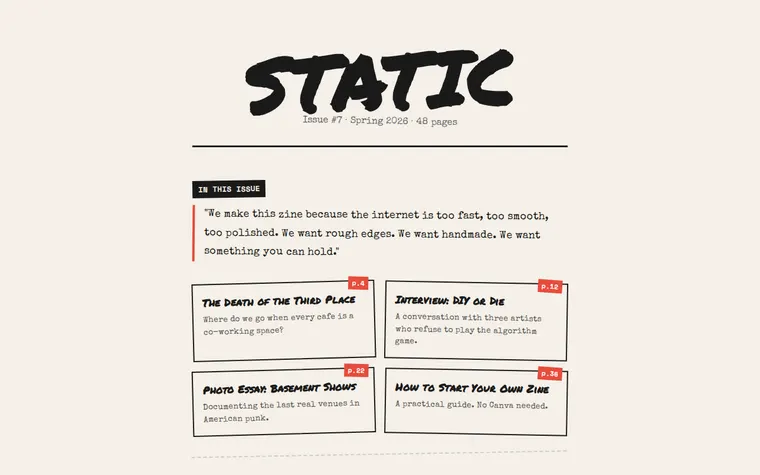
As it comes 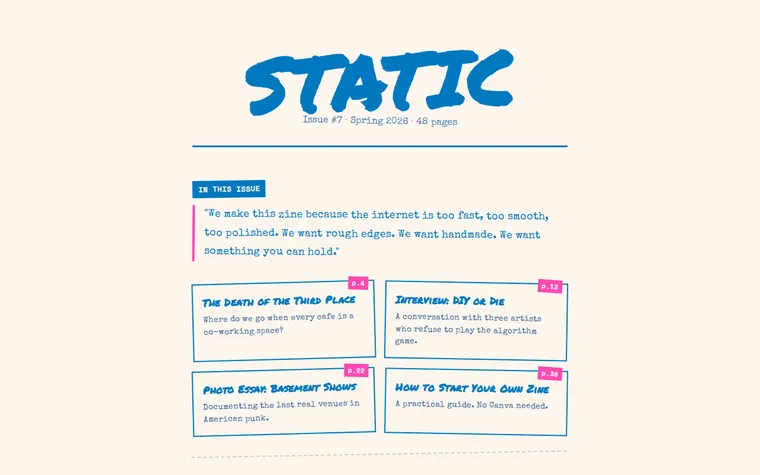
"Riso pink and blue" 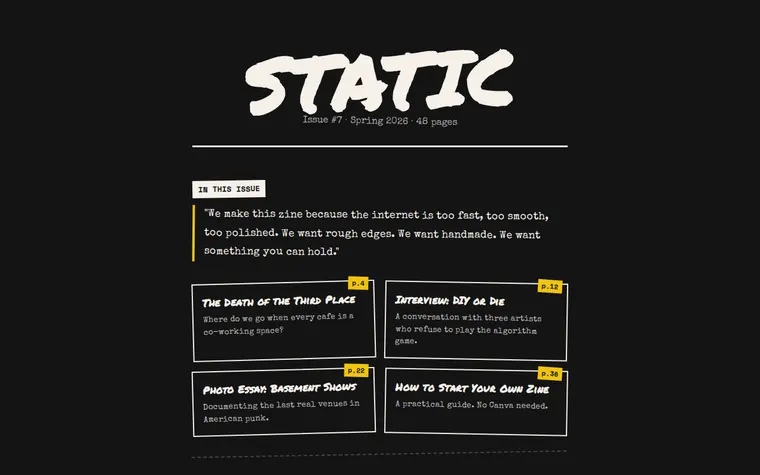
"Make it a dark night-time issue" 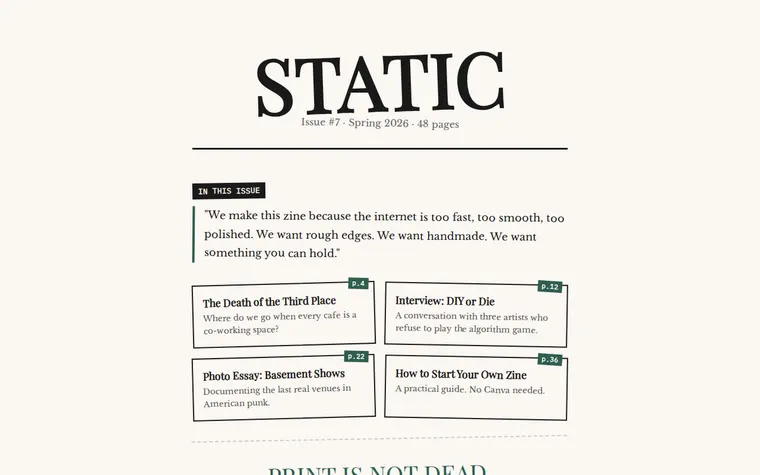
"Softer, more like a literary journal"
More things to ask for
- Add a list of contributors with links to their work.
- Add a back issues section with covers for #1 to #6.
- Embed the full PDF so people can read it on the page.
- List the shops that stock us.
- Add a form for people who want to contribute to the next issue.
What's on the page
Masthead
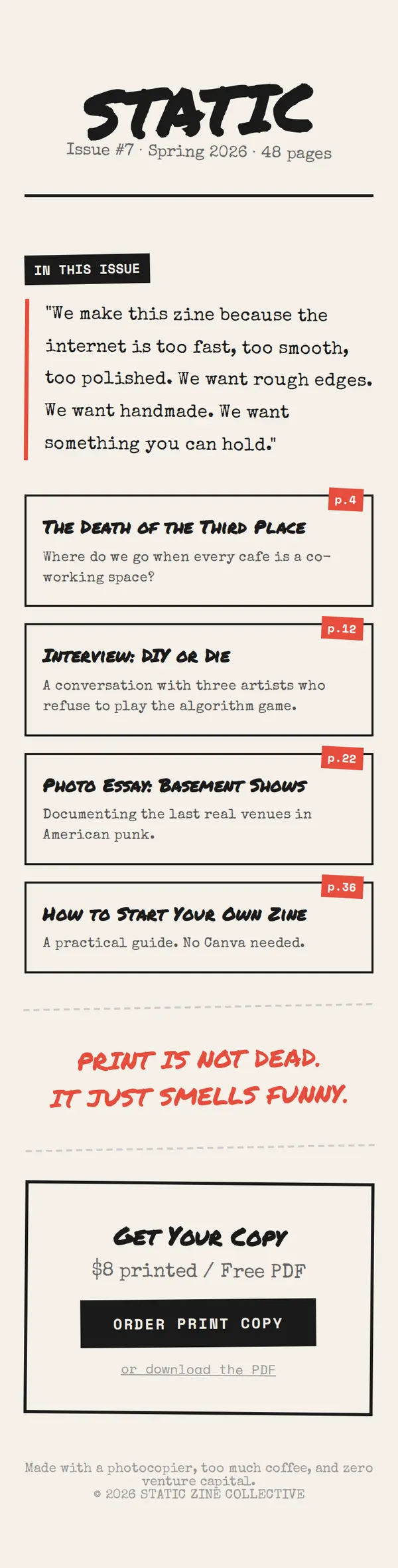
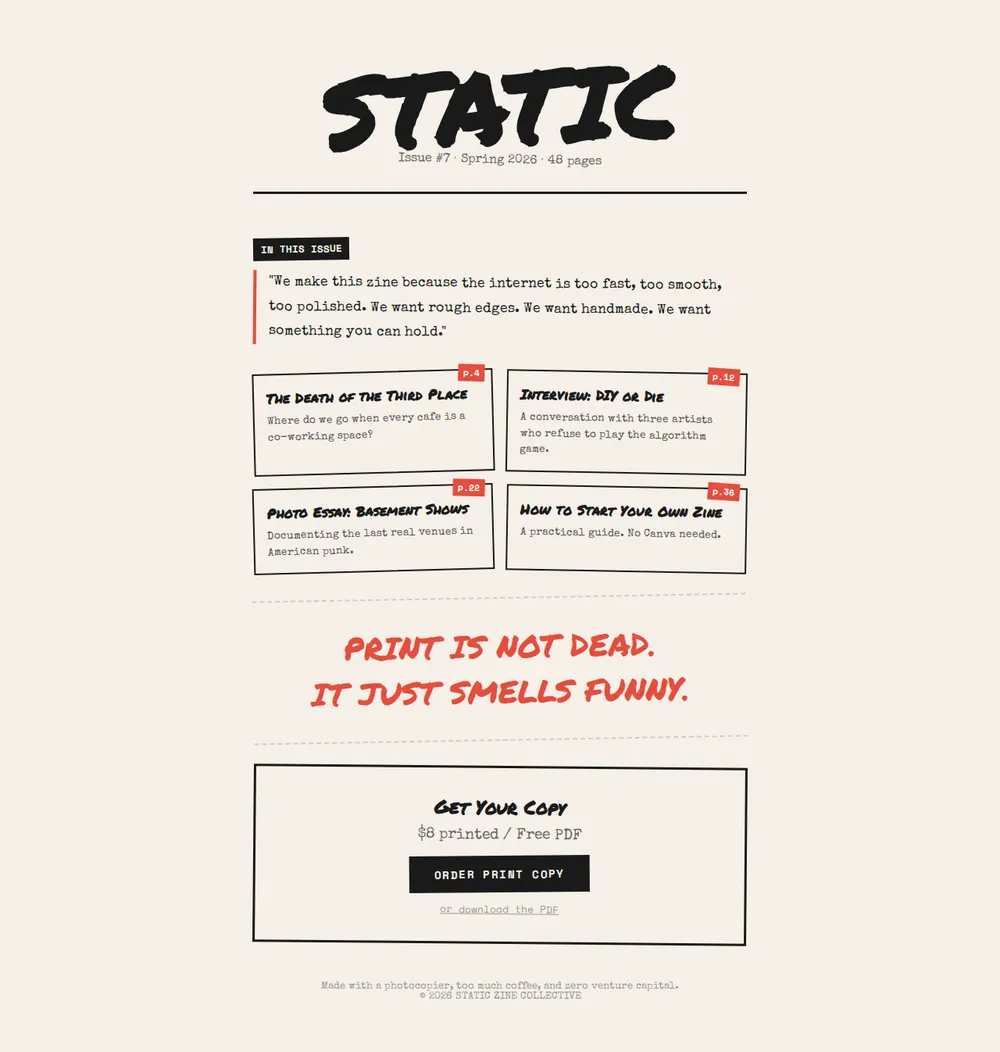
The zine's name in big marker letters, with the issue number, season and page count.
Manifesto
A few lines on why you make it, set like typewritten text.
In this issue
Tilted cards for four pieces, each with a page number, a title and a teaser.
Pull quote
One loud line from the issue between dashed rules.
Get your copy
The print price, a free PDF, an order button and a colophon at the foot.
Where you'll share it
Inside the print copy
Put the link or a QR code on the back page so readers find the next issue.
At zine fairs
Stick the QR code on your table so people can buy the PDF after the fair.
When the new issue drops
Ask your AI to swap in the new cover and contents. The link stays the same.
Two ways to start
Let your AI write it
Copy the prompt, answer the questions, and get a page built around your details.
Start from this design
Open this exact page in the paste page editor, swap in your words and photos, and publish.
Use this templateOr skip the template. Make something weird and put it live the same way.
Questions
- Is the zine template free?
- Yes. Copy the prompt or use the template, then sign up free to claim your link.
- Can people read the whole digital zine on the page?
- Yes. Upload the PDF in the paste page editor and ask your AI to embed it, or set the page out as one long read with every piece on it.
- Can I sell print copies of my zine from the page?
- Yes. Give your AI your Etsy, Gumroad, Big Cartel or Ko-fi link when it asks where to buy, and the order button goes there.
- Is this a printable zine template I can fold?
- No. This is the page that puts your zine on the web. Make the print version however you already do, then link to it or sell it from here.
- Can I keep every issue of my zine on one page?
- Yes. Ask your AI to add a back issues section with each cover and its own buy or download link.
More creative templates
- Art ExhibitionGallery, dates, artist statement.
- Photography ProjectVisual story in full-bleed images.
- PodcastEpisodes, subscribe, about.
- Album / EP ReleaseListen, stream, buy.