Make it with your AI. Host it on paste page.
Free wedding website template, live in seconds
Ask your AI for a wedding page with your save the date, story, details and RSVP. Paste it into paste page and send it to your guests.
Copy the prompt paste what your AI writes live at paste.page/emma-and-james
Works with any AI chat
- ChatGPT
- Claude
- Gemini
- Copilot
- Grok

How it works
From prompt to wedding website in three steps
Your AI writes the page. paste page puts it online.
Copy the prompt below into ChatGPT, Claude or any AI. It asks for your names, the date, the venue, the ceremony time and anything guests need, like a dress code or where to stay, then writes the whole page.
Paste the code into paste page and pick a name for your page.
You're live. Pick your link, such as paste.page/emma-and-james, and publish. You're live straight away.
Your prompt
Copy it into your AI chat
I want to create a wedding page. Ask me: 1. What are the couple's names? 2. What's the wedding date? 3. What's the venue name and address? 4. What time is the ceremony? 5. Any other details? (dress code, registry link, accommodation info) Then generate the complete single-file HTML page with inline CSS. Make it beautiful and romantic.
Your photos
Add your engagement photos
Upload them in the paste page editor and each one gets its own link. Give those links to your AI and ask it to use them, or swap them in yourself.
A photo behind your names, a few from the engagement shoot, a picture of the venue.
Here are links to three of our photos. Put the first one behind our names and the other two in Our Story.
No photos yet? Your AI uses placeholders you can swap after publishing.
Change anything by asking
Keep talking to your AI after it writes the page. Ask for new colours, fonts or sections in plain words and it rewrites the page. Paste the new version in and your link stays the same.
One template, seven weddings. Each one is a single sentence to your AI.
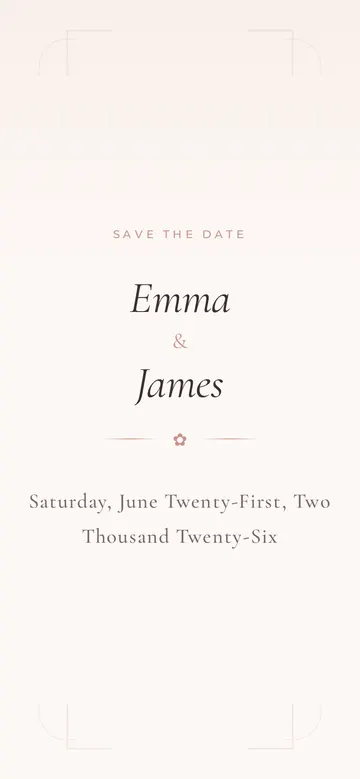
As it comes 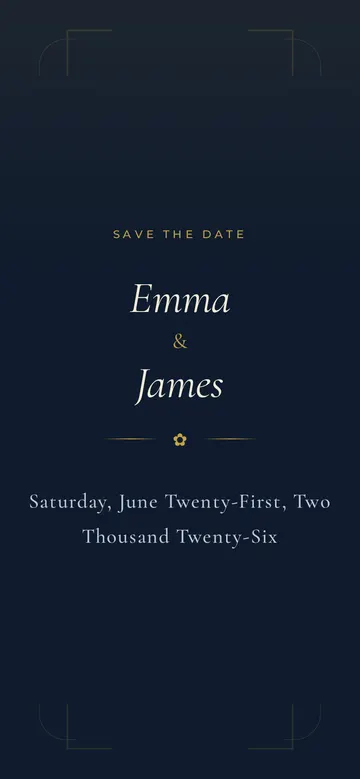
"Navy and gold for winter" 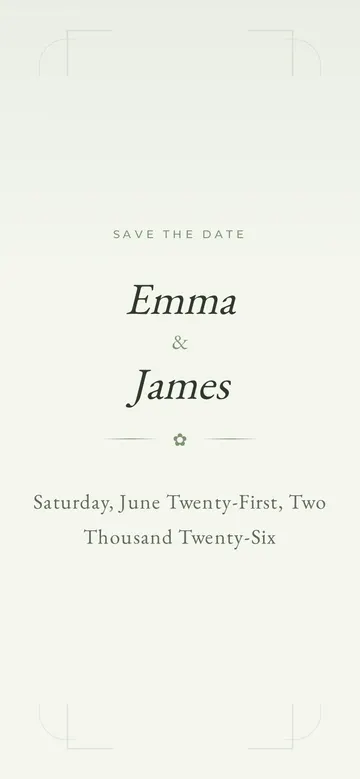
"Sage green, garden party" 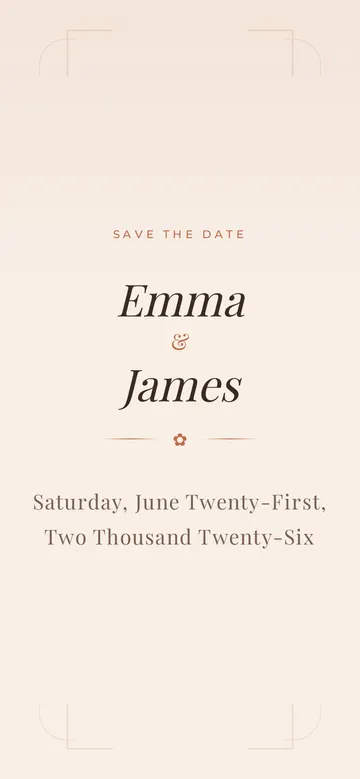
"Terracotta, boho" 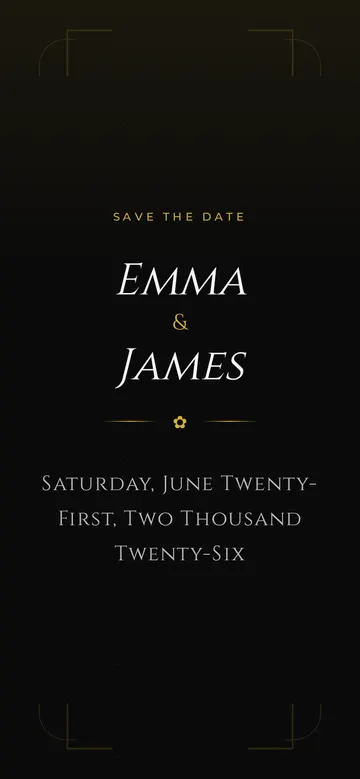
"Black tie" 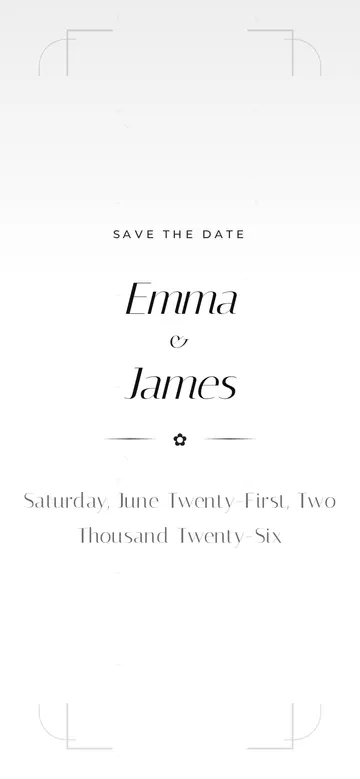
"Make it minimal" 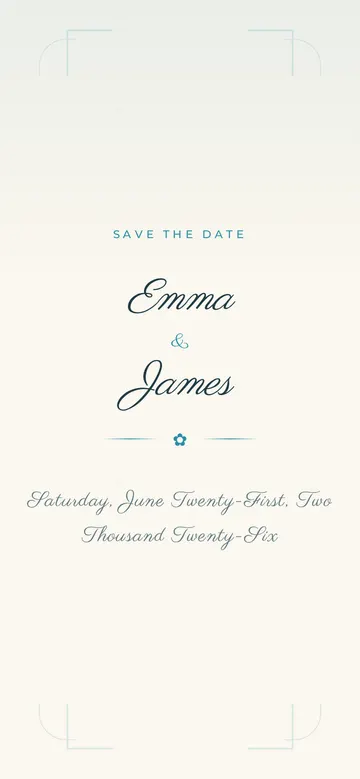
"Beach wedding, script font"
More things to ask for
- Add a section with hotels near the venue.
- Ask guests about dietary needs in the RSVP.
- Add a countdown to the big day.
- Put our engagement photo behind the names.
- Add the order of the day with times.
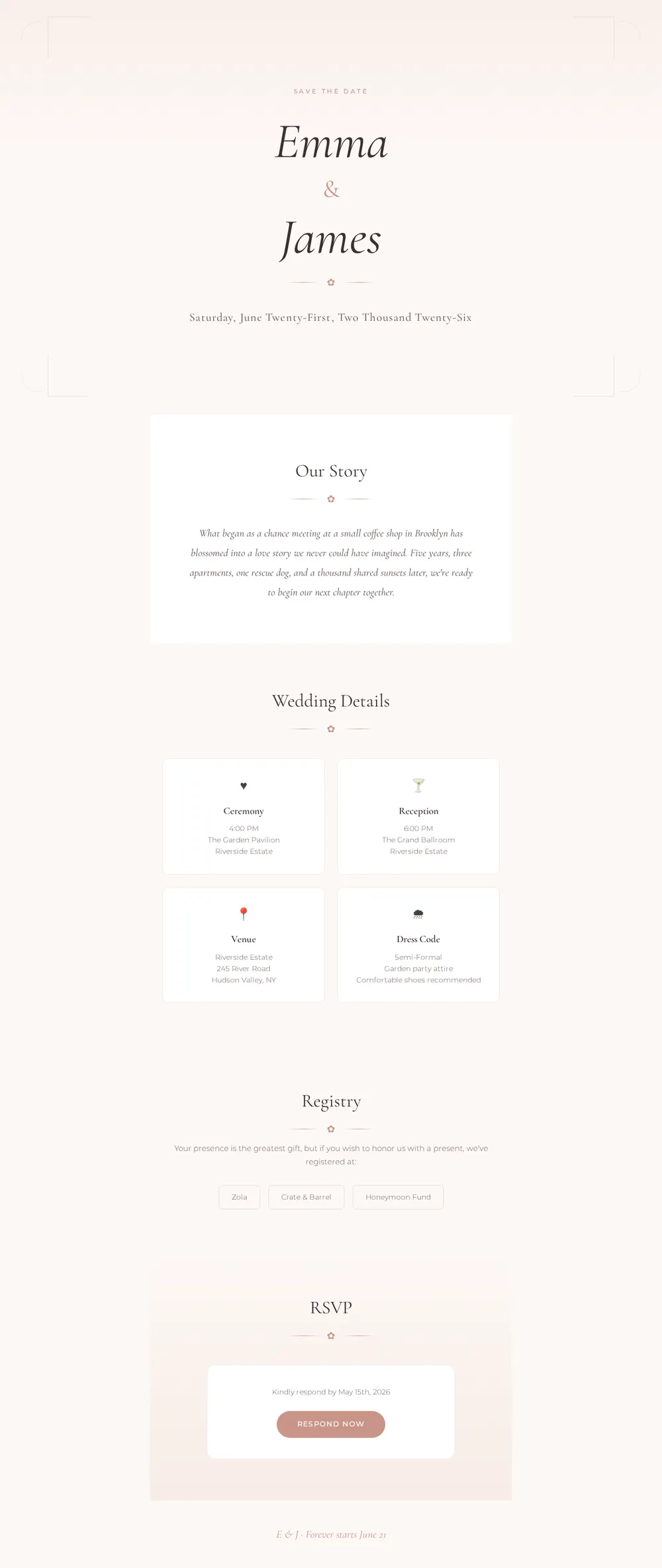
What's on the page
Save the date
Your names and the date, front and centre.
Our story
A few lines on how you met.
Wedding details
Ceremony, reception, venue and times.
Registry
Buttons that link to your gift lists.
RSVP
Your reply-by date and a button to respond. For a form, use the Wedding RSVP template.
Where you'll share it
With your invitations
Print the link or a QR code on the card, and it doubles as your save the date website.
In the group chat
One link with everything, instead of answering the same questions twenty times.
When plans change
Update the page and everyone sees the new time or venue.
Two ways to start
Let your AI write it
Copy the prompt, answer the questions, and get a page built around your details.
Start from this design
Open this exact page in the paste page editor, swap in your words and photos, and publish.
Use this templateOr skip the template. Make something weird and put it live the same way.
Questions
- Is the wedding website template free?
- Yes. Copy the prompt or use the template, then sign up free to claim your link.
- How is this different from a wedding website maker like Zola or The Knot?
- Those give you a builder with RSVP tracking and registries built in, inside their themes. Here your AI writes a custom wedding website in any style you describe. For a reply form, the Wedding RSVP template gives guests a page to answer on.
- Which AI should I use?
- Any chat you like. ChatGPT, Claude, Gemini, Copilot and Grok all write pages that work.
- Can I add our own photos?
- Yes. Upload them in the paste page editor, then give the links to your AI or swap them in yourself.
- Can I change the page after sending the link?
- Yes. Edit it on paste page at any time. The link your guests have stays the same.
More events templates
- Wedding RSVPSimple RSVP form for your guests.
- FundraiserCause, goal, donate.
- MeetupCommunity gathering. Come hang.
- Concert / GigDate, venue, tickets.