Make it with your AI. Host it on paste page.
Podcast website design for late-night shows
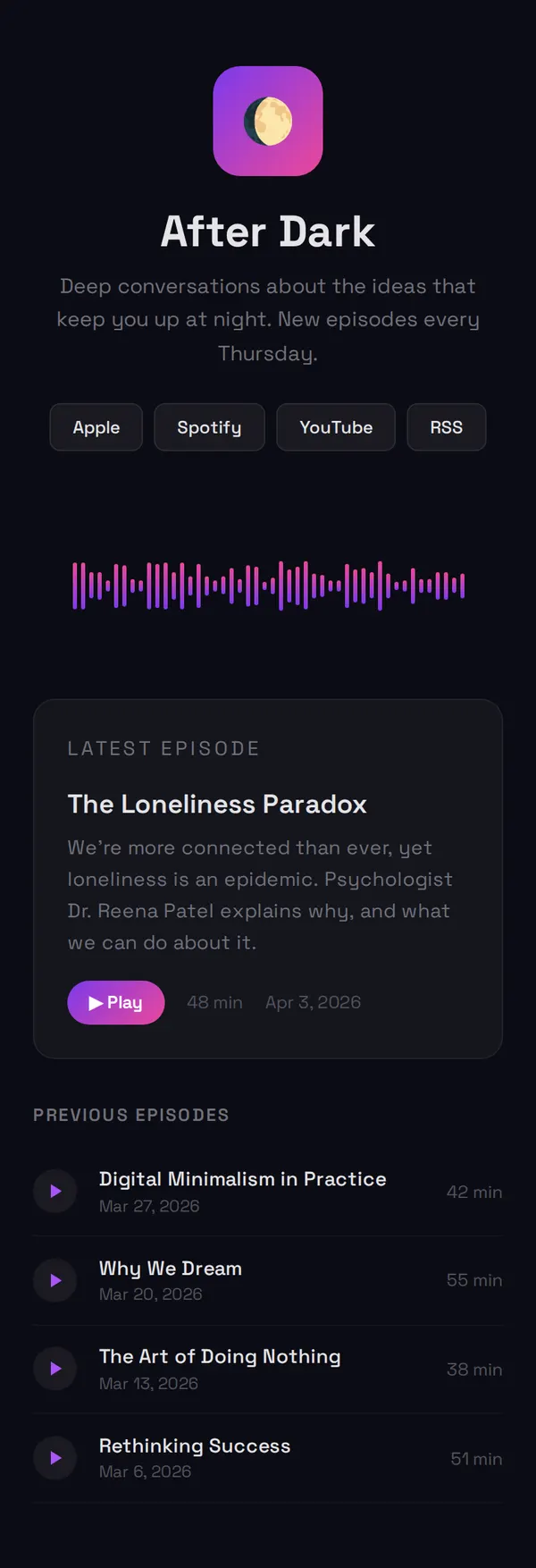
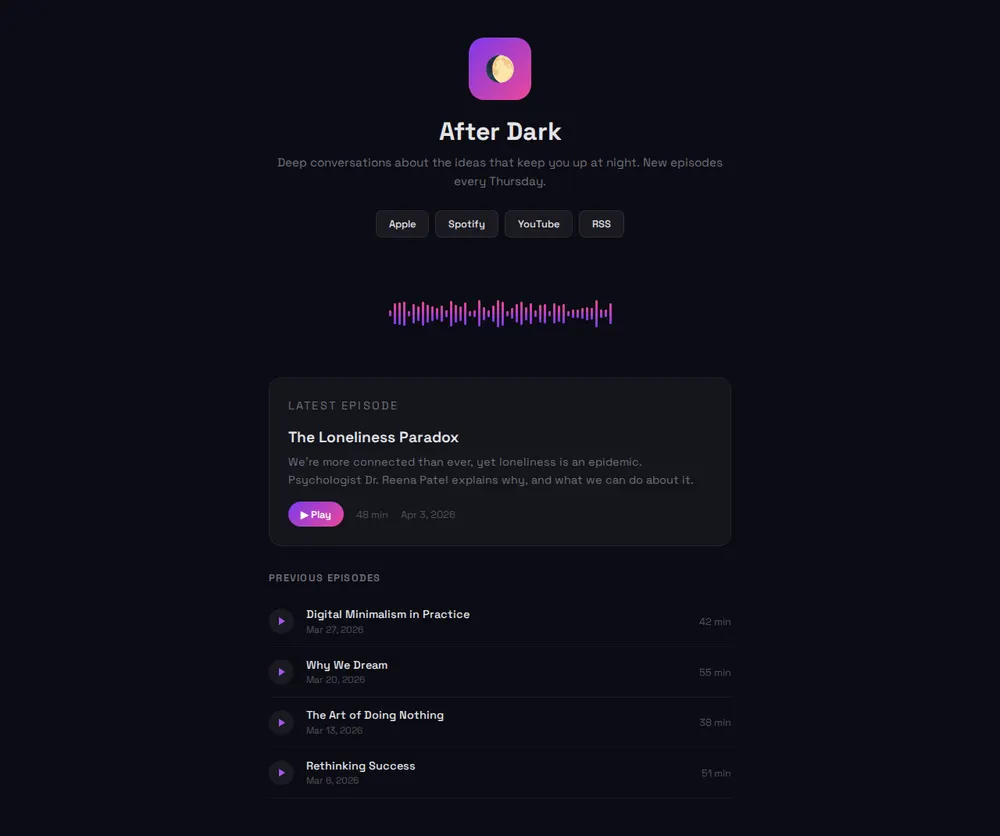
Tell your AI about your show and it makes a dark page with a moving waveform and your newest episode on top. Paste it into paste page and share the link.
Copy the prompt paste what your AI writes live at paste.page/after-dark-podcast
Works with any AI chat
- ChatGPT
- Claude
- Gemini
- Copilot
- Grok
How it works
From prompt to podcast page in three steps
Your AI writes the page. paste page puts it online.
Copy the prompt below into ChatGPT, Claude or any AI. It asks for the show's name and tagline, who hosts it, your Apple Podcasts and Spotify links, a few featured episodes and your cover art, then writes the whole page.
Paste the code into paste page and pick a name for your page.
You're live. Pick your link, such as paste.page/after-dark-podcast, and publish. Then read it out at the end of your next episode.
Your prompt
Copy it into your AI chat
I want to create a dark-themed podcast page. Ask me: 1. What's the podcast name? 2. What's the description or tagline? 3. Who hosts it? 4. What are the subscribe links? (Apple Podcasts, Spotify, etc.) 5. What are some featured episodes? 6. What's the cover art image URL? Then generate the complete single-file HTML page with inline CSS. Make it moody, dark-themed, and responsive.
Your photos
Add your cover art and host photos
Upload them in the paste page editor and each one gets its own link. Give those links to your AI and ask it to use them, or swap them in yourself.
Your show's square cover art, a photo of each host, artwork for the latest episode.
Swap the moon icon for this link to our cover art, and put a small photo of each host under the description.
No photos yet? Your AI uses placeholders you can swap after publishing.
Change anything by asking
Keep talking to your AI after it writes the page. Ask for new colours, fonts or sections in plain words and it rewrites the page. Paste the new version in and your link stays the same.
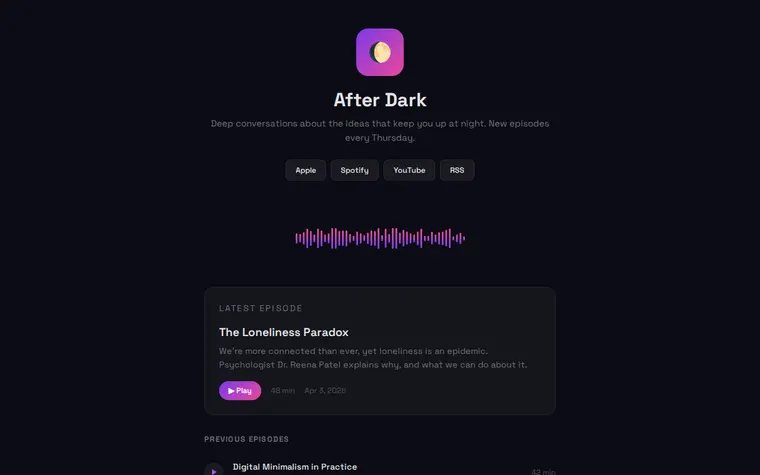
One dark template, four shows. Each change is one sentence to your AI.
As it comes 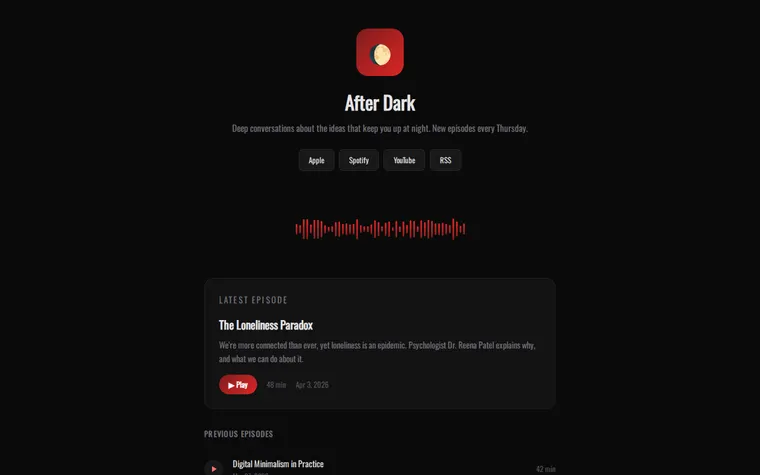
"Blood red for a true crime show" 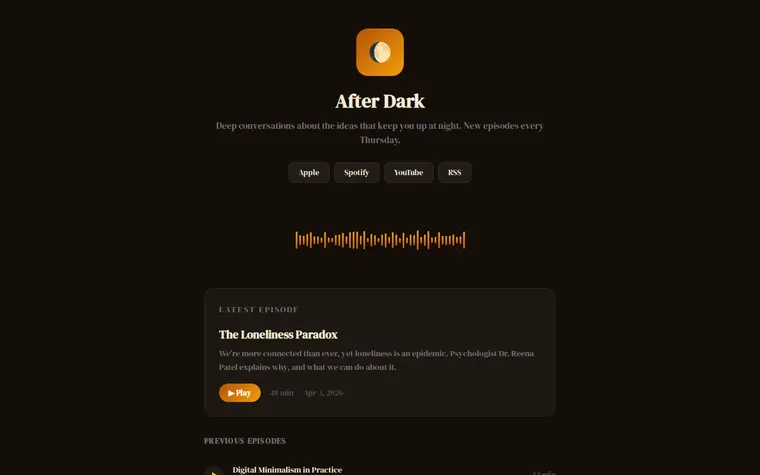
"Warm amber, like an old radio dial" 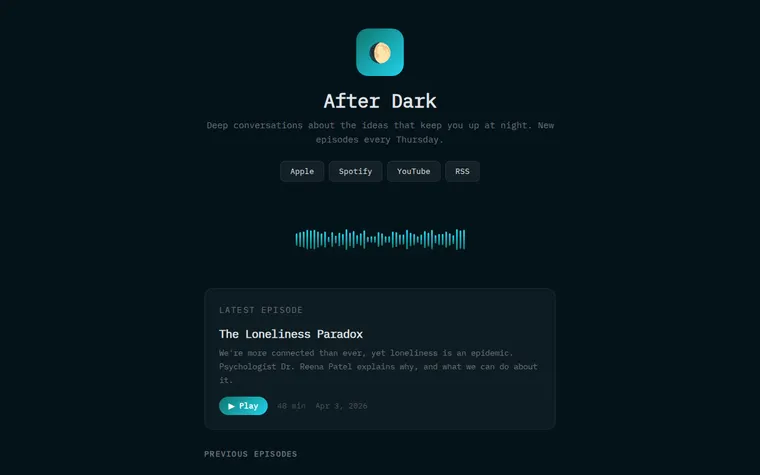
"Teal and cyan for a tech show"
More things to ask for
- Put a Spotify player in the Latest Episode card.
- Add a section introducing the two hosts.
- Show guest names under each episode title.
- Add a button for listeners to send in a question.
- Make the waveform slower and calmer.
What's on the page
Show header
Cover icon, show name, a one-line description and when new episodes come out.
Listen buttons
Apple, Spotify, YouTube and RSS, side by side.
Waveform
A row of animated bars in the show's gradient, purely for atmosphere.
Latest episode
A card with the title, a short write-up, a Play button, the length and the date.
Previous episodes
A list of earlier episodes with dates and running times.
Where you'll share it
In your show notes
One link at the bottom of every episode description, pointing to all the places people listen.
On air
A short address is easy to say out loud at the end of an episode.
When a new episode drops
Ask your AI to move it into the Latest Episode card, paste the page in, and the link stays the same.
Two ways to start
Let your AI write it
Copy the prompt, answer the questions, and get a page built around your details.
Start from this design
Open this exact page in the paste page editor, swap in your words and photos, and publish.
Use this templateOr skip the template. Make something weird and put it live the same way.
Questions
- Is the dark podcast template free?
- Yes. Copy the prompt or use the template, then sign up free to claim your link.
- Do the Play buttons on the dark podcast page play audio?
- Not in the example. Give your AI the embed code or episode links from Spotify, Apple Podcasts or your podcast host, and it can put a real player in each card.
- Is the waveform on the After Dark page real audio?
- No. It's a small script that draws 48 bars and animates them at random. Ask your AI to change the colours, slow it down or take it out.
- Should I use this or the light Podcast template?
- This one suits shows with a late-night or moody feel. The Podcast template is warm and light, with room for hosts and more episode detail. Either can be restyled by asking your AI.
- Can I add new episodes to the dark podcast page later?
- Yes. Paste the new title, date and length into the chat, ask for an updated page, and paste it into paste page. Your link doesn't change.
More creative templates
- PodcastEpisodes, subscribe, about.
- Album / EP ReleaseListen, stream, buy.
- YouTube EmbedYour video, no distractions.
- Musician / BandMusic, tour dates, merch.