Make it with your AI. Host it on paste page.
Memorial website template for someone you love
Tell your AI about them and it writes a calm page with their photo, dates and a few words about their life. Paste it into paste page and share one link.
Copy the prompt paste what your AI writes live at paste.page/eleanor-thompson
Works with any AI chat
- ChatGPT
- Claude
- Gemini
- Copilot
- Grok
How it works
Three steps to a page in their memory
Your AI writes the page. paste page puts it online.
Copy the prompt below into ChatGPT, Claude or any AI. It asks for their name, the dates of their birth and passing, a photo, a short life story or tribute, what they loved or achieved, any favourite quotes or memories, and a memorial fund or charity if there is one, then writes the whole page.
Paste the code into paste page and pick a name for your page.
You're live. Pick your link, such as paste.page/eleanor-thompson, publish, and send it to family and friends.
Your prompt
Copy it into your AI chat
I want to create a tribute or memorial page. Ask me: 1. What's the person's name? 2. What are the birth and passing dates? 3. What's their photo URL? 4. What's a brief life story or tribute message? 5. What were their passions or achievements? 6. Any favorite quotes or memories to include? 7. Is there a memorial fund or charity to link to? Then generate the complete single-file HTML page with inline CSS. Make it beautiful and respectful.
Your photos
Add their photos
Upload them in the paste page editor and each one gets its own link. Give those links to your AI and ask it to use them, or swap them in yourself.
A portrait for the circle, a place they loved behind their name, a few pictures from across their life.
Use this photo of Mum for the circle and this one of her garden across the top.
No photos yet? Your AI uses placeholders you can swap after publishing.
Change anything by asking
Keep talking to your AI after it writes the page. Ask for new colours, fonts or sections in plain words and it rewrites the page. Paste the new version in and your link stays the same.
The same tribute in three gentle palettes, each from one sentence.
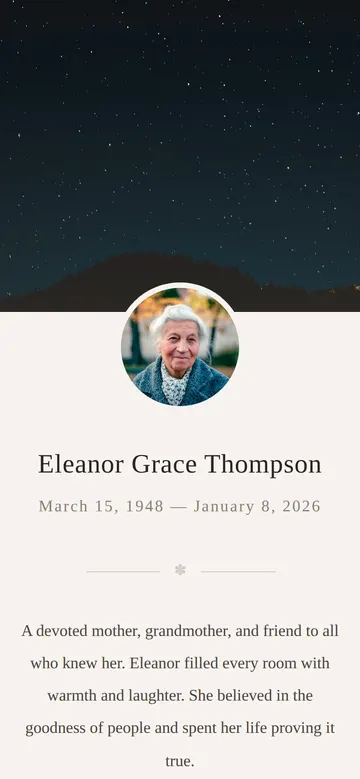
As it comes 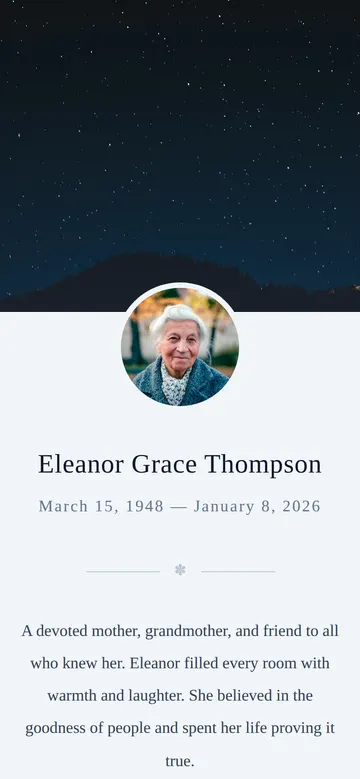
"Soft blue, her favourite colour" 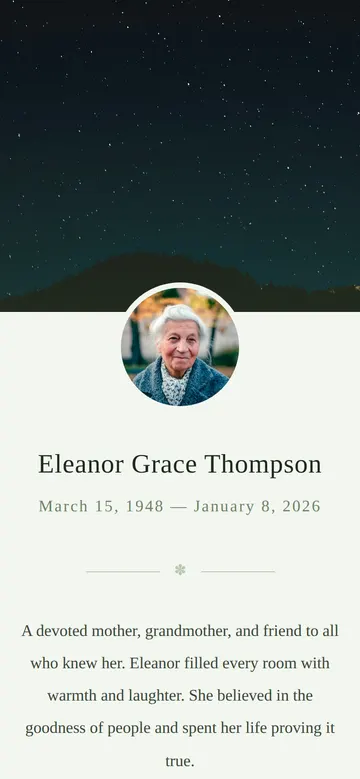
"Quiet sage green, like his garden"
More things to ask for
- Add the date, time and place of the funeral.
- Add a button for donations to the hospice.
- Add a small gallery of photos at the end.
- Change the quote to the poem read at the service.
- Add a link to the livestream of the service.
What's on the page
Photo and name
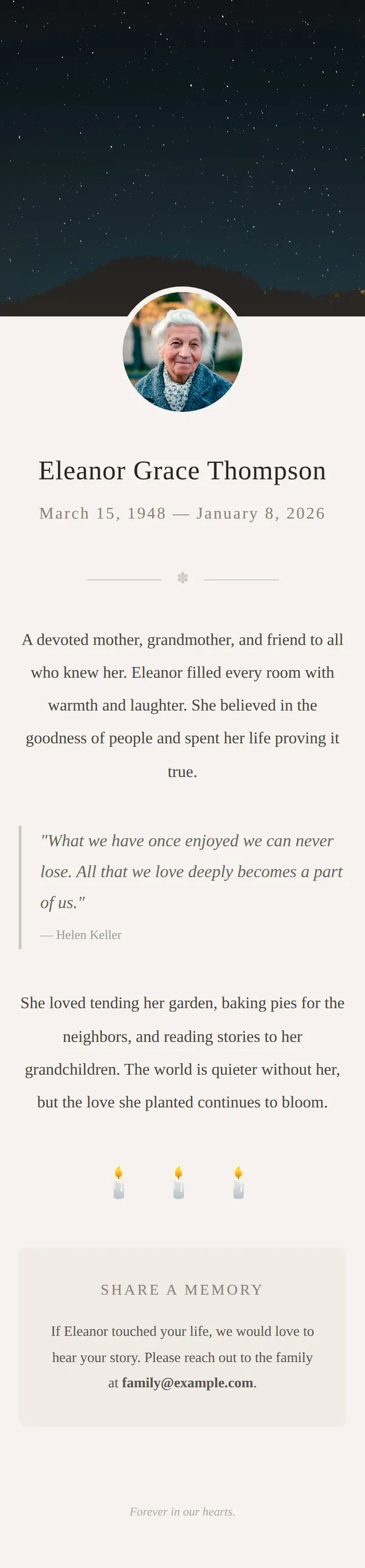
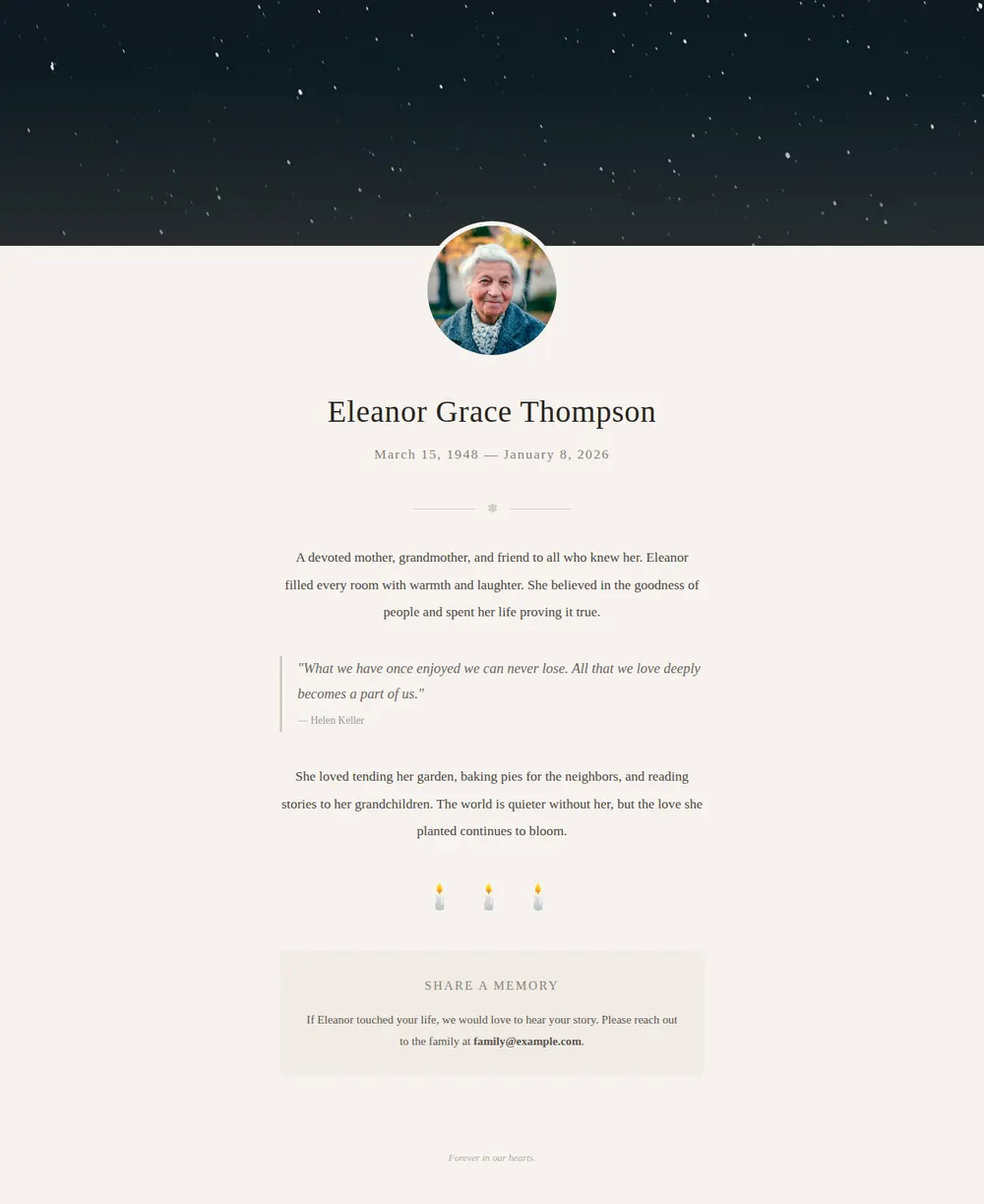
A soft image across the top, their portrait in a circle, their name and their dates.
Remembrance
A few lines on who they were to the people around them.
A favourite quote
Words they loved, or that the family chose, set apart in italics.
What they loved
Their passions, the small things and the big ones, followed by three softly flickering candles.
Share a memory
An invitation to send stories to the family, with an email address to write to.
Where you'll share it
With family and friends
One link in a message or email, so people can read about them in their own time.
In the order of service
Print the link or a QR code so guests can find the page after the funeral.
On social media
Share the link when you let people know, so the details live in one place.
Two ways to start
Let your AI write it
Copy the prompt, answer the questions, and get a page built around your details.
Start from this design
Open this exact page in the paste page editor, swap in your words and photos, and publish.
Use this templateOr skip the template. Make something weird and put it live the same way.
Questions
- Is the memorial website template free?
- Yes. Copy the prompt or use the template, then sign up free to claim your link.
- Can friends and family leave memories on the memorial page?
- The template shows a family email address for people to send their stories to. If you'd like a form instead, ask your AI to add one that sends to a form service such as Tally or Formspree.
- Can I link to a memorial fund or charity?
- Yes. The prompt asks about this, and the AI adds a button to the donation page you give it.
- Can the memorial page include funeral or service details?
- Yes. Give your AI the date, time, place and any livestream link, and it adds them near the top where people will look first.
- Can I add more photos and stories to the memorial page later?
- Yes. Ask your AI for an updated version as memories come in and paste it into paste page. The link you shared stays the same.
More utility templates
- FundraiserCause, goal, donate.
- Non-profit / CharityMission, impact, donate.
- Church / Faith GroupWelcome, service times, connect.
- MinimalClean and simple. Just the essentials.