Make it with your AI. Host it on paste page.
Your stats, ship log and links. Live in seconds.
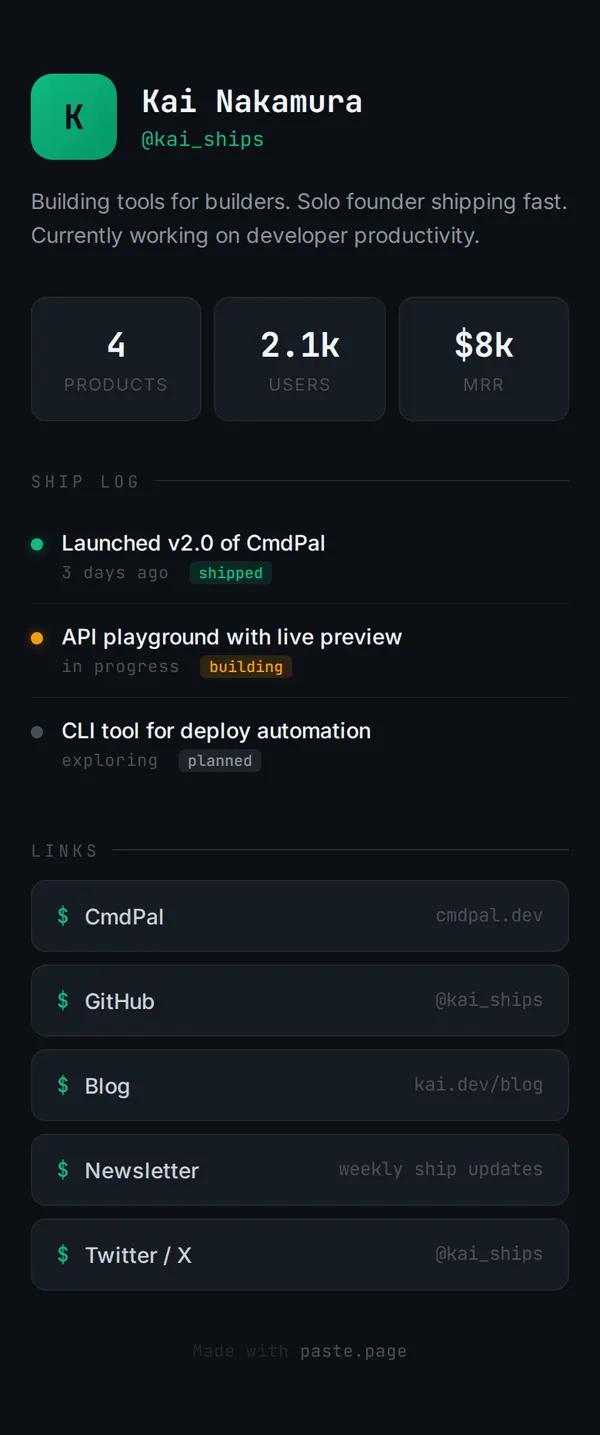
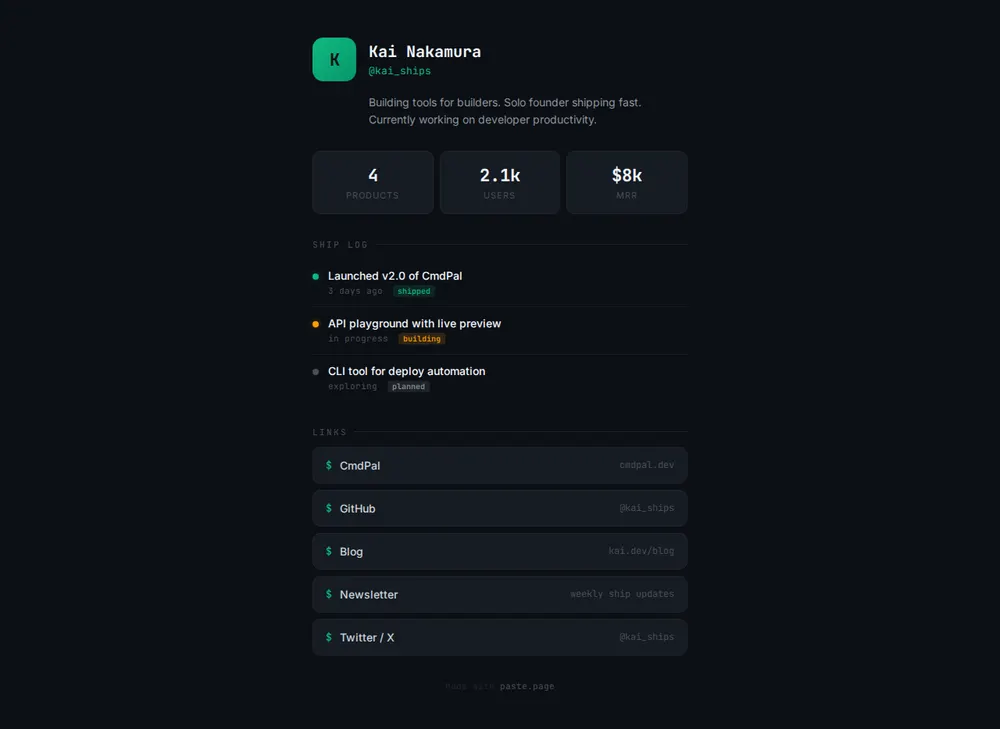
Describe your numbers and projects to your AI and it makes a dark page with your handle, stats, a ship log and links. Paste it into paste page and add it to your bio.
Copy the prompt paste what your AI writes live at paste.page/kai-ships
Works with any AI chat
- ChatGPT
- Claude
- Gemini
- Copilot
- Grok
How it works
From prompt to builder page in three steps
Your AI writes the page. paste page puts it online.
Copy the prompt below into ChatGPT, Claude or any AI. It asks for your name or handle, what you're building with a one-liner, the links to include, your profile photo and any stats you want to show, such as MRR, users or launches, then writes the whole page.
Paste the code into paste page and pick a name for your page.
You're live. Pick your link, such as paste.page/kai-ships, publish, and put it in your X and GitHub profiles. Add to the ship log each time something goes out.
Your prompt
Copy it into your AI chat
I want to create an indie hacker link-in-bio page. Ask me: 1. What's your name or handle? 2. What are you building? (current project name and one-liner) 3. What links to include? (product, blog, Twitter/X, GitHub, newsletter) 4. What's your profile photo URL? 5. Any stats to show off? (MRR, users, launches) Then generate the complete single-file HTML page with inline CSS. Make it beautiful and responsive.
Your photos
Add your avatar and product shots
Upload them in the paste page editor and each one gets its own link. Give those links to your AI and ask it to use them, or swap them in yourself.
A profile photo in place of the K initial, your product's logo, a screenshot of the thing you shipped last.
Swap the K circle for this photo and add a small screenshot next to the CmdPal launch.
No photos yet? Your AI uses placeholders you can swap after publishing.
Change anything by asking
Keep talking to your AI after it writes the page. Ask for new colours, fonts or sections in plain words and it rewrites the page. Paste the new version in and your link stays the same.
Same page, other moods. Each one is a single sentence.
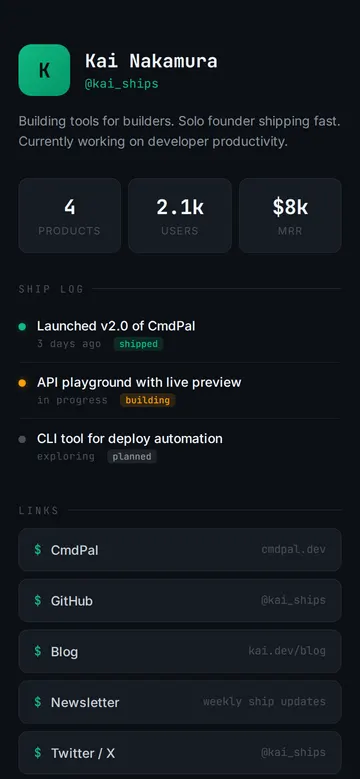
As it comes 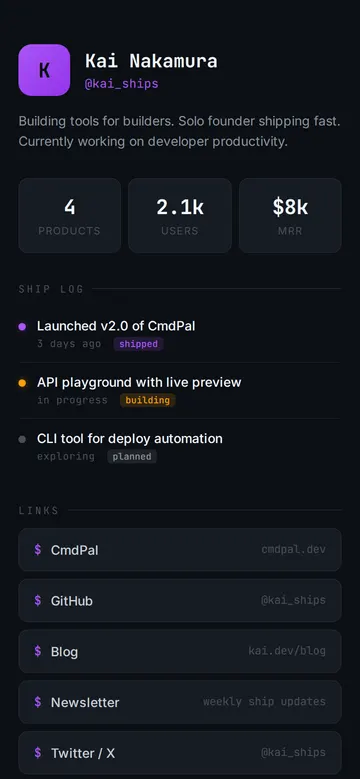
"Purple accents to match my logo" 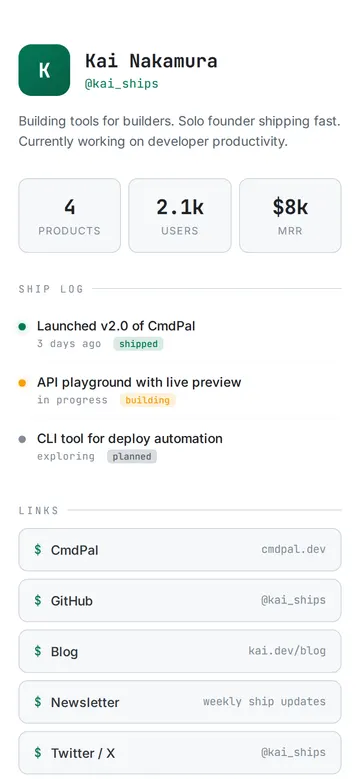
"Light mode, still monospace"
More things to ask for
- Add a line with what I'm working on this week.
- Put my Product Hunt launch at the top.
- Give each product its own row with a one-liner.
- Add a contact line for sponsorships.
- Show revenue as a small bar for each month.
What's on the page
Header
An initial or photo, your name and your handle.
Bio
A line or two on what you build.
Stats
Three numbers, such as products, users and MRR.
Ship log
Recent launches, what you're building and what's planned, each with a coloured tag.
Links
Product, GitHub, blog, newsletter and X, styled like terminal commands.
Where you'll share it
X, Bluesky and Threads bios
One address that shows everything you've made.
Your GitHub profile
Put it in the website field so visitors see the products as well as the code.
Launch posts
When you post on Indie Hackers or Hacker News, link the page so people find your other projects.
Two ways to start
Let your AI write it
Copy the prompt, answer the questions, and get a page built around your details.
Start from this design
Open this exact page in the paste page editor, swap in your words and photos, and publish.
Use this templateOr skip the template. Make something weird and put it live the same way.
Questions
- Is the indie hacker Link in Bio template free?
- Yes. Copy the prompt or use the template, then sign up free to claim your link.
- Do the MRR and user numbers on the indie hacker page update automatically?
- No. They're numbers you type. Change them in the paste page editor when they move, or ask your AI for a new version and paste it in.
- How is the indie hacker page different from the minimal Linktree template?
- The Minimal Link in Bio is a photo, a line and your links. This one adds stats and a ship log for people building in public. If you only want the links, start from the minimal one.
- Can I list several products on the indie hacker Link in Bio?
- Yes. Tell your AI about each one and it can give every product its own row, or a small card with a one-liner and a link.
- Is there a Link in Bio for developers who aren't selling anything?
- Yes. The Developer Link in Bio puts your projects and GitHub first, with no revenue numbers.
More Link in Bio templates
- Minimal Link in BioStripped back. Just the essentials.
- Developer Link in BioTerminal aesthetic. GitHub, blog, projects.
- Developer PortfolioDark terminal aesthetic. Code-forward.
- SaaS ProductHero, features, pricing. Ship it.