Make it with your AI. Host it on paste page.
A developer personal website, terminal style
Ask your AI for a terminal-style page with your handle, bio, stack and links to GitHub and your blog. Paste it into paste page and it's live.
Copy the prompt paste what your AI writes live at paste.page/sam-park
Works with any AI chat
- ChatGPT
- Claude
- Gemini
- Copilot
- Grok
How it works
From prompt to Link in Bio in three steps
Your AI writes the page. paste page puts it online.
Copy the prompt below into ChatGPT, Claude or any AI. It asks for your name or handle, your stack, which links to include, your top projects with a one-liner each and whether you're open to work, then writes the whole page.
Paste the code into paste page and pick a name for your page.
You're live. Pick your link, such as paste.page/sam-park, publish, and put it in your GitHub, X and Bluesky bios.
Your prompt
Copy it into your AI chat
I want to create a developer link-in-bio page. Ask me: 1. What's your name or handle? 2. What's your tech stack or specialty? 3. What links to include? (GitHub, blog, portfolio, LinkedIn, Twitter/X) 4. What are your top projects? (name and one-liner each) 5. Are you open to work or hiring? Then generate the complete single-file HTML page with inline CSS. Make it beautiful and responsive.
Your photos
Mostly text, by design
Upload them in the paste page editor and each one gets its own link. Give those links to your AI and ask it to use them, or swap them in yourself.
The page is ASCII art and monospace. If you want a picture, an avatar next to whoami or a small project screenshot fits.
Turn my handle into the ASCII banner at the top instead of "sam".
No photos yet? Your AI uses placeholders you can swap after publishing.
Change anything by asking
Keep talking to your AI after it writes the page. Ask for new colours, fonts or sections in plain words and it rewrites the page. Paste the new version in and your link stays the same.
Same template, one sentence to your AI.
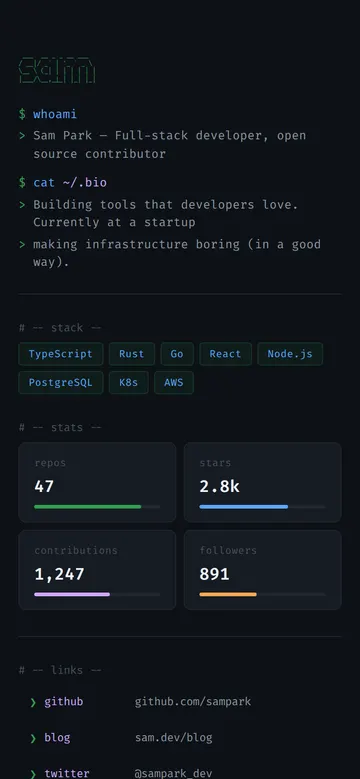
As it comes 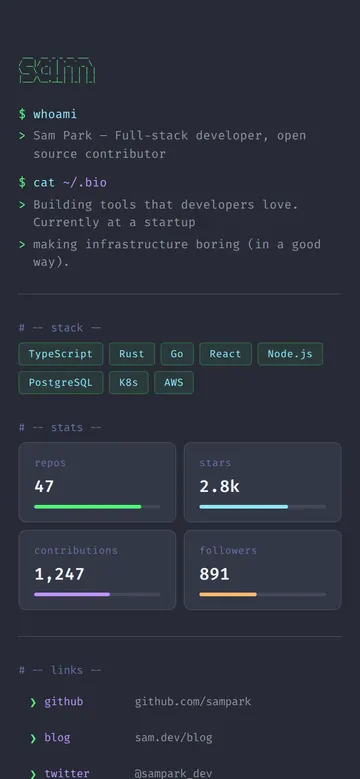
"Use the Dracula theme colours"
More things to ask for
- Add an "open to work" line in green.
- Pull my latest blog posts into a ls ~/posts section.
- Make the cursor blink after the last prompt.
- Add my top three projects with one-liners.
- Use Catppuccin colours instead.
What's on the page
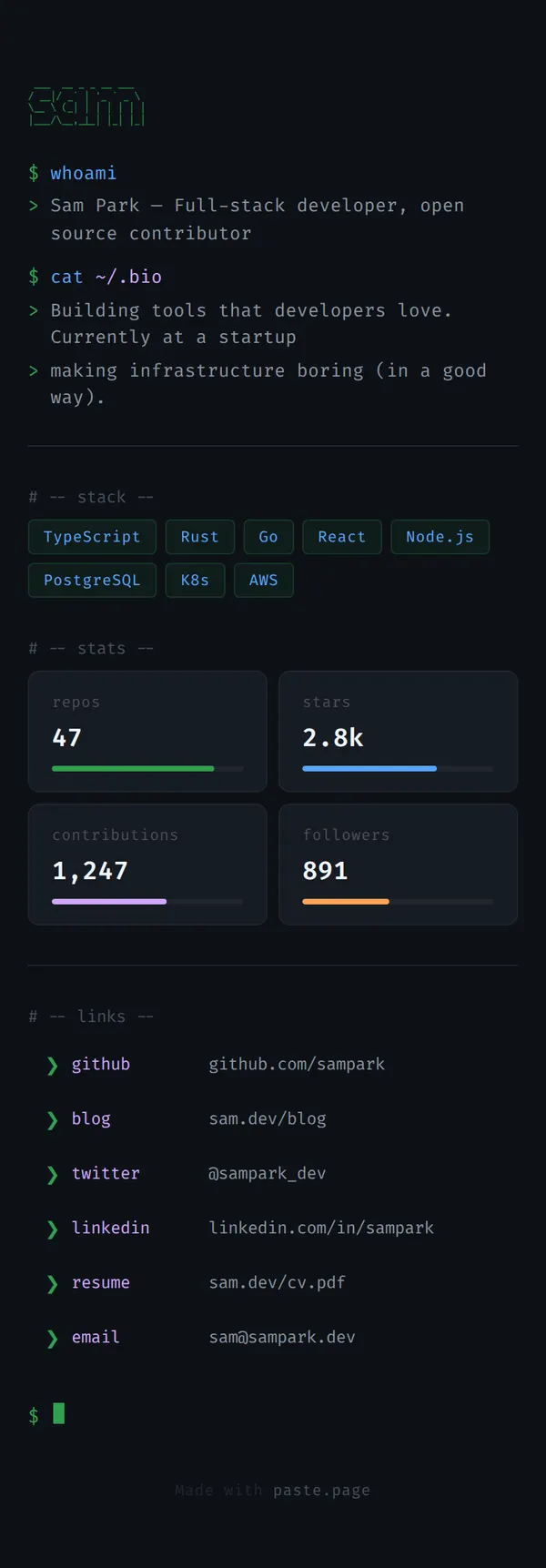
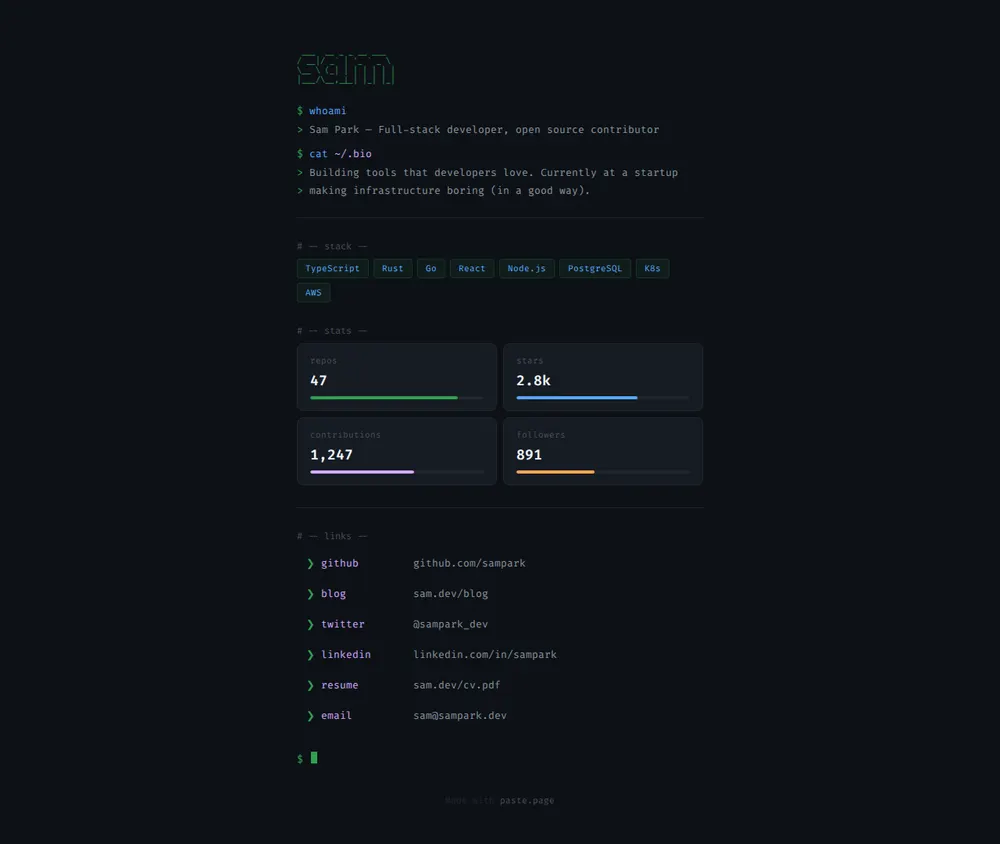
ASCII banner
Your name or handle drawn in green characters.
whoami and bio
Two prompts that print who you are and what you're working on.
Stack
Your languages and tools as tags.
Stats
Repos, stars, contributions and followers with small bars.
Links
GitHub, blog, X, LinkedIn, CV and email, each with its address.
Where you'll share it
GitHub, X and Bluesky bios
One link that holds all the others.
Conference badges and slides
Put it on a QR code at the end of your talk.
Pull request and forum signatures
Somewhere people can find out who you are.
Two ways to start
Let your AI write it
Copy the prompt, answer the questions, and get a page built around your details.
Start from this design
Open this exact page in the paste page editor, swap in your words and photos, and publish.
Use this templateOr skip the template. Make something weird and put it live the same way.
Questions
- Is the developer Link in Bio template free?
- Yes. Copy the prompt or use the template, then sign up free to claim your link.
- Can I use this as a Linktree for developers?
- Yes, that's the job it does. The difference is that your AI writes the page, so the links can sit inside a fake terminal session rather than a stack of buttons.
- Can I change the ASCII art to my own handle?
- Yes. Ask your AI to draw your name or handle in the same style and paste the new version in.
- Is there a fuller programmer personal website with project cards?
- Yes. The Developer Portfolio template has the same terminal look with room for projects, tech tags and your whole stack.
- Can I tell people I'm open to work on the terminal page?
- Yes. The prompt asks, and your AI adds a status line or a hiring note depending on your answer.
More Link in Bio templates
- Developer PortfolioDark terminal aesthetic. Code-forward.
- Indie Hacker Link in BioClean and techy. Ship fast, share everything.
- Minimal Link in BioStripped back. Just the essentials.
- Resume / CVProfessional and structured.