Make it with your AI. Host it on paste page.
Split flap animation for your own messages
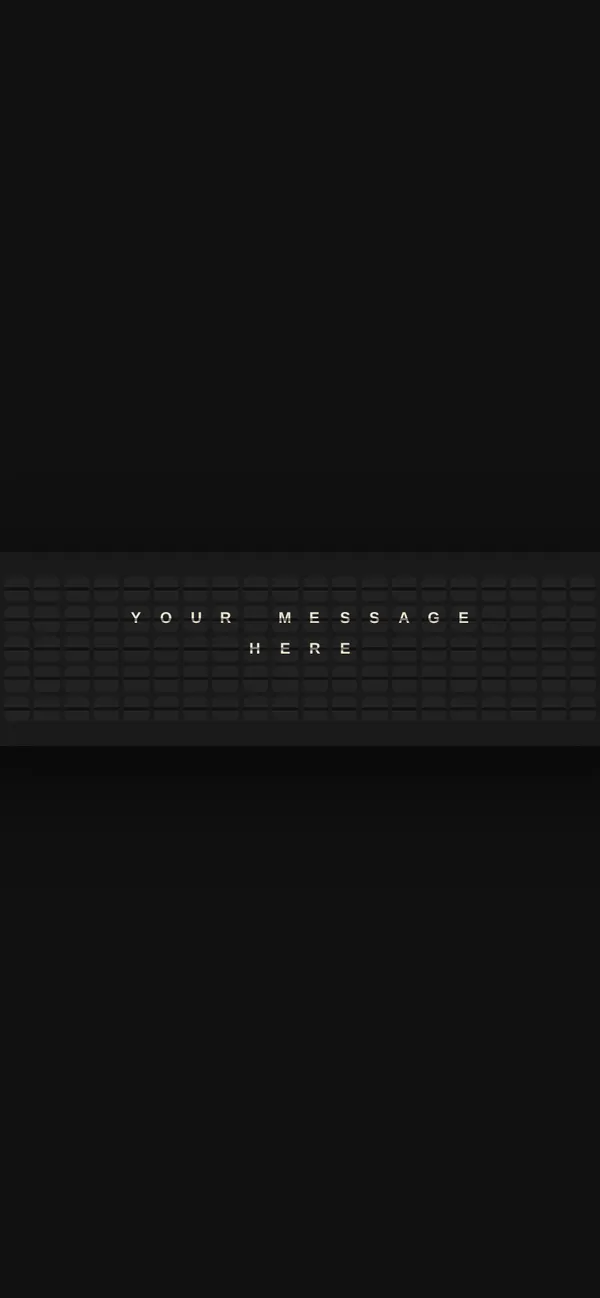
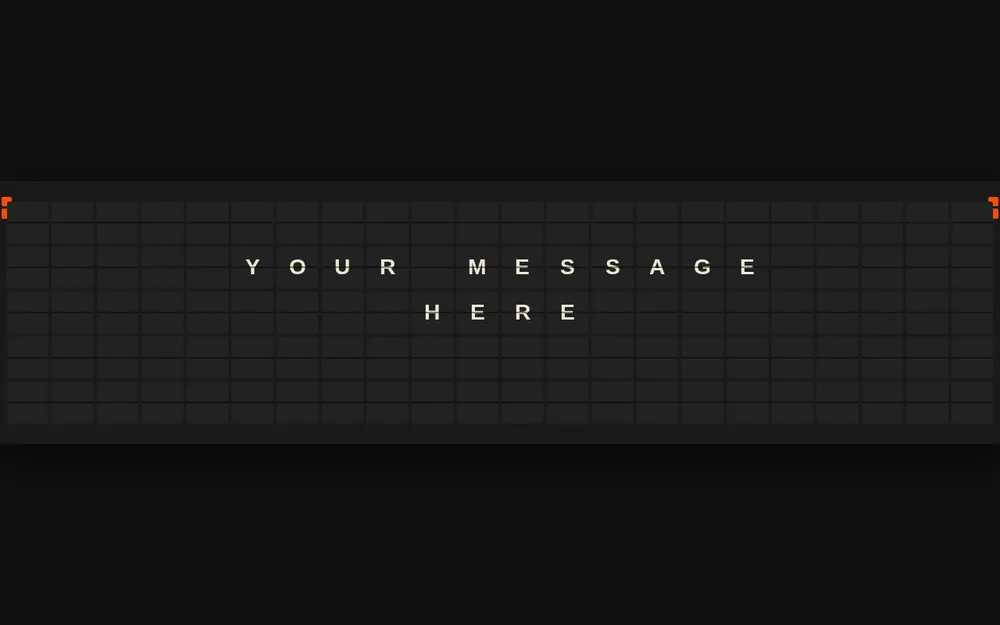
Tell your AI what the board should say and it makes a dark page of 110 tiles that flicker into place. Paste it into paste page and open it on a screen.
Copy the prompt paste what your AI writes live at paste.page/departures
Works with any AI chat
- ChatGPT
- Claude
- Gemini
- Copilot
- Grok
How it works
From prompt to departure board in three steps
Your AI writes the page. paste page puts it online.
Copy the prompt below into ChatGPT, Claude or any AI. It asks for the messages to cycle through (up to five lines of 22 characters each), the accent colours for the corner squares and the background colour, then writes the whole page with the scrambling tiles.
Paste the code into paste page and pick a name for your page.
You're live. Pick your link, such as paste.page/departures, publish, and open it full screen on the TV.
Your prompt
Copy it into your AI chat
I want to create an animated split-flap display page. Ask me: 1. What messages should cycle on the board? (max 22 characters per line, 5 lines per message) 2. What accent colors for the side bars? 3. What background color? Then generate the complete single-file HTML page with inline CSS and JavaScript. Make the tiles animate with scrambling characters.
Your photos
No photos needed
Upload them in the paste page editor and each one gets its own link. Give those links to your AI and ask it to use them, or swap them in yourself.
The board is made of letters and tiles. If you want a picture, a small logo above the board is about all it suits.
Put our logo above the board, small and centred.
No photos yet? Your AI uses placeholders you can swap after publishing.
Change anything by asking
Keep talking to your AI after it writes the page. Ask for new colours, fonts or sections in plain words and it rewrites the page. Paste the new version in and your link stays the same.
The same board in three moods. One sentence each.
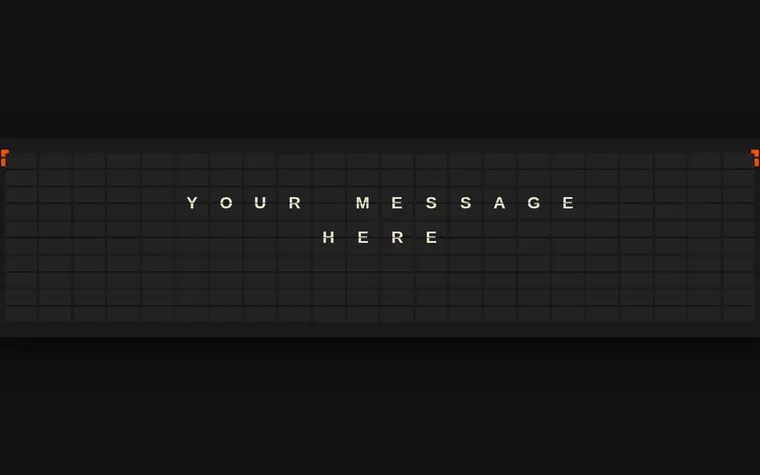
As it comes 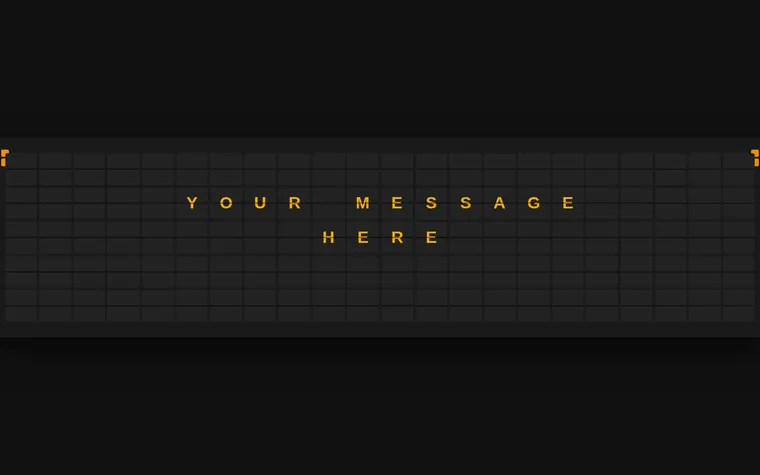
"Amber letters, like an old station" 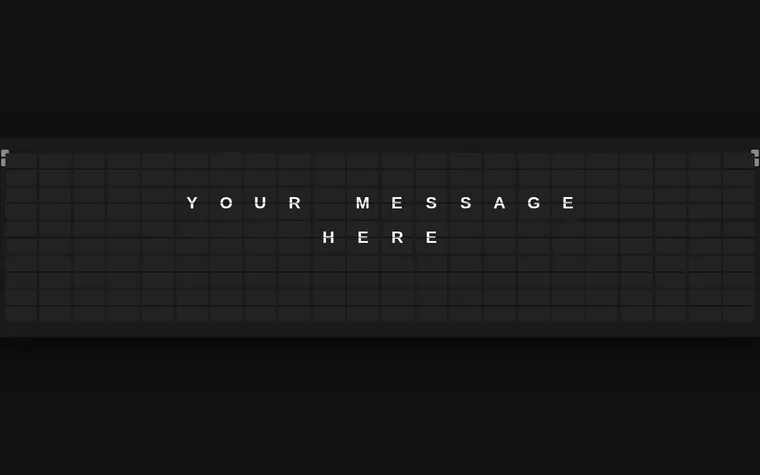
"Black and white only" 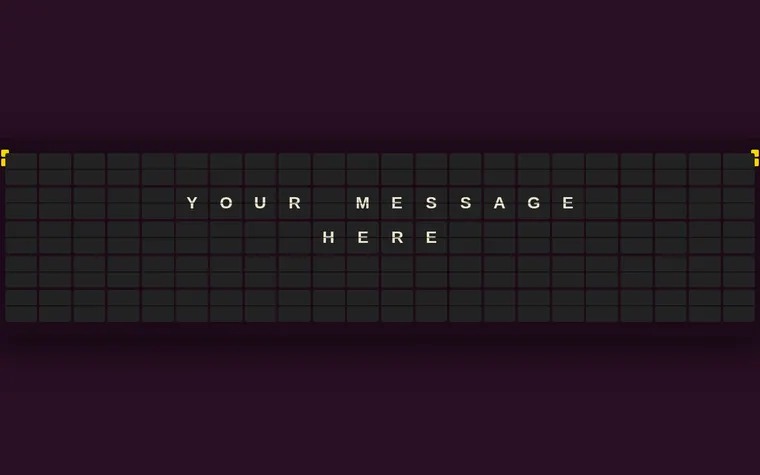
"Pinks and gold for her birthday"
More things to ask for
- Show each message for 15 seconds instead of 8.
- Make the tiles settle in a wave from left to right.
- Add a fourth message with today's date.
- Use a lighter grey board on a white background.
- Make the letters bigger and use only three lines.
What's on the page
The board
Five rows of 22 tiles on a dark panel, each tile split across the middle like a real flap.
Scrambling tiles
Every tile flickers through random letters and colours, then settles on its character with a small tilt.
Cycling messages
The board shows a new message every eight seconds and loops back to the first.
Corner squares
Two small squares in each top corner change colour with each message.
Where you'll share it
On a TV in the shop or office
Open the link on a spare screen to show offers, a welcome or the day's news.
As a welcome screen at an event
Guests' names, a wedding hashtag or the running order, flicking past by the door.
Sent as a surprise
A birthday wish or a big announcement lands better when it spells itself out.
Two ways to start
Let your AI write it
Copy the prompt, answer the questions, and get a page built around your details.
Start from this design
Open this exact page in the paste page editor, swap in your words and photos, and publish.
Use this templateOr skip the template. Make something weird and put it live the same way.
Questions
- Is the split-flap display template free?
- Yes. Copy the prompt or use the template, then sign up free to claim your link.
- How much text fits on each line of the split flap board?
- Up to 22 characters per line and five lines per message. The board uses capital letters, numbers and basic punctuation, so lower-case text is shown in capitals.
- Does the split flap animation make the clacking sound?
- Not as it comes; the template is silent. You can ask your AI to add a clack, but most browsers only play sound after someone has clicked or tapped the page.
- Is this a split flap display simulator I can type into live?
- No. The board cycles through the messages written into the page. To change them, ask your AI for a new version and paste it in. The link stays the same.
- Can I show the departure board full screen on a TV?
- Yes. Open the link in the browser on a TV, laptop or tablet and switch the browser to full screen.
More fun templates
- Countdown TimerCounting down to something big.
- AnnouncementBig news. One page.
- Easter EggHidden message. Click to reveal.
- Coming SoonBuild anticipation. Collect interest.