Make it with your AI. Host it on paste page.
A lawyer website template that looks the part
Describe your firm to your AI and it writes a page with your practice areas, attorneys and contact details. Paste it into paste page and it's live.
Copy the prompt paste what your AI writes live at paste.page/hargrove-sterling
Works with any AI chat
- ChatGPT
- Claude
- Gemini
- Copilot
- Grok

How it works
From prompt to law firm website in three steps
Your AI writes the page. paste page puts it online.
Copy the prompt below into ChatGPT, Claude or any AI. It asks for the firm name, your practice areas, each attorney's name, title and specialty, the office address, phone and email, and any client testimonials, then writes the whole page.
Paste the code into paste page and pick a name for your page.
You're live. Pick your link, such as paste.page/hargrove-sterling, publish, and connect your firm's domain so the page shows at your own address.
Your prompt
Copy it into your AI chat
I want to create a law firm website. Ask me: 1. What's the firm name? 2. What practice areas? (family law, corporate, criminal defense, etc.) 3. Who are the attorneys? (name, title, and specialty for each) 4. What's the firm's address? 5. What's the phone number and email? 6. Any notable case results or client testimonials? Then generate the complete single-file HTML page with inline CSS. Make it beautiful and responsive.
Your photos
Add headshots and a photo of the office
Upload them in the paste page editor and each one gets its own link. Give those links to your AI and ask it to use them, or swap them in yourself.
A professional headshot for each attorney, the building or reception, the city skyline behind the hero.
Replace the three attorney icons with these headshots, in the same order as the names.
No photos yet? Your AI uses placeholders you can swap after publishing.
Change anything by asking
Keep talking to your AI after it writes the page. Ask for new colours, fonts or sections in plain words and it rewrites the page. Paste the new version in and your link stays the same.
Same law firm site, one sentence to your AI.
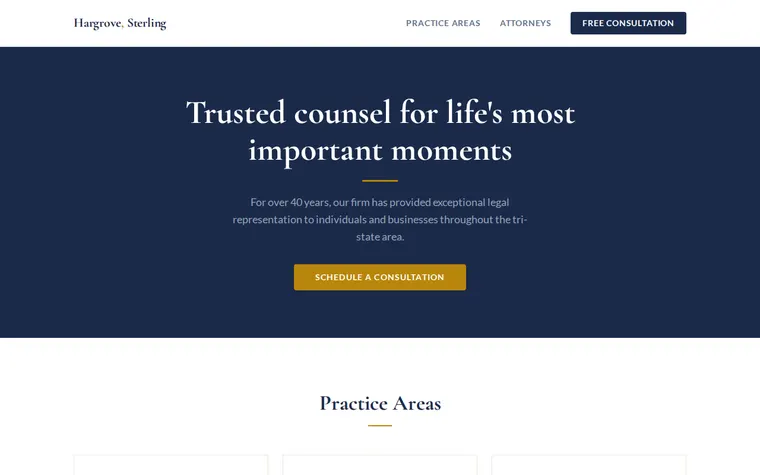
As it comes 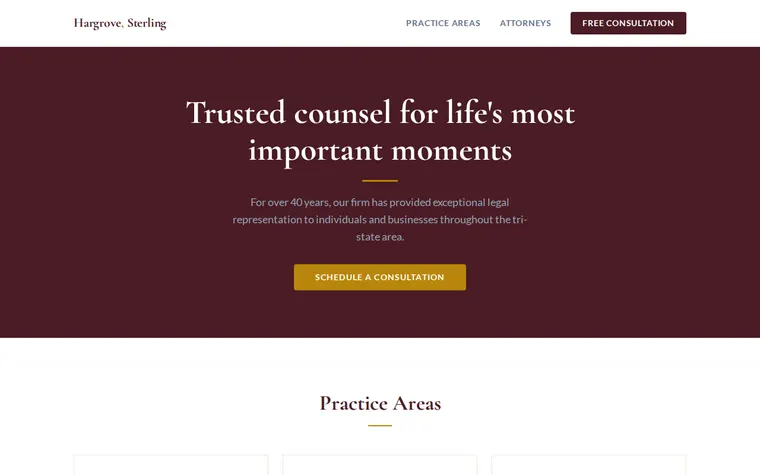
"Burgundy instead of navy" 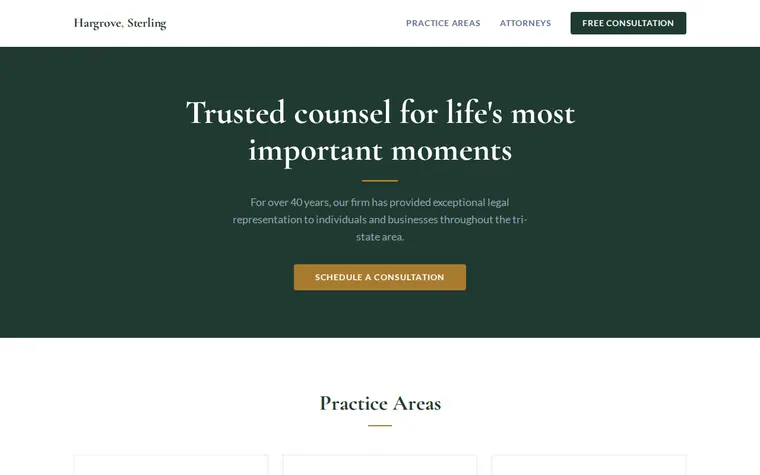
"Dark green and brass" 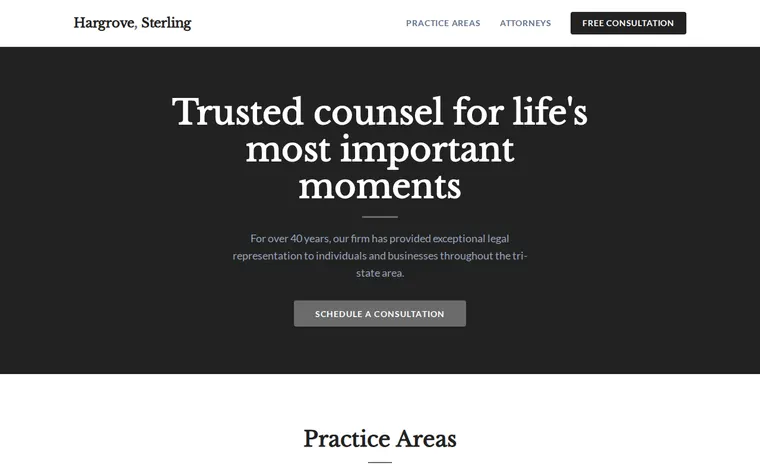
"Plainer, charcoal and grey"
More things to ask for
- Add a practice area for immigration law.
- Add a fourth attorney card for our new associate.
- Put a map of the office under the contact details.
- Add a short Spanish version below the English.
- Make the phone number a button that calls on mobile.
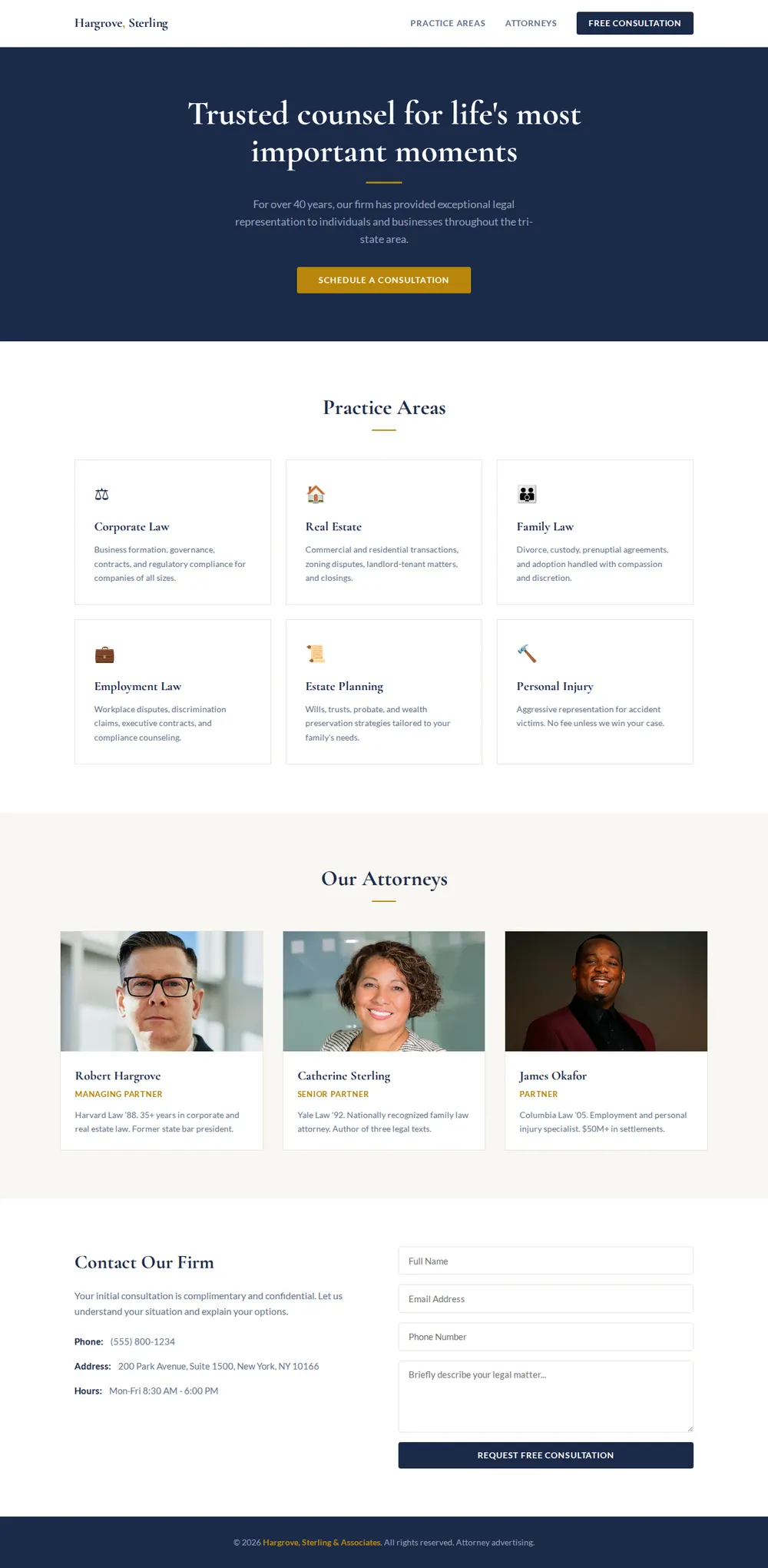
What's on the page
Header
The firm name, links to practice areas and attorneys, and a Free Consultation button.
Hero
A one-line promise, a sentence about the firm and a button to schedule a consultation.
Practice areas
Six cards, from corporate and real estate to family law and estate planning, each with a short description.
Attorneys
A card for each lawyer with their title, law school and specialty.
Contact
Phone, address and office hours beside a consultation request form.
Footer
Copyright and the attorney advertising line.
Where you'll share it
Your Google Business Profile
Add it as the website so people searching for a local attorney land on your practice areas.
Email signatures
Every lawyer at the firm links to the same page.
When the team changes
Ask your AI to add or remove an attorney card, paste it in, and the link stays the same.
Two ways to start
Let your AI write it
Copy the prompt, answer the questions, and get a page built around your details.
Start from this design
Open this exact page in the paste page editor, swap in your words and photos, and publish.
Use this templateOr skip the template. Make something weird and put it live the same way.
Questions
- Is the lawyer website template free?
- Yes. Copy the prompt or use the template, then sign up free to claim your link.
- Does the consultation form on the law firm template send enquiries anywhere?
- As it comes, the form is only a layout. Give your AI a form address from Formspree or Google Forms and enquiries go to you, or ask it to swap the form for phone and email buttons.
- Does it work as an attorney website template for a solo practice?
- Yes. Tell your AI it's just you and it keeps one attorney card, or drops the section and puts your bio in the hero.
- Can a law firm website template carry our firm's own wording?
- Yes. The page says only what you tell your AI, so paste in your practice descriptions, bios and disclaimers exactly as you've written them.
- Can the law firm page show at our firm's domain?
- Yes. Connect a domain you own and the page shows at your address.
More business templates
- Consultant / CoachExpertise, testimonials, booking.
- Small BusinessSimple presence for local businesses.
- Agency ShowcasePortfolio and services for agencies.
- Freelancer ProfileServices, rates, and contact.