Make it with your AI. Host it on paste page.
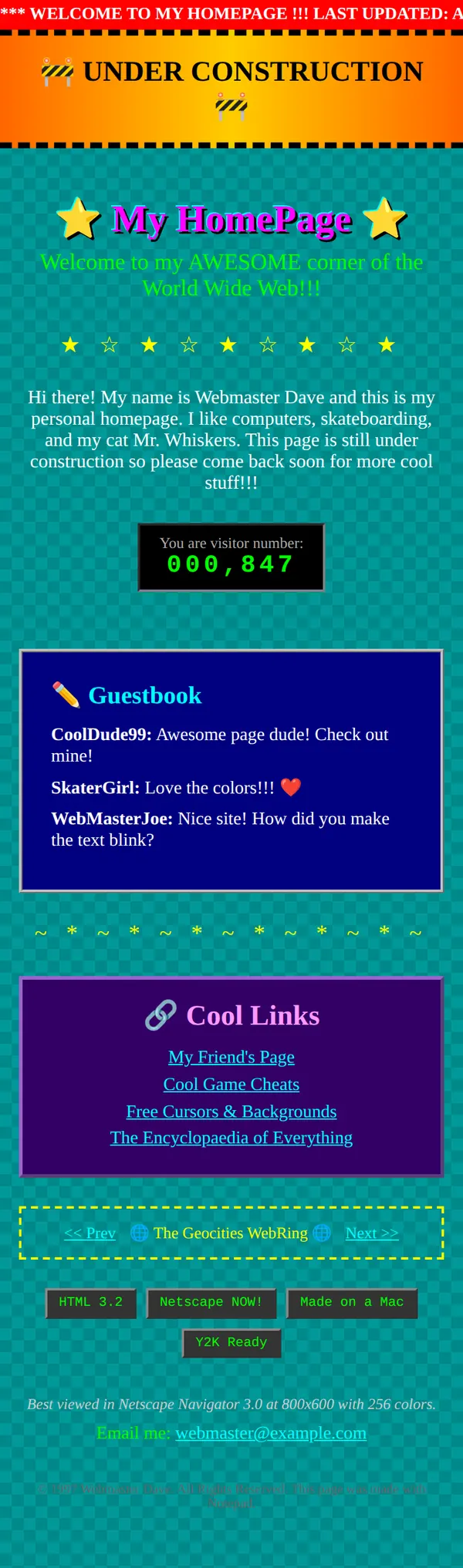
90s website template, straight out of 1997
Tell your AI what your site is about and it makes a 90s page with a marquee, blinking text and a guestbook. Paste it into paste page and it's live.
Copy the prompt paste what your AI writes live at paste.page/webmaster-dave
Works with any AI chat
- ChatGPT
- Claude
- Gemini
- Copilot
- Grok
How it works
From prompt to GeoCities homepage in three steps
Your AI writes the page. paste page puts it online.
Copy the prompt below into ChatGPT, Claude or any AI. It asks for your site name, what it's going to be about, your email or guestbook link and your favourite 90s GIFs, then writes the whole page.
Paste the code into paste page and pick a name for your page.
You're live. Pick your link, such as paste.page/webmaster-dave, and publish. Then add it to your email signature, for the full effect.
Your prompt
Copy it into your AI chat
I want to create a retro under construction page. Ask me: 1. What's the site name? 2. What's it going to be about? (coming soon message) 3. What's your email or guestbook link? 4. Any favorite 90s GIF themes? (construction worker, spinning globe, fire text, etc.) Then generate the complete single-file HTML page with inline CSS. Make it authentically 90s with animated GIFs, marquee text, and visitor counters.
Your photos
Add your GIFs and a blurry photo
Upload them in the paste page editor and each one gets its own link. Give those links to your AI and ask it to use them, or swap them in yourself.
A construction worker GIF, a spinning globe, flaming text, a slightly out-of-focus photo of your cat.
Here's a link to a dancing baby GIF. Put it next to the visitor counter.
No photos yet? Your AI uses placeholders you can swap after publishing.
Change anything by asking
Keep talking to your AI after it writes the page. Ask for new colours, fonts or sections in plain words and it rewrites the page. Paste the new version in and your link stays the same.
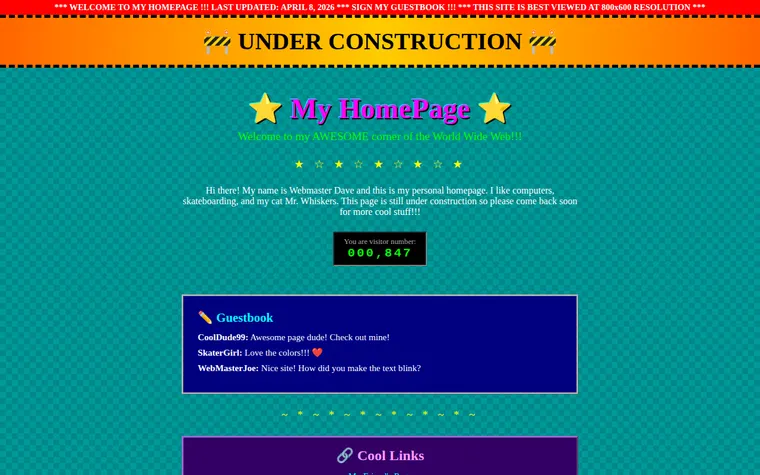
Same homepage, one sentence to your AI.
As it comes 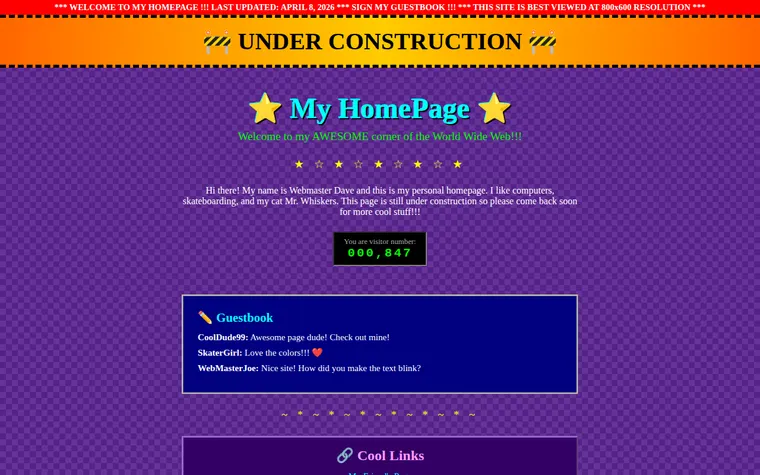
"Purple checkerboard, it's cooler" 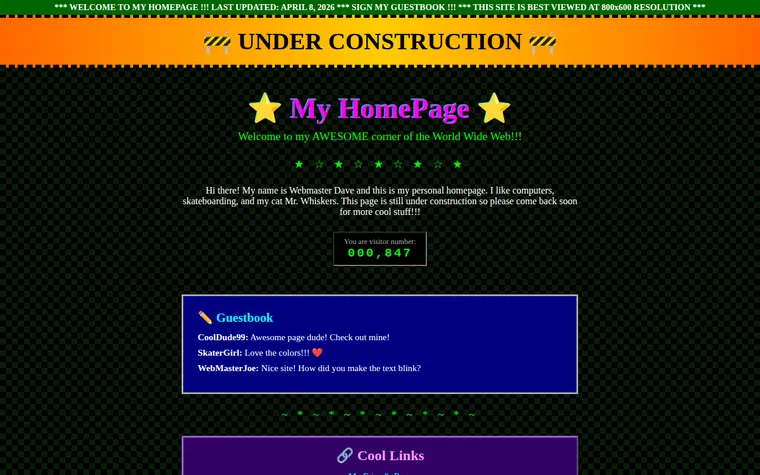
"Black background, green text, like a hacker"
More things to ask for
- Make the marquee say we're launching in the spring.
- Add a MIDI-style music button that does nothing.
- Put a spinning globe either side of the title.
- Add a Netscape Navigator badge at the bottom.
- Make all the links underlined and bright blue.
What's on the page
Marquee
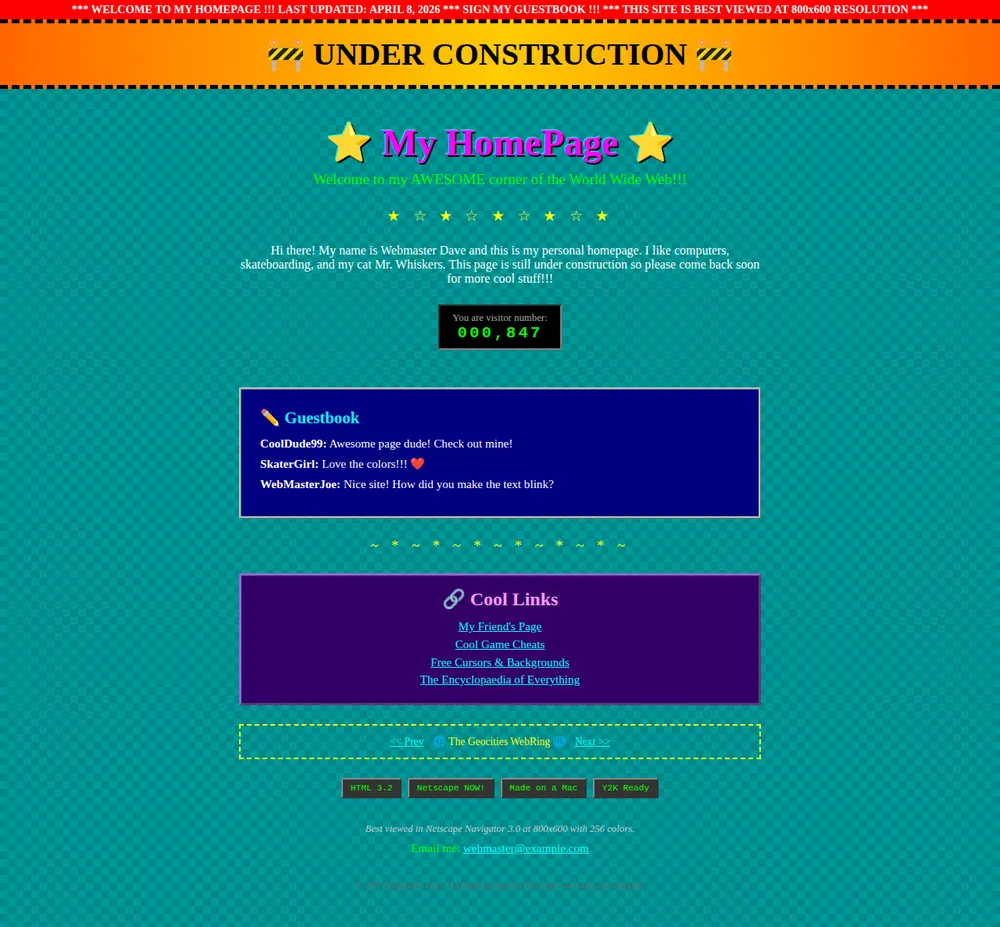
A red bar with scrolling text across the top: last updated, sign my guestbook, best viewed at 800x600.
Under Construction
A blinking orange banner with roadwork signs at each end.
Welcome
Your site name between two spinning stars, then a few lines about you and your interests.
Visitor counter
A green digital counter. The number is written into the page, so you pick it.
Guestbook
A blue box of messages from imaginary visitors, written into the page.
Cool links and webring
Links to your friends' pages and a webring with Prev and Next.
Badges and footer
HTML 3.2 and Netscape NOW! badges, a Best viewed in line, your email link and a 1997 copyright.
Where you'll share it
A birthday surprise
Make a homepage about a friend who was online in 1998 and send it on the day.
A coming-soon joke
Put it up while your real site is being built, so the under construction page means it.
The group chat
Everyone will want to know how you made the text blink.
Two ways to start
Let your AI write it
Copy the prompt, answer the questions, and get a page built around your details.
Start from this design
Open this exact page in the paste page editor, swap in your words and photos, and publish.
Use this templateOr skip the template. Make something weird and put it live the same way.
Questions
- Is the 90s website template free?
- Yes. Copy the prompt or use the template, then sign up free to claim your link.
- Does the visitor counter on the 90s homepage really count?
- No. The number is part of the joke and is written into the page. Ask your AI to change it whenever you like, to 000,001 or 999,999.
- Can people sign the guestbook on my retro homepage?
- The messages on the page are written in, not collected. Give your AI your email or a link to a guestbook service and it puts a Sign my guestbook link in the box.
- Can I use it as a real under construction page?
- Yes, if you want your placeholder to make people smile. Tell your AI what's coming and when, and it puts that in the marquee and the welcome text.
- Is this a real GeoCities template?
- It's a new page made to look like one, with the same things those sites had: checkerboards, Comic Sans, a webring and badges. GeoCities itself closed in 2009.
More fun templates
- 404 JokeYou found nothing. Congratulations.
- RickrollNever gonna give you up.
- Conspiracy BoardRed string. Pinboard. Connect the dots.
- Coming SoonBuild anticipation. Collect interest.