Make it with your AI. Host it on paste page.
Free HTML dashboard template
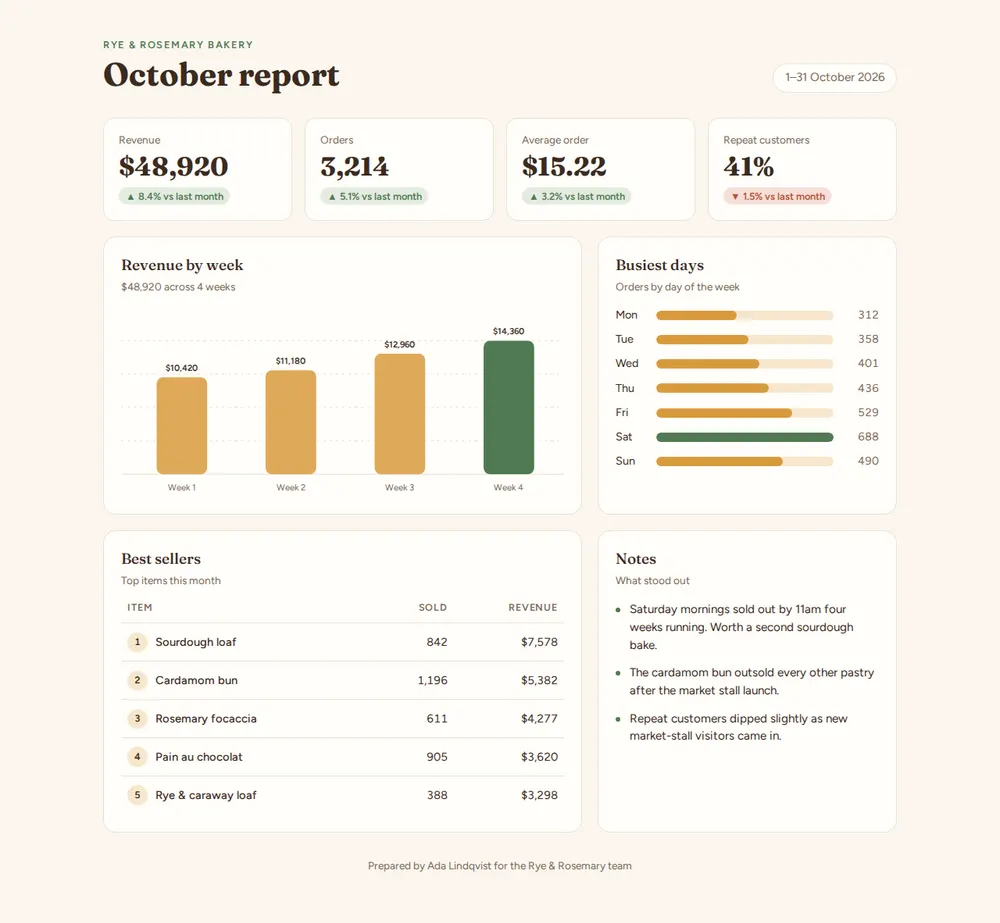
Give your AI your numbers and it builds a dashboard with key figures, charts and a table. Paste it into paste page and share the link.
Copy the prompt paste what your AI writes live at paste.page/bakery-october
Works with any AI chat
- ChatGPT
- Claude
- Gemini
- Copilot
- Grok

How it works
From your numbers to a live dashboard in two steps
Step 1
Copy this prompt into your AI chat
It asks what the dashboard is for, the period it covers, your key numbers and how each changed, what the chart and table should show, and anything worth a note, then writes the whole page.
I want to create a one-page dashboard. Ask me: 1. What's it for? (a business, project, club or team) 2. What period does it cover? 3. What are the 3-4 key numbers, and how did each change since last time? 4. What should the main chart show? (for example revenue by week) 5. What should the table list? (for example best sellers or top pages) 6. Anything worth calling out in a short notes section? Keep all the numbers in one data block at the top of the script so they are easy to update. Draw charts with inline SVG, no chart library. Then generate the complete single-file HTML page with inline CSS. Make it beautiful and responsive.
Step 2
Paste the code it gives you into paste page
Pick your link, such as paste.page/bakery-october, publish, and send it to your team instead of a spreadsheet.
Open paste page
Your photos
Add your logo
Upload them in the paste page editor and each one gets its own link. Give those links to your AI and ask it to use them, or swap them in yourself.
Your logo beside the title, a photo of the shop or the product you're reporting on.
Put this logo next to the title and match the accent colour to it.
No photos yet? Your AI uses placeholders you can swap after publishing.
Change anything by asking
Keep talking to your AI after it writes the page. Ask for new colours, fonts or sections in plain words and it rewrites the page. Paste the new version in and your link stays the same.
The same report, three ways. One sentence each.
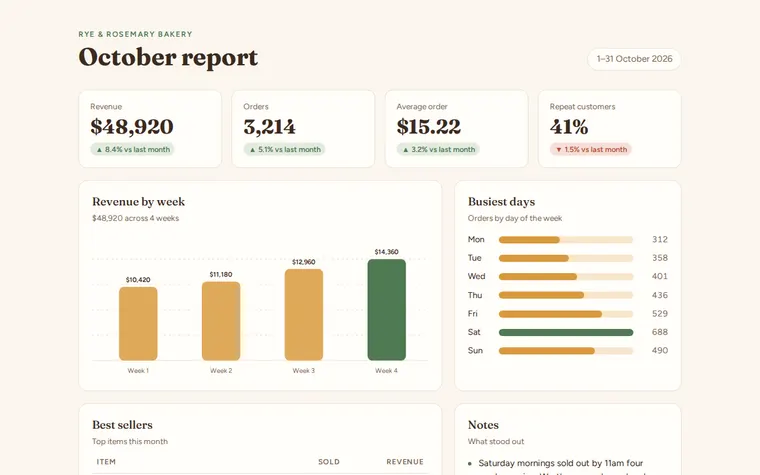
As it comes 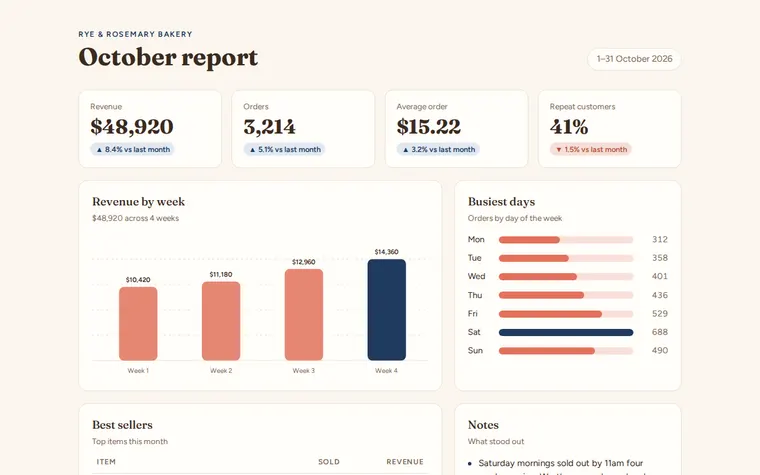
"In our brand's navy and coral" 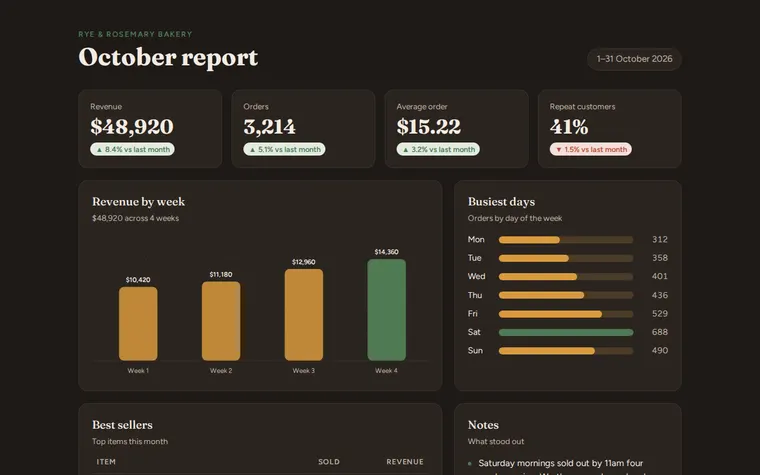
"A darker look for the big screen"
More things to ask for
- Add a fifth number for new customers.
- Show revenue as a line chart instead of bars.
- Compare this month with the same month last year.
- Switch the currency to euros.
- Add a table of the top five pages on our website.
What's on the page
Header
Who it's for, the report's title and the period it covers.
Key numbers
Four cards, each with its change since last month.
Revenue by week
A bar chart with the latest week picked out.
Busiest days
Orders by day of the week, with the busiest one highlighted.
Best sellers
A ranked table with how many sold and what they earned.
Notes
Two or three lines on what stood out.
Where you'll share it
Monthly team updates
One link everyone opens on a phone, in place of a spreadsheet attachment.
Investors and partners
The month's numbers at a glance, laid out to read rather than decode.
Club or project reports
Membership, money raised or progress, shared in the group chat.
Two ways to start
Let your AI write it
Copy the prompt, answer the questions, and get a page built around your details.
Start from this design
Open this exact page in the paste page editor, swap in your words and photos, and publish.
Use this templateOr skip the template. Make something weird and put it live the same way.
Questions
- Is the dashboard template free?
- Yes. Copy the prompt or use the template, then sign up free to claim your link.
- Can my AI fill it in from a spreadsheet?
- Yes. Paste the numbers from your spreadsheet into the chat when it asks. Check the totals before you publish, because the AI can slip.
- Does the dashboard update itself?
- No. It shows the numbers you give it. Ask your AI for a new version each month and paste it over the old one. The link stays the same.
- Can I make a dashboard for something other than a business?
- Yes. A club's membership, a project's progress or a fundraiser's totals all work. Tell your AI what to track and it changes the labels.
More business templates
- Research SummaryFindings, methodology, citations.
- Small BusinessSimple presence for local businesses.
- SaaS ProductHero, features, pricing. Ship it.